
Use the free checker without sharing passwords, codes or bank details.
Scam safety tools
Short guides to help someone check before they click.
Scam Help brings together free checkers, recovery help, plain-English scam guides, safe sharing and QuoteMe if someone already clicked, paid or installed something.
Scam Help helps Australians choose the right next step before they click, before they pay, after they click, or when they need to report.
Stop. Check. Ask Your IT & Tech Mates.
No pasted message in share textRisk score + safe next stepBuilt for families and workmatesHacked recovery report builder
Simple safety path
The fastest path from suspicious message to safe next step.
Pick the situation that matches you and move to the safest next step quickly.
Read the short guide for the closest example: Hi Mum, PayID, invoice, parcel, toll or fake popup.
Copy a safe checker link for family, friends, workmates, staff or neighbours.
If someone clicked, paid, entered details or installed remote access, start the Recovery Helper and build a report before QuoteMe.
Helpful decision tools
Use a tool when it helps you make the next decision
These are selected because they answer a real question inside Scam Safety & Digital Safety. Use the result with the guide and evidence around it; the tool does not replace human review.
Best starting points
Scam safety tools
Choose the right helper. Start with the free checker before you click, use Recovery Help after something happened, or pick a focused tool for payments, remote access, accounts, business email, family messages, marketplace scams and evidence.
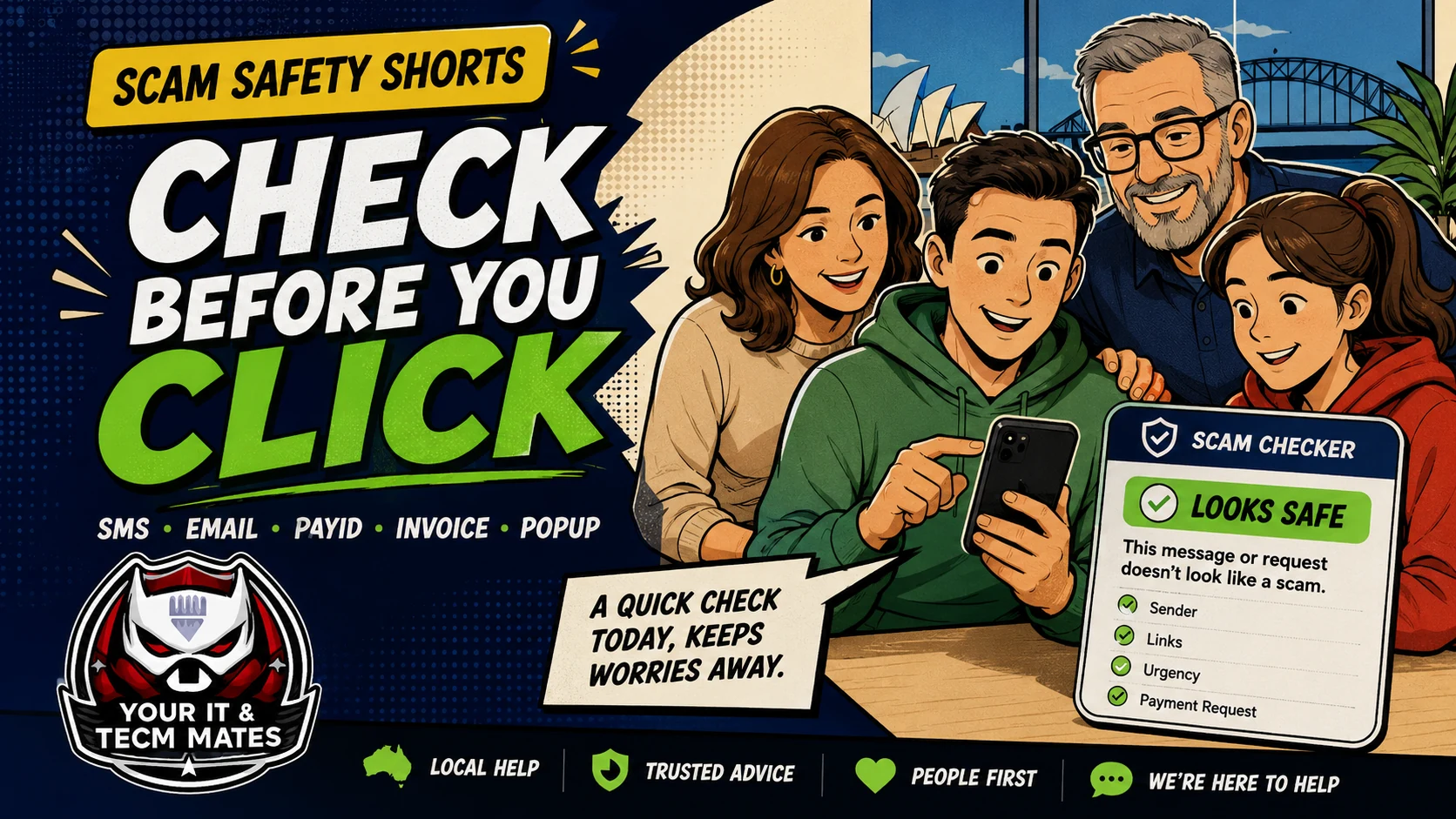 #1 Free toolScam SMS & Email Checker
Paste suspicious wording only. Get a risk score, likely type, warning signs and a safe next step.
Before you click →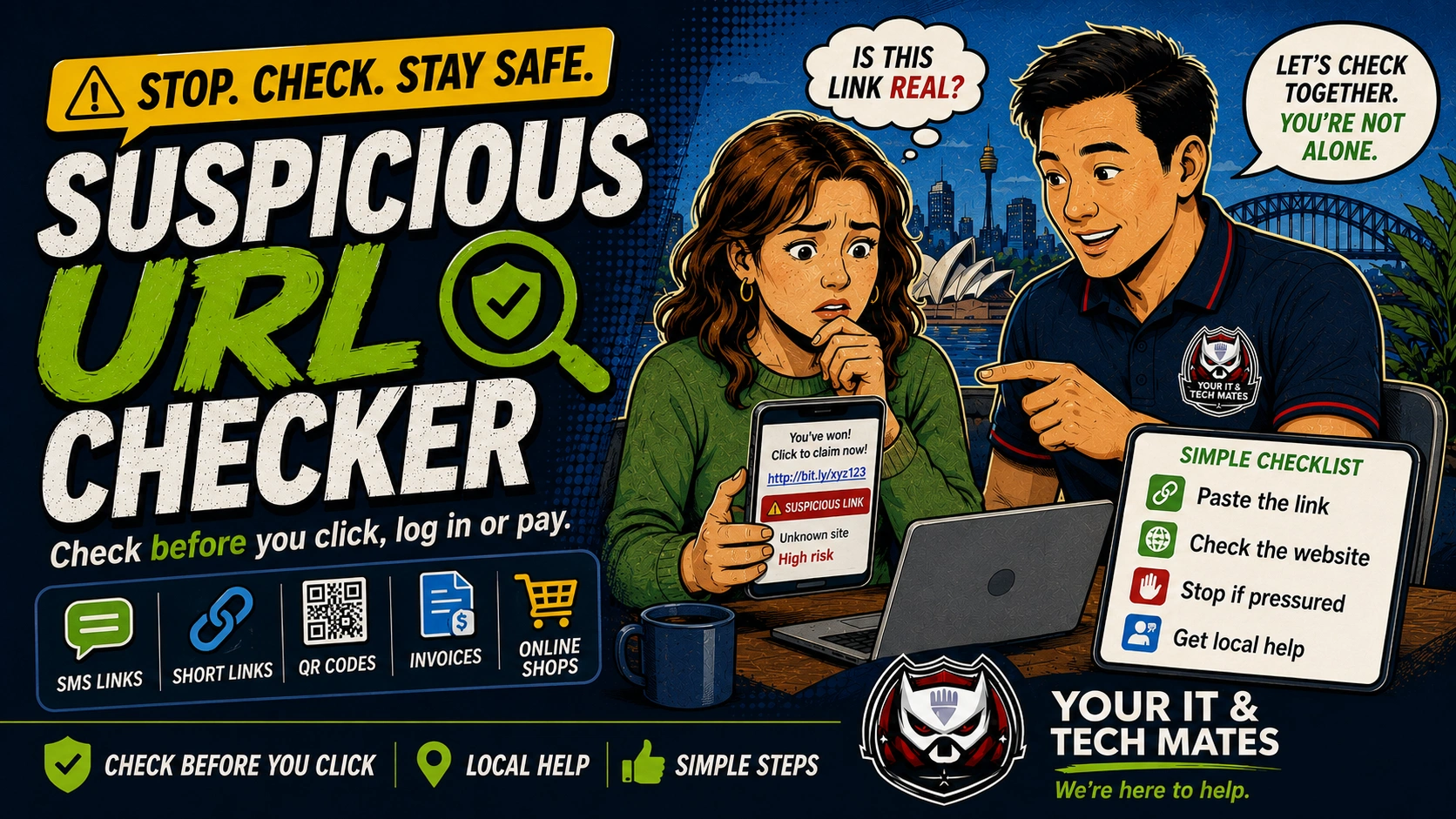 #2 Link checkerSuspicious Link Checker
Paste a suspicious URL, short link, QR destination, invoice link, fake support link or online shop link before opening it.
Check a link first →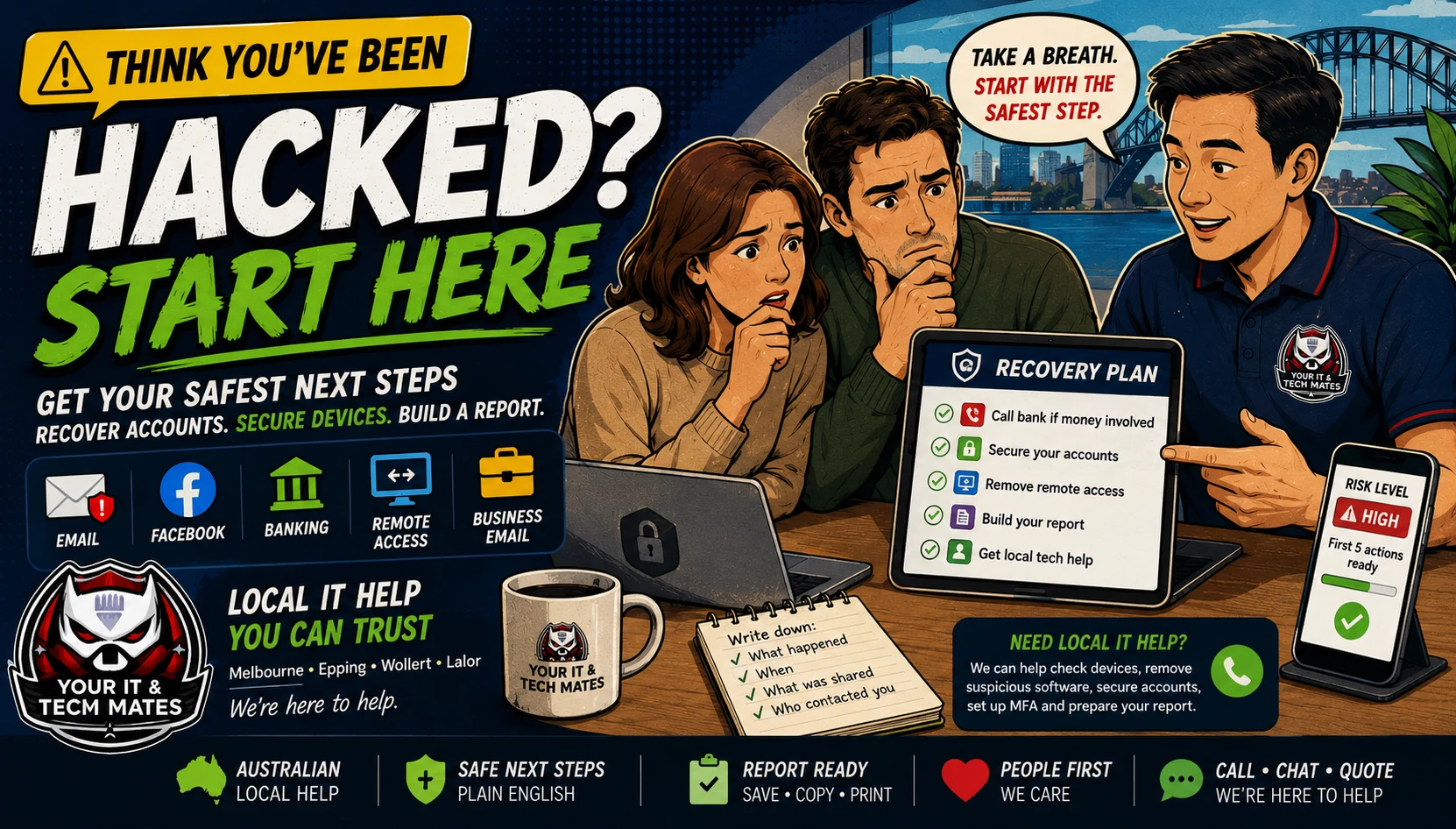 #3 Recovery helpHacked? Start Here
Get first actions and create a recovery report if someone clicked, paid, shared a code, installed remote access or is locked out.
Already clicked? →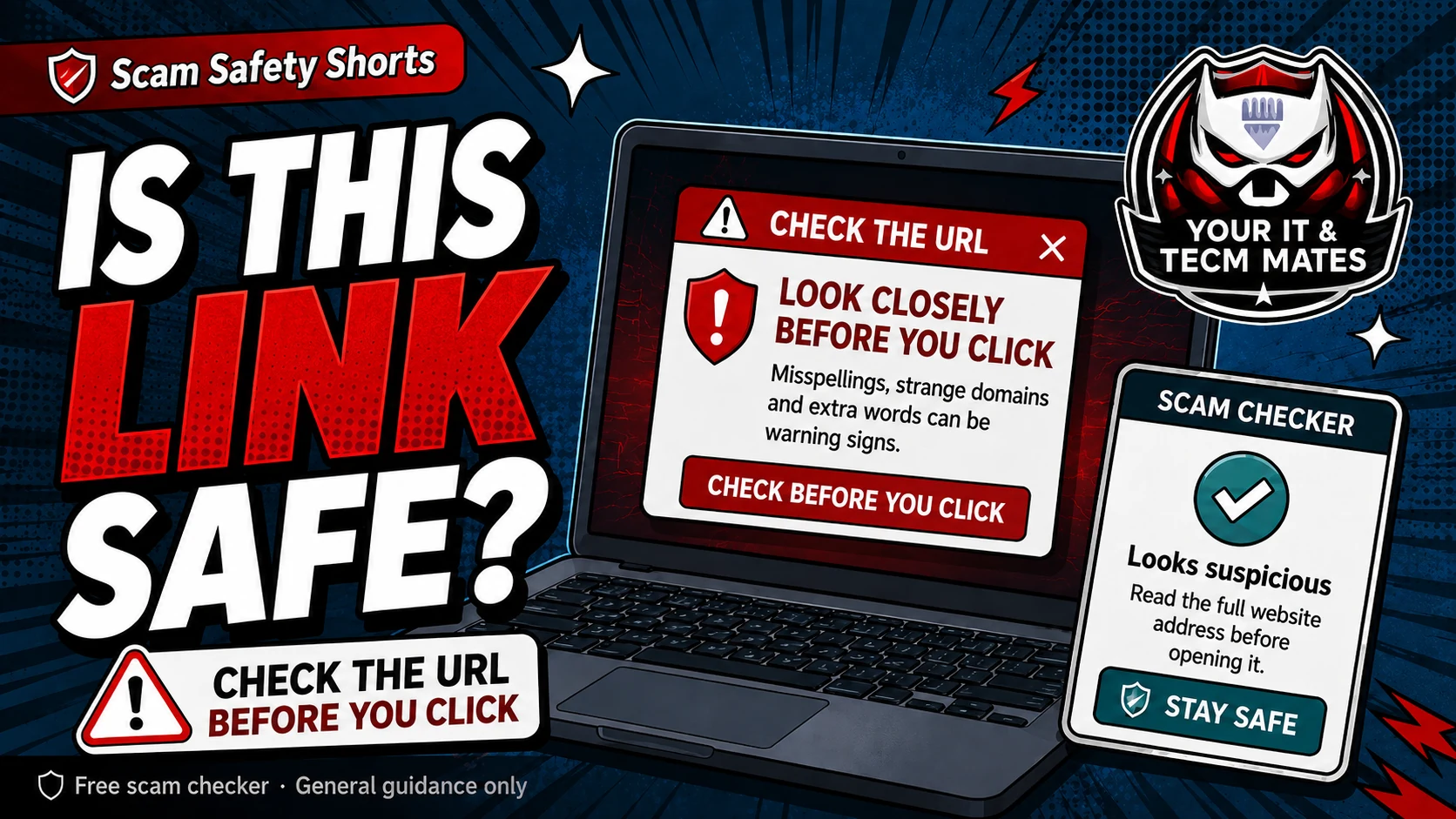 New consumer toolOnline Shopping Scam Checker
Check fake stores, social ads, too-cheap prices, missing contact details and unsafe payment requests.
Before you buy →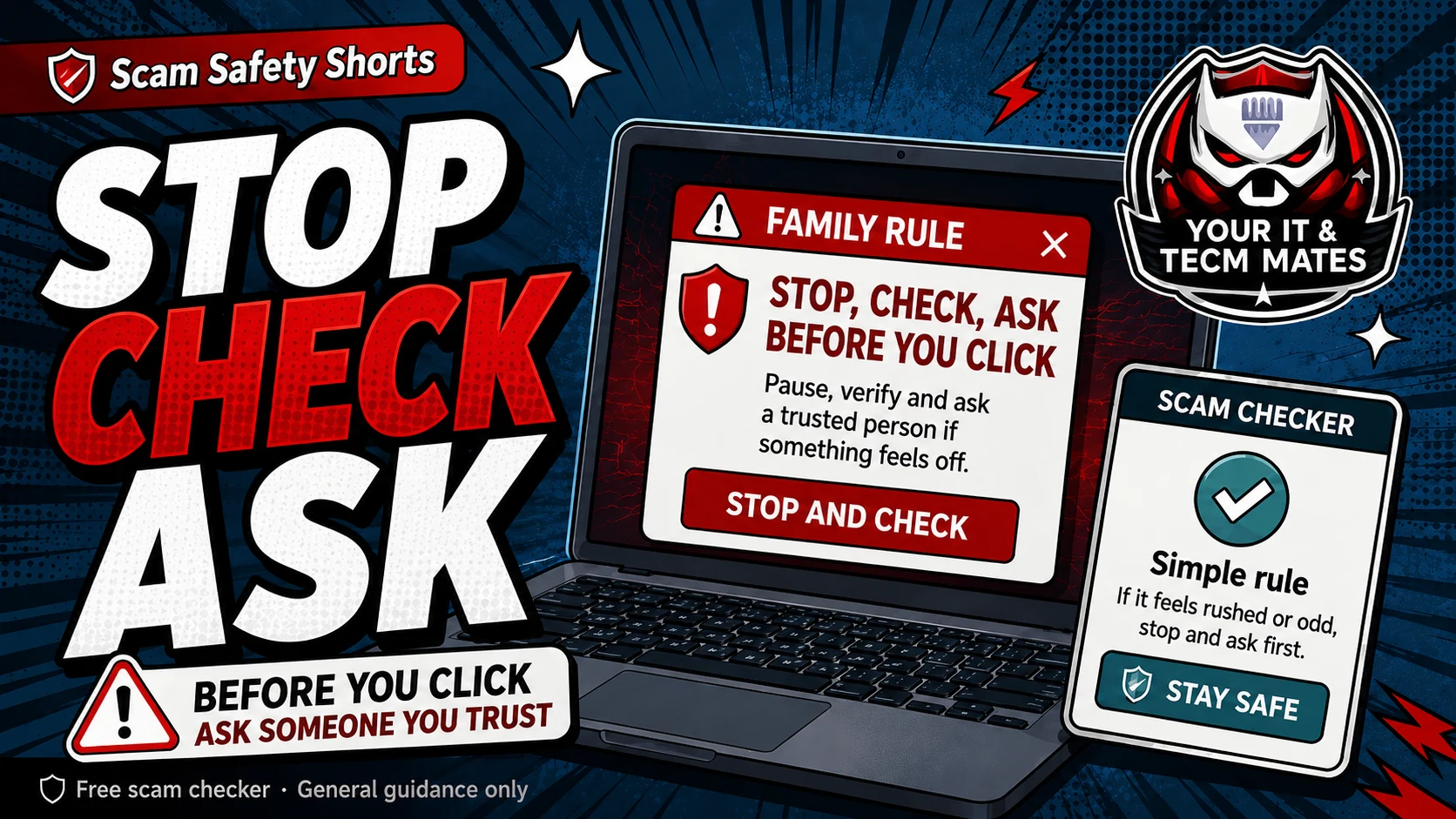 New QR checkQR Code Scam Checker
Check suspicious QR codes before scanning, paying, logging in or installing an app.
Before you scan →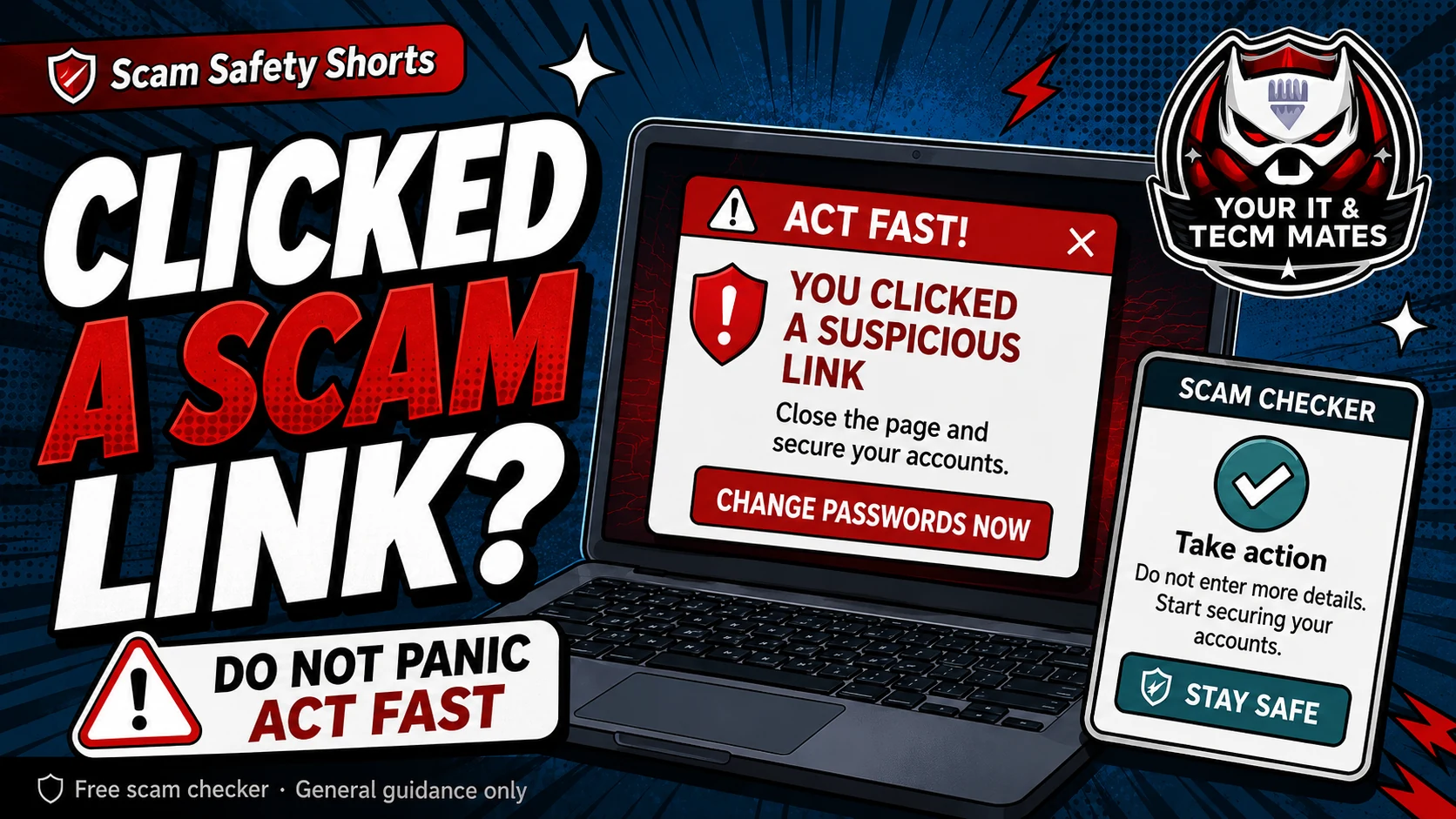 Urgent next stepLost Money Next Step Helper
If money was sent, call your bank first, save evidence and follow a calm recovery path.
After you paid →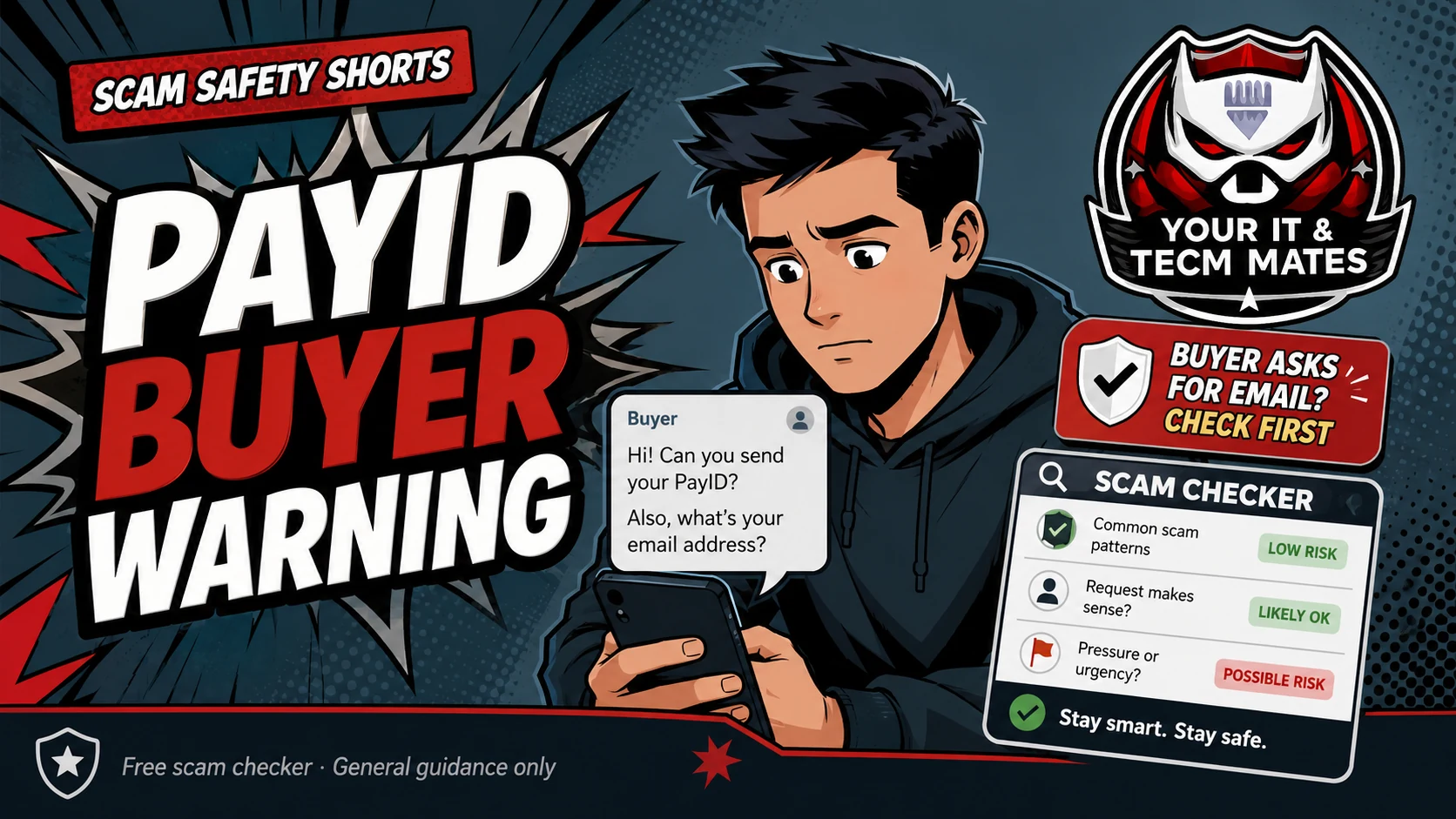 Rental payment checkRental / Bond Scam Checker
Check rental listings, bond requests, urgent deposits, copied photos and ID requests before sending money.
Before you pay bond →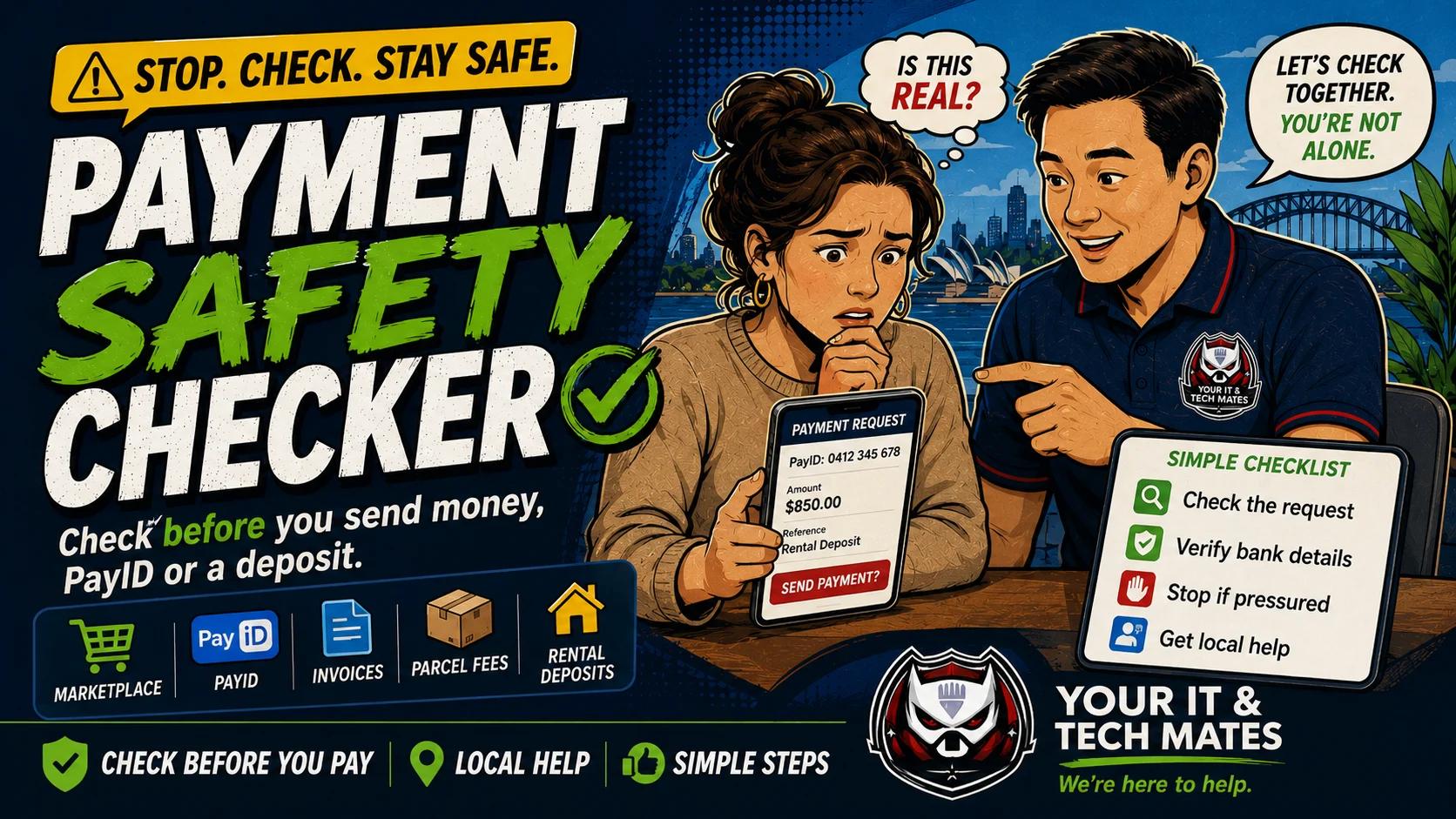 Payment checkPayment Safety Checker
Check PayID, bank transfer, invoice, marketplace, parcel fee, rental deposit and family payment requests before sending money.
Before you send money →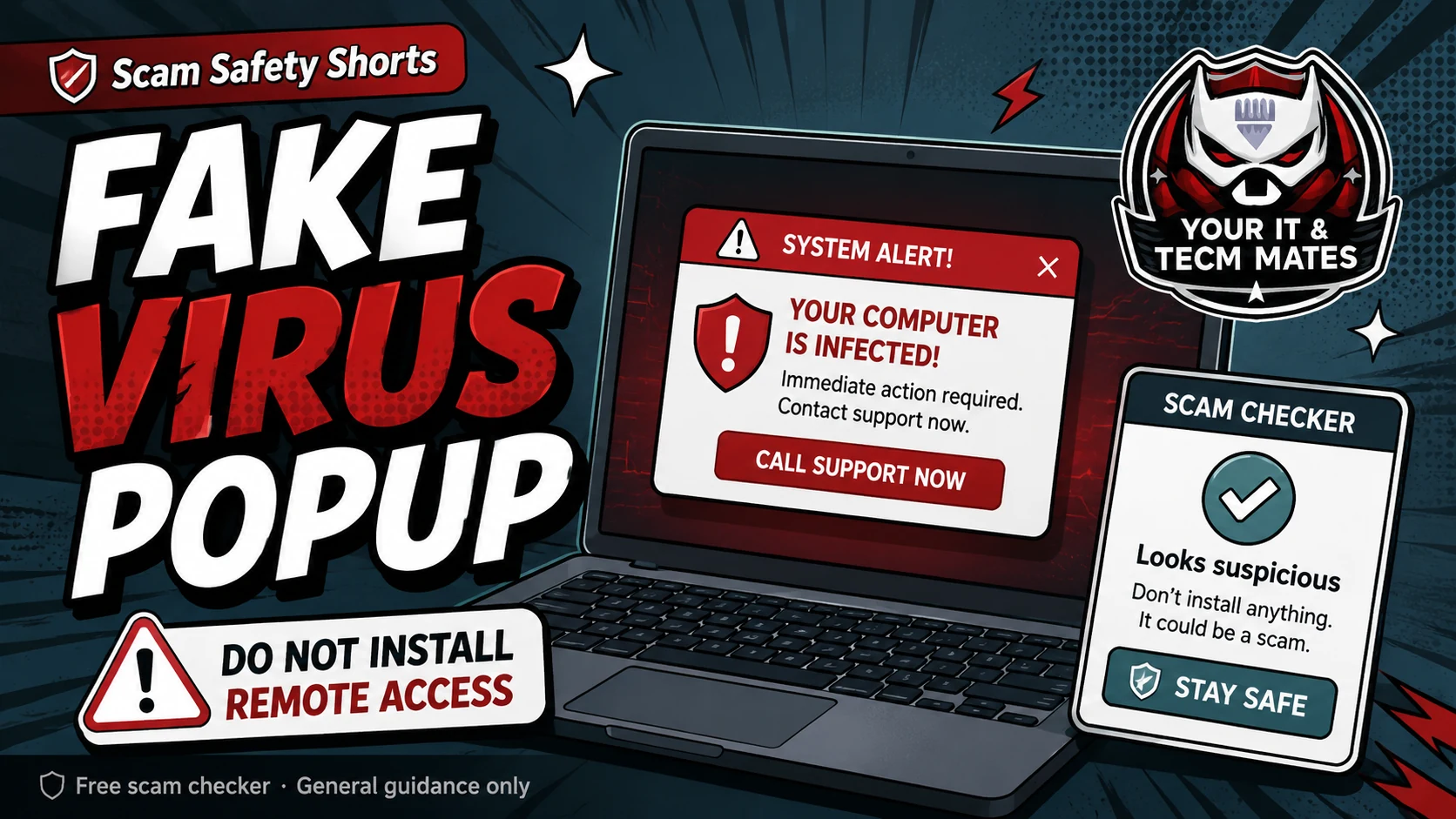 Tech support call checkFake Tech Support Call Checker
Check Microsoft, Telstra, NBN, bank, antivirus and refund calls before installing software or sharing codes.
Before you install anything →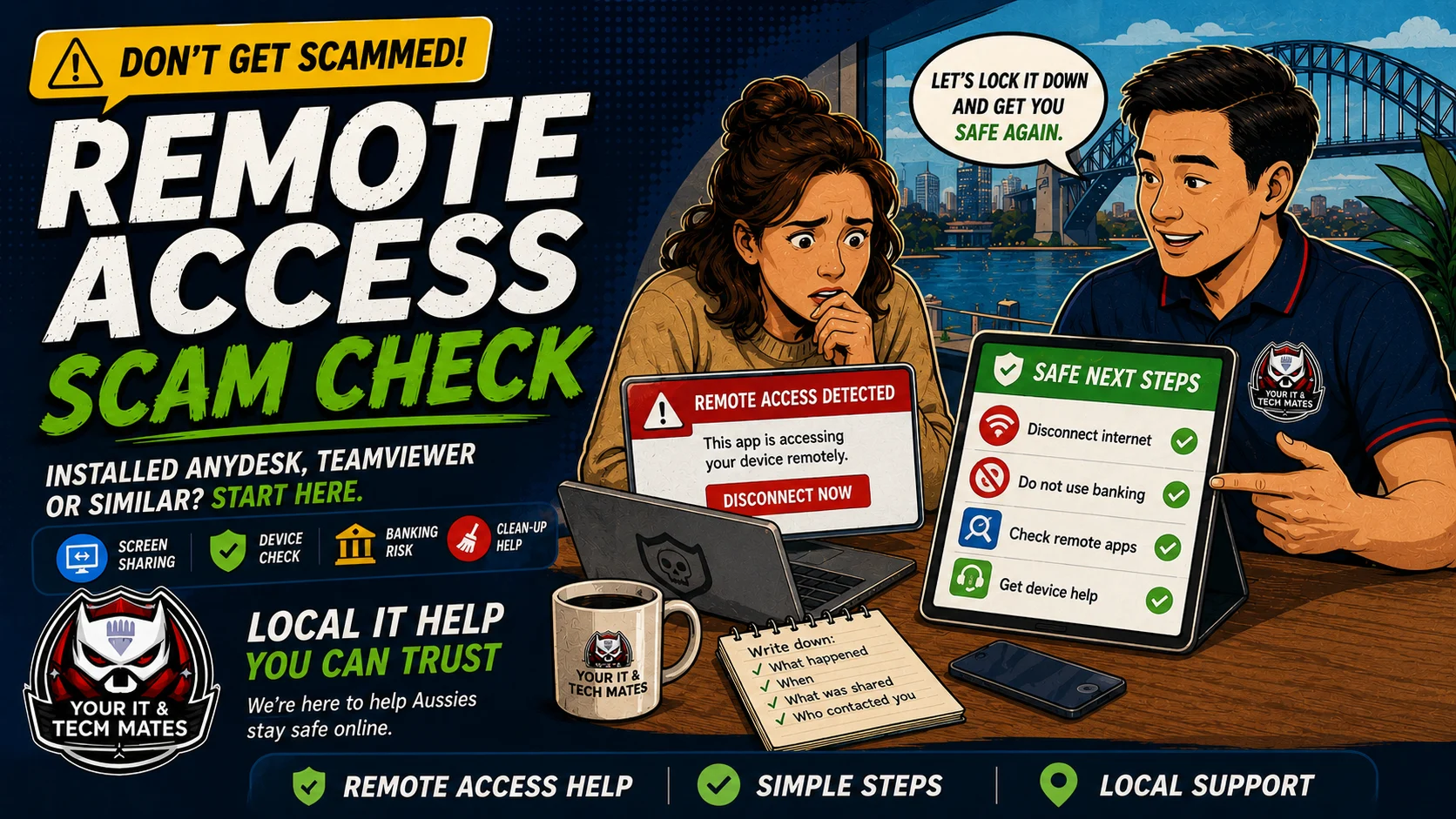 Remote access checkRemote Access Scam Checker
Check what to do if someone asked you to install AnyDesk, TeamViewer, QuickSupport, Chrome Remote Desktop or another screen sharing app.
Screen sharing risk →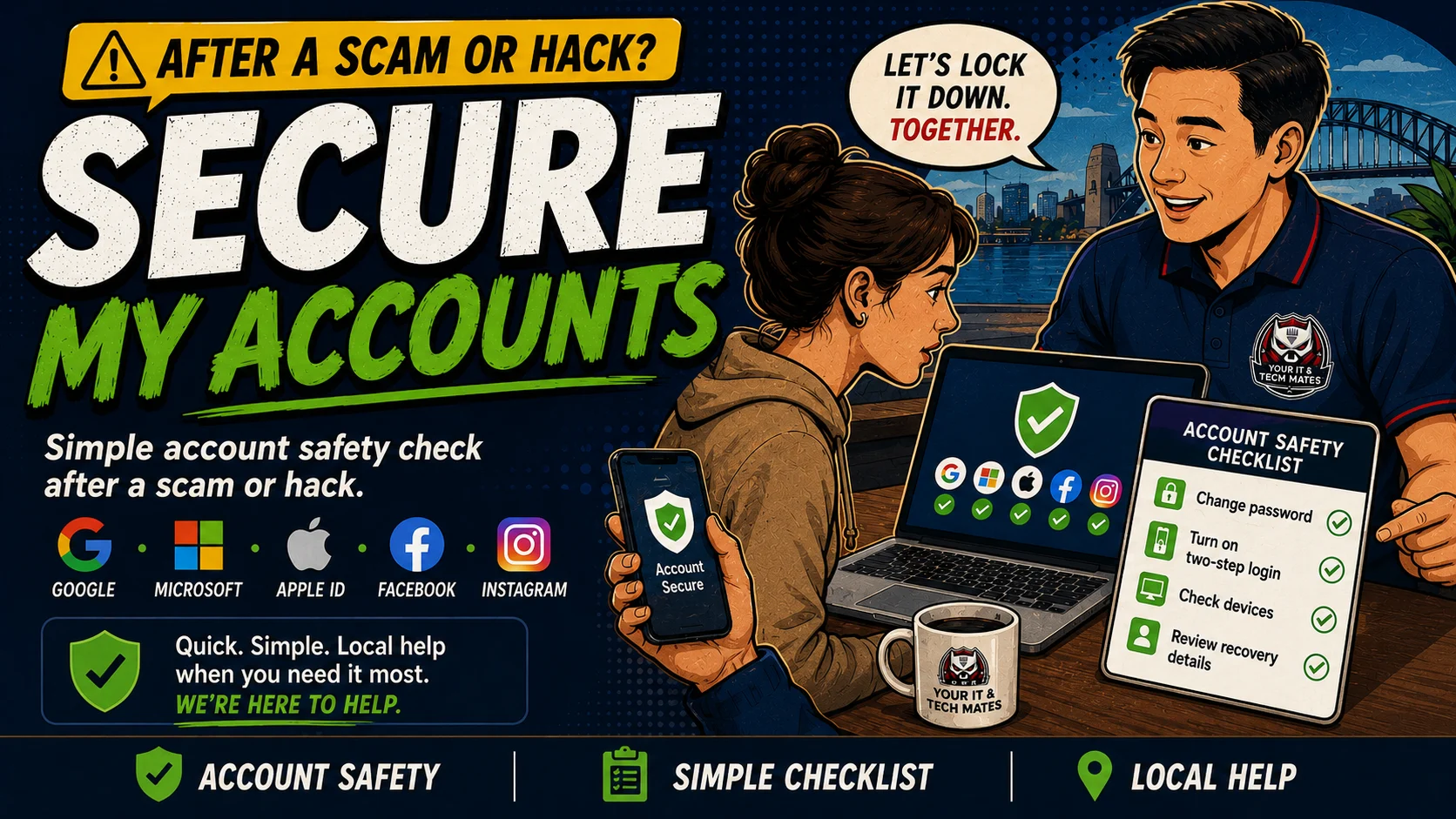 Account securitySecure My Accounts Checklist
A simple account lock-down checklist for Google, Microsoft, Apple ID, Facebook, Instagram, email and business accounts after a scam or hack.
Lock accounts down →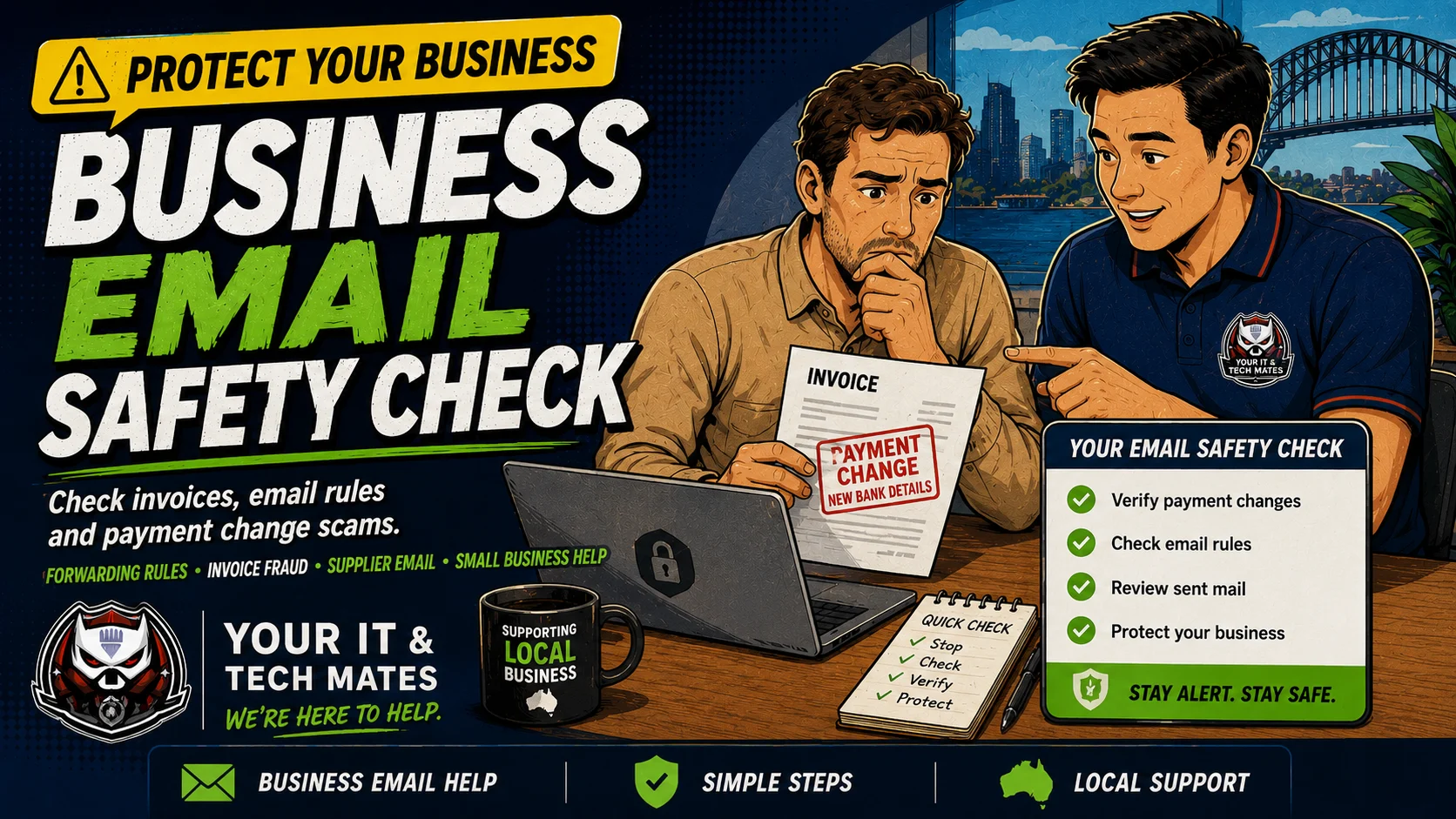 Business emailBusiness Email Safety Check
Check changed invoice bank details, supplier payment changes, email forwarding rules and business email compromise warning signs.
Business payment risk →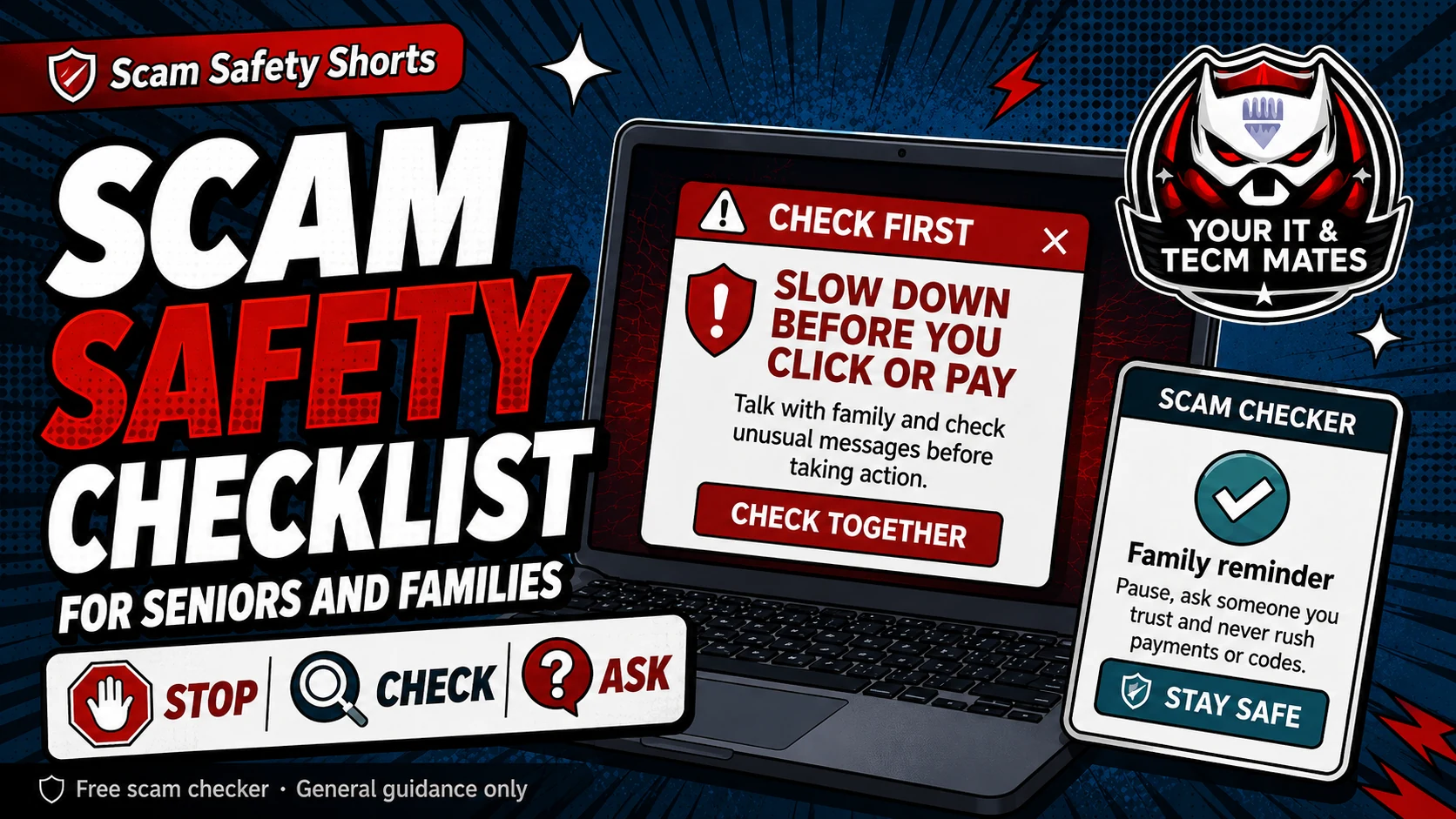 Family helperHelp My Parent Check a Scam
Use a calm no-shame checklist when helping a parent or older family member check messages, calls, links, payments or remote access.
Help family check safely →No-blame checkRomance Scam Warning CheckerCheck online relationship, gift card, crypto, emergency story, secrecy and identity-document warning signs before sending anything.
Check relationship warning signs →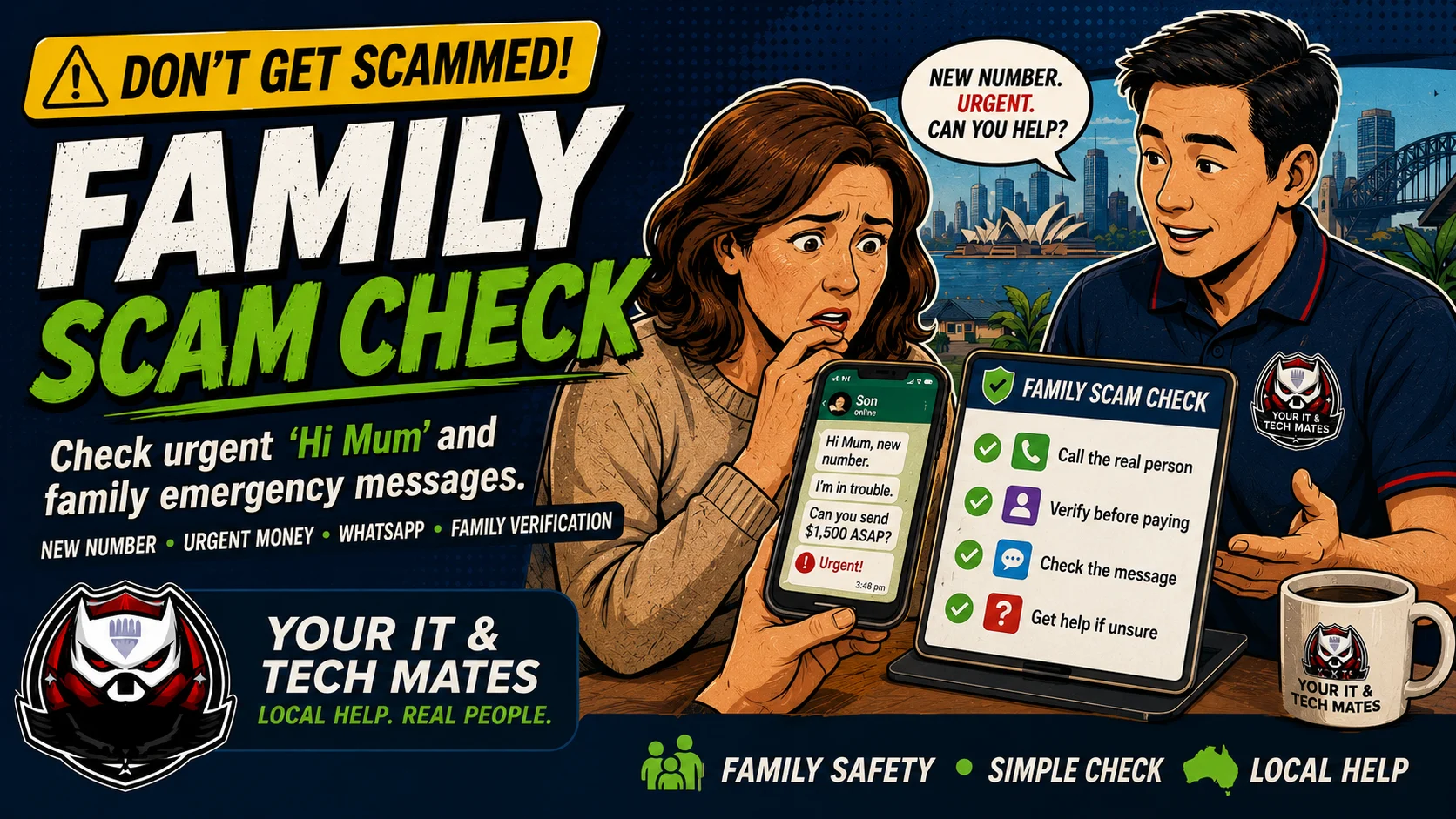 Family messageFamily Scam Check
Check Hi Mum, new number, WhatsApp, urgent family emergency and money request messages before replying or sending funds.
Hi Mum or urgent message →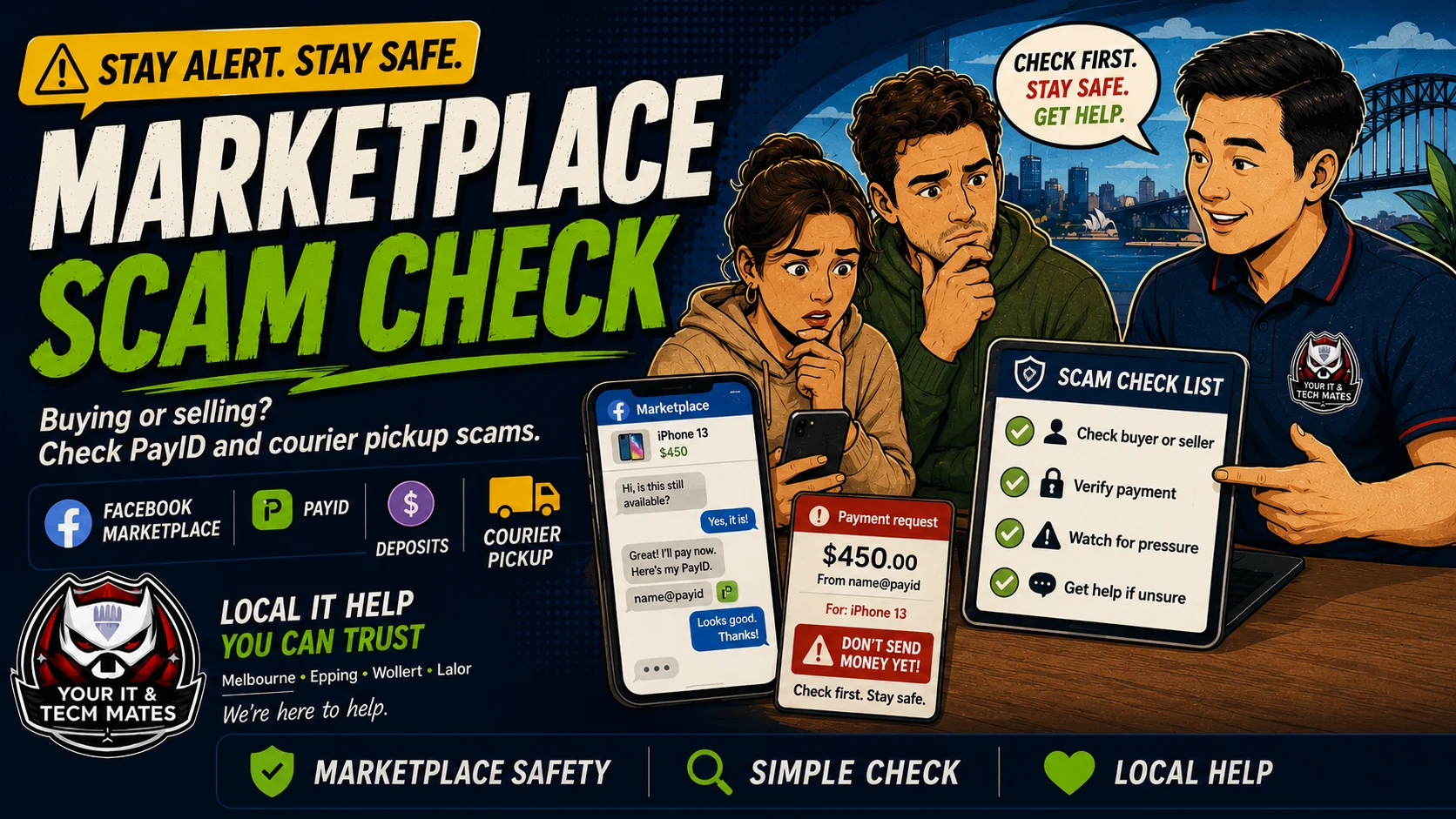 Marketplace checkMarketplace Scam Checker
Check buyer and seller red flags for Facebook Marketplace, Gumtree, PayID, courier pickup, fake payment screenshots and deposits.
Buying or selling online →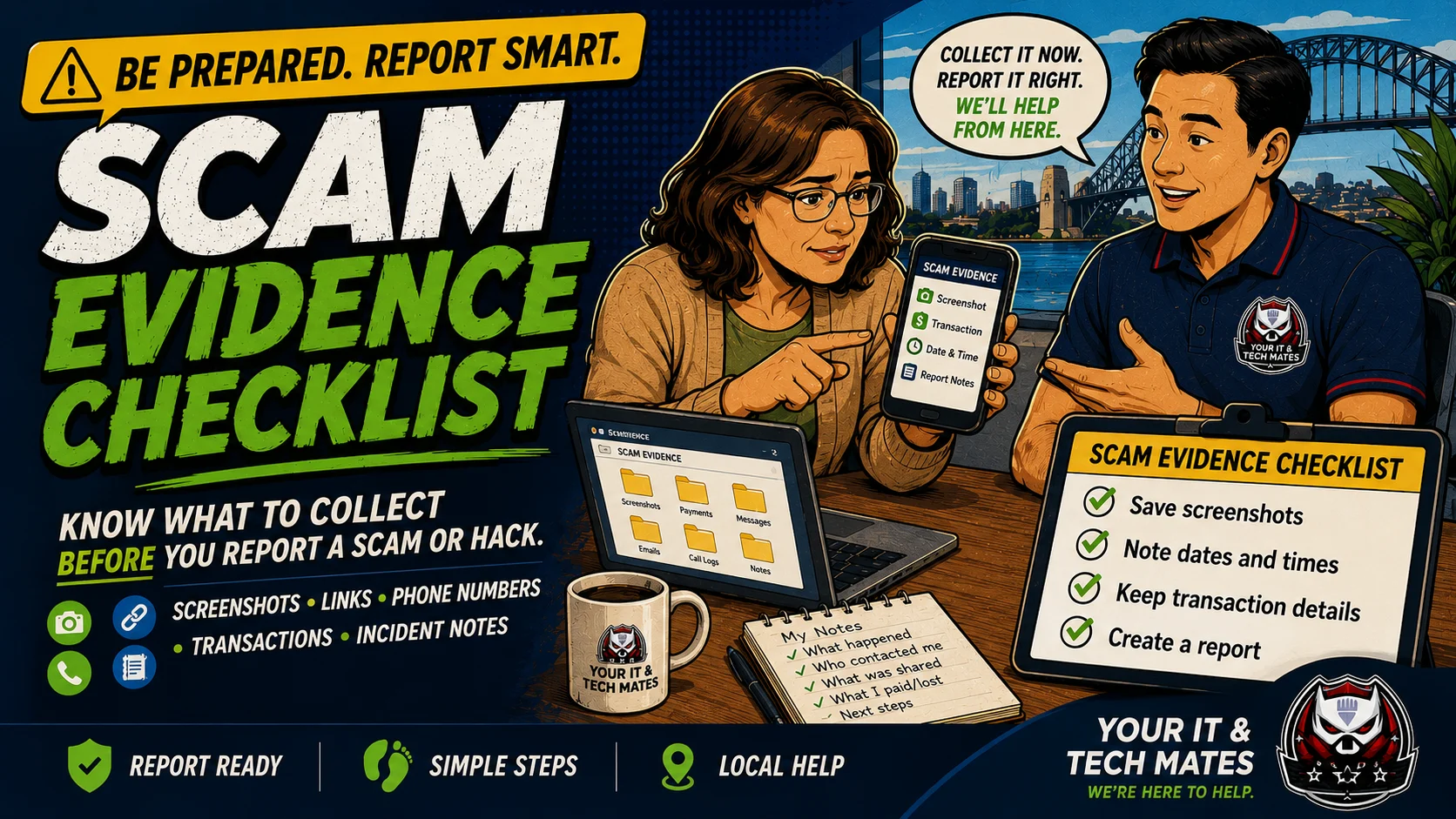 Evidence checklistScam Evidence Checklist
Know what to collect before reporting a scam or hack: screenshots, links, phone numbers, transaction details, account names and notes.
Before you report →Choose the scam type
What kind of message did you receive?
Pick the closest example, read the warning signs, then check the message before you click.
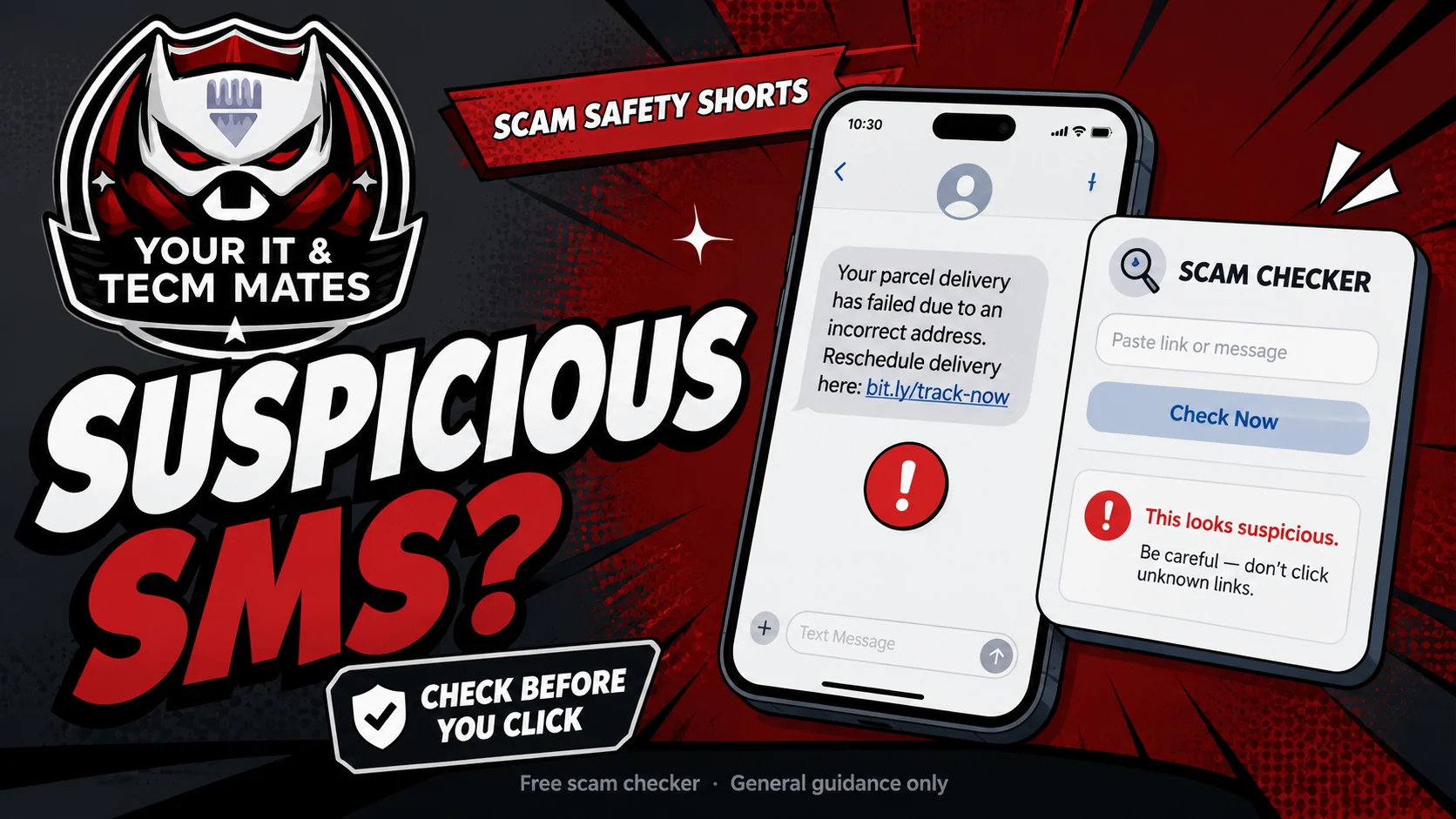 Start hereHow to Check a Suspicious SMS Before You Click
A simple first check for strange SMS, email and popup messages.
Read guide →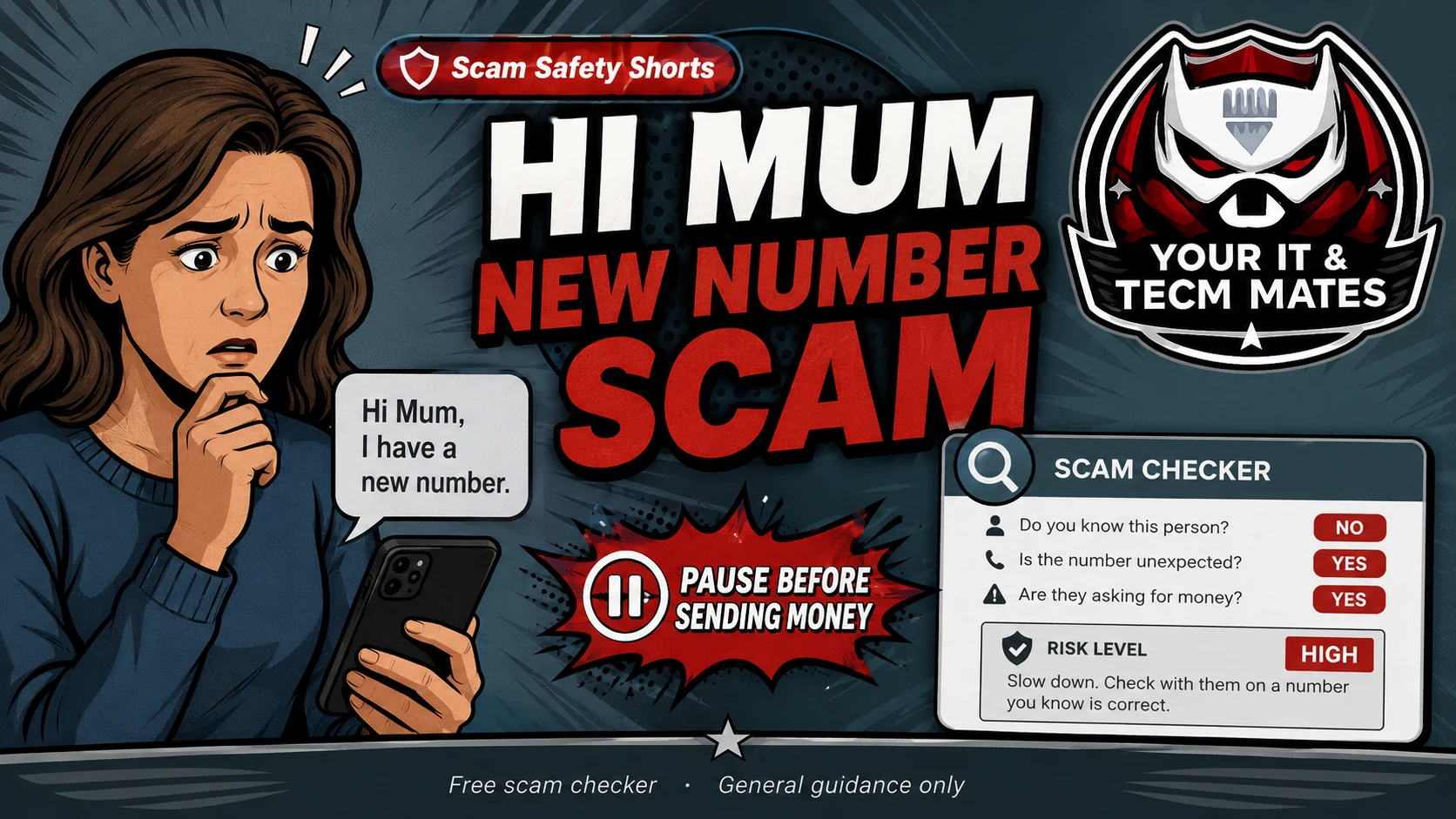 Family scamHi Mum New Number Scam
What to check before replying or sending money.
Read guide →Rental scamRental Bond Scam Warning Signs AustraliaCheck urgent deposits, copied photos, overseas landlord stories and ID requests before paying.
Read guide →Fake tech supportFake Tech Support Call Scam AustraliaCheck fake Microsoft, Telstra, NBN, bank security, antivirus and refund call warning signs.
Read guide →Marketplace scamPayID Buyer ScamSelling online? Watch for PayID email and courier red flags.
Read guide →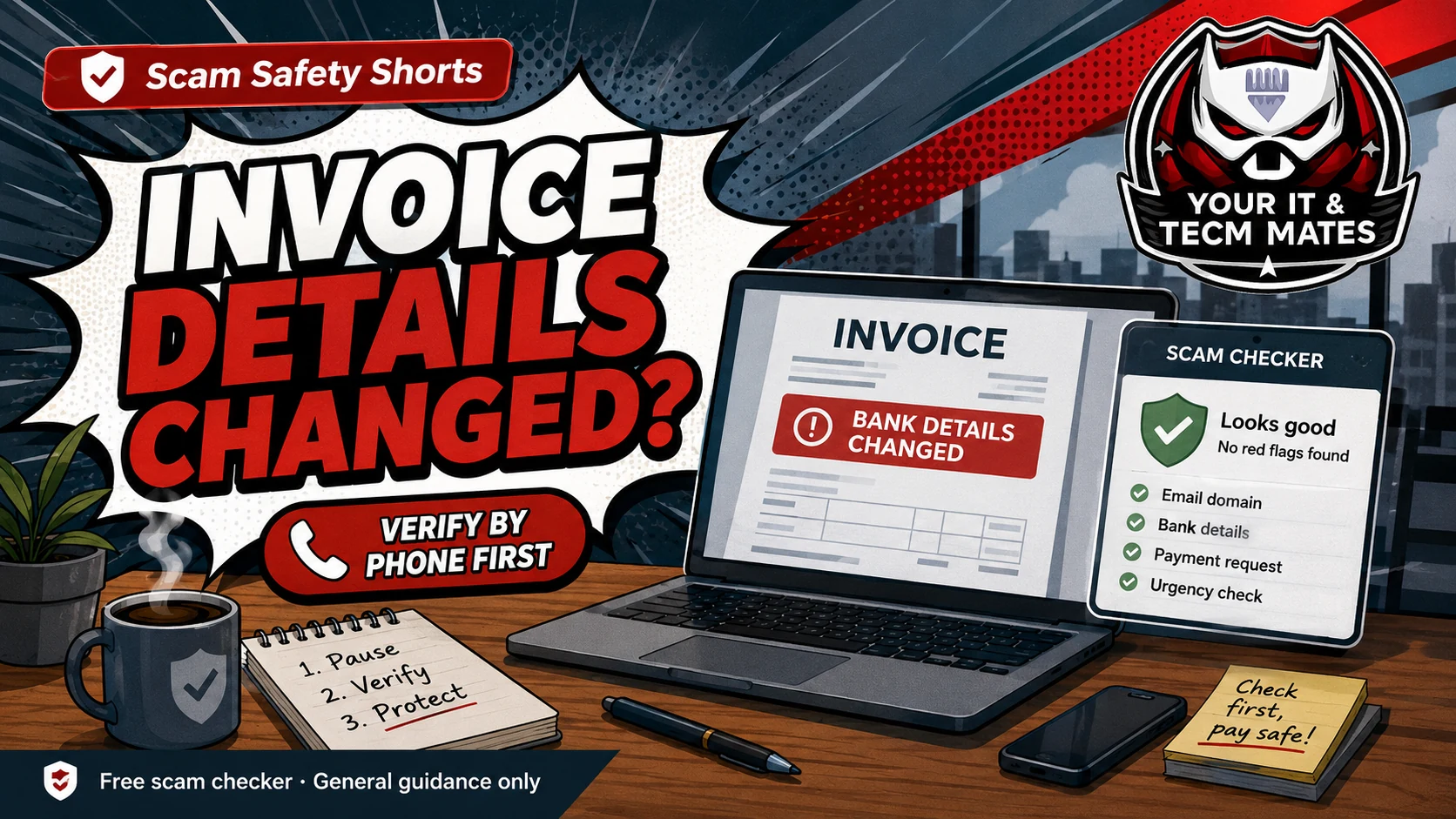 Business scamInvoice Bank Details Changed? Stop and Check First
Pause before paying a new BSB or account number.
Read guide →Virus scamFake Virus Popup Asking for AnyDesk or TeamViewerDo not install remote access software from a popup or cold call.
Read guide →Already clicked?Hacked? Start HereGet safe next steps, reporting notes and local tech help options.
Open tool →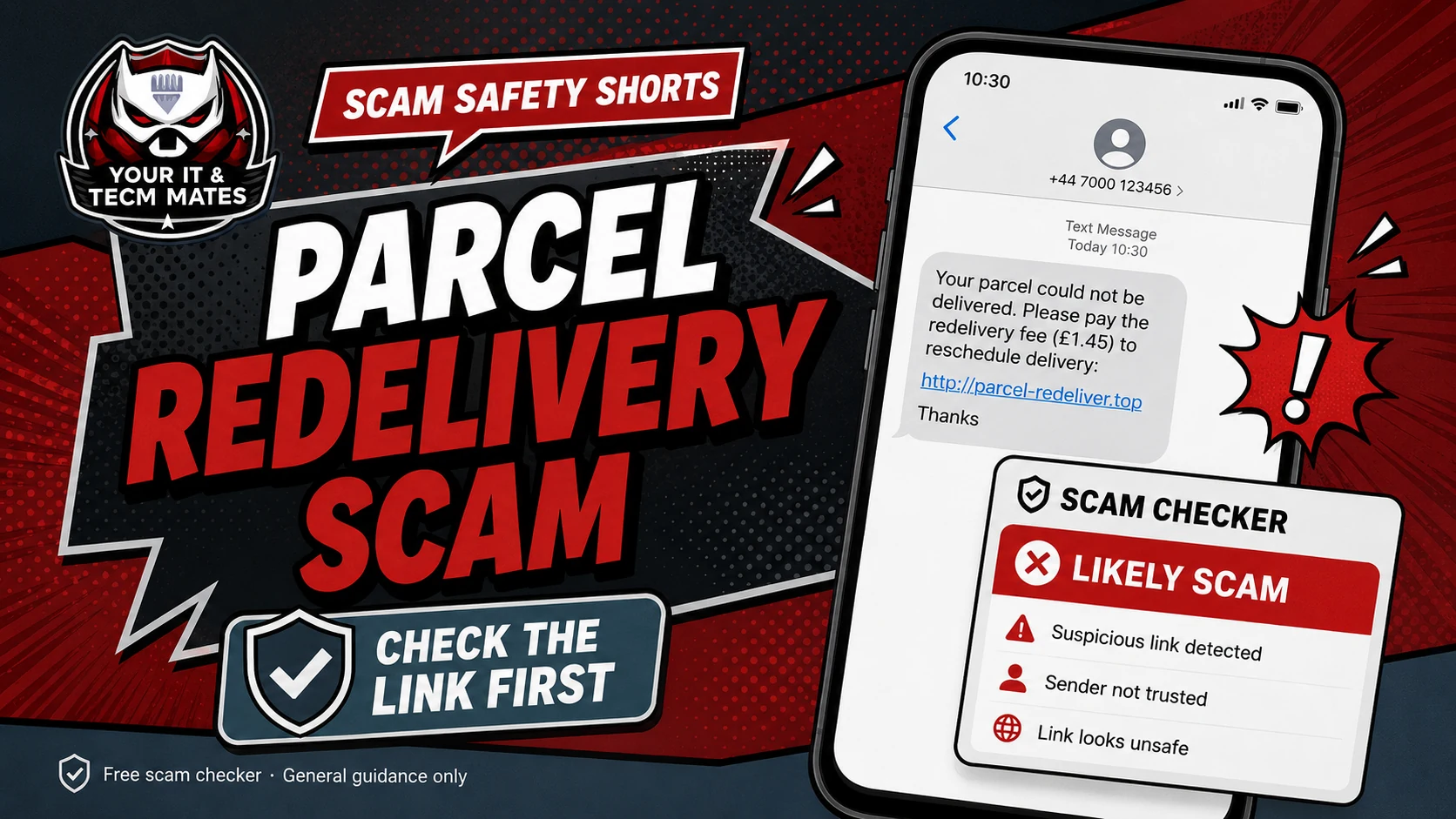 Delivery scamParcel Delivery Scam SMS
Fake delivery fees and tracking links explained.
Read guide →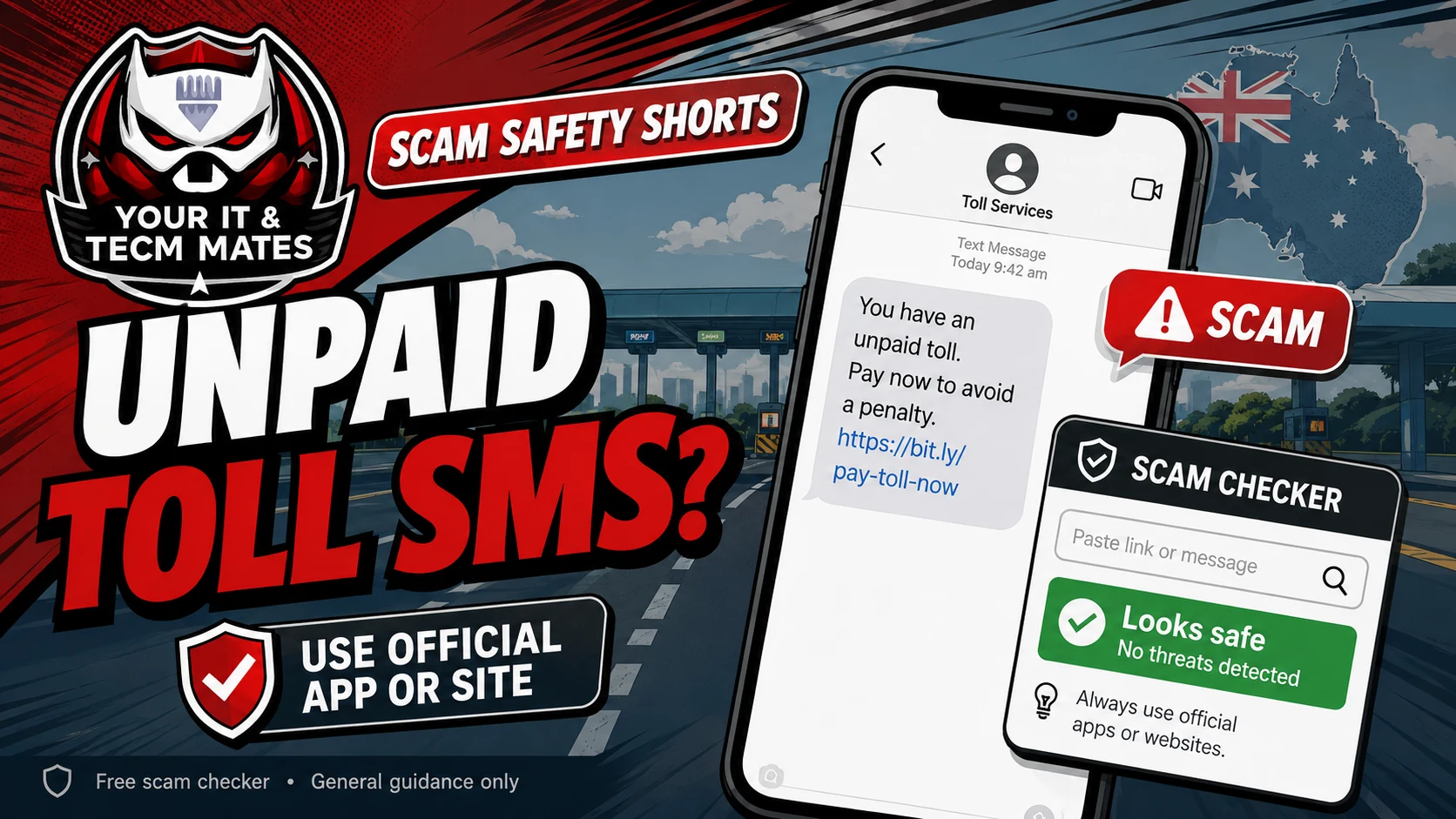 Toll scamToll Road Scam SMS Australia
Fake Linkt, EastLink and toll payment scams.
Read guide →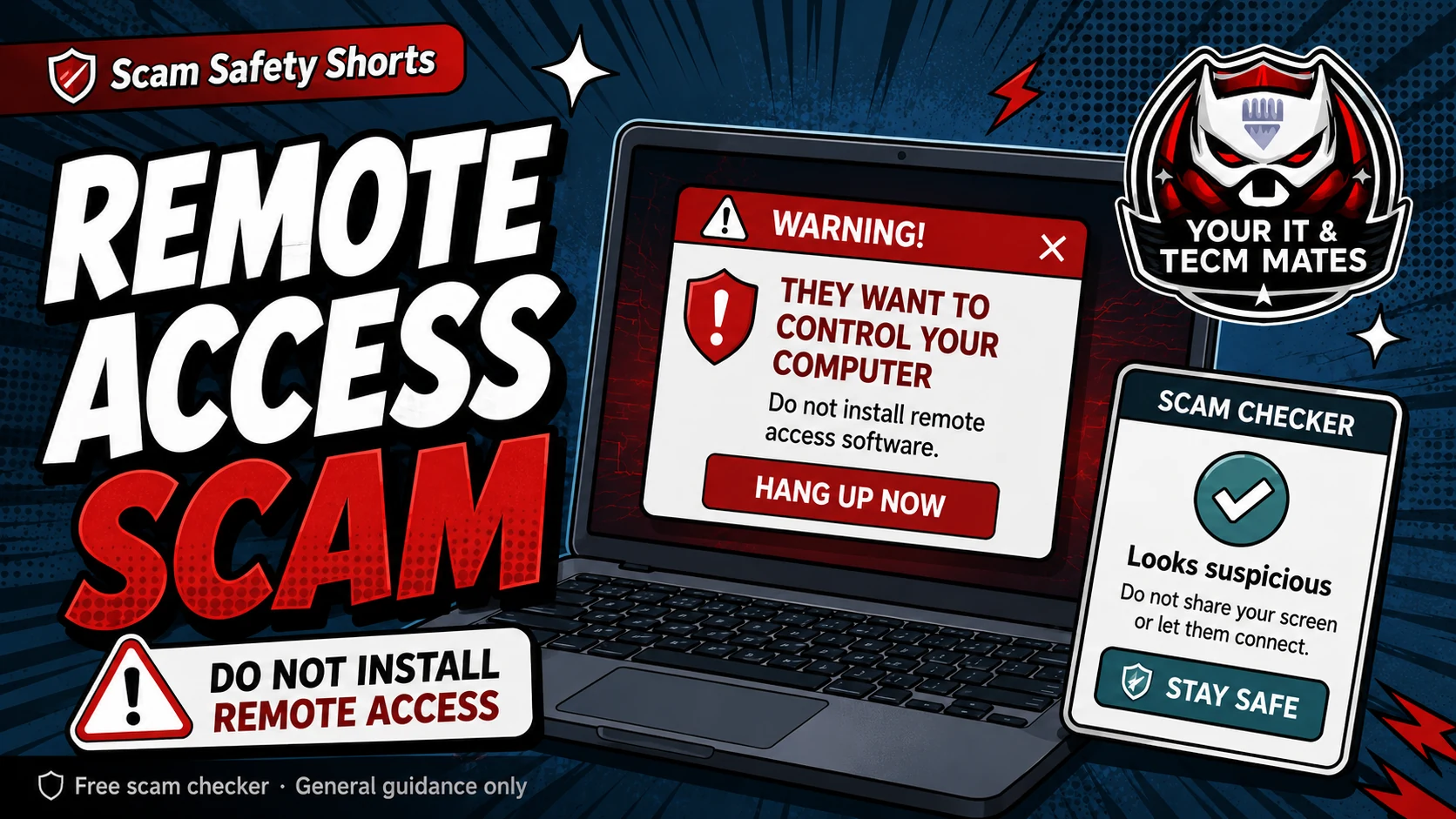 Remote access warningRemote Access Scams: What to Do If Someone Asked to Control Your Computer
If a stranger, caller, popup, buyer, bank message or support chat asks to control your device, treat it as high risk until you verify it another way.
Read guide →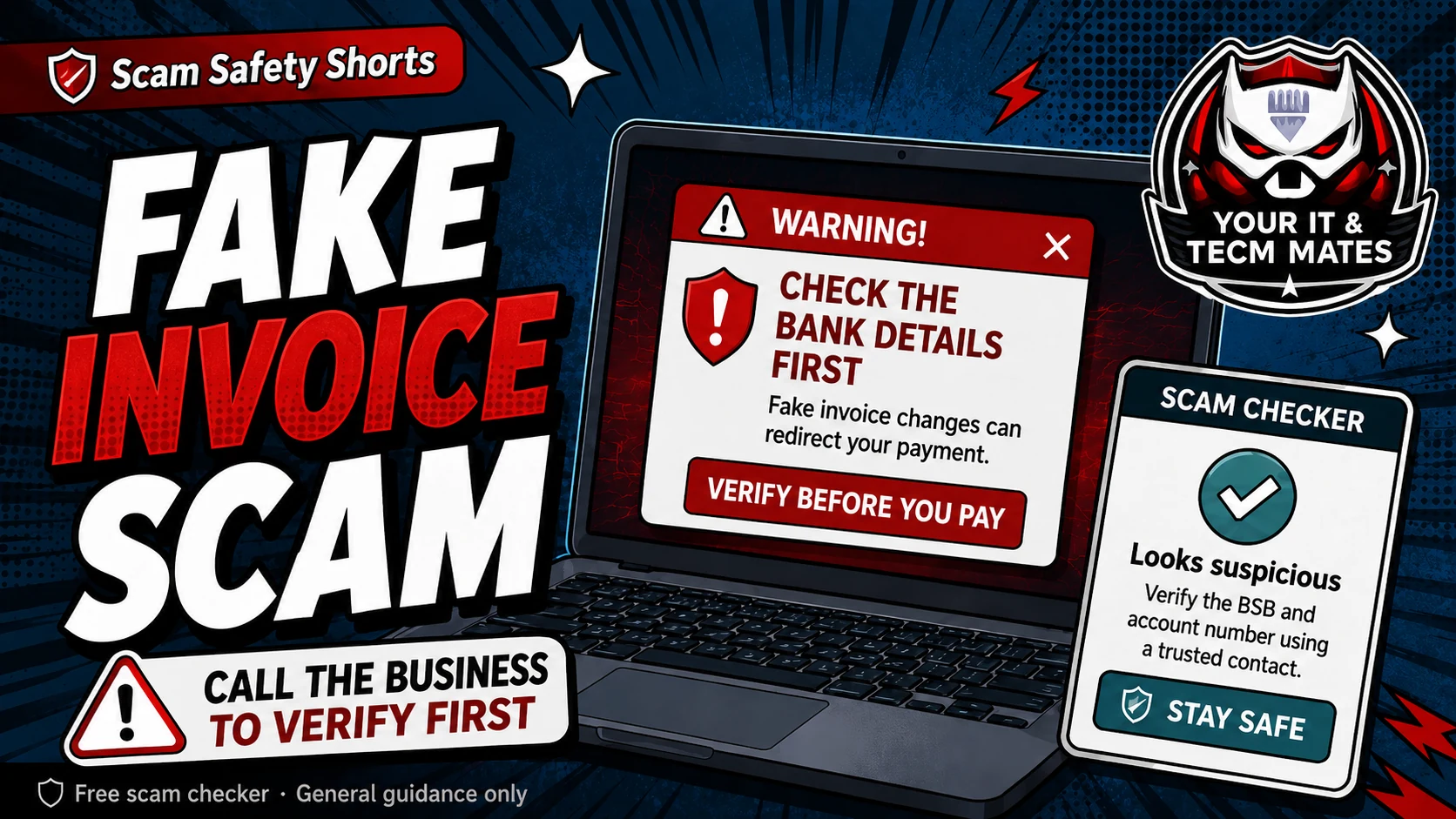 Small business invoice checkFake Invoice Scams: A Simple Check for Small Business Owners
Fake invoices work because they look ordinary. The safest habit is to check the supplier, bank details and payment reason before sending money.
Read guide →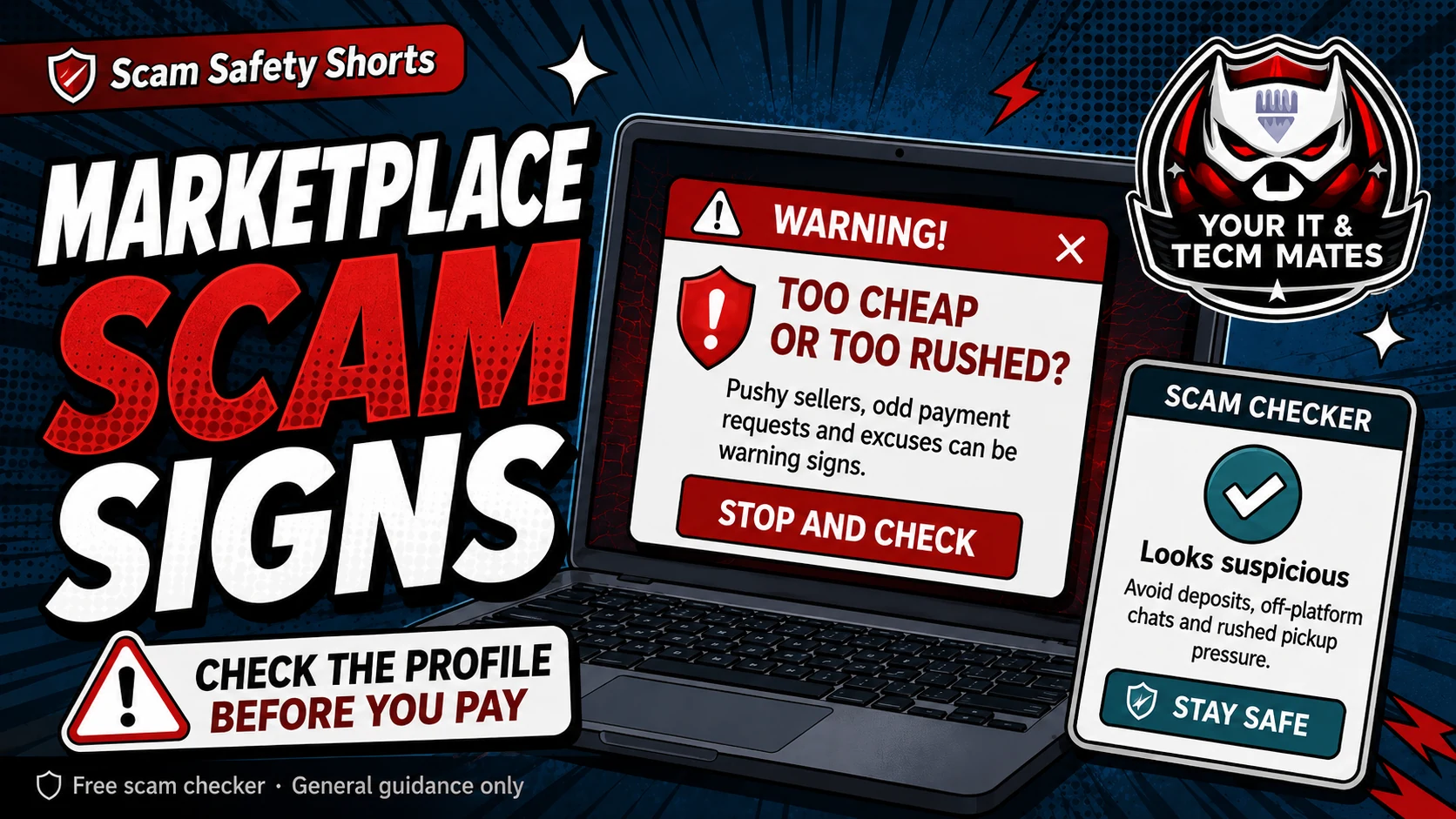 Marketplace scam guideFacebook Marketplace Scam Warning Signs
A real buyer or seller should not need you to pay a fee, share codes, click strange links, or move the deal into a confusing payment process.
Read guide →Already clicked?What to Do If You Clicked a Scam LinkClicking a link is not always the same as losing money, but what you do next matters. Stop, do not enter more details, and secure the accounts that may be at risk.
Read guide →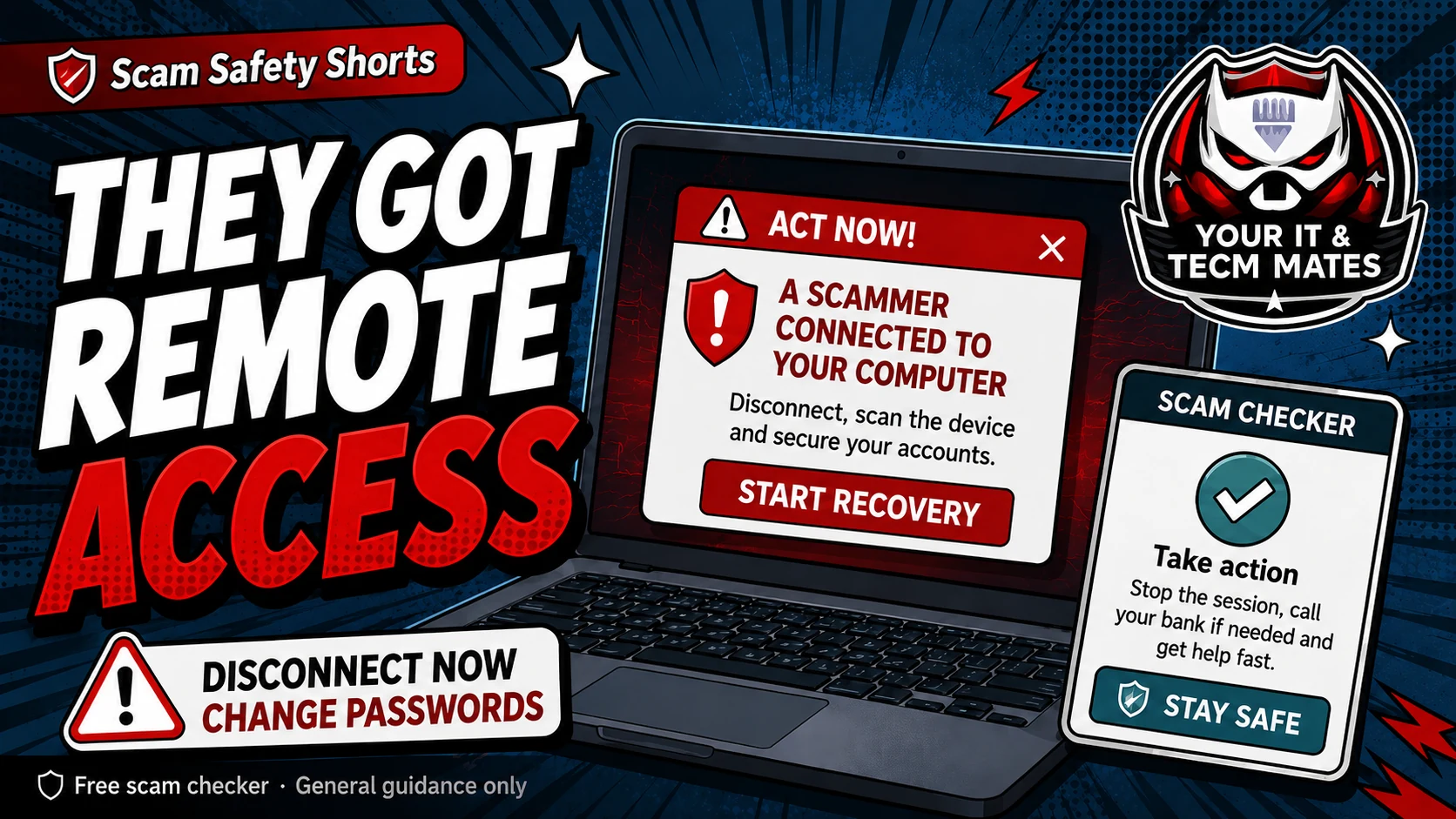 Remote access recoveryWhat to Do If You Gave a Scammer Remote Access
If someone controlled your device, act as if they may have seen screens, files, passwords, banking pages or security codes. The first job is to stop access and protect money.
Read guide →Help a parentHelp a Parent Check a Scam MessageUse calm, no-shame steps to help a parent pause, verify and save evidence before replying, clicking or paying.
Read guide →Romance scamRomance Scam Warning Signs AustraliaCheck online relationship, gift card, crypto, emergency story and secrecy warning signs without blame.
Read guide →Family scam safetyScam Safety Checklist for Seniors and FamiliesThe best family scam safety system is simple: no shame, no rushing, and one trusted person to ask before money, codes or remote access are involved.
Read guide →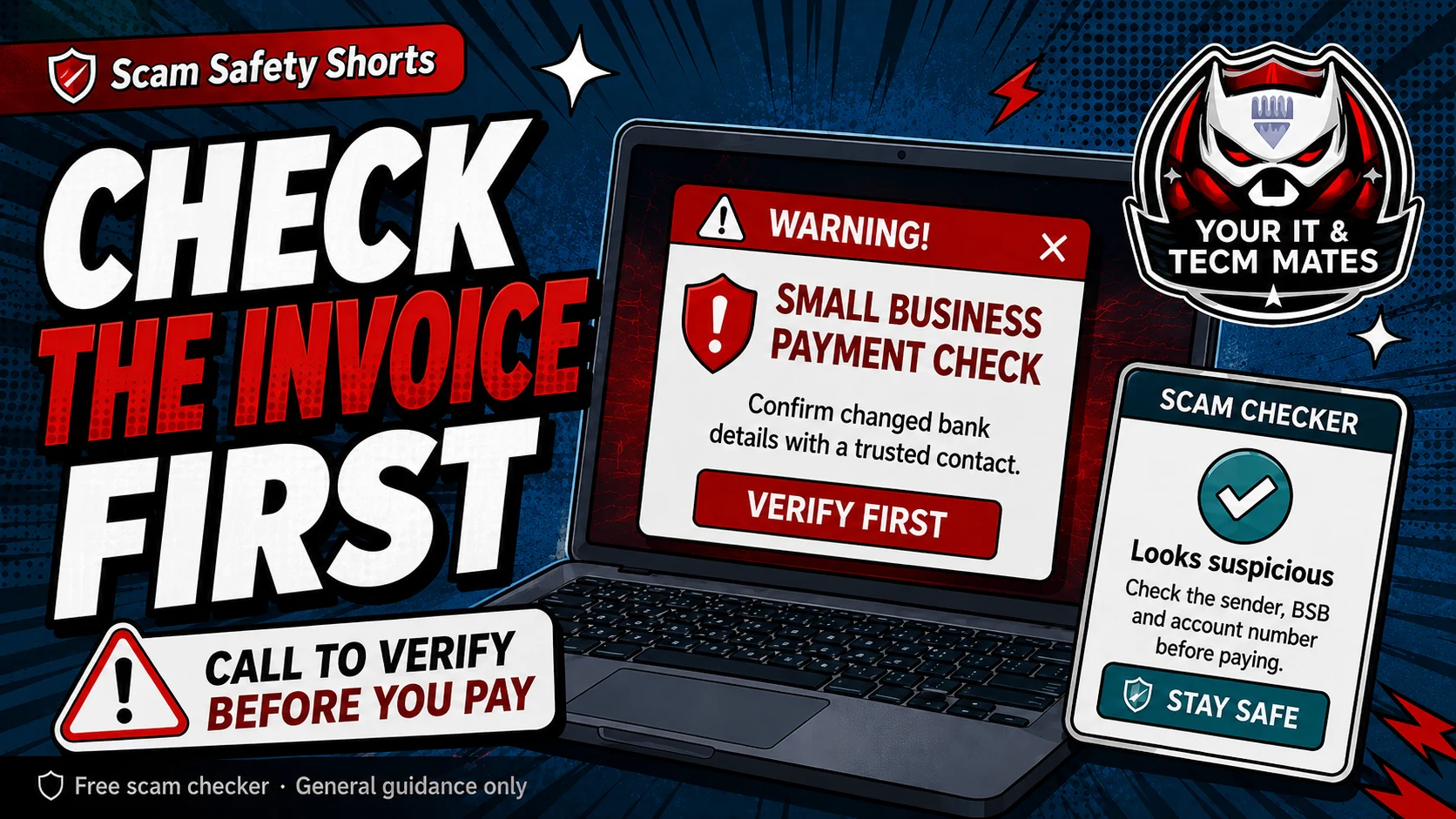 Before you paySmall Business Scam Check Before You Pay an Invoice
Before your business pays an invoice, check the sender, payment details, approval path and reason for urgency. One extra phone call can prevent a costly mistake.
Read guide →Safe link checkHow to Check If a Website Link Is SafeA link can look safe and still lead to a fake login, fake payment page or fake support site. Check the destination before you click, log in or pay.
Read guide →Family safety ruleThe Simple Family Rule: Stop, Check, Ask Before You ClickA family does not need complicated cyber language to reduce scam risk. The simple rule is: stop, check, ask.
Read guide →Online shopping scamOnline Shopping Scam Australia: Fake Store Warning SignsCheck fake stores, social ads, copied reviews, too-good prices and unsafe payment requests before buying.
Read guide →QR code scamQR Code Scam Australia: Check Before You ScanA QR code is a hidden link. Check the source, destination and request before paying or logging in.
Read guide →Already paid?What to Do If You Paid a Scammer in AustraliaCall your bank first, save evidence, secure accounts and choose the right reporting path.
Read guide →Scam safety is a team effort. Send these guides to someone who may need help checking first.
Which check should I use?
Choose by what happened.
This helps you choose the safest next step without needing to know the scam type.
I have a strange link, QR code or short linkOpen the Suspicious Link Checker →I am about to buy from an online shopOpen Online Shopping Scam Checker →I have a QR code asking me to pay or log inOpen QR Code Scam Checker →I already sent money to a scammerStart Lost Money Next Step Helper →I am not sure what scam type it isUse the free checker first →Someone says they have a new numberRead the Hi Mum guide →I am helping a parent check a message, call or paymentOpen Help My Parent Check a Scam →Someone online is asking for money, gifts or secrecyOpen Romance Scam Warning Checker →A buyer asks for PayID or emailRead the PayID guide →An invoice says bank details changedRead the invoice guide →I am about to pay a rental bond or depositOpen Rental / Bond Scam Checker →Someone says my computer, internet or bank has a problemOpen Fake Tech Support Call Checker →A popup asks to call or install softwareRead the fake popup guide →Someone thinks they have been hackedOpen hacked recovery helper →Someone already clicked or paidStart QuoteMe →I clicked a scam linkRead what to do after clicking →Someone controlled my deviceRead remote access recovery steps →I want to check if a website link is safeRead safe link guide →I want a family scam safety checklistRead family checklist →My business is about to pay an invoiceRead before-you-pay checklist →
Australia scam safety
Built for Australian SMS, email and payment scams.
Use the checker for plain-English guidance, then verify through official Australian channels if the message mentions tolls, myGov, ATO, banks, parcels, PayID, invoices or remote access.
Check first
Paste the wording only. Do not include passwords, codes, banking details, Medicare details, licence details or private business records.
Verify safely
Open the official app or website yourself. Do not use the link, phone number or QR code from the suspicious message.
Report in Australia
Report suspicious scam messages and cyber incidents through official Australian reporting services.
Not sure if a message is safe?
Use the free Scam SMS & Email Checker. It gives general guidance only and cannot guarantee accuracy.
Browse every Scam Safety guide
Use this topic directory to move between related guides without returning to search. Choose the situation that best matches what you need next.
Show all guides in this topic
- AI Voice & Identity Scams: How to Protect Your Family and Business
- 3 Simple Ways to Make Your Home Tech Safer in 2026
- How to Check a Suspicious SMS Before You Click
- Facebook Marketplace Scam Warning Signs
- Fake Invoice Scams: A Simple Check for Small Business Owners
- Fake Tech Support Call Scam Australia
- Fake Virus Popup Asking for AnyDesk or TeamViewer
- Help a Parent Check a Scam Message in Australia
- Hi Mum New Number Scam: What to Do Before You Reply
- How to Check If a Website Link Is Safe
- Invoice Bank Details Changed? Stop and Check First
- Online Shopping Scam Australia: Fake Store Warning Signs
- Parcel Delivery Scam SMS: Redelivery Fee Warning Signs
- PayID Buyer Scam: Warning Signs for Marketplace Sellers
- QR Code Scam Australia: Check Before You Scan
- Remote Access Scams: What to Do If Someone Asked to Control Your Computer
- Rental Bond Scam Warning Signs Australia
- Romance Scam Warning Signs in Australia
- Scam Safety Checklist for Seniors and Families
- Small Business Scam Check Before You Pay an Invoice
- The Simple Family Rule: Stop, Check, Ask Before You Click
- Toll Road Scam SMS Australia: Fake Linkt and Payment Links
- What to Do If You Clicked a Scam Link
- What to Do If You Gave a Scammer Remote Access
- What to Do If You Paid a Scammer in Australia
Continue from here
Useful next steps for this topic
These links are selected from the same hub, Intent, service and tool relationships.
Explore the hubScam Safety & Digital SafetyRead nextFake Tech Support Call Scam AustraliaRead nextPayID Buyer Scam: Warning Signs for Marketplace SellersRead nextScam Safety Checklist for Seniors and FamiliesTry a toolScam Message CheckerTry a toolSuspicious Link CheckerService helpService help for Scam Safety & Digital Safety