
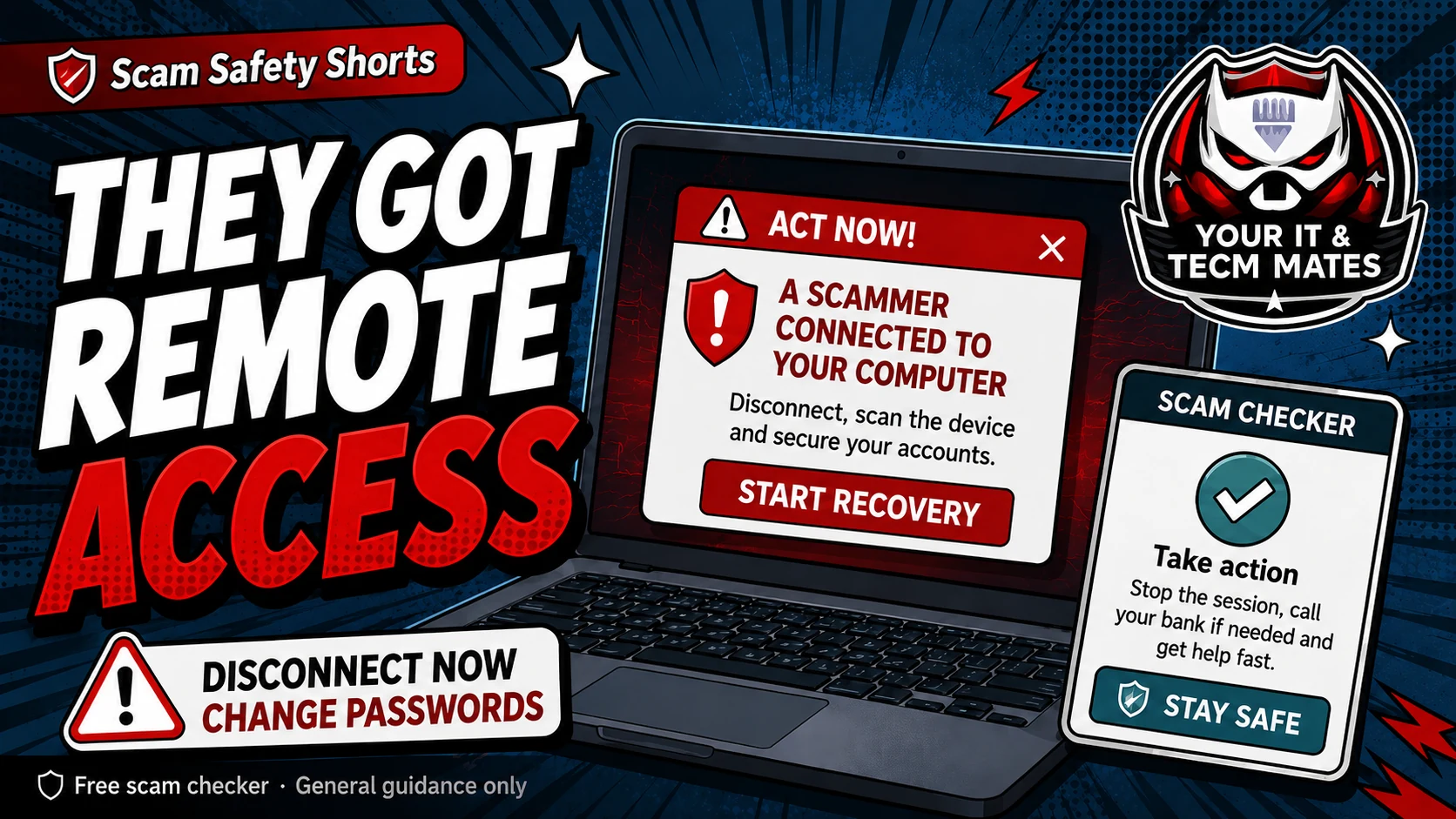
Quick answer: disconnect first
Turn off Wi-Fi, unplug the internet cable, or turn the device off if you cannot safely disconnect. Do not keep talking to the scammer and do not follow their instructions.
Use a different trusted phone or device to call your bank if money, cards, banking apps or one-time codes were involved.
What to check next
- Bank accounts, cards and payment apps for pending or unusual activity.
- Email accounts, because email can reset many other passwords.
- myGov, Microsoft, Google, Apple, Facebook, Instagram and other accounts the scammer may have seen.
- Remote access apps, new browser extensions, unknown programs and changed security settings.
A safe recovery order
First protect money. Second protect email. Third change important passwords from a trusted device. Fourth remove remote access software. Fifth check the device with trusted help before using it for banking again.
Keep notes of times, phone numbers, apps installed, codes shared, payments made and accounts opened while the scammer had control.
When to ask for hands-on help
If you are not sure what the scammer changed, do not guess. Use the recovery helper to create a checklist, then ask a trusted technician to check remote access apps, browser settings, startup items and security software.
Use the free checker before the next step
These free tools are a first check only. They are not a guarantee and they are not a substitute for professional advice, your bank, police, ReportCyber, IDCARE or a qualified specialist where needed.
Benefits and practical outcomes
Use these outcomes as a practical check on whether the advice is making the situation clearer and easier to manage.
Slower decisions under pressure
A short verification pause can stop urgency from deciding what you click, pay or share.
Independent verification
Checking through an official app, known website or saved contact reduces reliance on the suspicious message itself.
Better evidence
Keeping messages, receipts and timestamps makes it easier to explain what happened if you need help.
Clear escalation
A simple next-step plan helps you know when to contact a bank, platform, provider or hands-on support.
Example: unexpected remote-support request
A caller says the computer is infected and asks the customer to install remote-access software. The customer ends the call and independently contacts a trusted support provider before allowing anyone to access the device.
Outcome: device control is not handed to an unverified caller.
Should I turn the computer off?
Yes, if you cannot safely disconnect from the internet or stop the remote session. Then use another trusted device to contact your bank or key services.
Can I just uninstall AnyDesk or TeamViewer?
Uninstalling the app is important, but it may not be enough. Also check passwords, email rules, browser extensions, saved cards, security settings and unknown programs.
Should I use the same device to change passwords?
Use a different trusted device if possible, especially if the scammer had control of your computer or phone.