
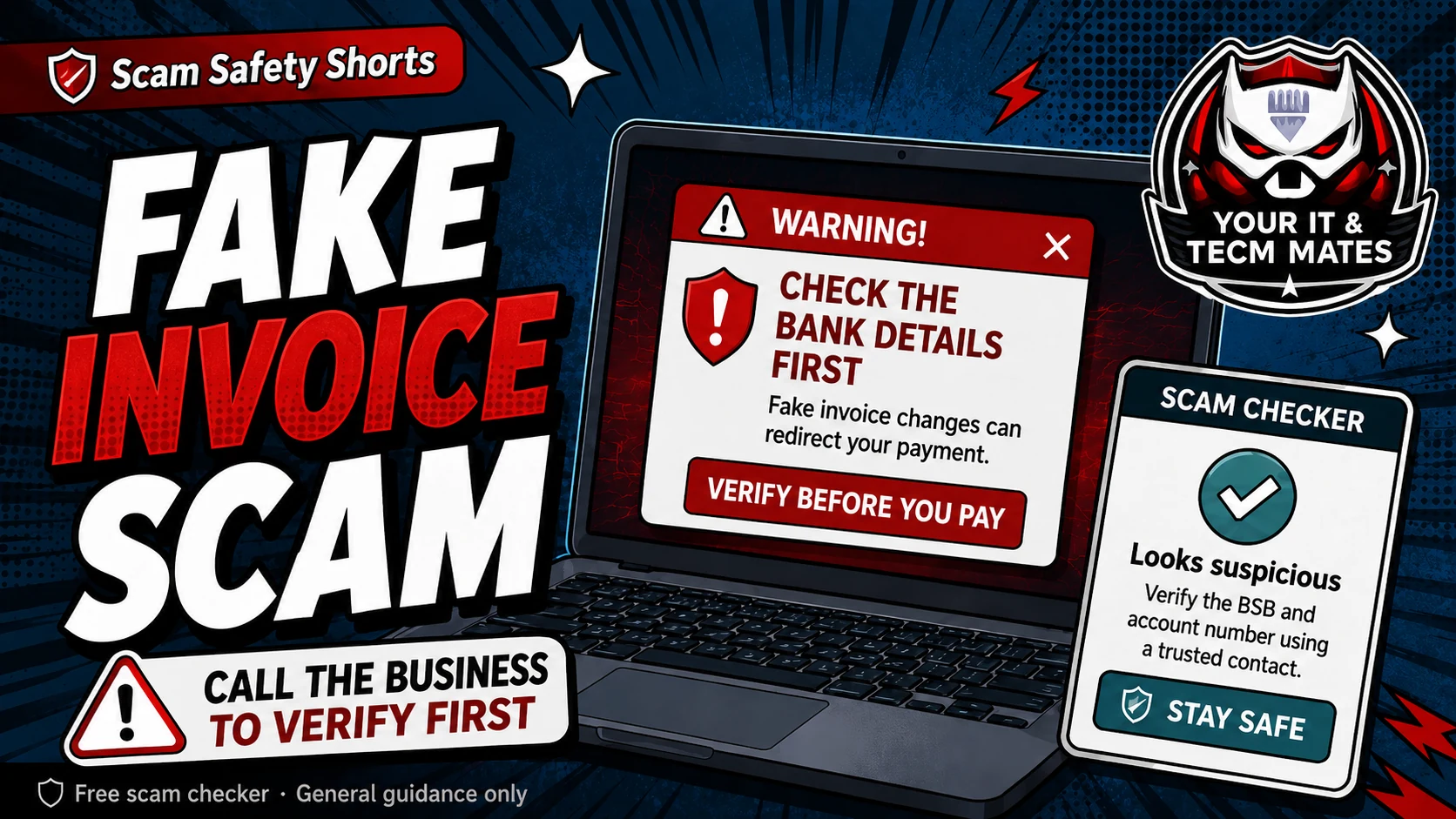
Quick answer: check the invoice before you pay
Do not rely only on the email, invoice PDF or bank details written in the message. If the payment is new, urgent, larger than normal, or the bank details have changed, verify it using contact details you already trust.
A two-minute check can prevent a payment from going to the wrong account.
Small-business red flags
- The supplier says their bank details have changed, especially near a due date.
- The email address looks almost right but has a small spelling, domain or display-name difference.
- The invoice pushes urgency, late fees, release of goods, account closure or a same-day deadline.
- A staff member is asked to keep the request quiet, skip normal approval, or pay outside the usual process.
A simple defendable payment rule
Use this rule: new bank details, changed bank details or unusual urgency must be checked by a second method before payment. Call the supplier using a saved number, previous invoice number or official contact already in your records, not the number inside the suspicious email.
Record who checked it, when it was checked, and what number or method was used. This helps if you later need to explain the decision to a manager, bookkeeper, insurer or bank.
Where the free tools fit
Use the Business Email Safety Check for changed bank details or supplier email concerns. Use the Payment Safety Checker for deposits, PayID, bank transfers or marketplace payments. Use the Scam Safety Hub if you are not sure which checker matches the situation.
Use the free checker before the next step
These free tools are a first check only. They are not a guarantee and they are not a substitute for professional advice, your bank, police, ReportCyber, IDCARE or a qualified specialist where needed.
Benefits and practical outcomes
Use these outcomes as a practical check on whether the advice is making the situation clearer and easier to manage.
Slower decisions under pressure
A short verification pause can stop urgency from deciding what you click, pay or share.
Independent verification
Checking through an official app, known website or saved contact reduces reliance on the suspicious message itself.
Better evidence
Keeping messages, receipts and timestamps makes it easier to explain what happened if you need help.
Clear escalation
A simple next-step plan helps you know when to contact a bank, platform, provider or hands-on support.
Example: supplier bank details change
A supplier email says the bank account has changed just before an invoice is due. The business pauses payment and calls the supplier using the phone number already stored in its records, not the number in the new email.
Outcome: the payment decision is based on an independently verified contact, not the suspicious message thread.
What is the safest way to verify changed bank details?
Call the supplier using a phone number you already trust from your records, previous paperwork or their official website. Do not use only the phone number inside the suspicious email.
Should a small business keep evidence of the check?
Yes. Keep the email, invoice, screenshots, call notes and who approved the payment. Clear records help if you need to speak with the bank, police, insurer or accountant.
Can a real supplier email still be risky?
Yes. A supplier mailbox can be compromised, or an old email chain can be used to insert new payment details. Treat unusual bank details or urgent changes as something to verify.