
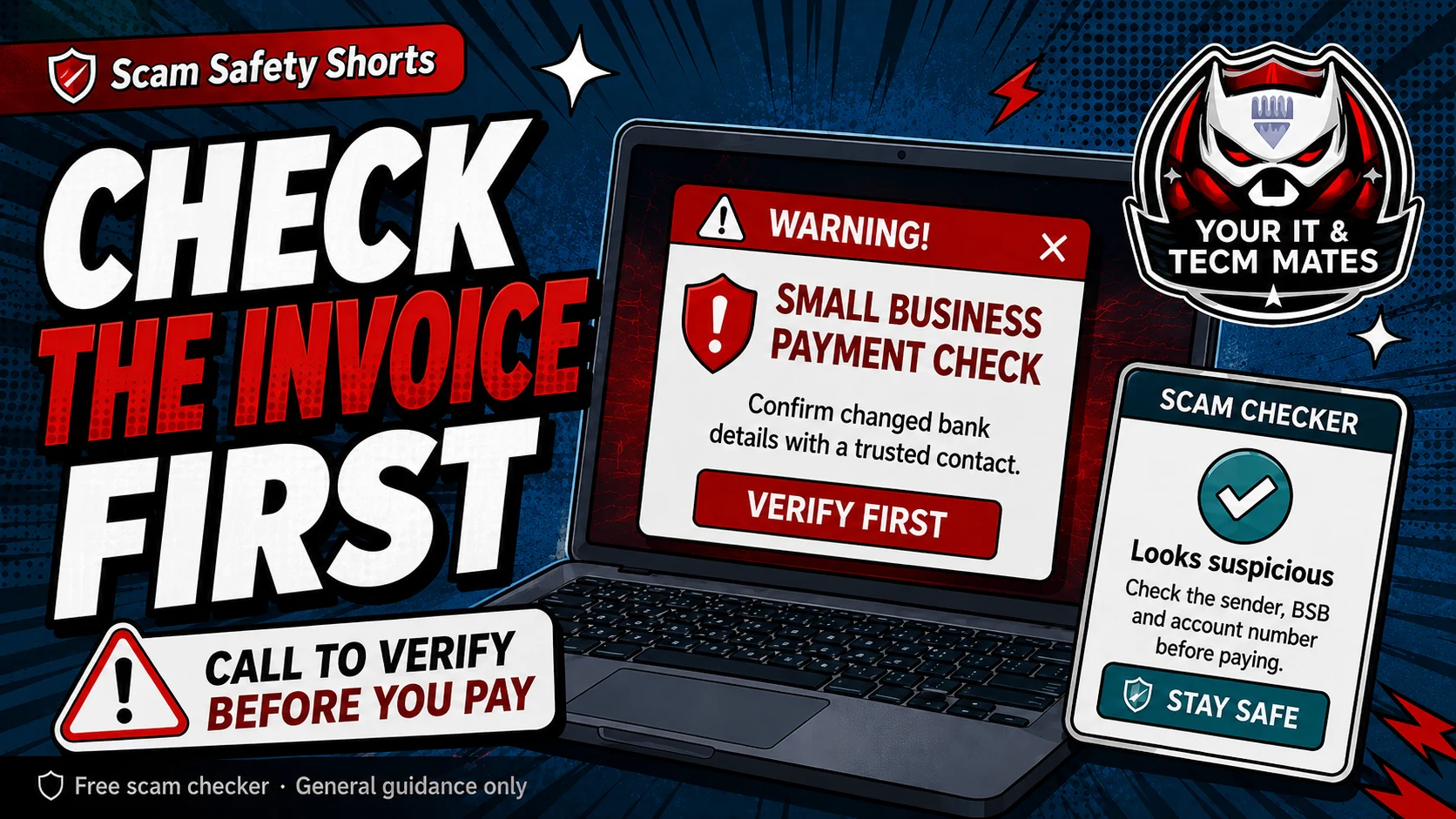
Quick answer: pause unusual payments
Pause any invoice that is new, urgent, larger than usual, from a new supplier, or has changed bank details. Do not let pressure remove your normal approval process.
If a payment feels slightly unusual, that is enough reason to check.
Before-you-pay checklist
- Is this supplier already in your records?
- Are the BSB and account number the same as previous approved payments?
- Was the request received from the normal email address and normal person?
- Have you verified changed bank details using a trusted phone number, not the number inside the email?
- Has another staff member or manager reviewed unusual payments before release?
Make the process defendable
A good process protects the business and the staff member making the payment. Keep a short note of what was checked, who checked it, when it was checked and what trusted contact method was used.
This is helpful if you need to speak with your bank, police, insurer, accountant or supplier later.
Use tools without replacing judgement
The free tools help you slow down and spot warning signs. They cannot guarantee that an invoice is safe. For high-value payments, use your bank, accountant, insurer or trusted professional support where needed.
Use the free checker before the next step
These free tools are a first check only. They are not a guarantee and they are not a substitute for professional advice, your bank, police, ReportCyber, IDCARE or a qualified specialist where needed.
Could the familiar voice itself be fake?
AI voice cloning can make an urgent request sound like a family member, boss or supplier. Use a safe word as an extra check, then hang up and call back using a number you already trust.
Read the AI voice & identity scam guideBenefits and practical outcomes
Use these outcomes as a practical check on whether the advice is making the situation clearer and easier to manage.
Slower decisions under pressure
A short verification pause can stop urgency from deciding what you click, pay or share.
Independent verification
Checking through an official app, known website or saved contact reduces reliance on the suspicious message itself.
Better evidence
Keeping messages, receipts and timestamps makes it easier to explain what happened if you need help.
Clear escalation
A simple next-step plan helps you know when to contact a bank, platform, provider or hands-on support.
Example: supplier bank details change
A supplier email says the bank account has changed just before an invoice is due. The business pauses payment and calls the supplier using the phone number already stored in its records, not the number in the new email.
Outcome: the payment decision is based on an independently verified contact, not the suspicious message thread.
What payments should a small business double-check?
Check new suppliers, changed bank details, urgent same-day payments, unusual deposits, large invoices, and any request to bypass normal approval.
Is email confirmation enough?
No. If the email account is compromised, a reply may go back to the scammer. Use a trusted phone number or contact method already in your records.
Who should approve changed bank details?
Use a second person where possible: owner, manager, bookkeeper or authorised staff member. The important part is to make the check clear and recorded.