
Get help
Describe a problem or a goal. We’ll help you work out the next step.
Get tech help →Open My Tech Help for your latest update and next step.
Tell us in your own words. We’ll help you find the next step.
Prefer to call? 0452 323 571
An unfinished public conversation is saved for this visit. Continue it, or start something else. Sending a new question starts a new enquiry. Private account details are not restored.
You don’t need technical terms. A few words are enough to start.
A local person confirms the work and price before you agree.
Leave out passwords, PINs, banking details and one-time codes.
I’m an AI assistant. AI and service providers may help process your question. Privacy policy · AI use and safety.
Choose a service, or tell QuoteMe what’s happening if you’re unsure.
Already a customer? Your requests, conversations and devices are in My Tech Help.
Ask for help, look out for someone you know, or bring your skills and local connections.
Your IT & Tech Mates provides local tech help. We’re building connections through TheFixers.APP so more people can play a part.

Describe a problem or a goal. We’ll help you work out the next step.
Get tech help →Arrange support for a family member with their permission, or point a friend towards help.
Help someone you know →Explore the referral community we’re preparing, with opportunities to introduce people and share useful skills.
Explore TheFixers.APP →TheFixers.APP is currently invitation-only. Public referral sign-up and tracking are not open yet. You can ask YITM for help today.
Your IT & Tech Mates is based in Epping and Wollert and helps homes, seniors, students, NDIS participants and small businesses across Melbourne’s north. Whether your laptop won’t start, your Wi-Fi keeps dropping out, you are worried about a scam, or your business needs help with computer repairs, laptop repairs, business IT, websites, software or AI — just tell us what is happening. You do not need to know the technical name for the problem.
Phone and tablet repairs, computer and laptop repairs, home tech support and business IT: explore our local services or start with QuoteMe.
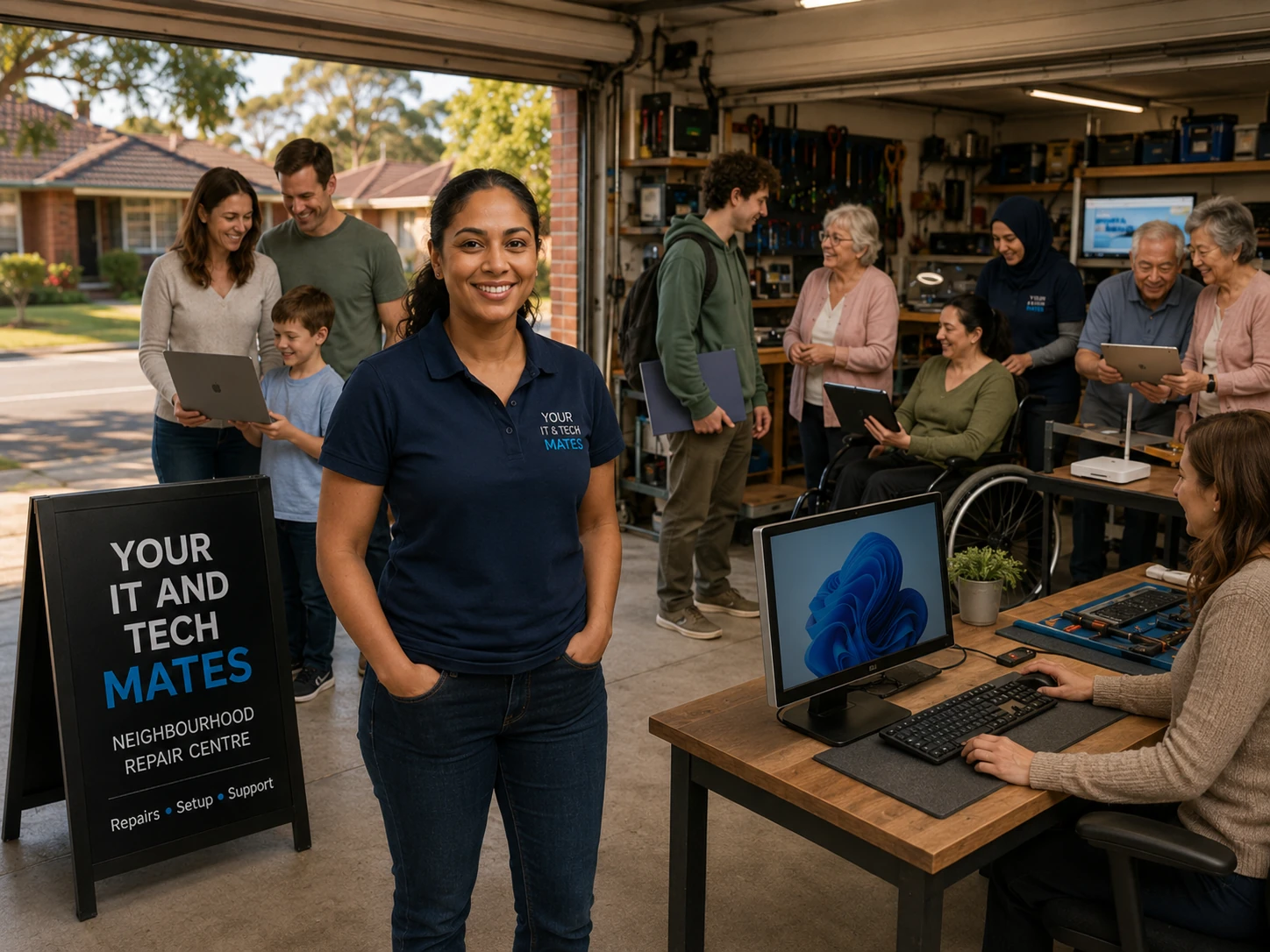
Customers contact us for cracked screens, charging faults, slow computers, data recovery, Wi-Fi problems and practical technology support.
Most repair shops make you ring and wait for a price. We do it the other way round.
Describe the problem to QuoteMe in your own words. See relevant pricing guidance where available; assessment may be needed before a reliable repair quote.
AI helps organise the request and relevant pricing guidance. A local person confirms the hourly rate and any agreed limit, or a fixed repair or project quote. Changes need your approval.
We explain what is wrong and what your options are, at your pace, whether you are 18 or 88.
Based in Epping and Wollert and helping neighbours across Melbourne’s north. You deal with the same local team.
Computers, phones, Wi-Fi, data recovery, scam clean-up and family tech help, all in one place.
No mystery pricing. Our hourly rates are on our pricing page for anyone to read.
Standard support $150/hour · Senior Tech Support $110/hour (both including GST) · See pricing →
“Huge thanks to Jasper from Your IT and Tech Mates for the fast Apple Macbook laptop screen replacement in Wollert. He fixed my cracked Apple Retina display on my MacBook Air at a great price and had me back to work in no time!”
“Paul is extremely professional and kept me updated constantly on his progress in trying to fix my laptop.”
These are examples of the problems people bring us, not customer reviews.
No power, black screen or stuck on a logo. We check it and explain the options before any paid work starts.
Computer & laptop repairs →Weak rooms, slow NBN or devices that will not connect. Home network help in Epping, Wollert and nearby.
Wi-Fi & internet help →Not sure if a message is a scam? Check it first, then ask us what to do next.
Scam message checker →Cracked displays, batteries and charging problems on phones and tablets.
Phone & tablet repairs →Important photos or documents on a dead, damaged or unbootable computer, drive or SSD.
Data recovery →Patient, one-step-at-a-time help for a parent or family member, arranged with their consent.
Home & family tech support →Helping neighbours in Epping, Wollert, Mernda, South Morang, Mill Park, Doreen, Thomastown and Bundoora.
Tell QuoteMe what you need for relevant pricing guidance where available. A person confirms either the hourly rate and any agreed limit, or a fixed repair or project quote, before paid work starts. Standard tech support is $150 per hour including GST, and Senior Tech Support is $110 per hour including GST.
Yes. A person confirms the scope and either the hourly rate with any agreed limit, or a fixed quote. Nothing paid starts until you agree.
We are based in Epping and Wollert and help neighbours in Epping, Wollert, Mernda, South Morang, Mill Park, Doreen, Thomastown and Bundoora, across Melbourne’s north.
Yes. We repair laptops, computers, phones and tablets, and also help with Wi-Fi, data recovery, scam clean-up and everyday tech problems.
Don’t reply, pay or log in. Use our free scam message checker for a plain-English check, then ask QuoteMe for help and we will talk you through what to do next.
Yes. We offer patient, one-step-at-a-time help for seniors and family members, arranged with their consent. Senior Tech Support is $110 per hour including GST.
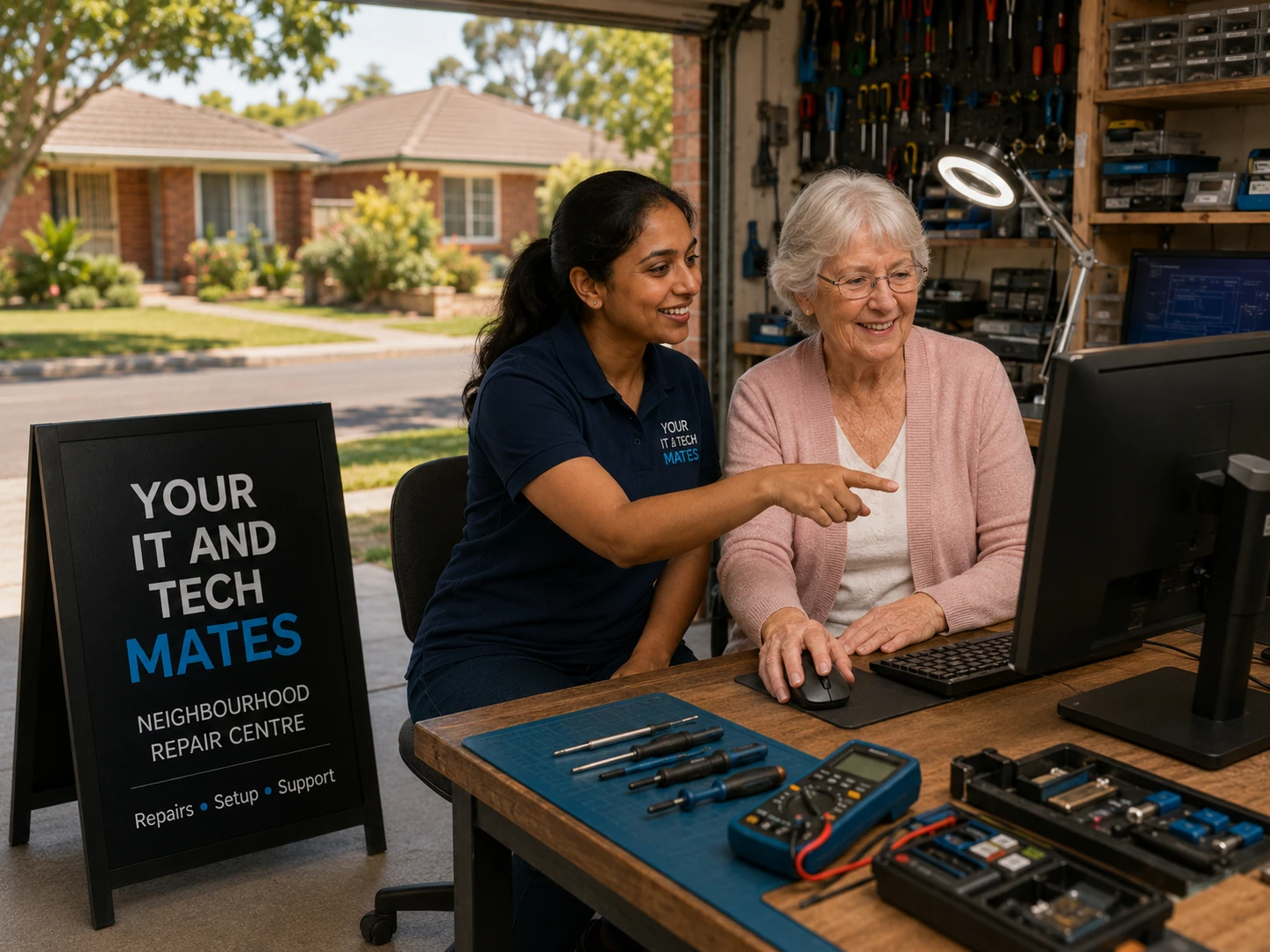
Get help with a phone, tablet, computer, email or Wi-Fi. We explain one step at a time, with room to ask questions and practise. Tell us what you want to do; you do not need to know the technical terms.
Home visits, remote help and collection depend on the task and availability. We confirm arrangements and costs before work begins.
Arranging help for a parent? You can contact us on their behalf. We confirm their wishes and consent before sharing updates or arranging support. See family-arranged support →
Worried about a suspicious message? Start with Scam Safety →
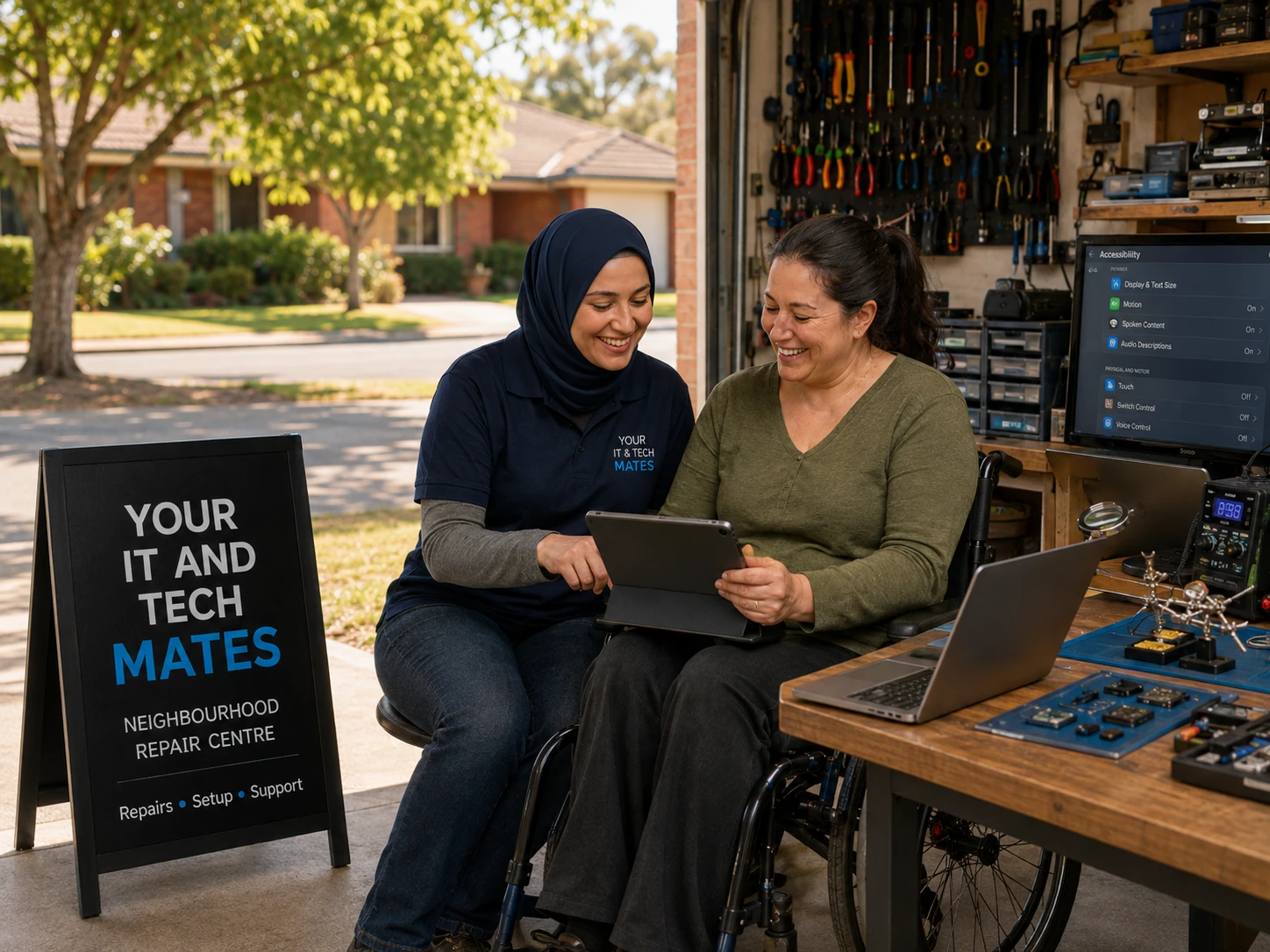
Help with devices, accessibility settings and everyday technology, guided by what you want to do. Tell us your goal and any communication or access needs. You can enquire yourself or with a family member or authorised support person.
Your IT & Tech Mates is not a registered NDIS provider.
With your consent, we can work with your support coordinator, case manager or plan manager to clarify your technology needs, quote and payment arrangements.
We do not offer NDIA-managed funding as a payment path. If this applies to you, we can discuss private-pay technology help without implying NDIS coverage.
Our Support Item Matcher can suggest up to three possible catalogue matches from your description for you and your plan manager to review. You can choose none and still ask for help. A suggested match is not funding or claim approval. Eligibility, budget and payment arrangements must be checked before work begins. Everyday devices and general repairs are not automatically covered. How the support item matcher works →
Based in Epping and Wollert, we help customers across Melbourne’s north, including South Morang, Mill Park, Thomastown, Mernda, Bundoora, Craigieburn, Doreen, Lalor and nearby suburbs.
Depending on the job, help may involve pickup, drop-off, a home or on-site visit, remote support or specialist assessment. Collection and visit arrangements are confirmed before you rely on them.
Check all service areas →Business IT support, professional email, Microsoft 365 and practical setup help. Your domain, website and core accounts stay in your name.
Explore website care and design options, then tell us what your website needs to do. We confirm scope and costs with you.
QuoteMe uses our Intent Engine to understand what someone needs and ask useful follow-up questions. Explore the same approach for your business, alongside software and workflow improvements.
Explore options for seniors, students, families and small businesses. Stock changes; we confirm the exact device, condition and price before you decide.
You can explore help before sharing contact details. Review your request before sending it; paid work needs your approval.