
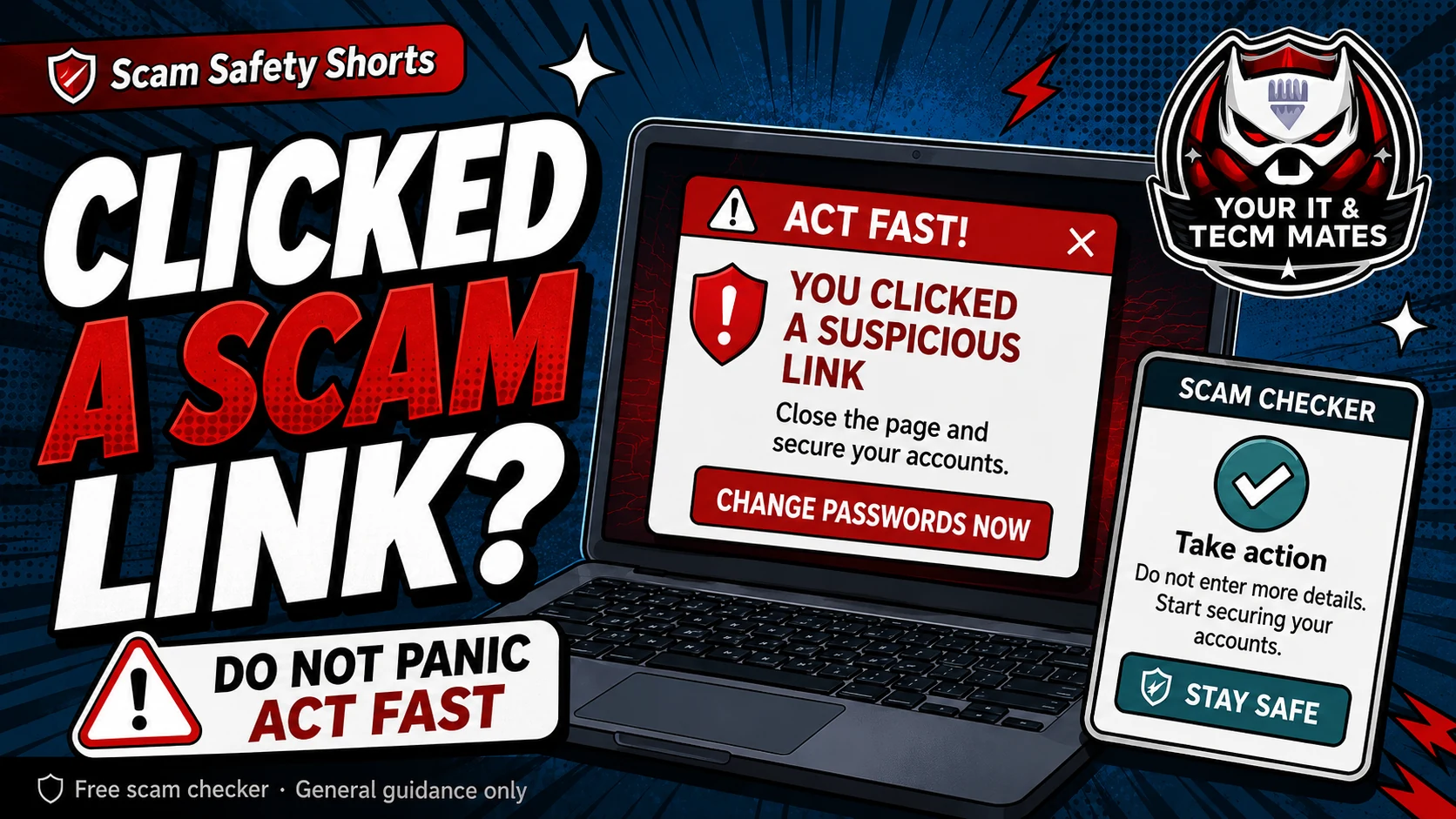
Quick answer: stop entering details
Do not keep testing the link. Do not enter passwords, card numbers, Medicare details, driver licence details, one-time codes or banking information. Close the page and take a screenshot if safe.
If money or banking is involved, call your bank first using the number in your banking app or on your card.
Work out what happened
- Clicked only: risk may be lower, but still check the page type and device behaviour.
- Entered a password: change that password from a different safe page or device, then turn on multi-factor authentication.
- Entered card or banking details: contact your bank first.
- Downloaded or installed something: disconnect from the internet and get trusted help before logging in to private accounts.
First steps after clicking
Close the page. Do not reply to follow-up messages. Save the SMS, email, URL and screenshots. Check your accounts for unusual sign-ins or transactions.
Use the Suspicious Link Checker to understand the link type, then use the recovery helper if you entered details, paid money or installed software.
What not to do next
Do not call a phone number from the suspicious page. Do not pay a so-called unlocking, verification or refund fee. Do not let a stranger remotely access your device to fix it.
Use the free checker before the next step
These free tools are a first check only. They are not a guarantee and they are not a substitute for professional advice, your bank, police, ReportCyber, IDCARE or a qualified specialist where needed.
Benefits and practical outcomes
Use these outcomes as a practical check on whether the advice is making the situation clearer and easier to manage.
Slower decisions under pressure
A short verification pause can stop urgency from deciding what you click, pay or share.
Independent verification
Checking through an official app, known website or saved contact reduces reliance on the suspicious message itself.
Better evidence
Keeping messages, receipts and timestamps makes it easier to explain what happened if you need help.
Clear escalation
A simple next-step plan helps you know when to contact a bank, platform, provider or hands-on support.
Example: urgency plus a link
A message says action is required immediately and includes a link for payment or sign-in. The recipient does not use the link; they open the organisation’s official app or known website and verify whether any real alert exists.
Outcome: the decision is separated from the pressure created by the message.
Is clicking a scam link enough to hack me?
Sometimes clicking alone may not be enough, but risk increases if you entered details, downloaded a file, approved a login, shared a code or installed an app.
Should I change my passwords?
Change passwords for any account you entered on the suspicious page. Use a different safe page or device where possible, and do not reuse the same password elsewhere.
When should I call my bank?
Call your bank straight away if you entered card or banking details, approved a payment, shared a one-time code, or see any transaction you do not recognise.