
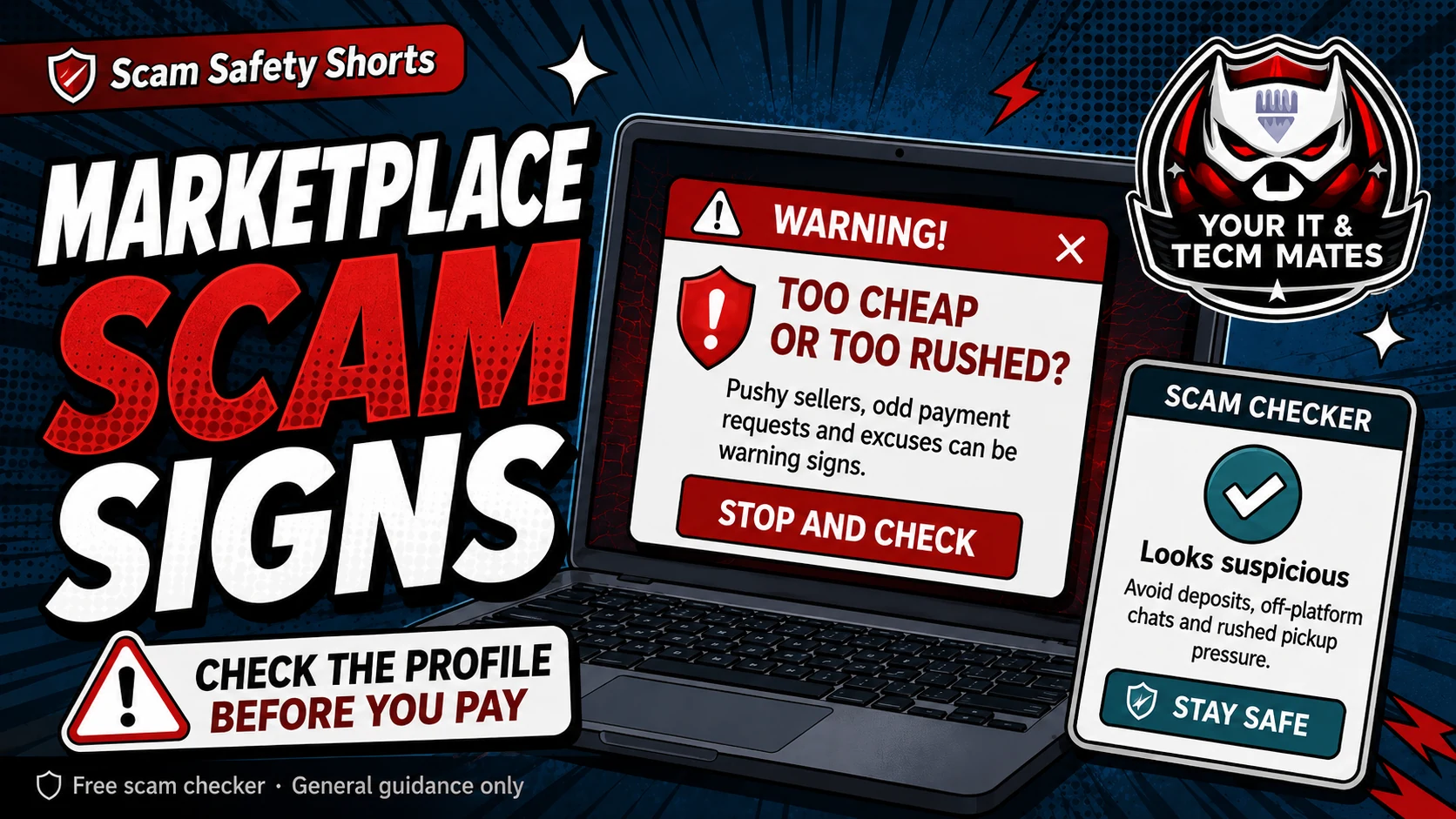
Quick answer: slow the sale down
If the deal becomes rushed, confusing or emotional, pause before the next step. A safe buyer or seller should be able to explain the process clearly and give you time to check.
Use the free Marketplace Scam Checker before you send goods, pay a deposit, share your email for PayID, or click any courier or payment link.
Warning signs that feel small but matter
The buyer says PayID needs your email address, then sends a payment screenshot or email that says you must upgrade or release the money.
Someone says a courier will collect the item, but you must pay an insurance, verification, release or holding fee first.
A seller asks for a deposit before inspection, avoids a video call, refuses normal pickup, or says many other people are waiting.
The conversation moves quickly away from Marketplace into SMS, WhatsApp or email, where it is harder to check the profile and history.
A safer way to handle the sale
Keep the conversation on the platform where possible. Check the profile age, photos, reviews and message history. Do not trust screenshots by themselves; check money inside your own banking app.
For higher value items, prefer a public safe meeting place, clear pickup details and payment that you can verify yourself. If the buyer or seller will not accept a simple safe process, that is useful information.
Before you pay, send or hand over goods
Ask: can I verify this without using their link or their screenshot? If the answer is no, stop. For payment requests, use the Payment Safety Checker. For links, use the Suspicious Link Checker. For money already missing, call your bank first.
Use the free checker before the next step
These free tools are a first check only. They are not a guarantee and they are not a substitute for professional advice, your bank, police, ReportCyber, IDCARE or a qualified specialist where needed.
Benefits and practical outcomes
Use these outcomes as a practical check on whether the advice is making the situation clearer and easier to manage.
Slower decisions under pressure
A short verification pause can stop urgency from deciding what you click, pay or share.
Independent verification
Checking through an official app, known website or saved contact reduces reliance on the suspicious message itself.
Better evidence
Keeping messages, receipts and timestamps makes it easier to explain what happened if you need help.
Clear escalation
A simple next-step plan helps you know when to contact a bank, platform, provider or hands-on support.
Example: urgency plus a link
A message says action is required immediately and includes a link for payment or sign-in. The recipient does not use the link; they open the organisation’s official app or known website and verify whether any real alert exists.
Outcome: the decision is separated from the pressure created by the message.
Is every PayID request a scam?
No. PayID can be legitimate. The warning sign is when someone uses fake PayID emails, upgrade fees, release fees or screenshots instead of a normal payment you can see inside your own banking app.
Should I pay a courier, insurance or release fee?
Be very careful. Unexpected courier, insurance, verification, upgrade or release fees are common warning signs in marketplace scams.
What should I do if I already sent the item or paid a deposit?
Keep screenshots and payment records, contact your bank if money is involved, report the listing on the platform, and use the recovery helper to make a clear next-step list.