
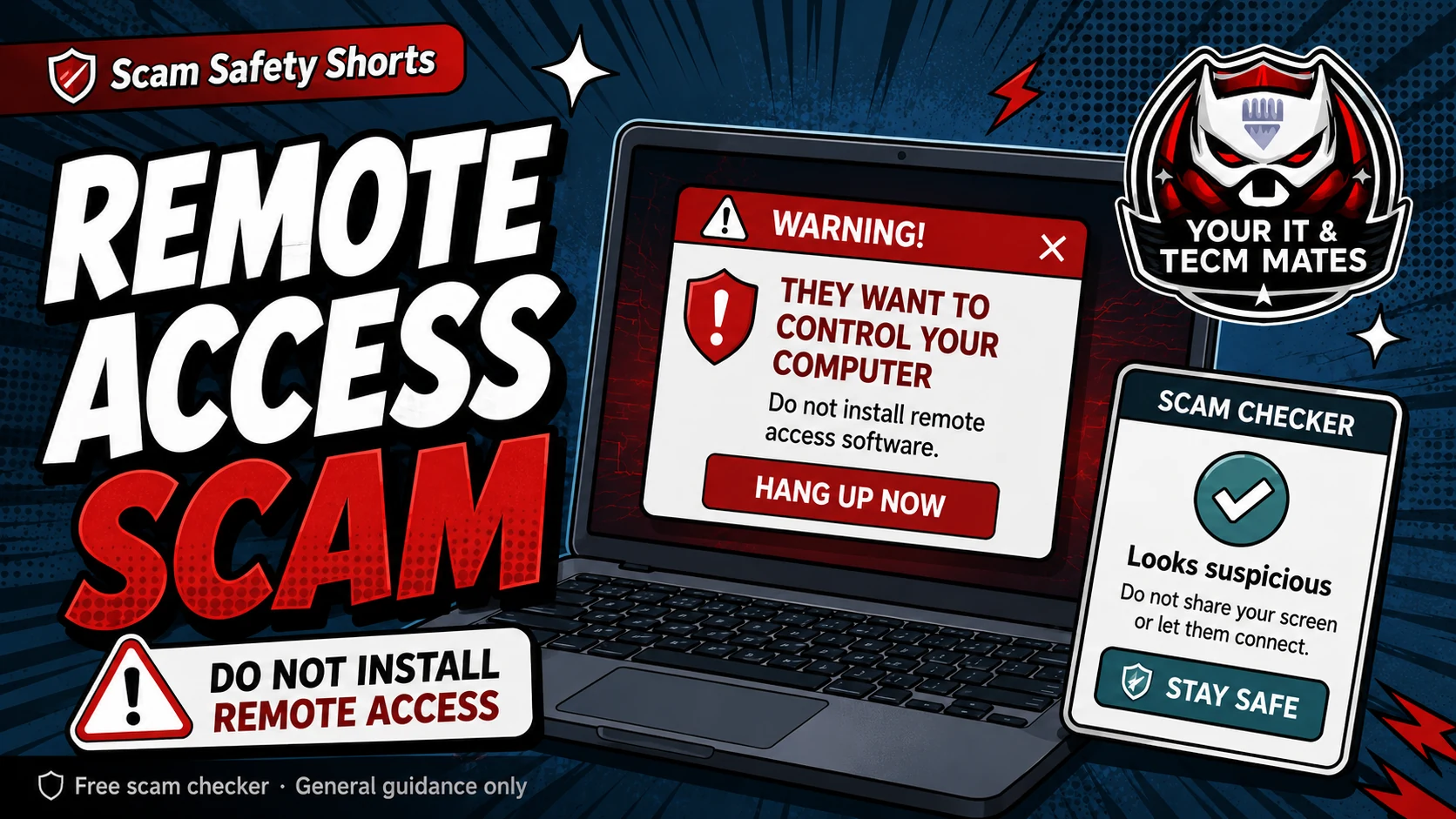
Quick answer: do not give control yet
If someone you did not contact asks to control your computer, phone or tablet, stop before installing anything. Do not read out codes, approve screen sharing, or let them see your banking, email, photos or passwords.
Close the message or end the call. Then check the request using a safe page you opened yourself.
Common warning signs
A popup says your device is infected and tells you to call a number immediately.
A caller claims to be from a bank, Microsoft, Telstra, NBN, antivirus company, delivery company, police or government service and asks for remote access.
They ask you to install AnyDesk, TeamViewer, QuickSupport, RustDesk, Chrome Remote Desktop or another screen-sharing app.
They tell you not to speak to family, your bank or your normal IT support person.
A safer next step
Use your own trusted contact method. For a bank, call the number on your card or in your banking app. For a business, open their website yourself. For tech help, contact someone you already know and trust.
A real support person should be comfortable with you pausing, checking their identity and choosing a safe time to continue.
If you nearly installed the app
If you downloaded the app but did not give control, remove it and do not share any access codes. If you did give control, use the recovery guide for remote access already given, because the steps are different.
Use the free checker before the next step
These free tools are a first check only. They are not a guarantee and they are not a substitute for professional advice, your bank, police, ReportCyber, IDCARE or a qualified specialist where needed.
Benefits and practical outcomes
Use these outcomes as a practical check on whether the advice is making the situation clearer and easier to manage.
Slower decisions under pressure
A short verification pause can stop urgency from deciding what you click, pay or share.
Independent verification
Checking through an official app, known website or saved contact reduces reliance on the suspicious message itself.
Better evidence
Keeping messages, receipts and timestamps makes it easier to explain what happened if you need help.
Clear escalation
A simple next-step plan helps you know when to contact a bank, platform, provider or hands-on support.
Example: unexpected remote-support request
A caller says the computer is infected and asks the customer to install remote-access software. The customer ends the call and independently contacts a trusted support provider before allowing anyone to access the device.
Outcome: device control is not handed to an unverified caller.
Is remote access always unsafe?
No. Remote access can be safe when you chose the provider and trust them. The risk is when a stranger, popup or caller pressures you to install it quickly.
What if the caller says they are from my bank or Microsoft?
End the call and contact the organisation using a number you already trust. Do not use a number or link supplied by the caller.
Should I let someone watch my screen while I log in to banking?
No. Do not open banking, email, password managers, myGov or private files while an unknown person can see or control your screen.