
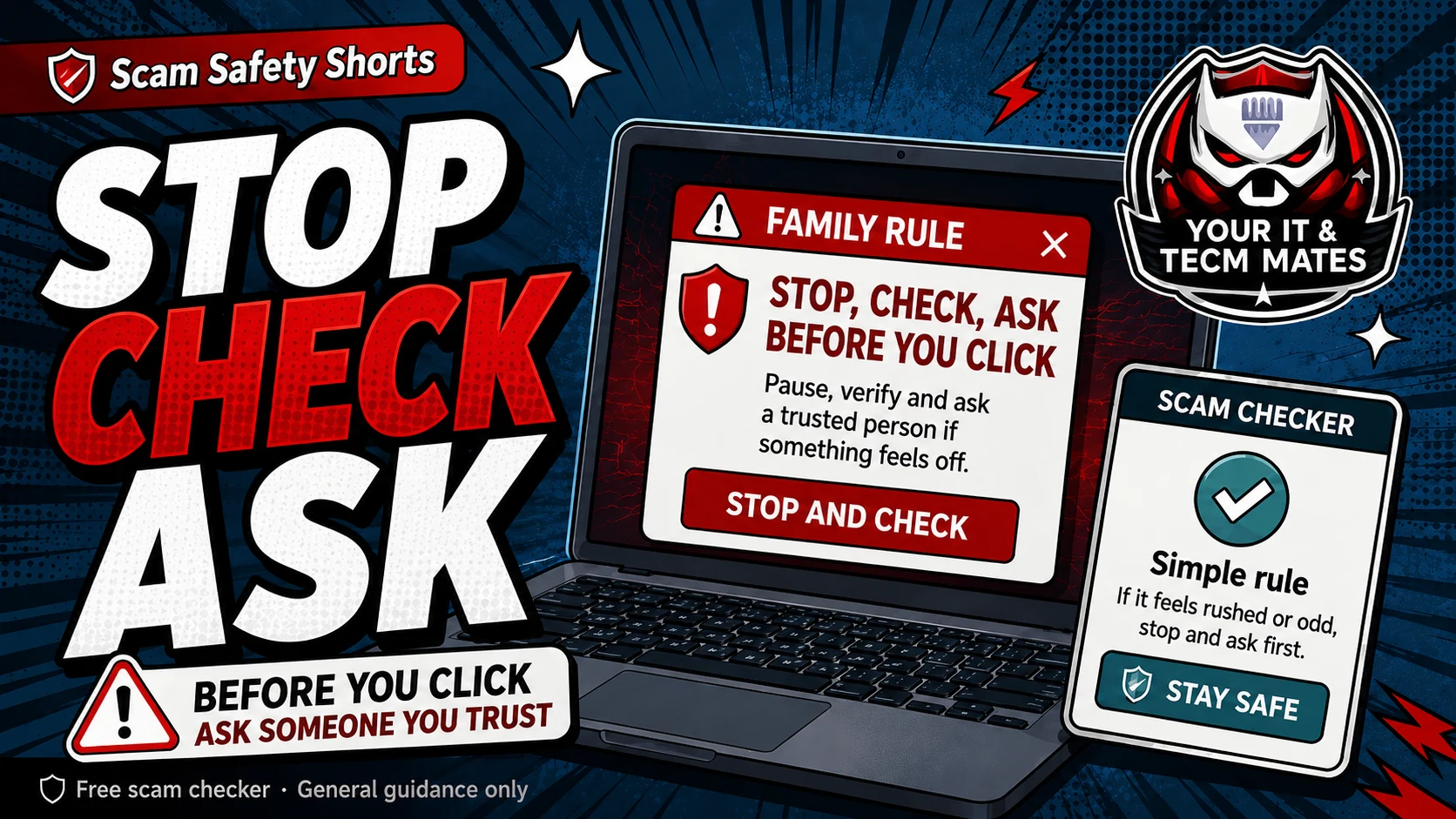
Quick answer: stop, check, ask
Stop before you click, pay, reply, share a code or install an app. Check using a trusted method you choose. Ask someone you trust if the request feels urgent, strange or emotional.
This rule is useful because scams are designed to make people act before they think.
When the rule must apply
- A message says a family member has a new number and needs urgent money.
- A link says your parcel, toll, bank, myGov or account needs immediate action.
- A buyer or seller asks for PayID upgrades, courier fees, deposits or screenshots.
- A caller or popup asks to control your phone or computer.
- An invoice has changed bank details or unusual urgency.
Make it easy to use
Put the rule on the fridge, in a family chat, or near the computer. Save the Scam Safety Hub as a bookmark. Give older family members permission to pause and ask without feeling embarrassed.
Use a family safety phrase for new-number money requests. Use a second-person check for business invoices.
What to say when someone pressures you
Say: I do not make payments or share codes under pressure. I will check and come back to you. A legitimate person can wait. A scammer often cannot.
Use the free checker before the next step
These free tools are a first check only. They are not a guarantee and they are not a substitute for professional advice, your bank, police, ReportCyber, IDCARE or a qualified specialist where needed.
Benefits and practical outcomes
Use these outcomes as a practical check on whether the advice is making the situation clearer and easier to manage.
Slower decisions under pressure
A short verification pause can stop urgency from deciding what you click, pay or share.
Independent verification
Checking through an official app, known website or saved contact reduces reliance on the suspicious message itself.
Better evidence
Keeping messages, receipts and timestamps makes it easier to explain what happened if you need help.
Clear escalation
A simple next-step plan helps you know when to contact a bank, platform, provider or hands-on support.
Example: urgency plus a link
A message says action is required immediately and includes a link for payment or sign-in. The recipient does not use the link; they open the organisation’s official app or known website and verify whether any real alert exists.
Outcome: the decision is separated from the pressure created by the message.
Why does stop, check, ask work?
It breaks the scammer’s pressure pattern. Most scams rely on urgency, fear, secrecy or embarrassment.
Who should people ask?
Ask a trusted family member, friend, bank, official service, local tech helper or qualified professional depending on the situation.
What if the request is real and urgent?
A real urgent request should still be verifiable. Use a trusted phone number, official app or known contact method instead of the link or number in the suspicious message.