
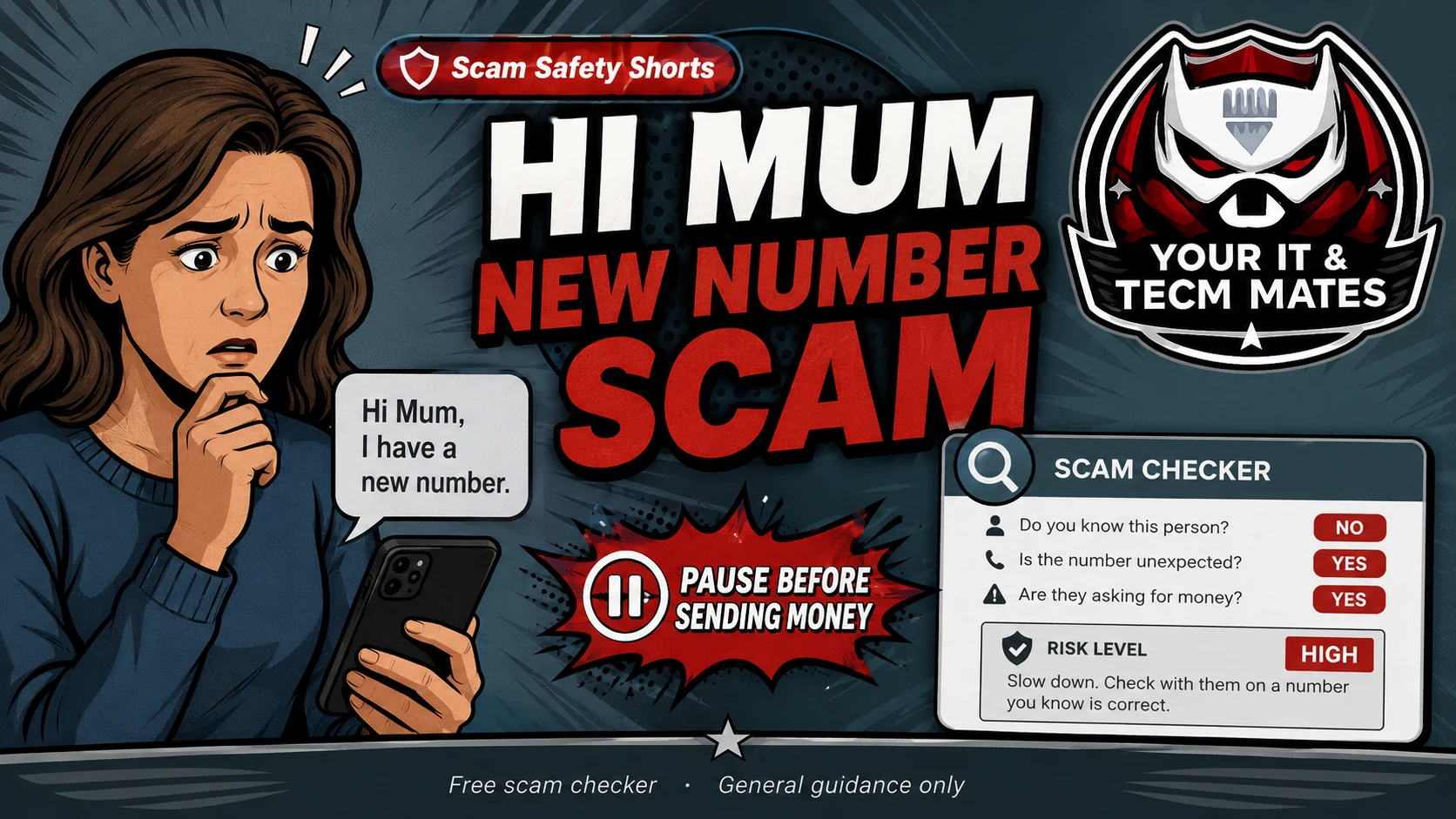
Do not send money to a new number until you call the person using their old number or another trusted contact method.
Should I click, reply or pay?
Check this message nowExample message
This is a general example only. Do not paste passwords, codes, banking details, card numbers, Medicare details, licence numbers or confidential business records into any public tool.
Warning signs
- They say their phone is lost or broken
- They ask you to save a new number
- They ask for urgent money or PayID
- They avoid a phone call
What to do now
- Call the person using their old number
- Ask another family member to confirm
- Do not send money straight away
- Use the checker before replying
Report or verify through Australian official channels
If the message looks like a scam, keep the message as evidence and report it through Australian Government scam and cyber reporting services. These links open official external sites.
If money, cards, banking, myGov, Medicare, ID documents or business account access were involved, contact your bank or the relevant official service directly first.
Check the message before you act
Paste the suspicious wording into the free Scam SMS & Email Checker. It gives general guidance only and cannot guarantee accuracy.
Check a scam messageCould the familiar voice itself be fake?
AI voice cloning can make an urgent request sound like a family member, boss or supplier. Use a safe word as an extra check, then hang up and call back using a number you already trust.
Read the AI voice & identity scam guideRelated Scam Help
Benefits and practical outcomes
Use these outcomes as a practical check on whether the advice is making the situation clearer and easier to manage.
Slower decisions under pressure
A short verification pause can stop urgency from deciding what you click, pay or share.
Independent verification
Checking through an official app, known website or saved contact reduces reliance on the suspicious message itself.
Better evidence
Keeping messages, receipts and timestamps makes it easier to explain what happened if you need help.
Clear escalation
A simple next-step plan helps you know when to contact a bank, platform, provider or hands-on support.
Is this guide a guarantee?
No. It is general guidance only. Always verify through official channels. In Australia, report scams to Scamwatch and report cybercrime through cyber.gov.au if you clicked, paid, entered details or installed remote access software.