
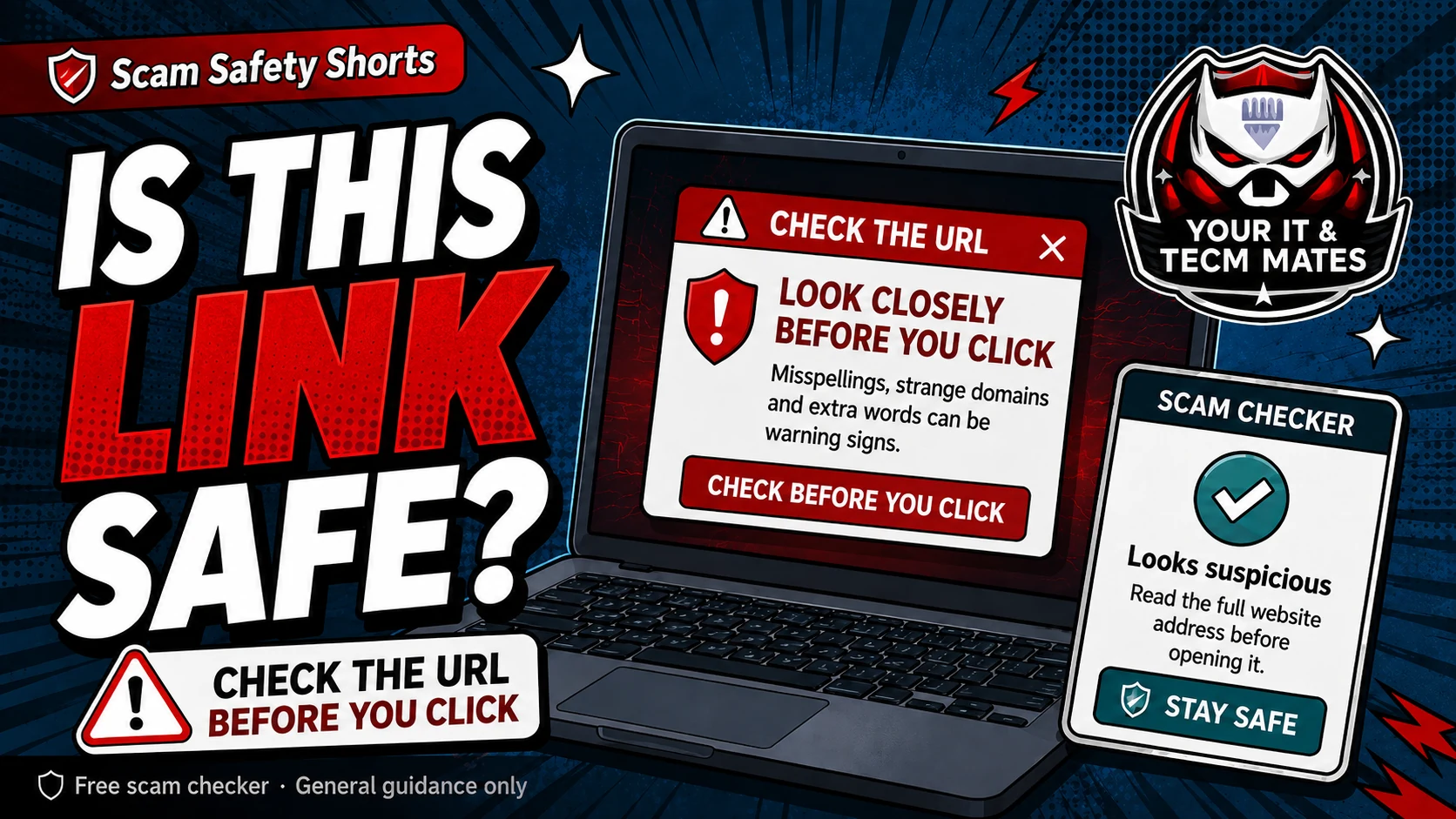
Quick answer: check before opening
Do not open a link just because it looks familiar. Scammers can copy brand names, use short links, hide links behind buttons, or make a fake page look like a bank, delivery company, toll road, myGov, Microsoft, Google or online shop.
Paste the link into the Suspicious Link Checker only if it is safe to copy. Do not enter passwords or one-time codes into the linked page.
Warning signs in a link
- The message is urgent: unpaid toll, delivery fee, refund, account locked, final notice or security alert.
- The link uses a shortener or a domain that is close to a real brand but not quite right.
- The page asks for passwords, card details, identity documents, banking codes or remote access.
- The link came from SMS, a QR code, a marketplace message, a popup, or an email you were not expecting.
Safer link habit
Open the official app or type the address yourself instead of using the message link. For banking, use your banking app. For delivery or tolls, use the provider website or app you opened yourself.
If the message is from a person you know, call them using a saved number before trusting a new link. Their account or phone number may have been copied or compromised.
If you already clicked
Stop entering details. Close the page. If you entered passwords, banking details, card details, codes or downloaded anything, use the recovery helper and contact the right service quickly.
Use the free checker before the next step
These free tools are a first check only. They are not a guarantee and they are not a substitute for professional advice, your bank, police, ReportCyber, IDCARE or a qualified specialist where needed.
Benefits and practical outcomes
Use these outcomes as a practical check on whether the advice is making the situation clearer and easier to manage.
Slower decisions under pressure
A short verification pause can stop urgency from deciding what you click, pay or share.
Independent verification
Checking through an official app, known website or saved contact reduces reliance on the suspicious message itself.
Better evidence
Keeping messages, receipts and timestamps makes it easier to explain what happened if you need help.
Clear escalation
A simple next-step plan helps you know when to contact a bank, platform, provider or hands-on support.
Example: urgency plus a link
A message says action is required immediately and includes a link for payment or sign-in. The recipient does not use the link; they open the organisation’s official app or known website and verify whether any real alert exists.
Outcome: the decision is separated from the pressure created by the message.
Can a link look safe but still be a scam?
Yes. Scammers can copy logos, wording and page designs. The domain, request and context matter more than how polished the page looks.
Should I use the link in an SMS to check a delivery or toll?
Safer habit: open the official app or website yourself. Do not rely on a link from an unexpected SMS.
What if the link is from someone I know?
Check with them using another method if the message is unusual, urgent, asks for money, or asks you to sign in.