
First, reduce the risk
It shows what to do first, including when to stop using a device, when to call the bank, and when to avoid changing passwords on a risky device.
If anyone is in immediate danger, being threatened, or unsafe, call 000 now. If money is missing, call your bank first, then report the scam to police or ReportCyber. For identity risk, consider IDCARE. For cyber advice, call 1300 CYBER1.
Answer a few simple questions and get a calm action plan for hacked email, Facebook, phone, computer, bank, myGov, remote access scams or business email problems.
Scam Help helps Australians choose the right next step before they click, before they pay, after they click, or when they need to report.
Stop. Check. Ask Your IT & Tech Mates.
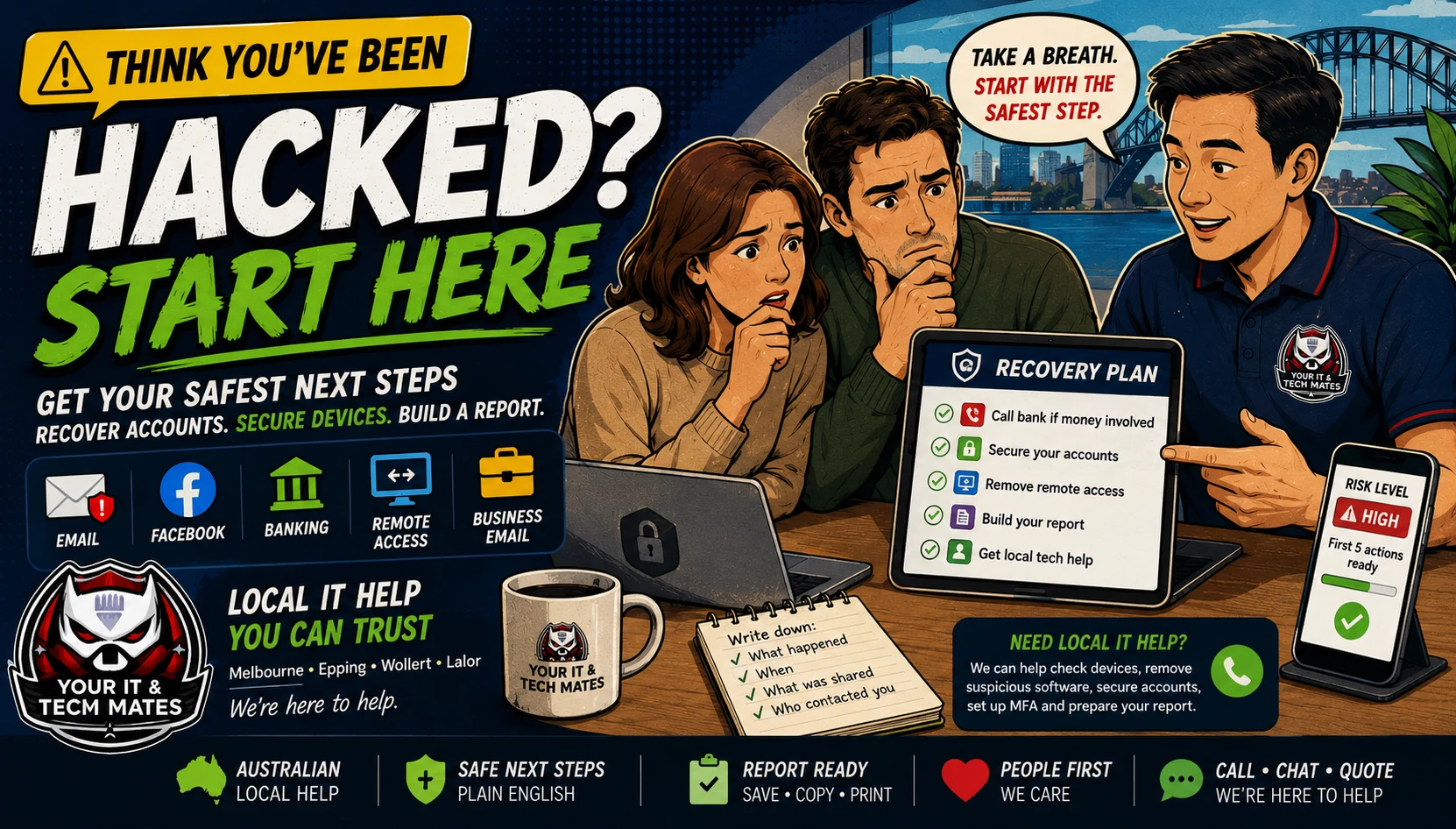
Use this as a first-check triage system. Start with the situation, then move to the safest next step before paying for help.
Use this helper if you clicked a suspicious link, paid money, gave a password or login code, installed remote access software, got locked out, or think an account or device has been hacked.
It shows what to do first, including when to stop using a device, when to call the bank, and when to avoid changing passwords on a risky device.
Choose email, Facebook/Instagram, remote access, business email, phone or computer to see practical checks in plain English.
Build simple notes you can copy for your bank, ReportCyber, IDCARE, your workplace, family, or local tech support.
Complete the recovery questions above first. This assistant explains the server-created recovery plan; it does not decide what happened, replace your bank, investigate accounts or guarantee recovery.
Complete at least the first recovery question above.
Loading optional AI explanation…
The checklist above remains available if AI is unavailable. Important banking, identity, business, safety and security decisions require human review.
Use this simple order: do these steps first, check your accounts next, then reduce the chance of it happening again.
Stop using the affected device, call your bank first if money is involved, and record what happened.
Change passwords from a safe device, turn on two-step login, sign out of other devices and check account security settings.
Update devices, remove suspicious apps, set up stronger passwords and two-step login, back up important files and show family or staff what to watch for.
Do not keep talking to the scammer, even if they say they can fix it, refund it or recover money.
If remote access or malware may be involved, use another safe device and contact your bank first.
Write down what happened, save existing messages or screenshots if safe, then follow recovery steps.
Fill in the report details in the helper, then press Create report on page. The report is created on this page only, so you can copy, print or use it when asking for help. Do not include passwords, codes, card numbers or identity document numbers.
Privacy: this report is created on your device only. We do not store your answers or report on our server. When you close or leave this page, the details are cleared from this browser page. Your IT & Tech Mates only receives details if you choose to copy them into QuoteMe, email or another booking request.
Use a safe device first. If the affected device may be infected or remote controlled, avoid changing passwords on that device until it is checked.
Call your bank first. After that, use this helper to prepare notes and check whether your device, email or accounts also need attention.
Use the Scam Checker instead. It is designed for checking suspicious messages before clicking, replying, paying or installing anything.
We can help check your device, remove suspicious remote access apps, scan for malware, review email forwarding rules, set up two-step login, prepare recovery notes and support family members who are not technical.
See the Scam Safety Help service for calm, hands-on device and account checks after a suspicious call, message, payment or remote-access incident.
This free tool provides general guidance from the answers you choose. It may be incomplete or inaccurate and is not a confirmed diagnosis, safety clearance, professional assessment, fixed quote or guarantee of an outcome.
For safety, security, money, legal rights, health, data loss or destructive changes, verify the result with a current official source or an appropriate qualified person. To the extent permitted by law, we are not responsible for loss caused by relying on free, unconfirmed tool output instead of obtaining that help. Nothing here removes rights that cannot be excluded under Australian law.
Read the Information disclaimer · How tool information is handled