
1. Copy the link text
Long press or right click to copy the link. Do not tap through to the page if the message feels suspicious.
If anyone is in immediate danger, being threatened, or unsafe, call 000 now. If money is missing, call your bank first, then report the scam to police or ReportCyber. For identity risk, consider IDCARE. For cyber advice, call 1300 CYBER1.
Stop. Check. Ask Your IT & Tech Mates.
Paste a link from an SMS, email, invoice, online shop, fake support page, short link or QR code preview. We check the link without opening it on your device and explain the warning signs in plain English.
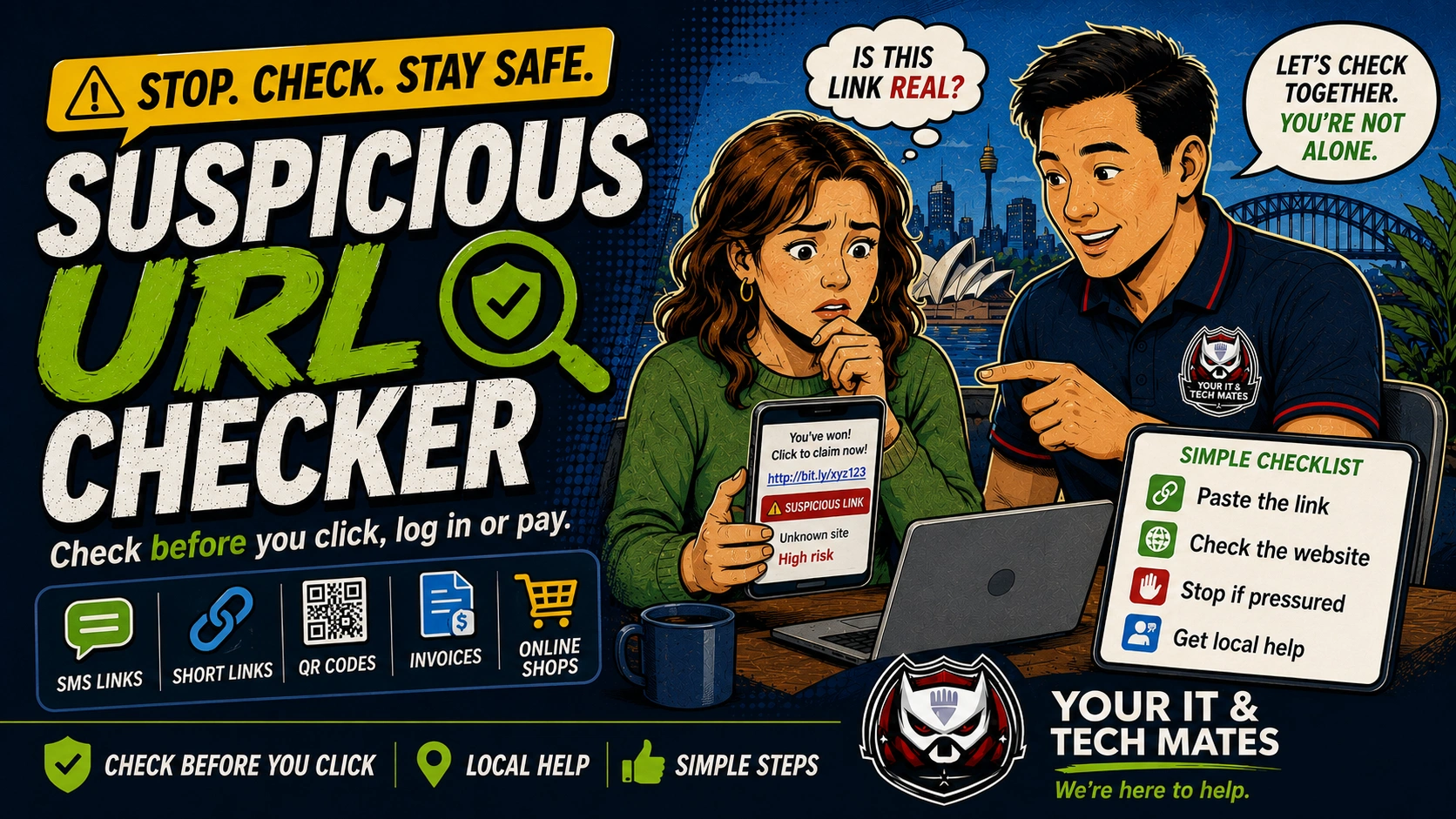
Use this as a first-check triage system. Start with the situation, then move to the safest next step before paying for help.
Long press or right click to copy the link. Do not tap through to the page if the message feels suspicious.
You can paste a full message too. We only send the selected link to the link-checking backend.
If money, login, ID, remote access or delivery fees are involved, use the official app, typed website or trusted phone number.
This checker uses simple wording, Australian examples and local next steps so people can decide what to do before they click, log in, send money or call a number in a message.
Checks common wording from parcel, toll, myGov, ATO, PayID, invoice, marketplace and remote-support scam messages.
Connects users to Your IT & Tech Mates local help when the issue moves from simple checking to hands-on recovery or support.
Clear headings and plain answers make this tool easier for people to use, explain and share safely.
The safest action is usually to open the official app yourself, type the known website, or call a trusted number already saved in your records.
Report suspicious scam messages and links to the ACCC Scamwatch service.
Open ScamwatchIf someone clicked, paid, gave access or lost money, ReportCyber can help with Australian cyber incident reporting.
Open ReportCyberUse our recovery helper to make a calm action list before calling your bank, provider or local tech help.
Start recovery helperSee the Scam Safety Help service for calm, hands-on device and account checks after a suspicious call, message, payment or remote-access incident.
This free tool provides general guidance from the answers you choose. It may be incomplete or inaccurate and is not a confirmed diagnosis, safety clearance, professional assessment, fixed quote or guarantee of an outcome.
For safety, security, money, legal rights, health, data loss or destructive changes, verify the result with a current official source or an appropriate qualified person. To the extent permitted by law, we are not responsible for loss caused by relying on free, unconfirmed tool output instead of obtaining that help. Nothing here removes rights that cannot be excluded under Australian law.
Read the Information disclaimer · How tool information is handled