
Slower decisions under pressure
A short verification pause can stop urgency from deciding what you click, pay or share.
If anyone is in immediate danger, being threatened, or unsafe, call 000 now. If money is missing, call your bank first. If accounts, devices or identity details are involved, save evidence and use official reporting pathways.
If someone says your computer, internet, bank account or NBN has a problem, pause before installing anything or sharing details.
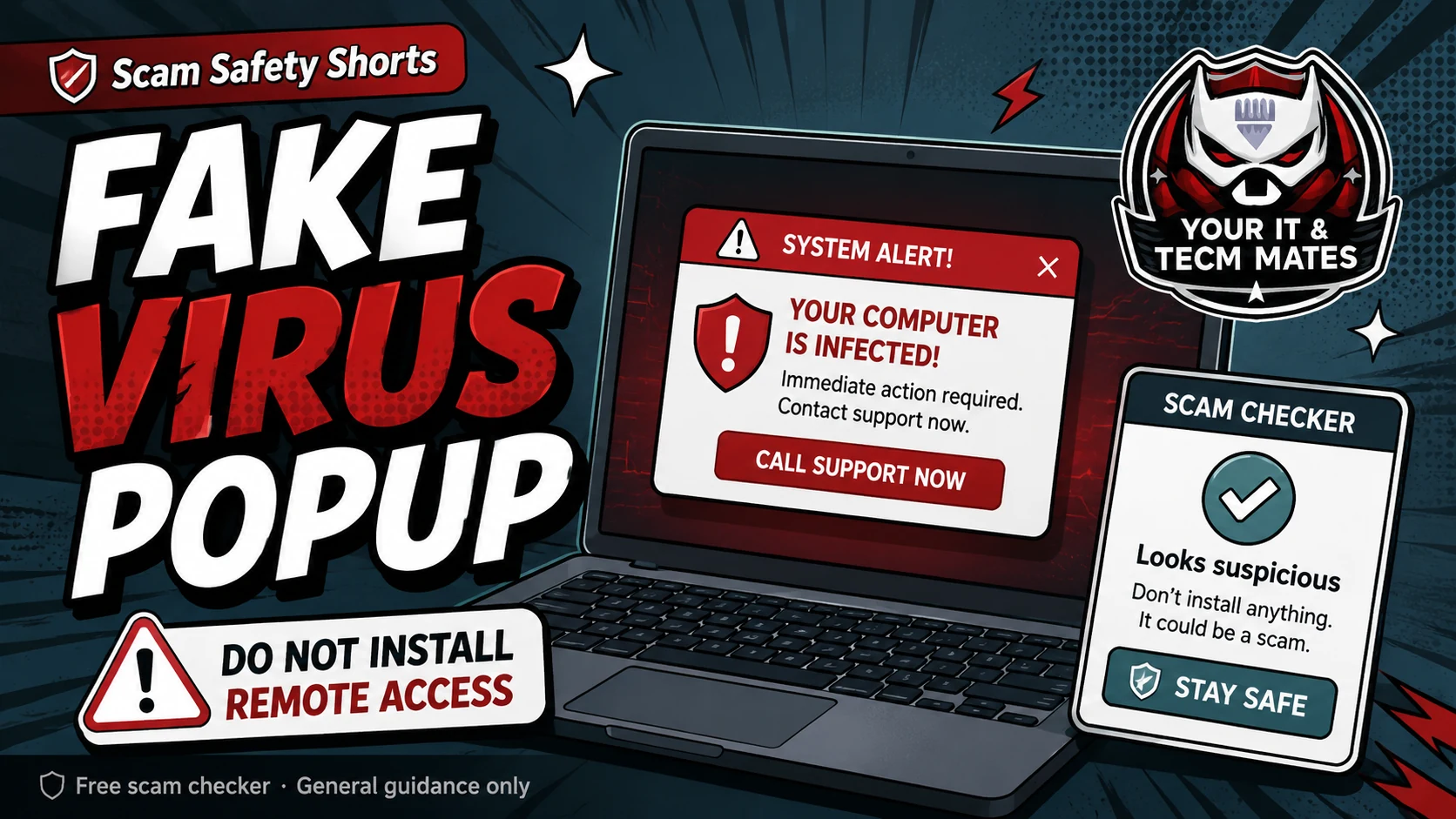
Do not install remote-access software or give an unexpected caller control of your device. End the contact, close the popup if you can do so safely, and verify the organisation independently before taking another step.
Hang up and verify through official contact details. Do not use the number in a popup, suspicious message or caller ID.
Real support should not rush you into installing remote access, opening banking, sharing one-time codes or moving money.
Scammers may claim they are from Microsoft, Telstra, NBN, a bank, antivirus company or government support. They may show normal technical screens as if they prove you are hacked.
A scary popup can be just a web page. Closing the browser or restarting may be safer than calling the number shown.
Disconnect the device from the internet, stop using online banking on it, call your bank if money or card details are involved, and save evidence.
Then use the remote access and hacked recovery helpers to plan cleanup and account security.
AI voice cloning can make an urgent request sound like a family member, boss or supplier. Use a safe word as an extra check, then hang up and call back using a number you already trust.
Read the AI voice & identity scam guideUse these outcomes as a practical check on whether the advice is making the situation clearer and easier to manage.
A short verification pause can stop urgency from deciding what you click, pay or share.
Checking through an official app, known website or saved contact reduces reliance on the suspicious message itself.
Keeping messages, receipts and timestamps makes it easier to explain what happened if you need help.
A simple next-step plan helps you know when to contact a bank, platform, provider or hands-on support.
A caller says the computer is infected and asks the customer to install remote-access software. The customer ends the call and independently contacts a trusted support provider before allowing anyone to access the device.
Outcome: device control is not handed to an unverified caller.
Unexpected support calls should be treated as suspicious. Hang up and contact the organisation through official details.
No. Many fake popups are designed to scare you into calling a scam number or installing remote access.
Disconnect the internet, call your bank if money is involved, save evidence and use the recovery helper.
If something already happened, a device or account needs checking, or you want a technician to review the situation with you, see what the Scam Safety Help service includes.
Use the relevant service page to understand the support path, or start with QuoteMe to describe the problem. A QuoteMe request is reviewed by a person and does not approve paid work, pricing, payment or diagnosis.
If a fake support caller has made you worried about the whole household network, do not start replacing or resetting everything. First deal with any account or remote-access risk, then review practical home-tech basics such as router updates, smart-device separation and camera storage.
If you want a technician to review the Wi-Fi or connected-device setup after the scam-safety steps, start QuoteMe with the article context.
Continue from here
These links are selected from the same hub, Intent, service and tool relationships.