
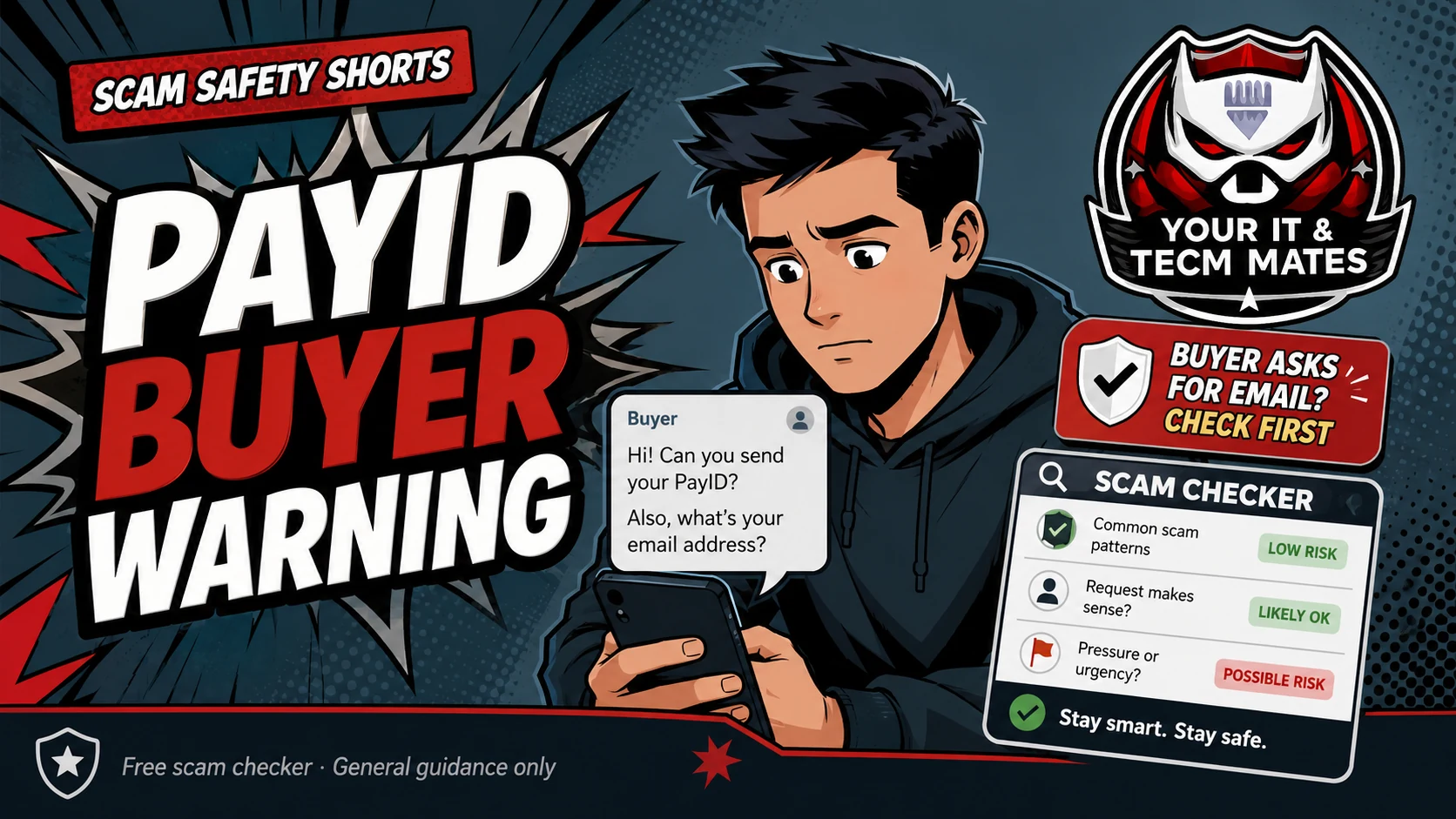
Be careful when a buyer asks for your email, sends fake PayID screenshots or says you must pay to upgrade an account.
Should I click, reply or pay?
Check this message nowExample message
This is a general example only. Do not paste passwords, codes, banking details, card numbers, Medicare details, licence numbers or confidential business records into any public tool.
Warning signs
- Buyer asks for email instead of simple PayID details
- They send a fake PayID or bank email
- They say you need to pay a fee to receive money
- They push courier pickup before payment clears
What to do now
- Do not pay a fee to receive money
- Check your real banking app, not screenshots
- Keep sales inside the marketplace where possible
- Use the checker before replying
Report or verify through Australian official channels
If the message looks like a scam, keep the message as evidence and report it through Australian Government scam and cyber reporting services. These links open official external sites.
If money, cards, banking, myGov, Medicare, ID documents or business account access were involved, contact your bank or the relevant official service directly first.
Check the message before you act
Paste the suspicious wording into the free Scam SMS & Email Checker. It gives general guidance only and cannot guarantee accuracy.
Check a scam messageRelated Scam Help
Benefits and practical outcomes
Use these outcomes as a practical check on whether the advice is making the situation clearer and easier to manage.
Slower decisions under pressure
A short verification pause can stop urgency from deciding what you click, pay or share.
Independent verification
Checking through an official app, known website or saved contact reduces reliance on the suspicious message itself.
Better evidence
Keeping messages, receipts and timestamps makes it easier to explain what happened if you need help.
Clear escalation
A simple next-step plan helps you know when to contact a bank, platform, provider or hands-on support.
Is this guide a guarantee?
No. It is general guidance only. Always verify through official channels. In Australia, report scams to Scamwatch and report cybercrime through cyber.gov.au if you clicked, paid, entered details or installed remote access software.