
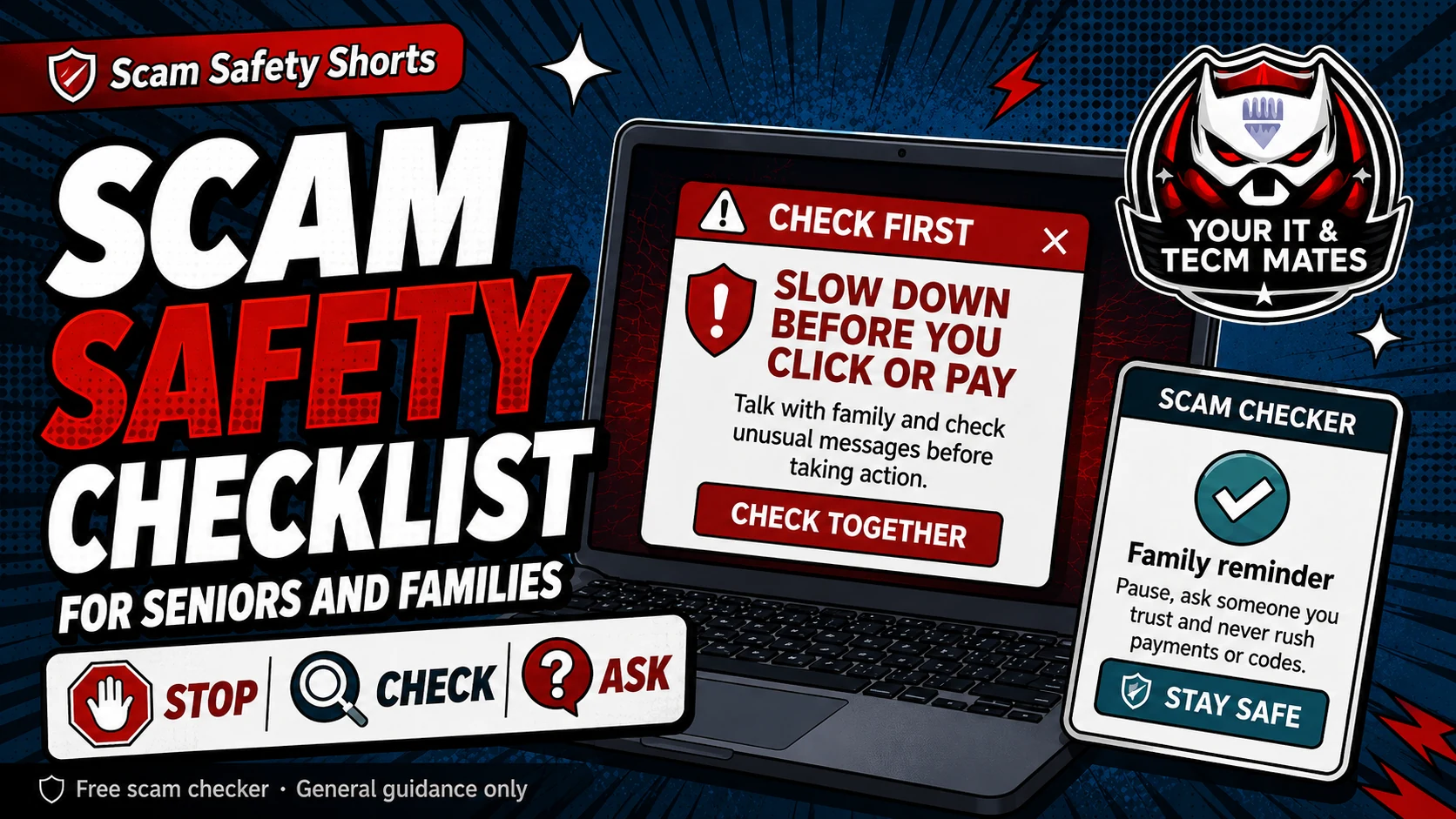
Quick answer: make checking normal
The goal is not to make people afraid of technology. The goal is to make checking a normal family habit before anyone clicks, pays, shares a code or lets someone control a device.
Use a shared rule: no shame, no rushing, no secret payments.
Simple checklist for seniors and families
- Do not click links in urgent messages until they are checked.
- Do not send money to a new number until you call the person using an old trusted number.
- Do not share one-time codes, banking codes, Medicare details, driver licence details or passwords by message.
- Do not install remote access apps for a caller, popup or stranger.
- Ask a family member, friend or trusted helper before paying unusual invoices, deposits or fees.
Set up a family safety phrase
Choose a simple phrase only close family know. If someone messages from a new number asking for money, ask for the phrase or call them on a known number.
Keep it simple and friendly. The phrase should help people pause, not make them feel silly.
Make help easy to ask for
Save the Scam Safety Hub and the Family Scam Check on phones. Agree that anyone can ask, even if they feel embarrassed. Scammers use pressure and shame; families can answer with calm checking.
Use the free checker before the next step
These free tools are a first check only. They are not a guarantee and they are not a substitute for professional advice, your bank, police, ReportCyber, IDCARE or a qualified specialist where needed.
Could the familiar voice itself be fake?
AI voice cloning can make an urgent request sound like a family member, boss or supplier. Use a safe word as an extra check, then hang up and call back using a number you already trust.
Read the AI voice & identity scam guideBenefits and practical outcomes
Use these outcomes as a practical check on whether the advice is making the situation clearer and easier to manage.
Slower decisions under pressure
A short verification pause can stop urgency from deciding what you click, pay or share.
Independent verification
Checking through an official app, known website or saved contact reduces reliance on the suspicious message itself.
Better evidence
Keeping messages, receipts and timestamps makes it easier to explain what happened if you need help.
Clear escalation
A simple next-step plan helps you know when to contact a bank, platform, provider or hands-on support.
Example: urgency plus a link
A message says action is required immediately and includes a link for payment or sign-in. The recipient does not use the link; they open the organisation’s official app or known website and verify whether any real alert exists.
Outcome: the decision is separated from the pressure created by the message.
What is the best family rule for scam safety?
Stop, check, ask. Stop before clicking or paying, check using a trusted method, and ask someone before sending money, codes or private details.
How can I help a parent without making them feel blamed?
Use calm language. Say scams are designed to trick anyone, and the family rule is there to protect everyone, not to blame anyone.
Should seniors avoid online banking or messaging?
Not necessarily. The safer approach is to keep using helpful technology with simple checking habits and trusted support when something feels unusual.