
One clearer place to start
Ask for help with a device, Wi-Fi, email, school device, senior tech issue or NDIS client IT support need without needing to know the technical cause first.
Start Quick HelpDescribe the problem in plain English. Quick Help captures the important details, and TheFixers.app helps organise trusted referrals, provider pathways, quotes, invoices and next steps when a job needs more than one person.
Please do not send PINs, passcodes, passwords, banking codes or payment details.
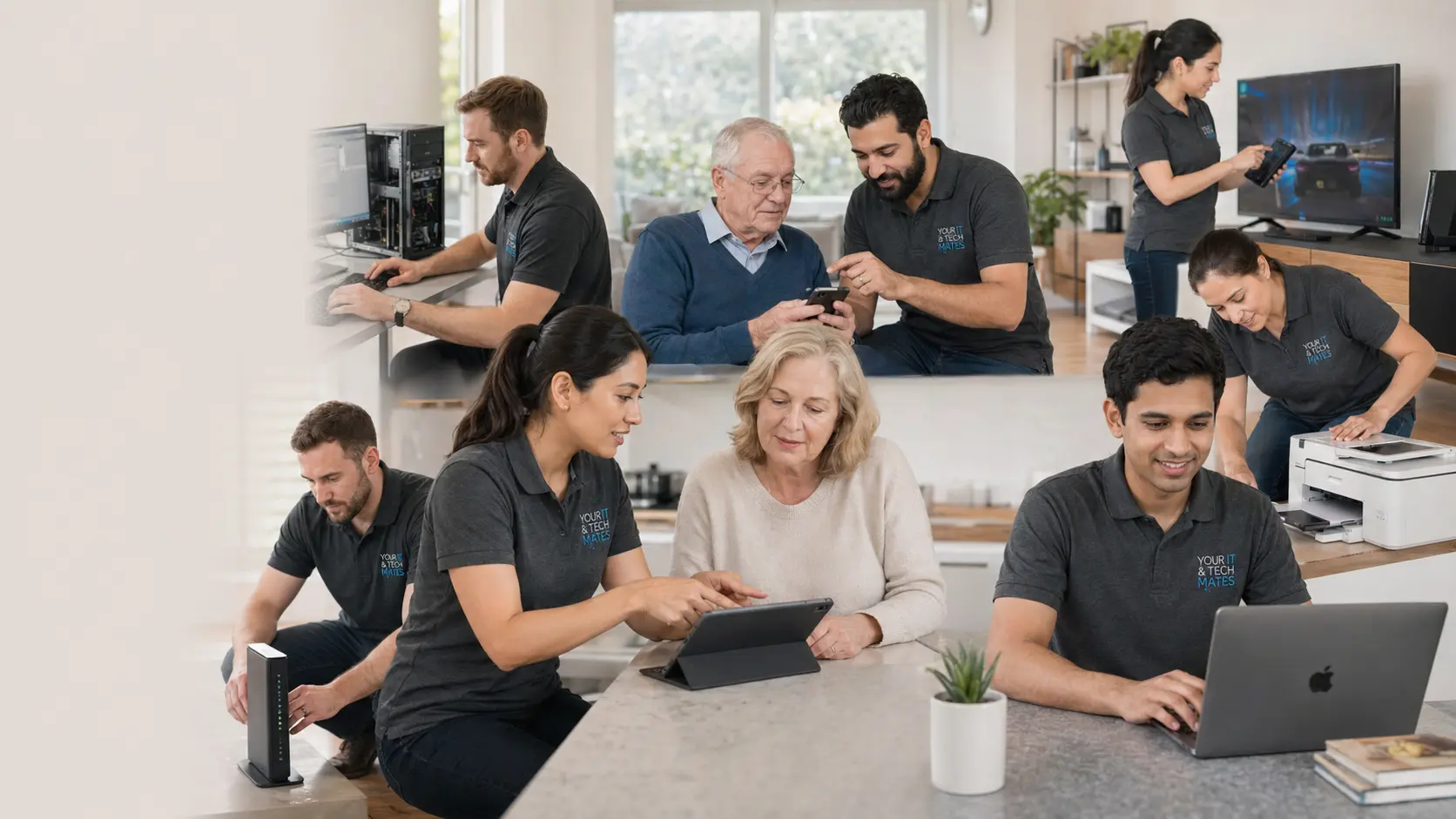
Explore the most requested services from Your IT & Tech Mates. Each image has SEO alt text and links to the closest available service page so customers and search engines can clearly understand what we do.
 iPhone Repairs
 Samsung & Android Repairs
 iPad & Tablet Repairs
 MacBook Repairs
 Windows Laptop Repairs
 Computer Port & Motherboard Repairs
 Smart TV, HDMI & Power Faults
 Gaming Console Repairs
 Data Recovery & Backup
 Wi-Fi & Internet Setup
 Printer & Scanner Setup
 Smart Home Setup
 Small Business IT Support
Need help choosing the right service? Start Quick Help and a real technician will review the device, fault, location and next step before confirming the quote.
Your IT & Tech Mates uses TheFixers.app to help customers, referrers, students and providers move through the right pathway — from first request to quote, referral, team-up, invoice and follow-up.
Ask for help with a device, Wi-Fi, email, school device, senior tech issue or NDIS client IT support need without needing to know the technical cause first.
Start Quick HelpProviders can access suitable opportunities, refer a job to another provider when too busy or not the right fit, and team up for bigger projects, pickups or mixed-skill work.
Provider pathwayTheFixers.app is being built to make referral and funnel follow-up easier: lead source, stage, owner, next action, quote, refer, team-up and invoice visibility.
Explore TheFixers.appStudents and ambassadors can start with trusted referrals, communication and local connection before moving toward suitable helper or provider pathways.
Ambassador NetworkYour IT & Tech Mates is building verified skill tags that reflect completed jobs, customer reviews and admin-reviewed evidence. It helps customers understand real experience instead of relying only on self-claimed profile text.
“Explained the issue clearly and helped us decide what was actually worth fixing.”
Local repair customer“Patient, practical and easy to deal with. Exactly what we needed for home tech help.”
Home support customer“No confusing jargon. Just straight advice and a clear next step.”
Melbourne North customerQuick Help is the fastest way to send the right repair details without needing to know the exact technical name for the issue.
Guide only until confirmed by a technician. Never send passwords, PINs or banking codes.
 Refer a mate
Share Your IT & Tech Mates with a neighbour, friend or family member. When eligible jobs clear review checks, public nicknames can climb the referral tally board.
Four simple paths. Pick the one that sounds closest, or start with Quick Help if you are unsure.
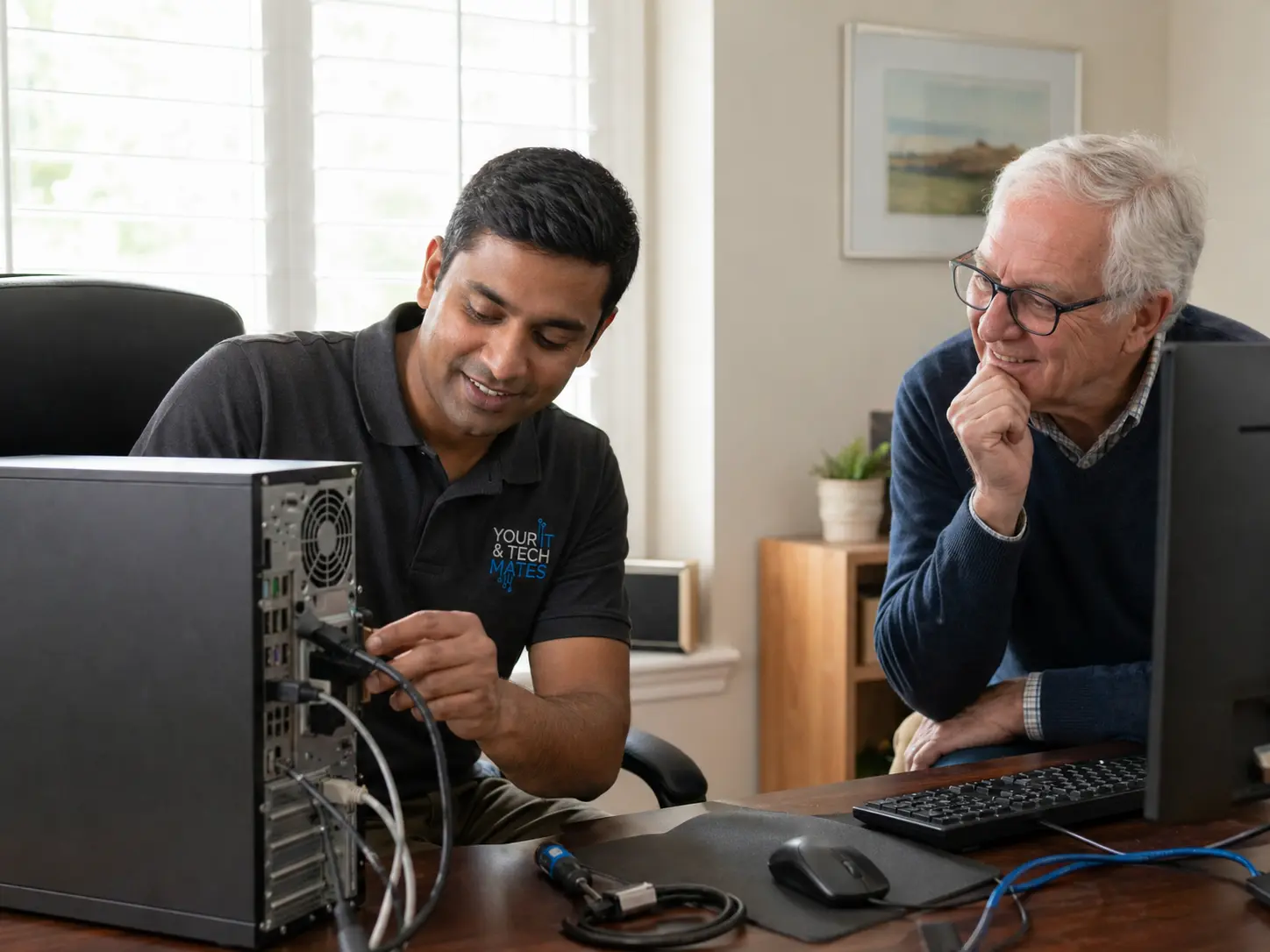
Computer, laptop, MacBook, phone, tablet, data recovery and virus help.
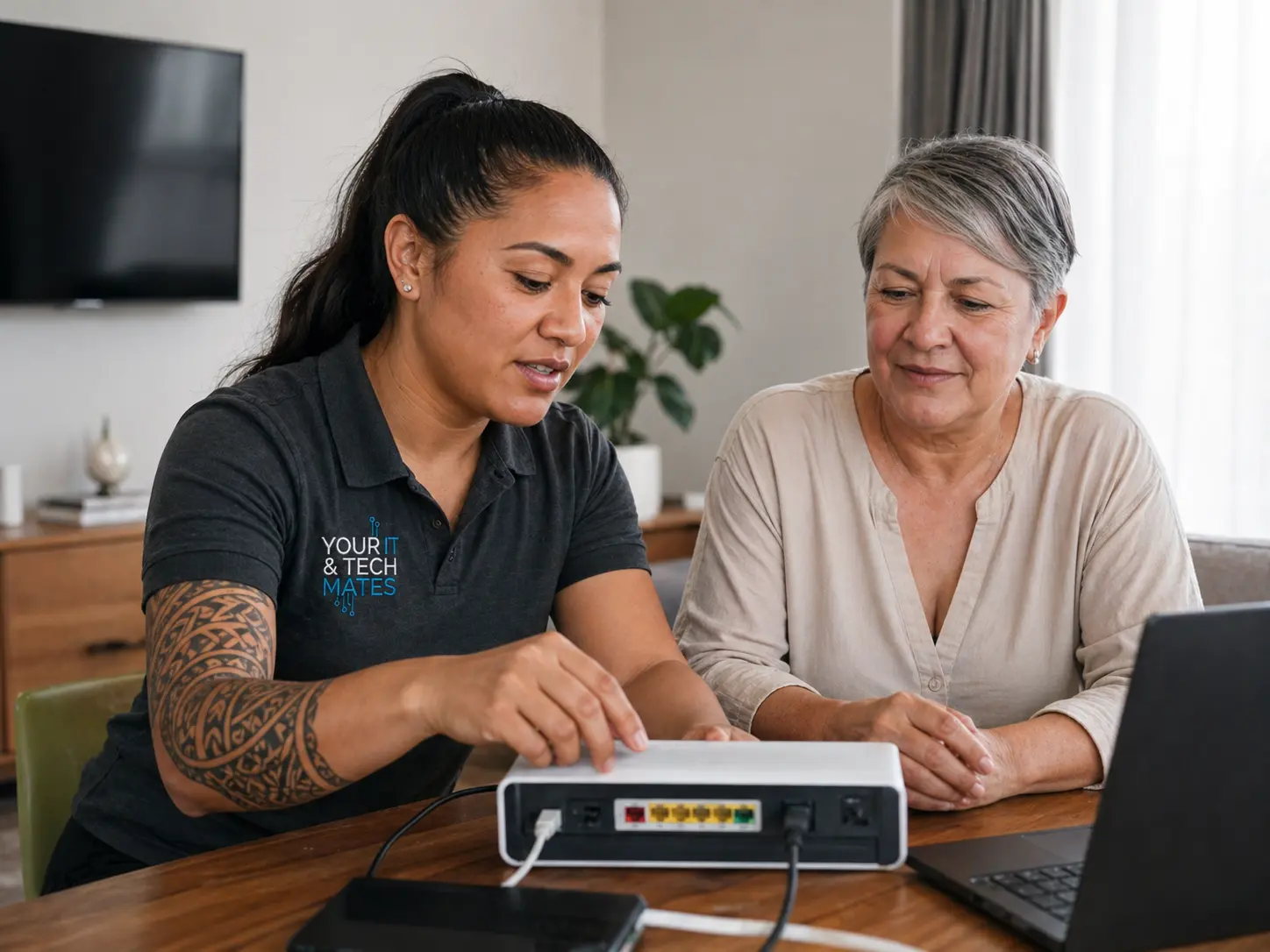
Wi-Fi, printers, new devices and patient in-home troubleshooting.
Seniors, NDIS participants, school devices, parents and carers.
Business IT, software, automation, websites, AI and practical workflows.
Your IT & Tech Mates has a growing library of plain-English repair, scam safety, Wi-Fi, student device and small business guides. Use these entry points to send visitors to the right post without turning the homepage into a crowded blog archive.
Common causes, safe checks and when a slow computer needs proper repair help.
Read the guide → Home techSimple router, modem, NBN and home coverage checks before booking support.
Read the guide → Business AIPractical first steps for automating admin without overcomplicating the business.
Read the guide →Laptop, computer, MacBook, phone, battery, charging, virus and data recovery help.
Helpful reading for parents, seniors, carers and people setting up student devices.
Shortcuts for quotes, missed calls, CRM, customer replies and practical AI use.
Clear rates, no call-out fee for local support, and quotes before work starts.
Local Melbourne North rate usually $135/hour. Best for troubleshooting, setup, Wi-Fi, printers and general tech help.
Computer, laptop, phone and tablet repairs are quoted after the issue is scoped. No work starts without your approval.
Software, AI, automation, websites, business systems and consulting are scoped based on outcomes and complexity.
Practical systems for enquiries, quoting, admin, CRM, follow-up and business workflows.
Missed call replies, quote follow-up, job notes and simple automation for busy trade businesses.
ReviewFind where AI can save time without making your business more complicated.
GuidePlain-English starting points for owners who want useful automation, not hype.
We help across Epping, Wollert and nearby Melbourne North suburbs with repairs, home IT support, business systems and patient tech help for families.
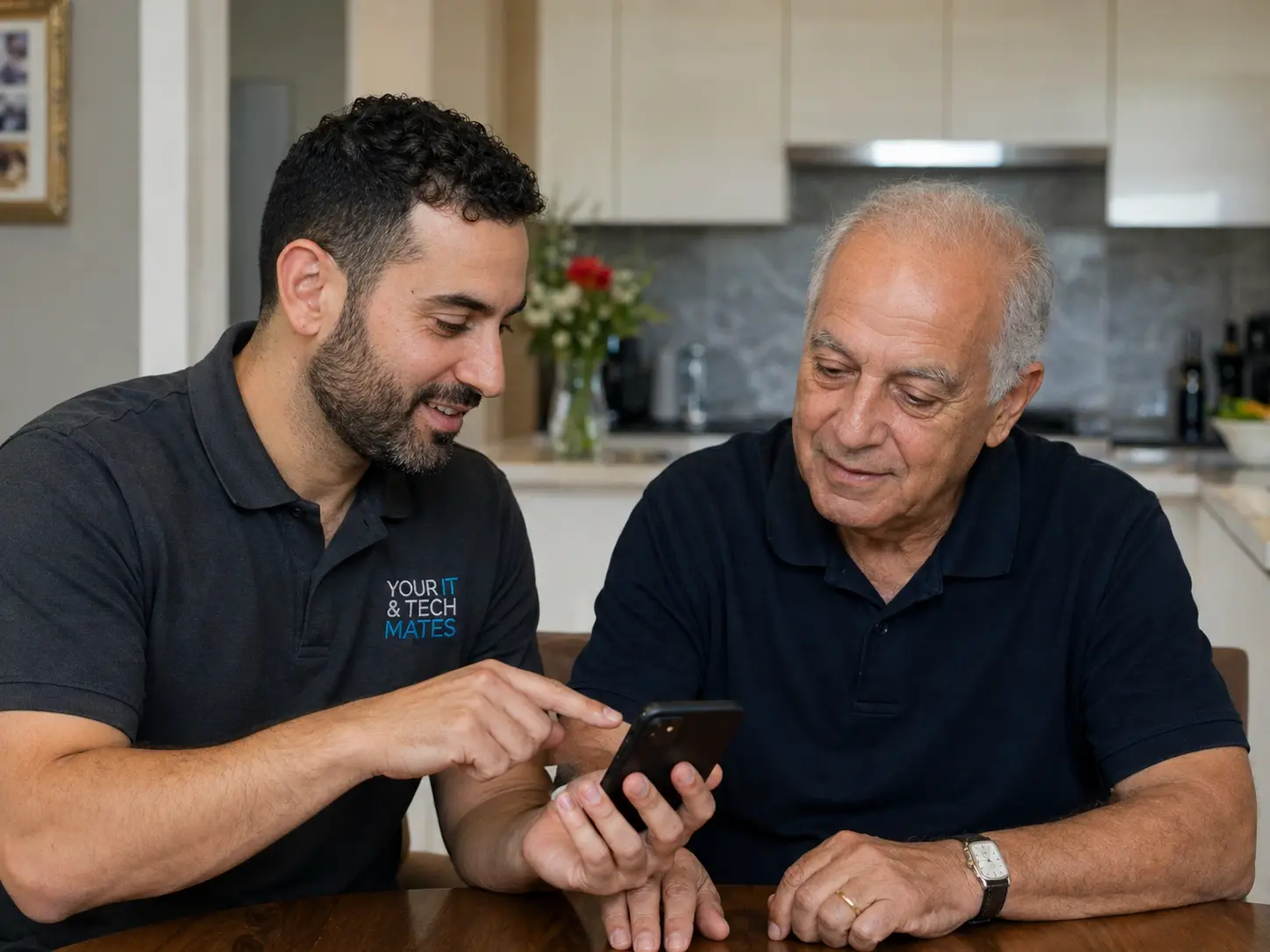
Setup, apps, transfers, accessibility and family support.
Charging, battery, screen, setup and repair-vs-replace advice.
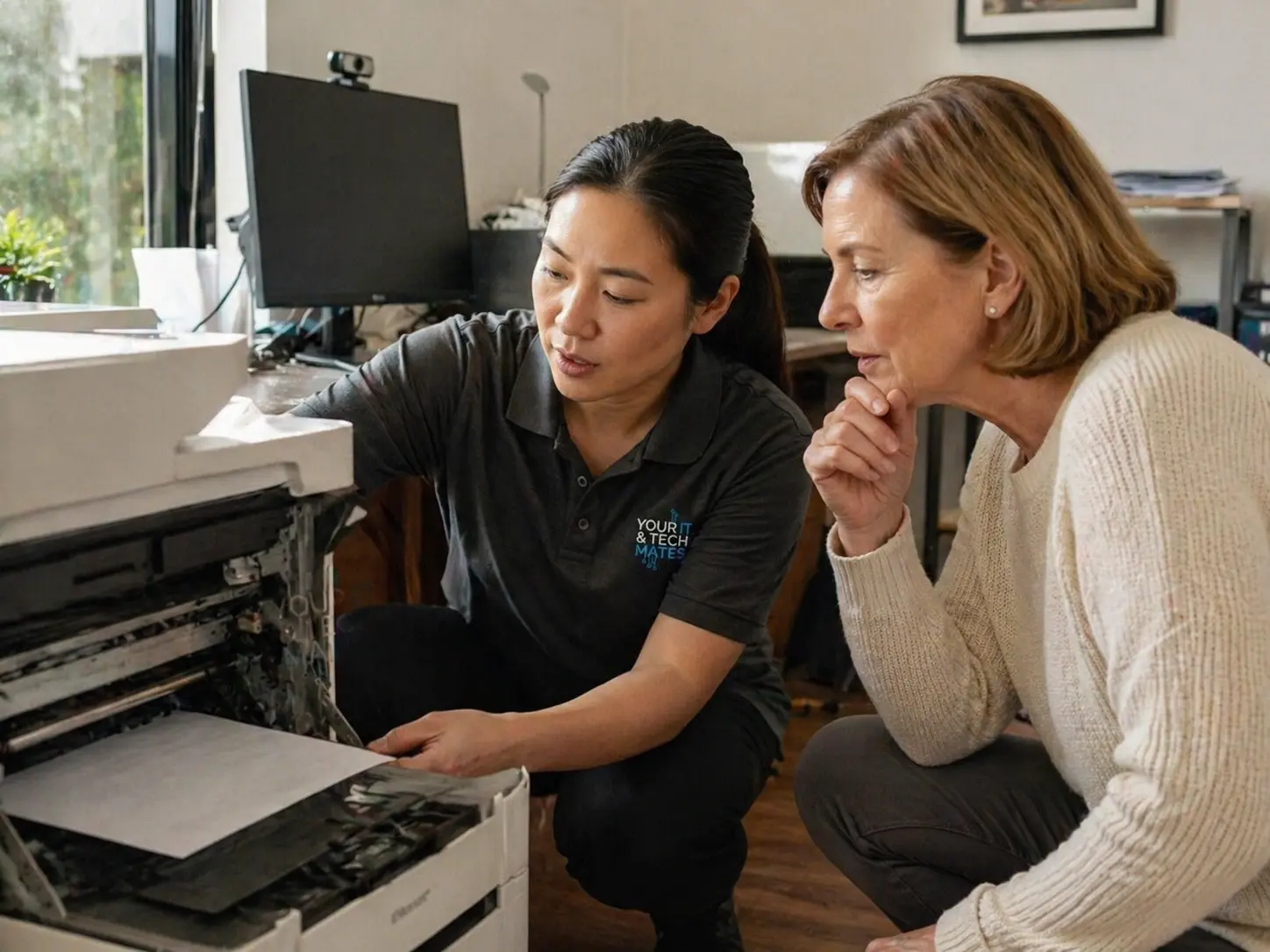
Printers that will not connect, scan or talk to the right device.
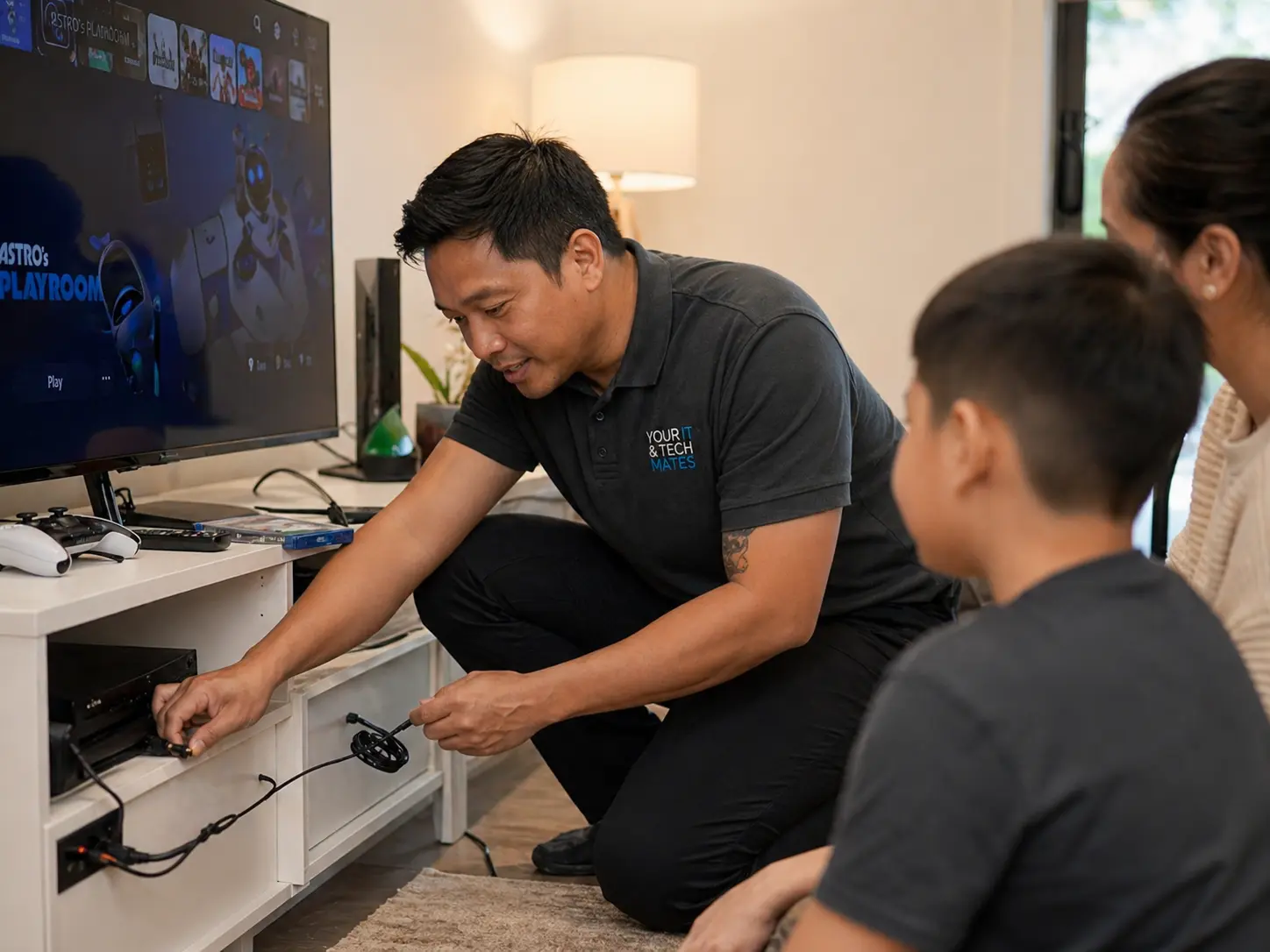
Accounts, internet connection, family controls and troubleshooting.
No. Your IT & Tech Mates remains the local service brand. TheFixers.app is the system that helps organise requests, referrals, provider pathways, follow-up, quotes and invoice steps.
Providers can use clearer pathways for suitable leads, referral handover, quote follow-up, invoice steps, and team-ups for bigger projects or jobs they cannot handle alone.
They sit inside the customer pathway. The request can be guided toward school device support, senior tech help, family/carer coordination or NDIS client IT support needs while staying within technology help only.
No. It supports real local job and referral pathways, but work, approval and income are not guaranteed. Human review, suitability and customer needs still matter.
Start with Quick Help for repairs and support, or use referrals if you are sharing us with someone else.