
Fix something
For a computer, phone, tablet, Wi-Fi, printer, email or everyday technology problem at home.
Home Tech Help VisitSee current estimateAbout 60 minutes
Patient one-to-one help for everyday technology. The senior rate is $110/hour including GST, compared with our standard $110/hour incl. GST support rate.
$40/hour less than our standard support rate
A family member may arrange or pay for support. We still respect the senior customer's choices, privacy and consent.
Patient technology help at home for older Australians and families across Melbourne’s north. Start with one simple need: fix something, learn and practise, or check a scam or safety concern.
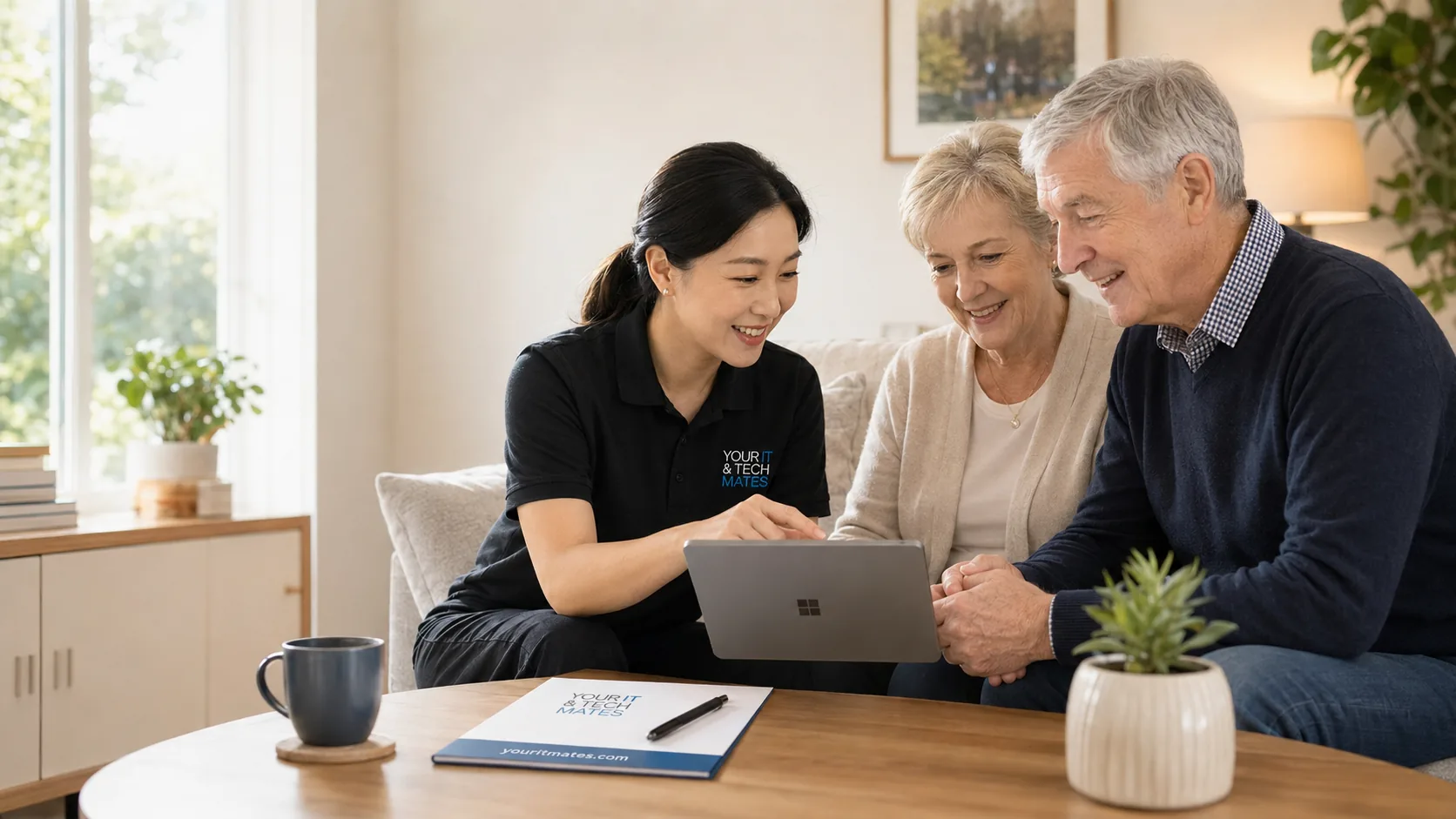
These links use current Your IT & Tech Mates information. A technician confirms the work and price before paid work starts.
Your IT & Tech Mates provides technology support only. We are not an aged care provider, not a home-care provider, not a personal-care service and not a registered NDIS provider. We do not provide nursing, medication, mobility, personal care, therapy, emergency welfare checks or care-plan management. Our work is limited to devices, internet, repairs, scam-safety guidance and practical digital support. A family member, carer, support worker or authorised representative should be involved where consent, capacity, safety or care arrangements require it.
Senior Tech Support works best when confidence, safety and device condition are separated before booking.
Choose the closest situation. These are ordinary Your IT & Tech Mates technology-support estimates from the current pricing guide. Hourly support uses the current $110/hour incl. GST including GST rate; we confirm the scope and expected time before paid work begins.
For a computer, phone, tablet, Wi-Fi, printer, email or everyday technology problem at home.
For patient one-to-one help with a new device, email, video calls, photos, apps, passwords or online services.
For suspicious calls, messages, pop-ups, remote-access incidents or an account that may have been exposed.
Current Your IT & Tech Mates pricing guide. Parts, device repairs, data recovery and extended recovery work are separate and are quoted before proceeding.
We slow down, demonstrate one step at a time and encourage the senior to practise rather than taking over the device.
Support can continue from setup and learning to laptop or MacBook diagnosis, pickup-and-return repair and replacement advice.
We do not ask for banking passwords, PINs or one-time security codes. Extra work is explained and approved first.
A nominated family member can help arrange visits and receive a plain-English summary where the senior agrees.
Local pages explain the services available in each suburb and link directly to the most suitable plan.
Tell us who needs help, the device, suburb and what they want to be able to do. A family member can help arrange support with the senior’s consent.
We explain one step at a time and avoid asking for banking passwords, PINs or one-time security codes.
Where useful, we provide a plain-English summary and can include an authorised family member in follow-up.
See a documented Bundoora support example · Check service areas
The dedicated senior rate is $110/hour including GST. A 60-minute home visit is $110 and a 90-minute confidence session is $165. We confirm scope and any separate repair, parts, pickup or travel costs before paid work.
The $110/hour rate applies to eligible Senior Tech Support time. Hardware repairs, replacement parts, data recovery and pickup/return work can require a separate quote because the cost depends on the device and fault.
Yes. We confirm the appointment and consent with the senior, and can provide a family follow-up summary when authorised.
Yes. The best format depends on the problem, the senior’s comfort and the selected service or plan.
Yes. For computer repairs in Epping and surrounding suburbs, we can diagnose common laptop, MacBook, tablet and phone problems and provide repair, pickup-and-return or replacement advice. Parts and repair work are quoted separately.
Yes. Programs include resident appointment days, digital-confidence workshops and recurring partnerships with privacy-respecting reporting.
Core areas include Epping, Wollert, Lalor, Mill Park, South Morang, Mernda, Thomastown and Bundoora, with nearby suburbs confirmed on request.
Describe the senior, device, suburb and main concern. We will recommend the simplest suitable starting point.
Use these pages to prepare for a visit, check a safety concern or move from learning support into repair and setup help.
Use the existing senior support assessment to organise devices, goals, accessibility needs and family involvement before booking.
Senior tech support assessmentCheck the immediate risk, then move to the dedicated senior scam-safety review when a technician needs to inspect the device or accounts.
Scam Risk CheckerCompare device setup help for email, updates, backups, printers and safer everyday use.
Device setup MelbourneUse the repair and data-recovery pages when the device is damaged, slow, not starting or holding important files.
Computer repairs MelbourneSee practical preparation tips for seniors, families and carers before choosing a visit or ongoing plan.
Senior-friendly tech help guideRead how a new laptop was prepared for a family with clear handover notes and everyday support.
Family device setup case studyUse practical guides for family-arranged phone setup, scam recovery, email access, accessibility, photos, video calls, Wi-Fi and printers.
One connected service system
Your IT & Tech Mates uses TheFixers.APP to manage QuoteMe requests, tracked referrals, quotes and customer follow-up in one connected system.
Tell us who needs help, the device involved, the suburb and the main concern. The request enters the same system used for review, estimates, quotes and follow-up.
Describe the support neededHelping a parent, resident or community member? Sign in to share a tracked referral.
Refer someone you are helpingReferral commissions are subject to eligibility, completed-job verification and the referral terms.
Explore practical regional guides for common technology problems and nearby service areas.
See our refurbished Senior Easy Laptop package. The model shown is an example because refurbished stock changes.