
Screen damage
Model-specific screens vary in price and availability. Send the model and a photo so the likely part can be checked before work is approved.
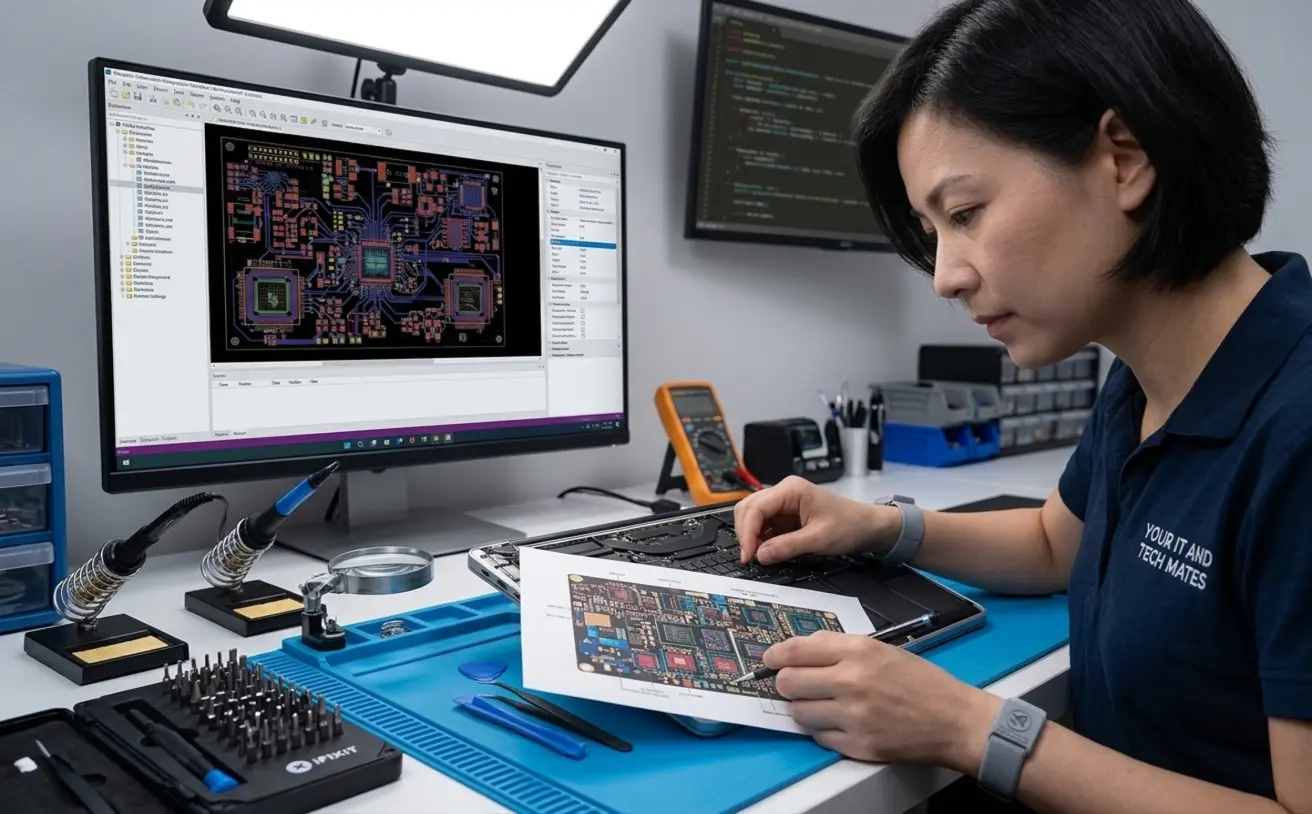
Laptop screen broken, not charging, running slowly or refusing to start? Your IT & Tech Mates provides local laptop repair help for Epping families, students and small businesses. Tell us the model and symptom first so we can check the safest next step before paid work begins.
A local person reviews your request. Tell us what happened in your own words and attach photos if you can. Our local team checks the details before confirming the next step or fixed price.
Model-specific screens vary in price and availability. Send the model and a photo so the likely part can be checked before work is approved.
The charger, charging port, battery or board can produce similar symptoms. We start with the symptom rather than assuming which part has failed.
Storage, memory, software and cooling can all affect performance. We can help decide whether repair or upgrade remains worthwhile.
Local example: see how an Epping slow-school-laptop problem was assessed.
Epping laptop requests commonly involve screens, batteries, charging ports, overheating, startup faults, school laptops and important files. You do not need to know the part that failed before asking for help.
Repair help · technician reviewed
Tell us what the laptop is doing. We use the model, symptoms, photos and what matters on the device to narrow the safest repair or assessment path.
Repair cost depends on the exact laptop, fault and parts required. Any guide is indicative until the model and repair scope are checked. A technician confirms the price before paid work starts.
A cracked-screen case in Craigieburn, a charging fault in Lalor and a repair-or-replace decision in South Morang show how the symptom changes the assessment path.
Send the brand/model if known, what happened, your suburb, and photos when they help show the damage. The repair page is carried into QuoteMe so the enquiry keeps this context.
Need laptop repairs in Melbourne's north? This hub connects the main laptop repair service, suburb pages, issue guides and case studies so customers can find the right help path quickly.
Plain-English guide covering symptoms, checks, risks and repair next steps.
Plain-English guide covering symptoms, checks, risks and repair next steps.
Plain-English guide covering symptoms, checks, risks and repair next steps.
Plain-English guide covering symptoms, checks, risks and repair next steps.
Plain-English guide covering symptoms, checks, risks and repair next steps.
Plain-English guide covering symptoms, checks, risks and repair next steps.
Plain-English guide covering symptoms, checks, risks and repair next steps.
Plain-English guide covering symptoms, checks, risks and repair next steps.
A broken corner near the hinge can involve the hinge itself, the hinge mounting points, lid/back cover, screen bezel, palm-rest/top case, bottom cover or more than one part. You do not need to identify the technical part before asking for help.
Tell us whether the case lifts or separates when the lid moves, whether the screen flickers, and whether the laptop still opens and closes safely. If movement makes the damage worse, stop forcing the lid.
This page can suggest Device repair → physical damage as a starting point. The visible Intent Score shows what the engine understood and you can change it before anything is sent. Hinge and casing work is assessment-first because the exact mounting or enclosure part depends on the model and inspection.
Our published laptop examples are de-identified customer support cases. A screen-replacement case in Craigieburn shows why damage and model checks come before parts are ordered, while the South Morang repair-or-replace case shows how condition, age and repair value change the decision. We do not present an unrelated case as proof of a hinge repair.
We look at the symptom, the device age, file risk and likely part cost before recommending a repair.
If photos, assignments or business files matter, data safety comes before resets or risky troubleshooting.
Customers get plain-English advice on repair, upgrade, backup or replacement options.
Send the symptom, suburb, laptop model if known, and whether important files are on the device.
We look for signs of data risk, liquid damage, power faults, screen faults, setup issues or simple checks.
The next step may be repair assessment, backup first, setup support, part check or repair-or-replace advice. Your request then stays in My Tech Help, where the same job can show Messages & updates, current approval and connected history.
This path is designed for customers who do not know the technical name of the problem. Plain-English symptoms are enough to start.
This cluster covers Epping, Wollert, Lalor, Craigieburn, Kalkallo, Donnybrook, Mernda, Mill Park, South Morang and Thomastown, with nearby Melbourne north areas linked where relevant.
We can help diagnose common laptop issues and guide the right repair path. Some model-specific parts or board-level work may need a confirmed assessment.
Yes. We can help with slow school laptops, setup, Wi-Fi, Microsoft 365, backups and common repair checks.
Sometimes. The chance depends on drive condition, damage type and whether the device has been repeatedly restarted or reset.
Use QuoteMe or the request help page and describe what happened, the laptop brand and whether important files are on it.
Your IT & Tech Mates helps Epping customers with laptop screens, charging faults, batteries, hinges, overheating, slow performance, startup problems and data concerns. Start with the model and symptoms rather than trying to diagnose the fault yourself; we confirm the scope and price before paid work begins.
An Epping laptop example focused on performance symptoms and the repair-versus-replace decision.
An Epping example showing the broader device-support context around local laptop help.
We ask for honest feedback after genuine service interactions, do not reward positive reviews and keep a private feedback path available.