
Slow, freezing or crashing
We can assess slow startup, repeated freezing, blue screens, update problems, storage issues and other Windows performance faults.
Computer slow, not starting, freezing, overheating or showing strange errors? Your IT & Tech Mates provides local computer repair help for Epping homes, students and small businesses. Tell us what happened first—we’ll help identify the likely next step before you approve paid work.
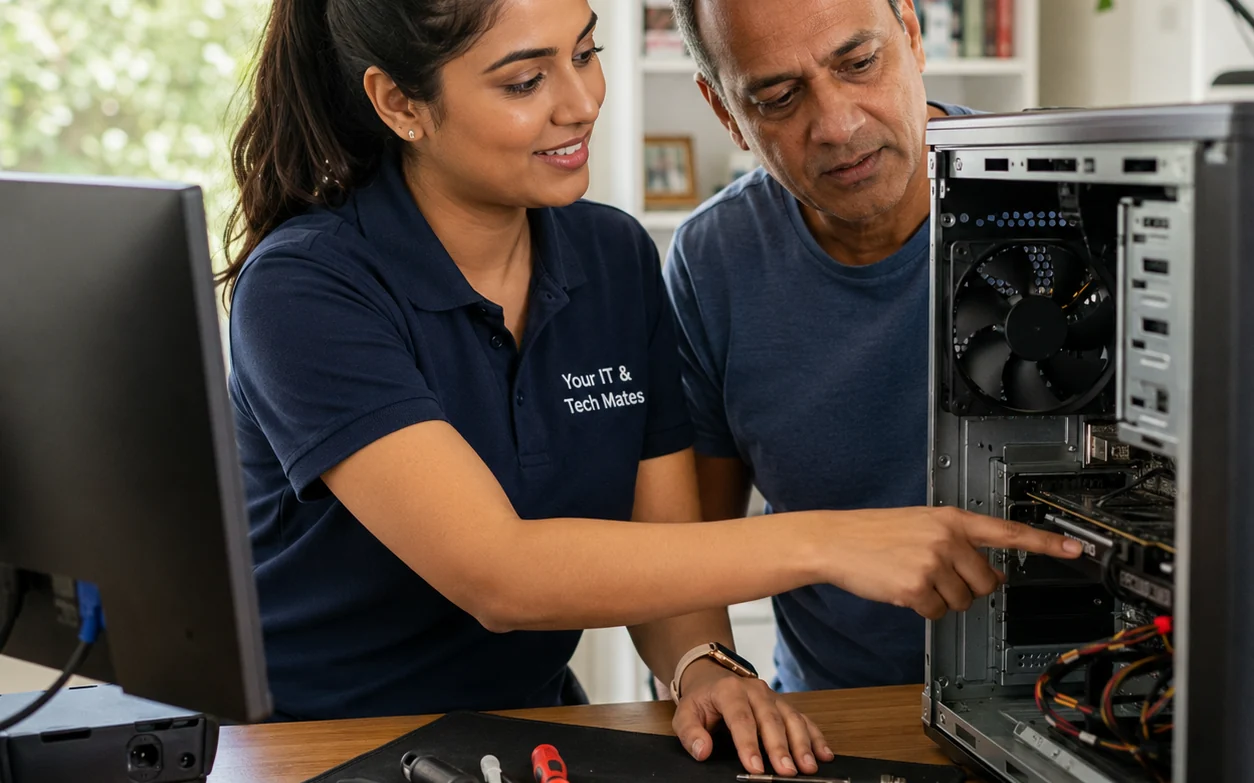
You do not need to diagnose the fault yourself. Start with what the computer is doing and we will use that context to narrow down the safest repair path.
We can assess slow startup, repeated freezing, blue screens, update problems, storage issues and other Windows performance faults.
Power, startup, overheating and hardware symptoms need different checks. If there is a burnt smell, clicking drive or important data at risk, stop repeated restart attempts.
If the computer is showing scam messages, browser redirects or security warnings, avoid entering passwords or payment details until the cause is checked.
For older PCs, the best answer may be an SSD or memory upgrade—or replacement if repair value is poor. We explain the trade-off before larger work is approved.
Your IT & Tech Mates provides computer repair help for Epping homes, students and small businesses. Common requests include slow or freezing PCs, startup faults, blue screens, overheating, upgrade decisions and security concerns. You can describe the symptoms through QuoteMe first; a technician confirms the practical next step and price before paid work begins.
A local example showing how a slow computer problem was assessed before deciding what work made sense.
A real-world Epping scenario showing the type of urgent symptoms customers bring to us.
We ask for honest feedback after genuine service interactions, do not reward positive reviews and keep a private feedback path available.
These links use current Your IT & Tech Mates information. A technician confirms the work and price before paid work starts.
If the computer still turns on, back up important files first. If it is making clicking noises, showing scam warnings, locking files, smelling burnt, or turning off suddenly, stop using it and ask for help before trying repeated restarts.
Send the device type, what changed, any error photo, whether files are important, and your suburb through QuoteMe. That gives us enough context to recommend repair, cleanup, backup or replacement advice.
Computer repair can mean checking a slow computer, fixing startup problems, removing viruses, replacing failing parts, recovering files, improving Wi-Fi or printer setup, or helping you decide whether the device is still worth repairing.
Call or start QuoteMe if the computer smells burnt, makes clicking noises, shows ransomware-style file locks, asks for banking details, or contains files you cannot lose. Repeated restarts can make some problems worse.
Slow startup, annoying updates or general clutter. Back up files and run basic checks.
Freezing, blue screens, overheating, Wi-Fi dropouts or repeated crashes. Avoid heavy use until checked.
Clicking drive sounds, scam pop-ups, locked files, burnt smell or no power with important files. Stop and ask first.
Stop repeated restarts if the computer is clicking, overheating, locking files or turning off suddenly.
Try a different power point, note the exact error, remove new accessories, and check whether important files are backed up.
Send the model, symptom, error photo, when it started, whether files matter and your suburb through QuoteMe.
| What you see | What it might mean | What to do next |
|---|---|---|
| Very slow startup | Too many startup apps, failing storage, low memory, malware or old hardware. | Back up files, then use the computer health check or send details. |
| Won’t turn on | Power supply, charger, battery, motherboard, screen or internal hardware fault. | Do not keep forcing power. Send model, charger details and what lights/sounds appear. |
| Blue screen or repeated crashes | Windows fault, driver issue, storage problem, overheating or RAM issue. | Take a photo of the error code and avoid major updates until checked. |
| Fake security warnings or pop-ups | Browser hijacker, adware, scam site, remote-access risk or malware. | Do not call pop-up numbers. Use virus removal or scam safety help. |
| Files missing, clicking drive or unusual noises | Possible drive failure or data risk. | Stop using it if files matter and ask about data recovery before repair. |
✓ Device is under 5 years old
✓ Files are important
✓ Problem started recently
✓ Repair estimate is clearly below replacement cost
✕ Multiple faults keep returning
✕ Device is very old
✕ Repair cost is close to replacement
✕ No important files or setup need saving
A customer’s desktop kept freezing and restarting during work. It looked like a Windows problem, but the symptoms pointed to possible storage and heat issues. We helped them back up important files first, then checked whether repair or replacement made better sense before buying parts.
This page explains the issue in plain English. If you want local support, start with the closest service path.
No. A plain-English description is enough. Tell us what changed, what you see, whether files matter and your suburb.
It depends on the fault and parts needed. Use the pricing page or QuoteMe so we can explain the likely path before you approve work.
Not if there are clicking sounds, file risk, overheating, burning smells, scam warnings or locked files. Stop and ask before making it worse.
Yes. If the main issue is fake security warnings, scam pop-ups or malware, use the virus removal page for the safest triage path.
Yes. We can compare device age, fault type, file importance, expected repair cost and replacement value.
Send a photo or describe the issue. We’ll point you to the safest next step before you approve repair work.
For high-intent local help, start with computer repairs Epping, Wollert, Kalkallo, Mernda, Lalor, Thomastown or Bundoora.
The Device Pickup, Repair and Return service adds documented collection, approval and return steps for seniors and families.
Weekend appointments depend on current technician capacity, travel, the fault and any parts required. Start QuoteMe with the device, issue and suburb; we confirm the available window and the applicable support, assessment or repair price before paid work begins. If the scope changes, we stop and provide a revised quote for approval.
No extra work starts without your approval.
One connected service system
Your IT & Tech Mates uses TheFixers.APP to manage QuoteMe requests, tracked referrals, quotes and customer follow-up in one connected system.
Describe the problem in your own words. We will prepare a clear summary, provide an indicative range where suitable and confirm the next step.
Get an indicative repair estimateReferring a friend, family member or customer? Sign in to share a tracked referral.
Refer a customerReferral commissions are subject to eligibility, completed-job verification and the referral terms.