
Slow, freezing or crashing
We can assess slow startup, repeated freezing, blue screens, storage pressure, update problems and other Windows performance faults.
Computer slow, not starting, freezing, overheating or showing strange errors? Your IT & Tech Mates provides practical computer repair help for Wollert homes, students and small businesses. You do not need to diagnose the fault yourself—tell us what happened and we will help narrow down the safest next step.
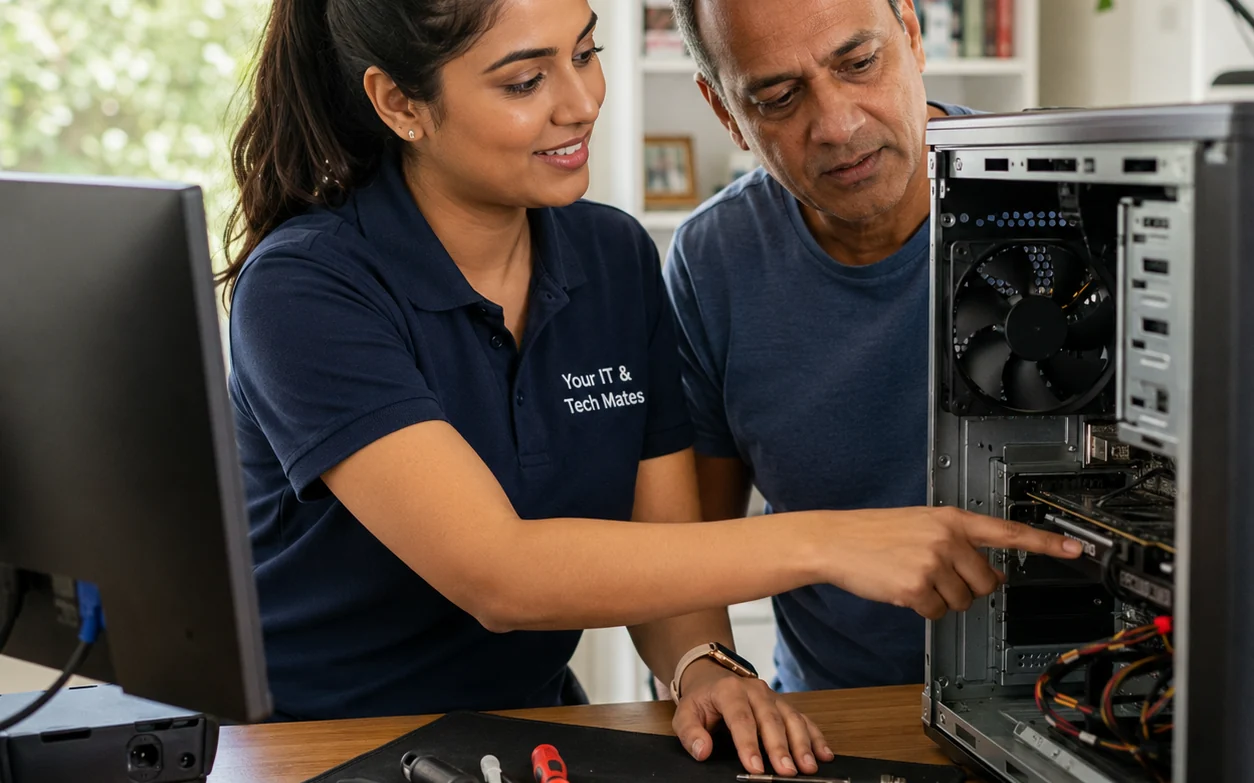
For Wollert households and small businesses, describe whether the computer is slow, repeatedly restarting, freezing or showing a blue screen. Those clues help separate software troubleshooting from possible storage or power faults. If important files are not backed up, mention that before a reset or repair is considered.
We can assess slow startup, repeated freezing, blue screens, storage pressure, update problems and other Windows performance faults.
Power, startup, overheating and hardware symptoms need different checks. If there is a burnt smell, clicking drive or important data at risk, stop repeated restart attempts.
If the computer is showing scam messages, browser redirects or security warnings, avoid entering passwords or payment details until the cause is checked.
For older PCs, the sensible answer may be an SSD or memory upgrade—or replacement if repair value is poor. We explain the trade-off before larger work is approved.
Tell us what happened in your own words. We can use the symptom, device and location to prepare the right next step before you approve paid work.
If a computer will not start or keeps crashing, note any lights, error messages or unusual sounds. Avoid resetting the computer if important files may not be backed up. Send the details in QuoteMe so a person can review the options and confirm how support can be arranged.
For a laptop instead of a desktop, see laptop repair options in Epping; service availability in Wollert is confirmed when you enquire.
Wollert tech support hub · Computer repairs Epping · Computer repairs Melbourne · Laptop repairs Melbourne
Weekend appointments depend on current technician capacity, travel, the fault and any parts required. Start QuoteMe with the device, issue and suburb; we confirm the available window and the applicable support, assessment or repair price before paid work begins. If the scope changes, we stop and provide a revised quote for approval.
No extra work starts without your approval.
One connected service system
Your IT & Tech Mates uses TheFixers.APP to manage QuoteMe requests, tracked referrals, quotes and customer follow-up in one connected system.
Describe the problem in your own words. We will prepare a clear summary, provide an indicative range where suitable and confirm the next step.
Get an indicative repair estimateReferring a friend, family member or customer? Sign in to share a tracked referral.
Refer a customerReferral commissions are subject to eligibility, completed-job verification and the referral terms.
Your IT & Tech Mates provides computer repair help for Wollert homes and small businesses, including slow PCs, startup faults, crashes, overheating, security warnings and upgrade decisions. Tell us what the computer is doing through QuoteMe and we will use those symptoms to prepare the right next step before paid work begins.
A Wollert example showing why the first actions after liquid damage matter.
A local troubleshooting example showing how symptoms can narrow the repair path.
We ask for honest feedback after genuine service interactions, do not reward positive reviews and keep a private feedback path available.