
Stop
Do not keep forcing restarts, charging attempts or DIY fixes if the computer has liquid damage, heat, scam pop-ups, strange noises or important files at risk.
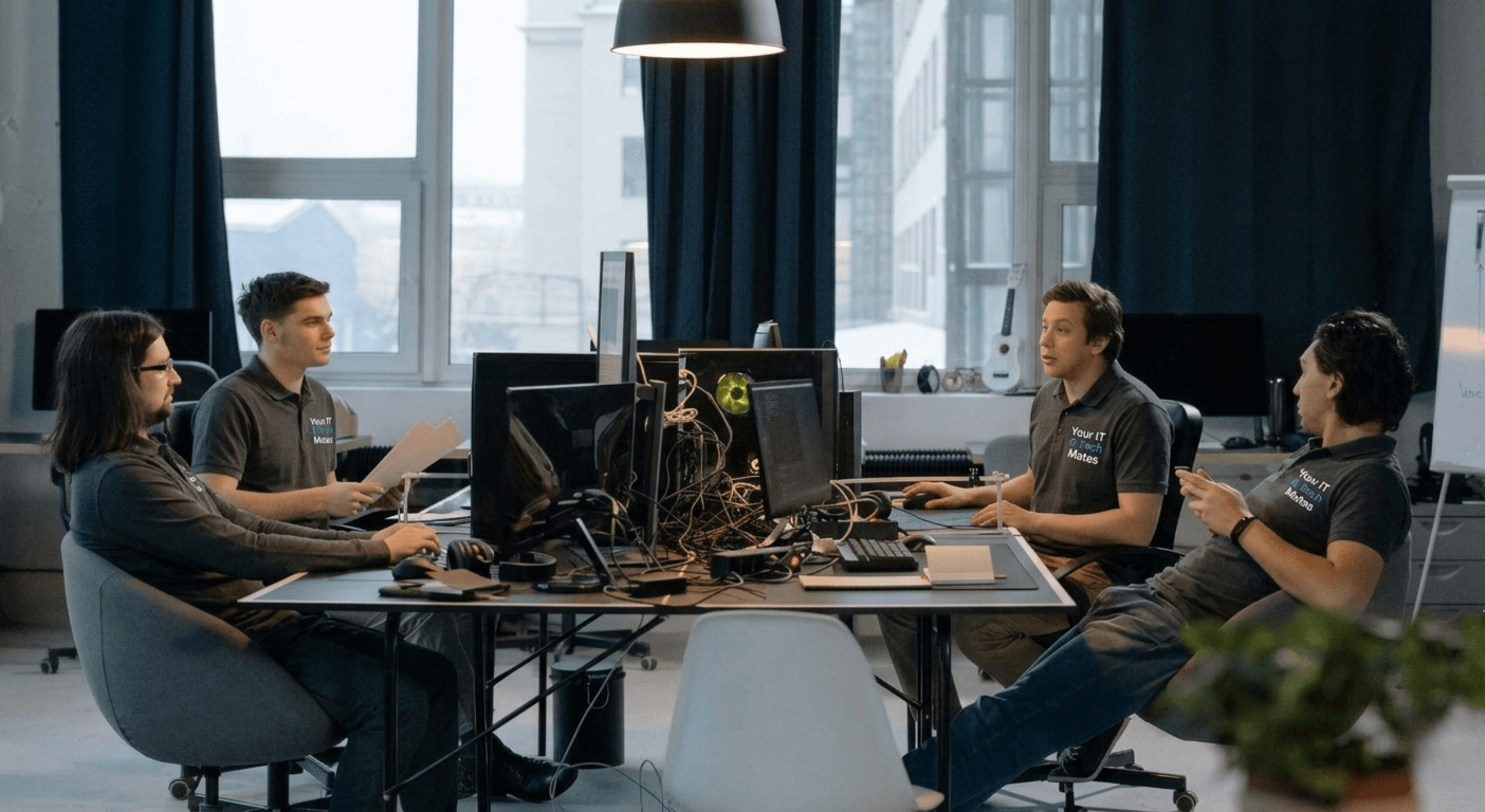
Common signs of a computer virus: sudden slowdowns, unexpected pop-ups, programs opening or closing on their own, unknown software installed, browser redirects, antivirus disabled, high CPU/disk usage when idle, and contacts receiving strange emails from you. If you spot 2 or more of these, contact us — virus and malware support uses the current $150/hour including GST tech-support rate, with the scope and any agreed limit confirmed before paid work.
This guide is organised for quick decisions, safer checks and clearer next steps.
Plain-English local IT, tech support and small business systems help from Your IT and Tech Mates.
Stop using the device or account if there is data risk, liquid, scam activity, burning smell, sparks or repeated failed startup.
Keep the model, symptom, photos, error messages and timing together before asking for help.
Use this guide first, then choose QuoteMe or the most relevant local service page.
Do not keep forcing restarts, charging attempts or DIY fixes if the computer has liquid damage, heat, scam pop-ups, strange noises or important files at risk.
Write down what changed, check the charger or connection only if it is safe, and take photos of any message, damage or symptom.
Send the computer model, what happened, photos and your suburb through QuoteMe so we can suggest the safest next step.
If the cost, risk or downtime looks high, compare assessment, repair, replacement and backup options before approving work.
Common virus warning signs include pop-ups, suspicious browser behaviour, random slowdowns, locked files or login activity you do not recognise. This guide explains what these symptoms usually mean and when to act fast.
Start with the section that matches your problem, then use the linked guide, tool or service page for the next step.
Your computer was running fine, now everything takes forever to load — including startup. Malware often runs constantly in the background, consuming CPU and memory without you knowing.
Random advertisements appear even when you're not browsing, or you get alarming warnings about your computer being infected (ironically, often fake pop-ups are malware themselves).
Applications launch, crash, or behave unpredictably without any input. This can indicate a Trojan or remote-access malware running on your device.
You notice programs in your app list or startup items that you didn't install — especially toolbars, "cleaners", or browser extensions you don't recognise.
Your browser keeps sending you to unfamiliar websites, your homepage has changed, or searches go through a different engine than usual. Classic signs of a browser hijacker.
Some malware specifically targets your security software to disable it. If Windows Defender or your antivirus keeps turning itself off, treat it as a red flag.
If Task Manager shows 80–100% disk or CPU usage when you're not doing anything, something is running in the background. Cryptominers are a common culprit.
Friends report receiving odd emails from your address or strange messages via social accounts. This means your credentials may already be compromised.
Documents disappear, filenames change, or you find encrypted files with unfamiliar extensions. Ransomware typically does this before demanding payment.
Your internet usage spikes unexpectedly, or your router lights are flashing heavily when you're not actively using the internet — possible data exfiltration in progress.
First: disconnect from the internet if you suspect active data theft. Do not enter passwords or banking details on the affected machine. Run a full scan with Windows Defender or Malwarebytes (free version). If the scan finds threats but can't remove them — or if symptoms persist — contact a professional. Attempting DIY removal can sometimes make things worse, especially with rootkits or ransomware.
Call us if: your antivirus found but couldn't remove the threat; you're seeing ransomware messages; personal data may have been accessed; the symptoms returned after you thought the issue was fixed; or you're not confident removing it yourself. Virus and malware support uses the current $150/hour including GST tech-support rate. We confirm the scope and any agreed limit before paid work. The Eligible Repair Promise applies only to qualifying repair labour for an agreed repair fault; exclusions and any charge are disclosed and approved before work.
These tools help you get a personalised answer specific to your device and situation.
Recent local jobs around Melbourne's North include urgent signs your computer has a virus, device troubleshooting, and practical support for homes and small businesses across Melbourne's North.
Clear explanations and practical next steps
If you have already tried the safe checks and still need help, start QuoteMe for practical advice, a clear scope and a confirmed quote before paid work.
Supporting local homes and businesses in Melbourne's North and nearby areas.
Join TheFixers.APP and refer friends, family or clients to Your IT and Tech Mates. If an eligible referral books and completes a paid job, a thank-you reward of up to 5% of the completed job value may be reviewed under the referral terms.
Sign up free at TheFixers.APP and get your unique referral link.
Your contact books through your link and we handle the support from there.
Eligible rewards are reviewed after a completed and paid job under the referral terms.
These nearby pages can help if you want to compare options, check service areas or read practical advice before getting in touch.
Guides bring in readers, but the ecosystem gets stronger when every guide clearly hands readers to the most relevant service or support pathway.
Guides are great for building confidence, but some visitors still need help choosing the next page. Use Request Help if you want us to review the situation before you commit to a service.
