
Stop
Do not wait until the last minute if the issue affects study, campus work, proof of experience or a device you need for class.
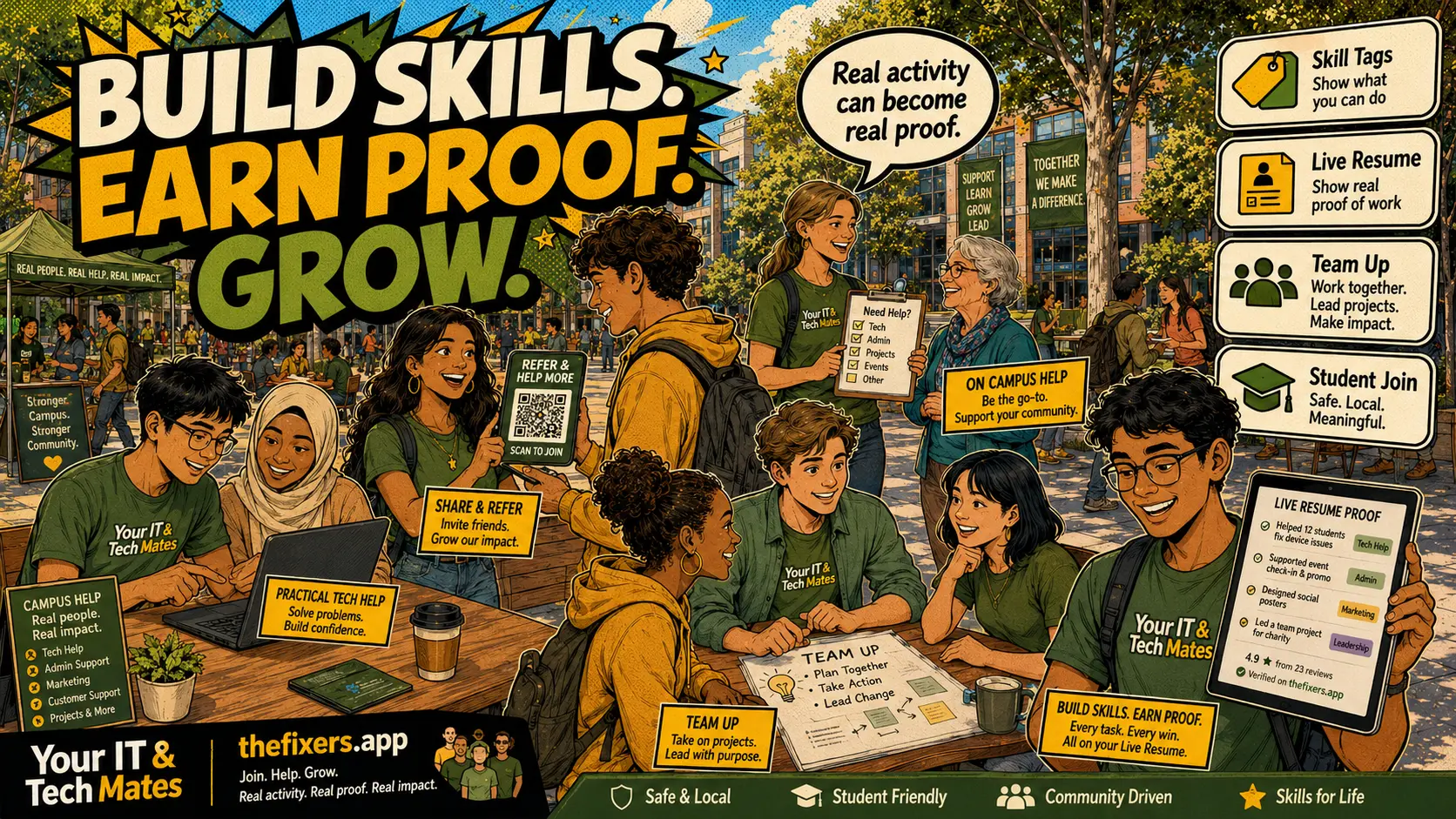
Student experience pathway
TheFixers.APP pathway is designed for students who need practical experience before they already have a long work history. A student can start with small, safe tasks, build confidence, collect reviewed proof, and turn that activity into a clearer Live Resume story.
This guide is organised for quick decisions, safer checks and clearer next steps.
Three practical student landing card ideas: exam tech rescue, move-in setup and club event tech support — each with one clear next step.
Use the guide to choose the right next step and avoid spending time or money in the wrong place.
Keep the model, symptom, photos, error messages and timing together before asking for help.
Use this guide first, then choose Quick Help or the most relevant local service page.
Do not wait until the last minute if the issue affects study, campus work, proof of experience or a device you need for class.
Read the practical steps, gather the details you already have and choose the pathway that best matches your situation.
Use the linked pathway or Quick Help if you need a real person to point you to the next step.
Choose the step that solves the real problem first, then avoid adding extra tools, bookings or work until the next action is clear.
Three concrete student landing-card ideas: exam tech rescue, move-in setup, and club/event tech support. Each card keeps the feature but adds real student search value.
Priya builds one card for 'before exams laptop check', one for 'new share-house Wi-Fi setup', and one for 'club event tech support'.
Target: students in the final two weeks before exams. Message: 'Is your laptop ready for exams? Quick check, backup and software review.' One enquiry button. No hardware repair promises. Works well as a QR flyer near library or study spaces.
Target: new share-house residents at semester start. Message: 'New place, Wi-Fi issues? I can help with basic router setup and device connection.' One enquiry button. Scope: Wi-Fi connection and device setup only.
Target: student clubs running events. Message: 'Need tech help for your next club event? Sign-up forms, presentation setup and on-day support.' Scope: event prep only. Escalation path for anything else.
One service. One audience. One clear next step. No price. No outcome guarantee. A good card tells the reader exactly what they get and what they do not.
Update the card after each campaign cycle. If a card generates no enquiries after two honest campaigns, try a different micro-service or audience.
Build one landing card for one student moment. Start with exam season or move-in week.
Start with one referral. Build proof. Grow your future.
Keep building proof