
Stop
Do not wait until the last minute if the issue affects study, campus work, proof of experience or a device you need for class.
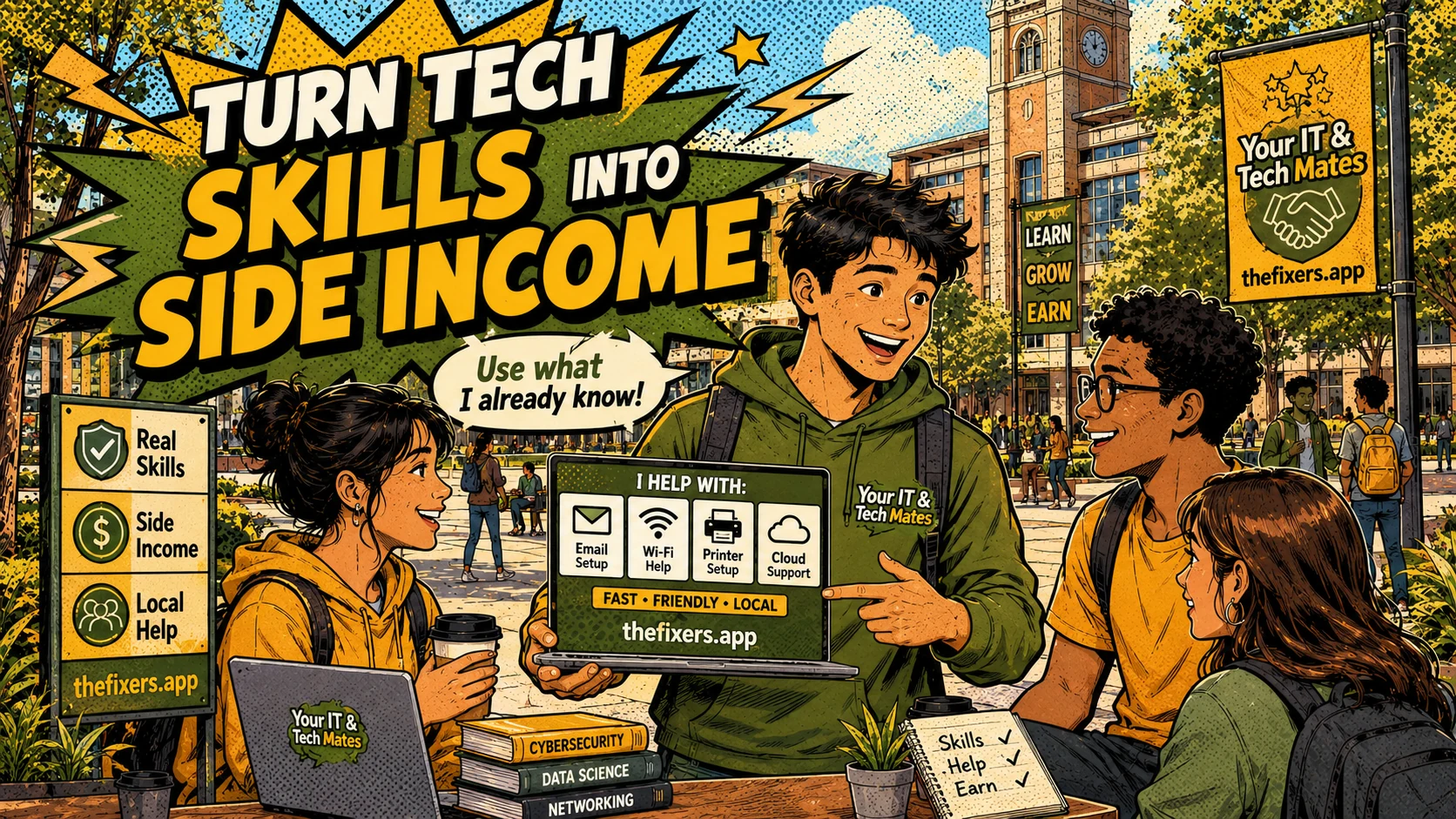
Student experience pathway
TheFixers.APP pathway is designed for students who need practical experience before they already have a long work history. A student can start with small, safe tasks, build confidence, collect reviewed proof, and turn that activity into a clearer Live Resume story.
This guide is organised for quick decisions, safer checks and clearer next steps.
A plain-English guide for students who want to earn extra money, help others with everyday tech and build experience responsibly.
Use the guide to choose the right next step and avoid spending time or money in the wrong place.
Keep the model, symptom, photos, error messages and timing together before asking for help.
Use this guide first, then choose Quick Help or the most relevant local service page.
Do not wait until the last minute if the issue affects study, campus work, proof of experience or a device you need for class.
Read the practical steps, gather the details you already have and choose the pathway that best matches your situation.
Use the linked pathway or Quick Help if you need a real person to point you to the next step.
Choose the step that solves the real problem first, then avoid adding extra tools, bookings or work until the next action is clear.
Students who are confident with everyday technology may be able to help others with laptop setup, software, email, cloud storage, printers, phone setup and study tools. The platform can help students show their skills, build a profile and be considered for suitable opportunities — but jobs and income are not guaranteed.
Many students use laptops, cloud storage, email, apps and study software every day. Those everyday skills can be genuinely useful to neighbours, families and other students who need help keeping up.
Laptop setup, Office setup, Google Drive, OneDrive, email setup, printer help, phone setup, study tech terms and basic digital confidence sessions are good starting points for new student helpers.
Do not take over assessed work, exams, assignments or private accounts. Help people understand and set up their own tools — never do the thinking for them.
Your IT & Tech Mates can help with profiles, job routing, approved reviews, private request links and safer customer matching for students who want to build real experience.
Start with jobs you can do well. Collect approved reviews. Add safe completed work examples to your live resume. Let your profile grow organically.
Jia is good with Microsoft Office, OneDrive and laptop setup. She creates a student helper profile, lists her strengths and is considered for campus-friendly requests. She chooses her availability and understands that she works for herself.
The Student Business Builder subhub takes you further: 20 practical spokes covering referral launch plans, campus campaigns, follow-up scripts, proof libraries, project teams and a 12-week semester challenge.
🏗️ Explore the Student Business Builder →Join as an independent student helper and be considered for suitable tech-help opportunities. Build real experience while helping your community.
Keep building proof