
Stop
Do not wait until the last minute if the issue affects study, campus work, proof of experience or a device you need for class.
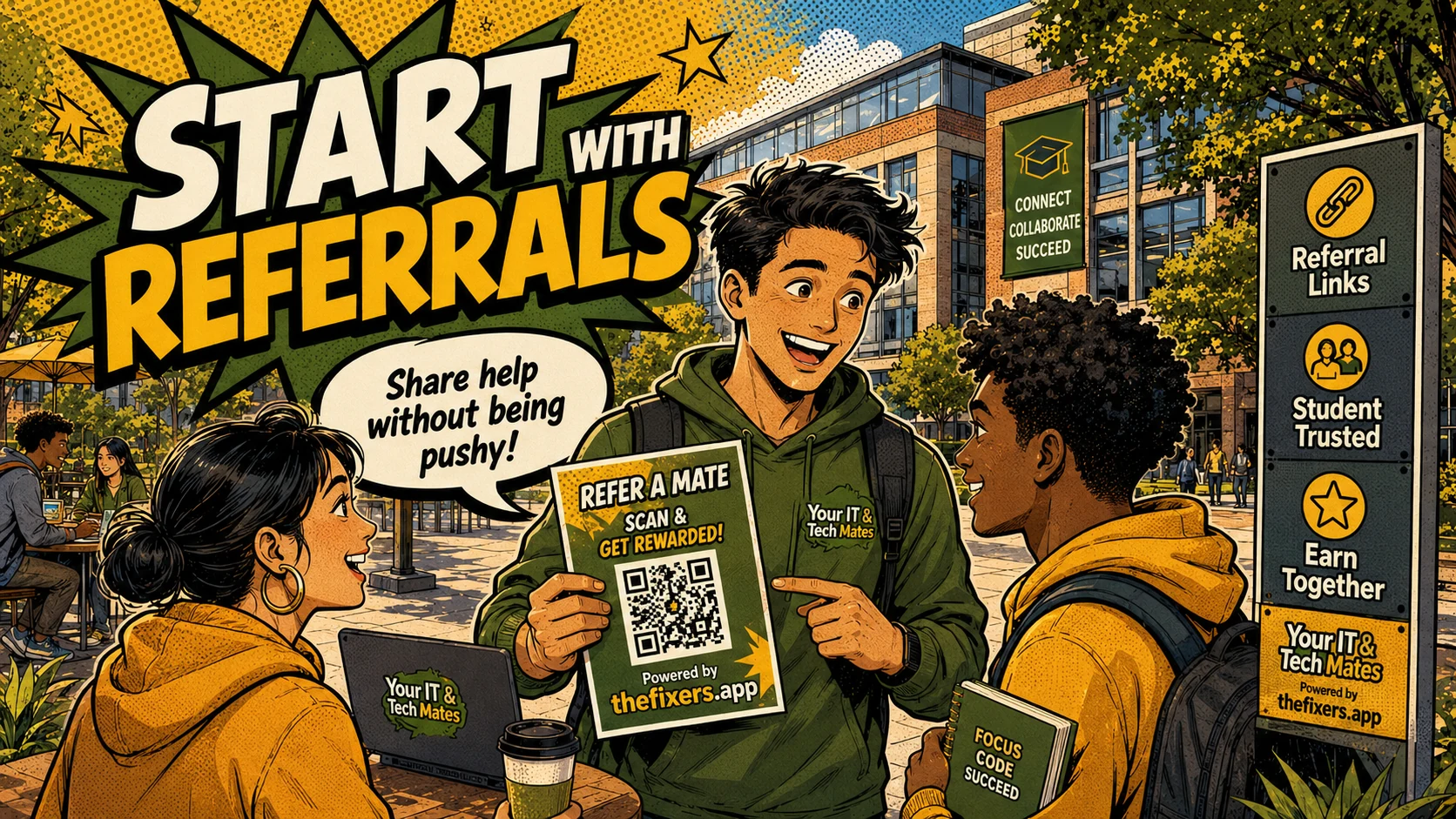
How I can use student referral links responsibly to share local tech help, support my network and build trust without spamming people.
Student experience pathway
TheFixers.APP pathway is designed for students who need practical experience before they already have a long work history. A student can start with small, safe tasks, build confidence, collect reviewed proof, and turn that activity into a clearer Live Resume story.
This guide is organised for quick decisions, safer checks and clearer next steps.
How I can use student referral links responsibly to share local tech help, support my network and build trust without spamming people.
Use the guide to choose the right next step and avoid spending time or money in the wrong place.
Keep the model, symptom, photos, error messages and timing together before asking for help.
Use this guide first, then choose Quick Help or the most relevant local service page.
Do not wait until the last minute if the issue affects study, campus work, proof of experience or a device you need for class.
Read the practical steps, gather the details you already have and choose the pathway that best matches your situation.
Use the linked pathway or Quick Help if you need a real person to point you to the next step.
Choose the step that solves the real problem first, then avoid adding extra tools, bookings or work until the next action is clear.
Referral links can help me share tech help with people who already need support, but only if I use them responsibly. The goal is not to spam friends or sound like a salesperson. The goal is to point someone toward a safe help pathway when the timing is right.
This post needs to protect students from sounding spammy. I need wording I could actually use in a group chat without feeling like a salesperson.
Student referral links work best when they are shared only with people who already need tech help. The student should not diagnose privately, collect passwords, promise discounts or pressure people.
A referral link makes sense when someone asks for help with a laptop, printer, phone setup, cloud storage, email, study tools or general tech confusion. It also makes sense when a parent, neighbour or community group needs a clearer way to request help instead of sending private details through random messages.
The student referral pathway gives me an approved route to share. Campus Help gives people a clear place to start. This means I do not need to diagnose the problem, quote the work, collect passwords or act like official support. I can simply point them to the right path.
If someone asks, "Does anyone know someone who can help my mum with her laptop?" I could reply: "This might help. thefixers.app has a Campus Help path for simple tech support, so the request can go through the right process." That is clear, useful and not pushy.
I should not spam group chats, promise discounts unless approved, collect private details, quote jobs privately, pretend I can fix everything or pressure people to use my link. A useful referral is helpful and relevant. A bad referral feels annoying.
A good referral shows I am connected, helpful and careful. Even if I do not do the job myself, I helped someone find the right doorway. Over time, that can build local trust and lead to suitable opportunities.
Responsible referrals can help me build confidence, local awareness and proof that I can help people navigate tech problems safely. It is not just about clicks. It is about being useful without overstepping.
If I share a referral link, I should do it like a helper, not a salesperson: clear, relevant and safe.
A local referral might be shared when a neighbour, parent, classmate or community group asks for help with a laptop, phone, printer, email or cloud storage problem.
thefixers.app supports responsible referrals through student referral pathways, approved share links, Campus Help, trust pages and referral attribution.
Want to start safely? Start with the student helper area, use student guidance when a job feels unclear, and build proof through your live helper profile as you complete suitable work.
Use the student helper area, ask for guidance when something feels unclear, and keep your live profile honest as your experience grows.
This student pathway is designed to build more than one practical skill. It can help a student practise communication, admin habits, payment confidence, customer support, trust, guidance and live-resume proof from real campus or community help.
Keep building proof