30-Day Campus Share Kit Campaign: Flyers, Group Chats, LinkedIn and QR Codes
Published2026-05-29
Student experience pathway
How this helps students gain real experience while studying
TheFixers.APP pathway is designed for students who need practical experience before they already have a long work history. A student can start with small, safe tasks, build confidence, collect reviewed proof, and turn that activity into a clearer Live Resume story.
Experience students can gainPhone setup, laptop basics, Wi-Fi checks, Microsoft 365 help, digital confidence support, referral sharing, campus support and customer communication.
Proof students can collectCompleted tasks, sign-off notes, reviews, skill tags, guided reflections, before-and-after examples and safe helper records.
What they can show laterMateCard profile, SkillStack progress, Proof Missions, Live Resume examples and interview-ready stories that explain what they actually did.
Safe next step: start with a beginner-friendly task, stay inside the guidance boundaries, ask for review when unsure, and only claim proof for work that was genuinely completed.
Guided help format
Start here: what to do before you decide
This guide is organised for quick decisions, safer checks and clearer next steps.
Quick answer
A 30-day student campus share kit campaign calendar: flyers, group chats, LinkedIn updates and QR codes for one clear service link.
Risk levelLow
Use the guide to choose the right next step and avoid spending time or money in the wrong place.
Best first stepCollect details
Keep the model, symptom, photos, error messages and timing together before asking for help.
Local helpMelbourne North
Use this guide first, then choose Quick Help or the most relevant local service page.
Stop
Do not wait until the last minute if the issue affects study, campus work, proof of experience or a device you need for class.
Try
Read the practical steps, gather the details you already have and choose the pathway that best matches your situation.
Send
Use the linked pathway or Quick Help if you need a real person to point you to the next step.
Choose the right next step
Choose the step that solves the real problem first, then avoid adding extra tools, bookings or work until the next action is clear.
Before you book
What changed before the problem started
Device model, account, system or service involved
Photos, screenshots, error messages or examples
Whether files, study, work or customer enquiries are affected
A student-specific campaign calendar for using share kits across permitted campus channels. It avoids repeating the general share kit guide by turning the feature into a practical 30-day awareness plan.
🎓 Student example
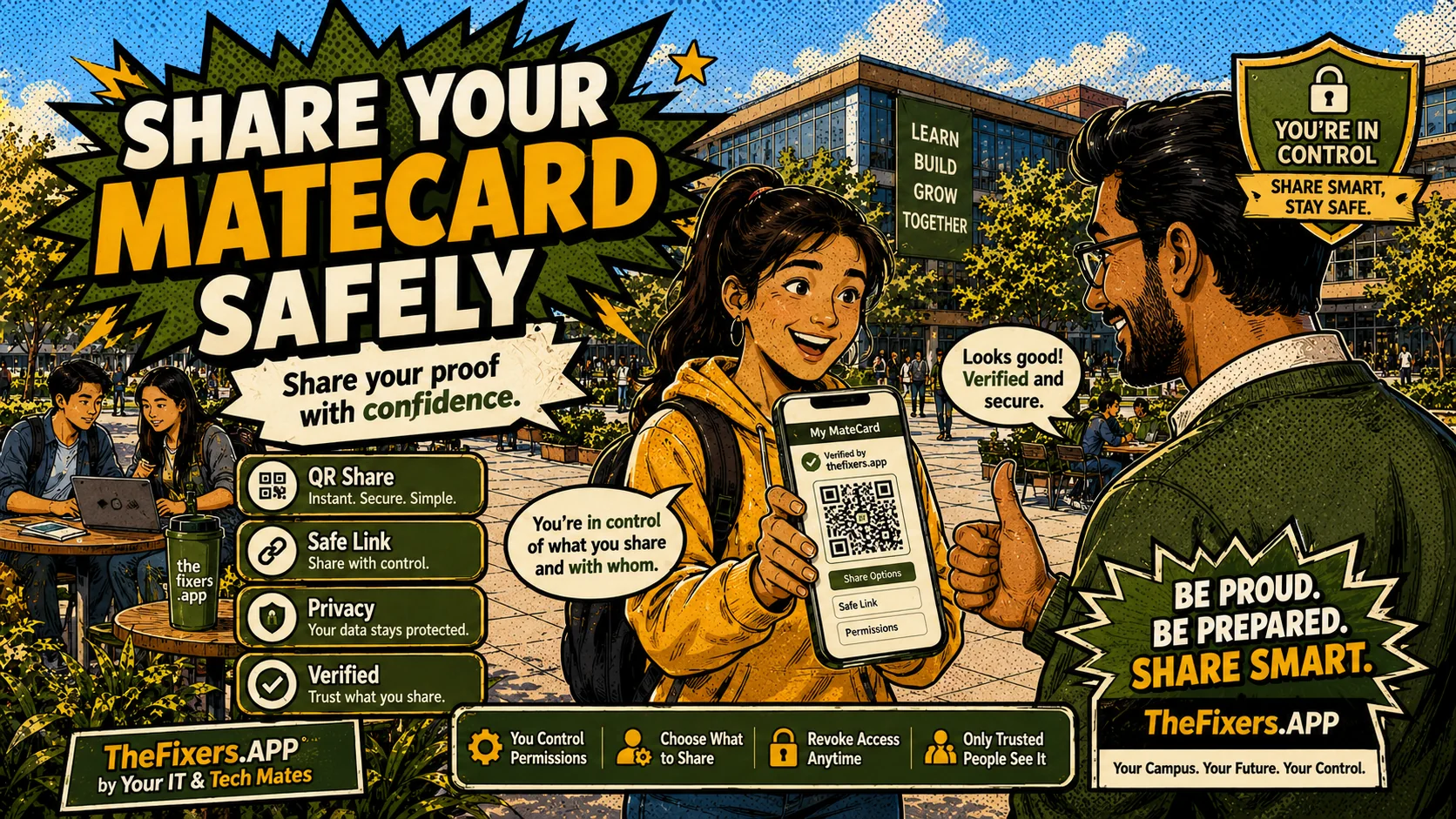
Week 1: share in one club chat. Week 2: add QR to a noticeboard where allowed. Week 3: post a LinkedIn update. Week 4: repeat with approved proof.
Week 1 — one group chat, one message
Share a clear, single-sentence message in one permitted group chat. No pressure, no pitch. Just: 'If anyone needs help with [micro-service], start a request here.' Record any replies.
Week 2 — one physical QR placement
Create one QR flyer for your service link and place it in one permitted campus location. Residential noticeboards, club rooms and common areas are common options — always check with the relevant team first.
Week 3 — one LinkedIn update
Write a simple LinkedIn update about your micro-service. Use plain language, mention one student scenario and include your profile link. Avoid income claims or guaranteed results.
Week 4 — repeat with approved proof
If you have a permissioned proof point from week 1–3, include it in a repeat share. An honest summary of what you helped with is stronger than a general pitch.
After 30 days — review and plan next month
Compare enquiries, referrals and proof points across all four channels. Which channel generated the most suitable interest? Use that insight to plan the next 30-day campaign.
Important: No guaranteed income, no automatic commissions, no public bidding and no outcome promises. All platform activity is checked before approval. Check your student visa or work entitlements before taking paid work. Academic integrity rules always apply — this platform does not support assignment completion or academic shortcuts. Ask a professional about tax, insurance and work entitlements.
Run one 30-day campaign using one clear service link. Track results weekly.