
Stop
Do not wait until the last minute if the issue affects study, campus work, proof of experience or a device you need for class.
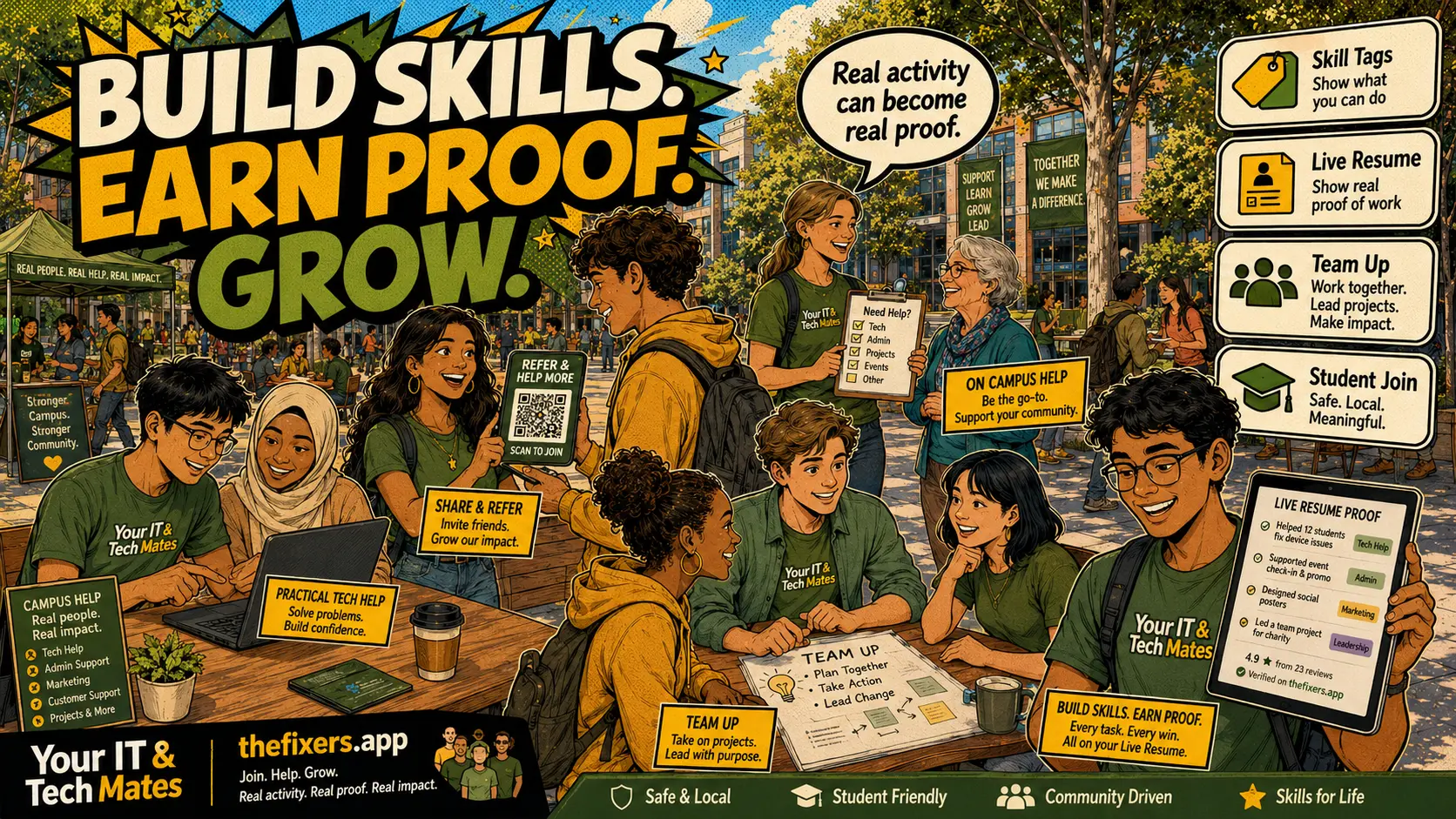
Student experience pathway
TheFixers.APP pathway is designed for students who need practical experience before they already have a long work history. A student can start with small, safe tasks, build confidence, collect reviewed proof, and turn that activity into a clearer Live Resume story.
This guide is organised for quick decisions, safer checks and clearer next steps.
What students should save after each approved tech help outcome: problem summary, skills used, outcome status, testimonial permission and resume-friendly wording.
Use the guide to choose the right next step and avoid spending time or money in the wrong place.
Keep the model, symptom, photos, error messages and timing together before asking for help.
Use this guide first, then choose Quick Help or the most relevant local service page.
Do not wait until the last minute if the issue affects study, campus work, proof of experience or a device you need for class.
Read the practical steps, gather the details you already have and choose the pathway that best matches your situation.
Use the linked pathway or Quick Help if you need a real person to point you to the next step.
Choose the step that solves the real problem first, then avoid adding extra tools, bookings or work until the next action is clear.
A proof-library post explaining what students should save safely: problem summary, role, skills used, outcome status, testimonial permission and resume-friendly wording — without duplicating the existing reviews article.
After helping with event sign-up forms, Sam saves a safe summary: 'Supported club event setup by testing registration form and preparing handover notes.'
A proof library is a private collection of safe, approved outcome summaries. Each entry records what the job involved, what skills you used, and whether testimonial or public use is permitted.
Problem summary (without customer-identifying details), your role in the work, skills demonstrated, completion status, whether the customer consented to testimonial use, and one resume-friendly sentence.
Customer names, addresses, device serial numbers, account details, private messages, or any information that could identify the customer without their explicit permission.
Use the STAR format: Situation, Task, Action, Result. Example: 'Supported a student club event by testing registration software and preparing a handover document — completed on time with no issues escalated.'
Keep it private until each entry is reviewed and approved for public use. A private notes folder, encrypted document, or platform proof section works well.
Only when the customer has given explicit permission and the platform or admin has reviewed the wording for safety. Never publish proof before both conditions are met.
Save one proof item after every approved outcome. Keep it private until reviewed and permitted.
Start with one referral. Build proof. Grow your future.
Keep building proof