
Stop
Do not wait until the last minute if the issue affects study, campus work, proof of experience or a device you need for class.
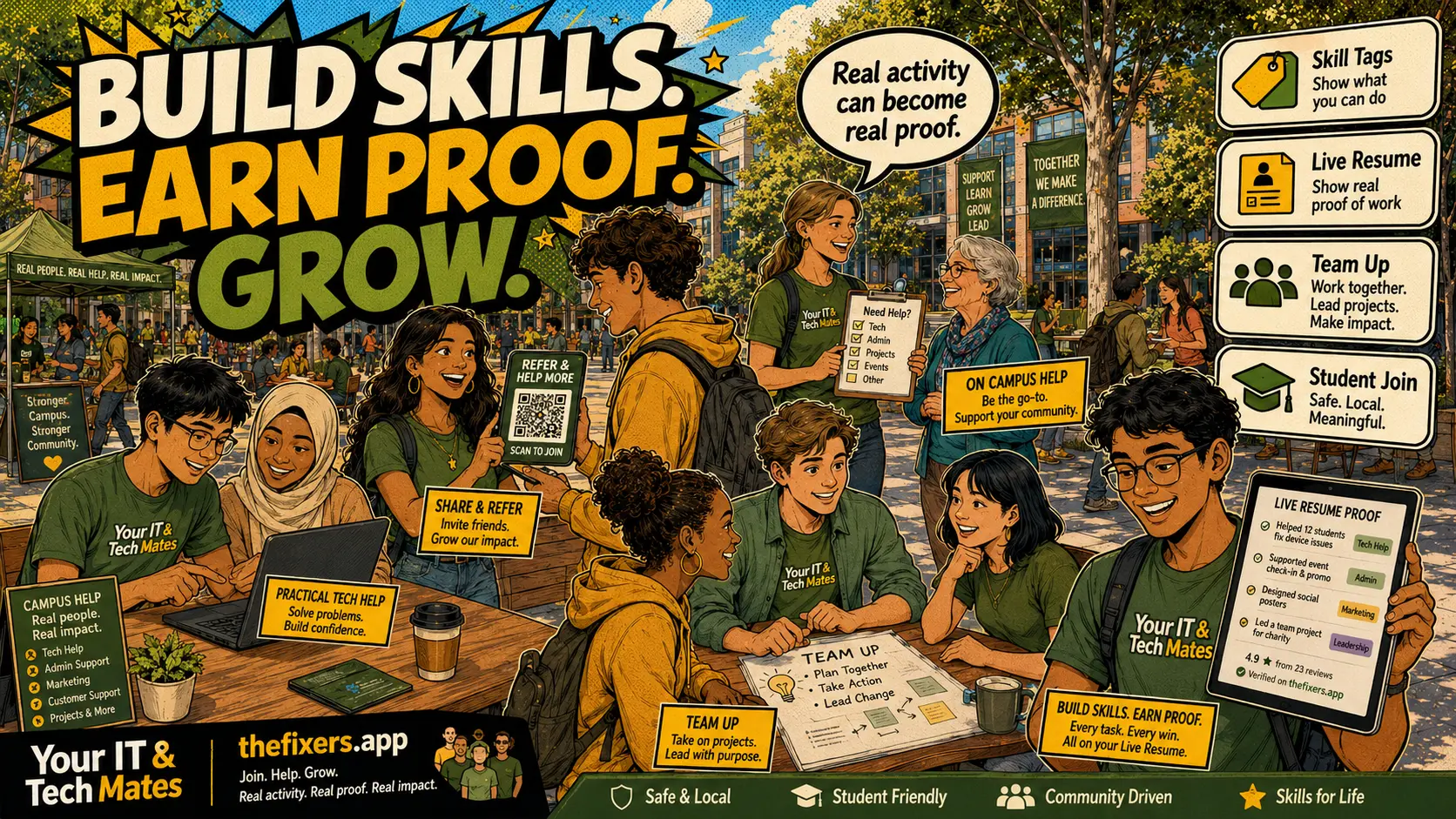
Student experience pathway
TheFixers.APP pathway is designed for students who need practical experience before they already have a long work history. A student can start with small, safe tasks, build confidence, collect reviewed proof, and turn that activity into a clearer Live Resume story.
This guide is organised for quick decisions, safer checks and clearer next steps.
Five concrete bigger project types student teams can support under supervision: club websites, events, onboarding tech, small business email and digital handovers.
Use the guide to choose the right next step and avoid spending time or money in the wrong place.
Keep the model, symptom, photos, error messages and timing together before asking for help.
Use this guide first, then choose Quick Help or the most relevant local service page.
Do not wait until the last minute if the issue affects study, campus work, proof of experience or a device you need for class.
Read the practical steps, gather the details you already have and choose the pathway that best matches your situation.
Use the linked pathway or Quick Help if you need a real person to point you to the next step.
Choose the step that solves the real problem first, then avoid adding extra tools, bookings or work until the next action is clear.
A concrete project-ideas post: club website refresh, event tech setup, new student onboarding tech, small business email setup and digital handover clean-up — all under lead provider supervision.
A student team helps a local cafe set up email, booking form and handover notes while an approved lead manages scope.
Gather existing content, update pages, check contact forms and links, prepare handover document. A lead provider reviews each milestone and signs off before the site goes live.
Prepare registration software, test audio and presentation equipment, run a pre-event checklist, prepare on-day handover notes. Scope: setup only, not live event IT support unless separately agreed.
Help incoming students connect to campus Wi-Fi, install required applications and understand basic device settings during orientation week. A supervised setup day, not remote troubleshooting.
Help a local small business set up a professional email, a simple booking form or a file handover process. Scope: account setup and basic configuration only — not ongoing IT support.
Organise shared files, rename and sort documents, prepare a simple folder structure and create a handover guide. Useful for clubs, small teams and student organisations.
Do not approach customers directly. Ask your lead provider or campus ambassador about upcoming team project opportunities. Express your specific skill availability and role preference.
Choose one bigger project type your team can support safely. Ask your lead provider about opportunities.
Start with one referral. Build proof. Grow your future.
Keep building proof