
Stop
Do not wait until the last minute if the issue affects study, campus work, proof of experience or a device you need for class.
These new guides explain the latest skill tag, smart note, auto-checking and review-by-exception features in plain English.
Learn how reviews, skill tags, guidance notes, customer support, campus help and real tasks can become honest live-resume proof for interviews.
Student experience pathway
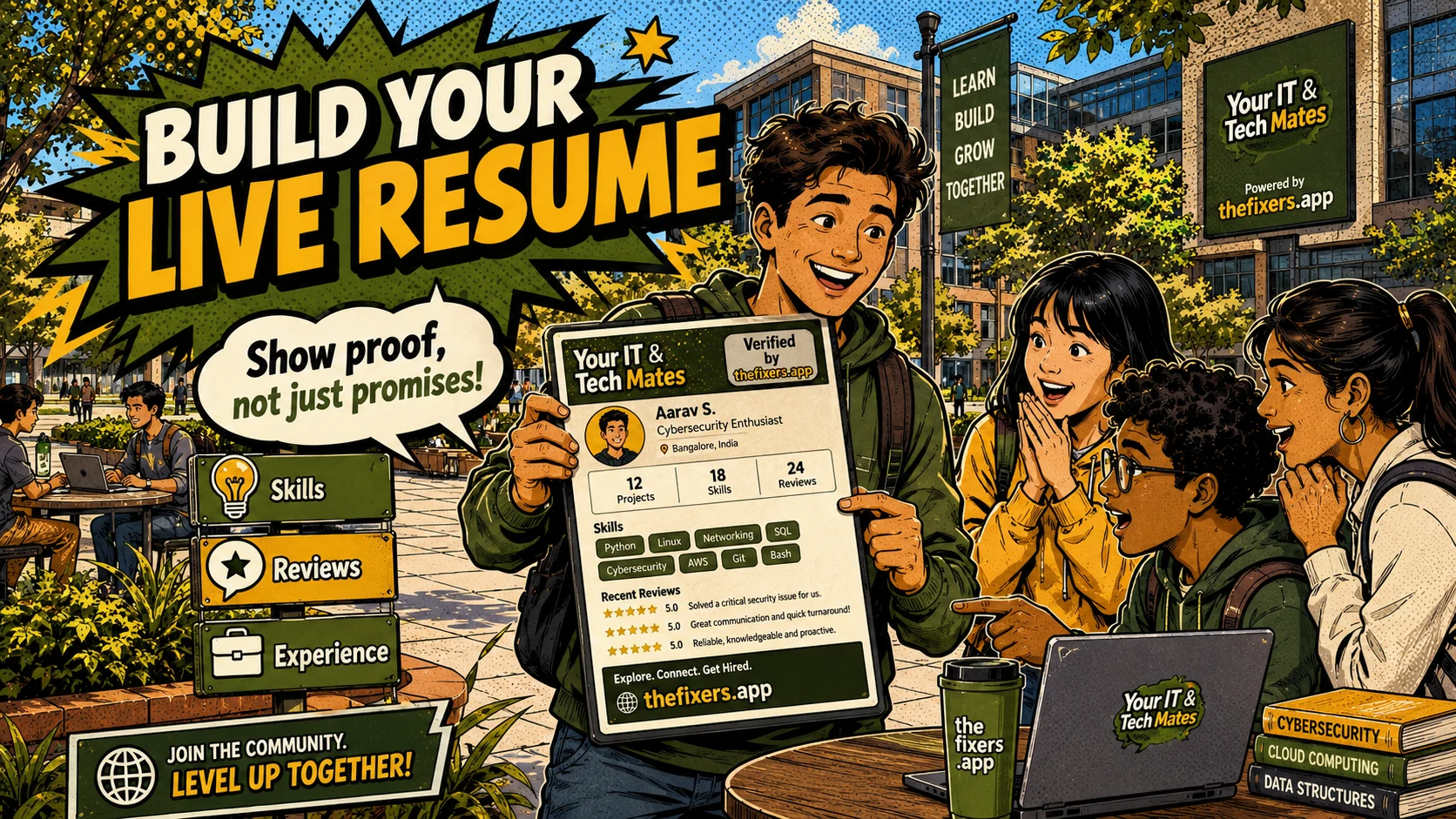
TheFixers.APP pathway is designed for students who need practical experience before they already have a long work history. A student can start with small, safe tasks, build confidence, collect reviewed proof, and turn that activity into a clearer Live Resume story.
This guide is organised for quick decisions, safer checks and clearer next steps.
Learn how reviews, skill tags, guidance notes, customer support, campus help and real tasks can become honest live-resume proof for interviews.
Use the guide to choose the right next step and avoid spending time or money in the wrong place.
Keep the model, symptom, photos, error messages and timing together before asking for help.
Use this guide first, then choose Quick Help or the most relevant local service page.
Do not wait until the last minute if the issue affects study, campus work, proof of experience or a device you need for class.
Read the practical steps, gather the details you already have and choose the pathway that best matches your situation.
Use the linked pathway or Quick Help if you need a real person to point you to the next step.
Choose the step that solves the real problem first, then avoid adding extra tools, bookings or work until the next action is clear.
These examples show the difference between reading about a feature and seeing how it can help a student build confidence, communication and future job proof.
A student supports check-in at a campus event, answers simple questions, keeps notes, and receives feedback. The live resume can show customer support, admin confidence and communication.
A student helps with a simple Microsoft 365 or device setup, stays inside safe boundaries, asks guidance when unsure, and records the outcome as a practical skill tag.
Instead of saying “I am organised”, the student can describe the task, the person helped, the steps taken, the review received and what changed after the support.
A live resume helps students explain what they actually did, not just what they hope employers believe. It is useful for students who are still building confidence because it turns small real activities into clear examples: who needed help, what the student did, how they communicated, what feedback they received and what skill it showed.
Students get the most value when each task is clear, safe and connected to learning. A small task can become useful proof when the student understands the role, records the outcome and reflects on what skill it shows.
A student might start with one small task, such as helping at a campus desk, following up a referral, supporting a simple tech question, helping with an event, or joining a small Team Up project. The important part is not that the task is big. The important part is that the student can explain the situation, the role they played, the result, and what skill it shows.
For example, a non-technical student could help promote a campus support offer, answer basic questions, record enquiries, and send a follow-up message. That can show communication, admin, marketing and customer support skills. A practical student could help with a simple device or software task, stay inside boundaries, ask for guidance when needed, and turn the outcome into a skill tag or live-resume note.
This is the difference between a thin resume claim and useful proof. A thin claim says, “I am organised.” A stronger student example says, “I helped coordinate a small campus support task, checked who needed help, kept notes, followed up with people, and learned how to communicate clearly when the task changed.”
A normal resume often lists skills without showing where they came from. A student live resume is stronger because it connects each claim to real activity. That means a student can talk about communication, follow-up, responsibility and growth with examples instead of vague lines. For casual jobs, internships, apprenticeships, graduate roles or campus leadership opportunities, this helps students show evidence of how they learn and contribute.
Students practise communication, organisation, admin notes, customer updates, task scoping, follow-up and guidance requests.
Instead of saying they are reliable or good with people, students can explain what happened, what they did, what feedback they received and what they learned.
Choose a guide based on the next question you have. Each page connects practical activity with safety, guidance and live-resume proof.
Why reviews matter for student helpers and how honest feedback can build trust, confidence, a live resume and future tech help opportunities.
Open guide → GuideHow a student live resume helps me show real tech support experience, approved skills, reviews, completed jobs and local help outcomes before my first formal role.
Open guide → GuideHow I can build a practical tech support portfolio as a student through small local help jobs, approved reviews, skill tags and live resume proof.
Open guide →Choose the pathway that fits you: campus help, support, referrals, Team Up, leadership or practical tech help.
Skill tagsLearn how real activity can turn into skill tags and proof students can explain.
EmployabilityExplore how student work can build organisation, project management and people-management evidence.
Start from the student join page, or return to the full gateway to compare help, campus, referral, Team Up and leadership pathways.
Keep building proof