
Step 1
Call the real person using their old saved number.
If anyone is in immediate danger, being threatened, or unsafe, call 000 now. If money is missing, call your bank first, then report the scam to police or ReportCyber. For identity risk, consider IDCARE. For cyber advice, call 1300 CYBER1.
Check “Hi Mum”, “new number”, QuoteMe, urgent family emergency and money request messages before replying or sending funds.
Scam Help helps Australians choose the right next step before they click, before they pay, after they click, or when they need to report.
Stop. Check. Ask Your IT & Tech Mates.
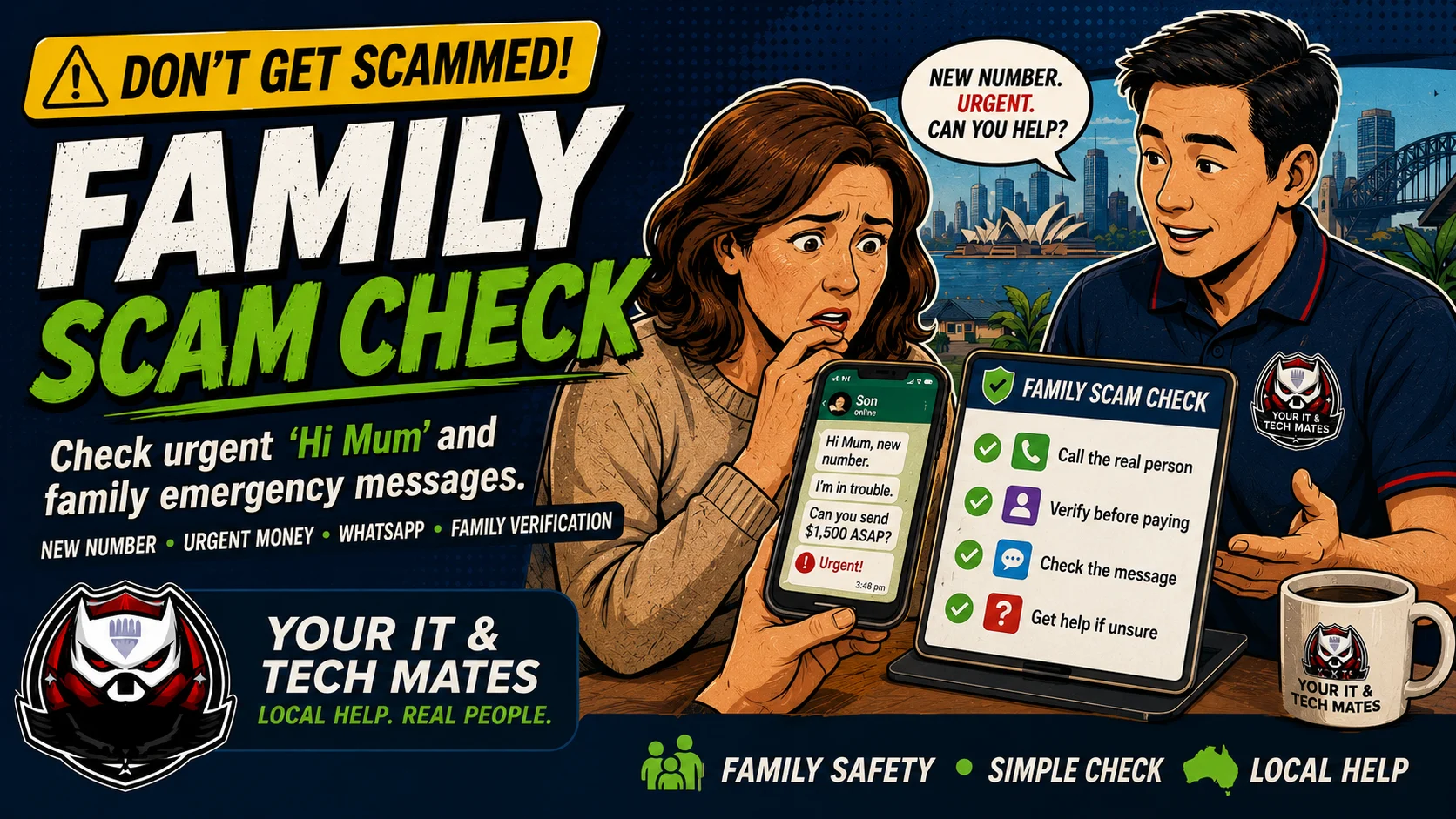
Use this as a first-check triage system. Start with the situation, then move to the safest next step before paying for help.
Tick what applies. The result gives simple next steps, a safer next action and a simple report you can copy.
Choose I am not sure and answer the two safety questions. The helper will still give you a safe first step.
This page is both a free tool and a plain-English guide, so it is useful even if scripts are not running.
Call the real person using their old saved number.
Ask a family code word or verify with another family member.
Do not send money until the person is confirmed.
If you already paid, call your bank first and create a recovery report.
Fill in only what you are comfortable sharing. This creates an on-page report you can copy for your bank, ReportCyber, IDCARE, ATO, employer, family member or Your IT & Tech Mates.
We do not store your answers or report on our server. The details are cleared when you close or leave the page. Do not enter passwords, login codes, full card numbers or identity document numbers.
Choose the helper that matches what happened: strange link, scam message, payment request, remote access warning or hacked account.
Open the related helper for the next safe step.
Open the related helper for the next safe step.
Open the related helper for the next safe step.
Open the related helper for the next safe step.
Open the related helper for the next safe step.
Open the related helper for the next safe step.
Open the related helper for the next safe step.
Open the related helper for the next safe step.
This free tool provides general guidance from the answers you choose. It may be incomplete or inaccurate and is not a confirmed diagnosis, safety clearance, professional assessment, fixed quote or guarantee of an outcome.
For safety, security, money, legal rights, health, data loss or destructive changes, verify the result with a current official source or an appropriate qualified person. To the extent permitted by law, we are not responsible for loss caused by relying on free, unconfirmed tool output instead of obtaining that help. Nothing here removes rights that cannot be excluded under Australian law.
Read the Information disclaimer · How tool information is handled