
Fake Tech Support Call Checker
Use this before you follow instructions from someone claiming your computer, internet, phone, bank or account has a problem.
Built for Australians who need a calm first check before paying, clicking, installing software, sharing codes or sending personal details.
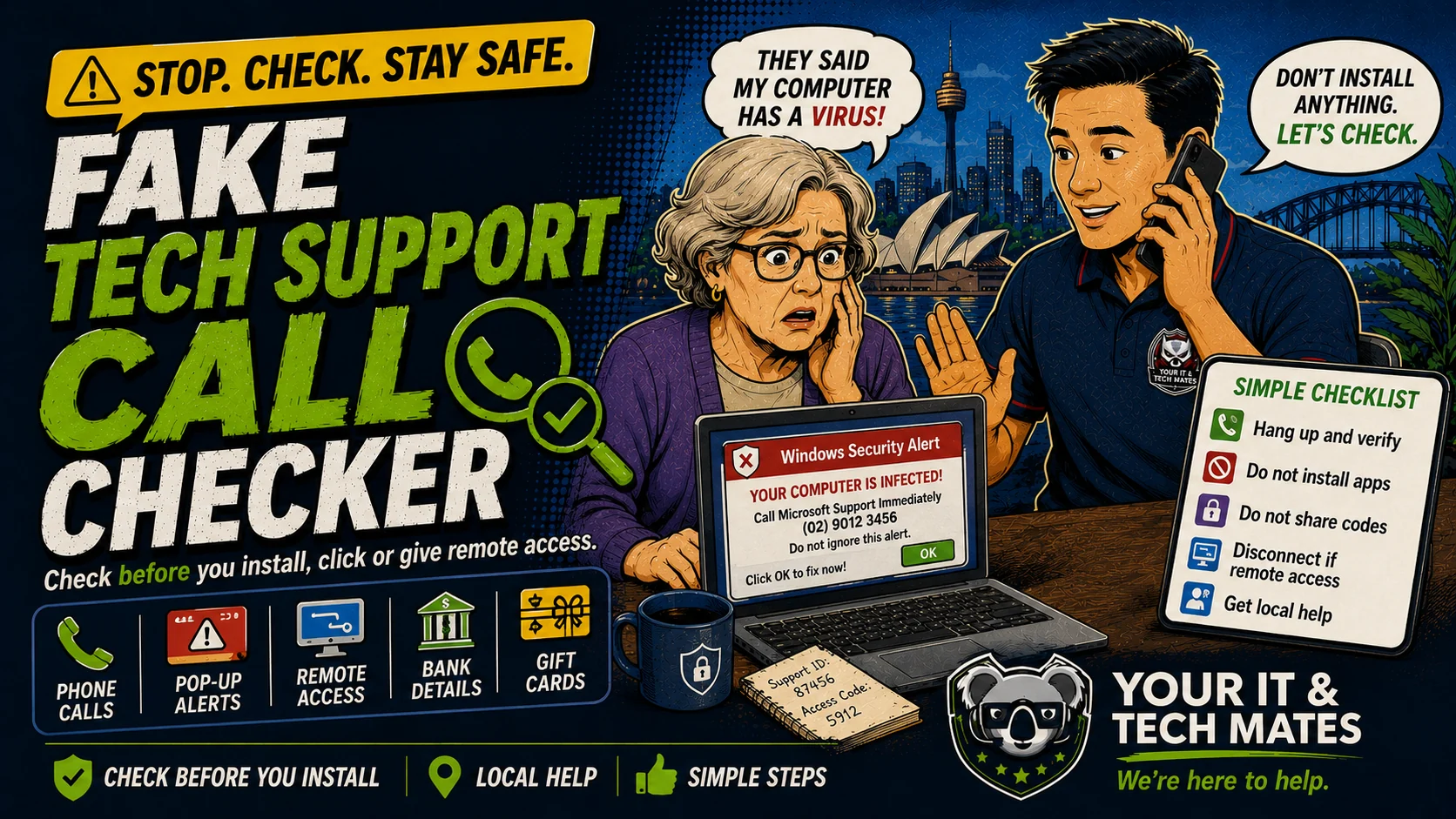
What happened? Choose the safest starting point.
Use this as a first-check triage system. Start with the situation, then move to the safest next step before paying for help.
Designed for the moment people feel rushed or unsure.
This tool now gives a clearer path for three real situations: checking before acting, helping someone else, or recovering after money/details were shared.
Do not install remote access software, open online banking, buy gift cards or share codes because a caller tells you to.
Hang up, close the popup, and contact the organisation through official details. Real support does not need your one-time code or banking while connected.
If remote access was installed or banking was opened while connected, disconnect the internet and call your bank from another device.
Tick what applies.
The result gives a simple risk level, what to avoid, and the safest next action.
Why fake tech support scams feel believable
Scammers use trusted names like Microsoft, Telstra, NBN, banks and antivirus brands. They may show scary screens to make a normal computer look hacked.
Real support should not pressure you to install remote access, share one-time codes, open banking, buy gift cards or keep the call secret.
- Hang up or end the chat. Do not argue with the caller.
- Do not install remote access software or open banking while connected.
- If remote access was already installed, disconnect the internet and stop using banking on that device.
- If money or card details were shared, call your bank first.
- Save phone numbers, screenshots, remote access app names and payment records before cleaning up.
Use the right checker for what happened.
Want someone to check the device or accounts with you?
See the Scam Safety Help service for calm, hands-on device and account checks after a suspicious call, message, payment or remote-access incident.
Check before relying on this result
This free tool provides general guidance from the answers you choose. It may be incomplete or inaccurate and is not a confirmed diagnosis, safety clearance, professional assessment, fixed quote or guarantee of an outcome.
For safety, security, money, legal rights, health, data loss or destructive changes, verify the result with a current official source or an appropriate qualified person. To the extent permitted by law, we are not responsible for loss caused by relying on free, unconfirmed tool output instead of obtaining that help. Nothing here removes rights that cannot be excluded under Australian law.
Read the Information disclaimer · How tool information is handled