
Stop
Do not keep forcing restarts, charging attempts or DIY fixes if the laptop has liquid damage, heat, scam pop-ups, strange noises or important files at risk.
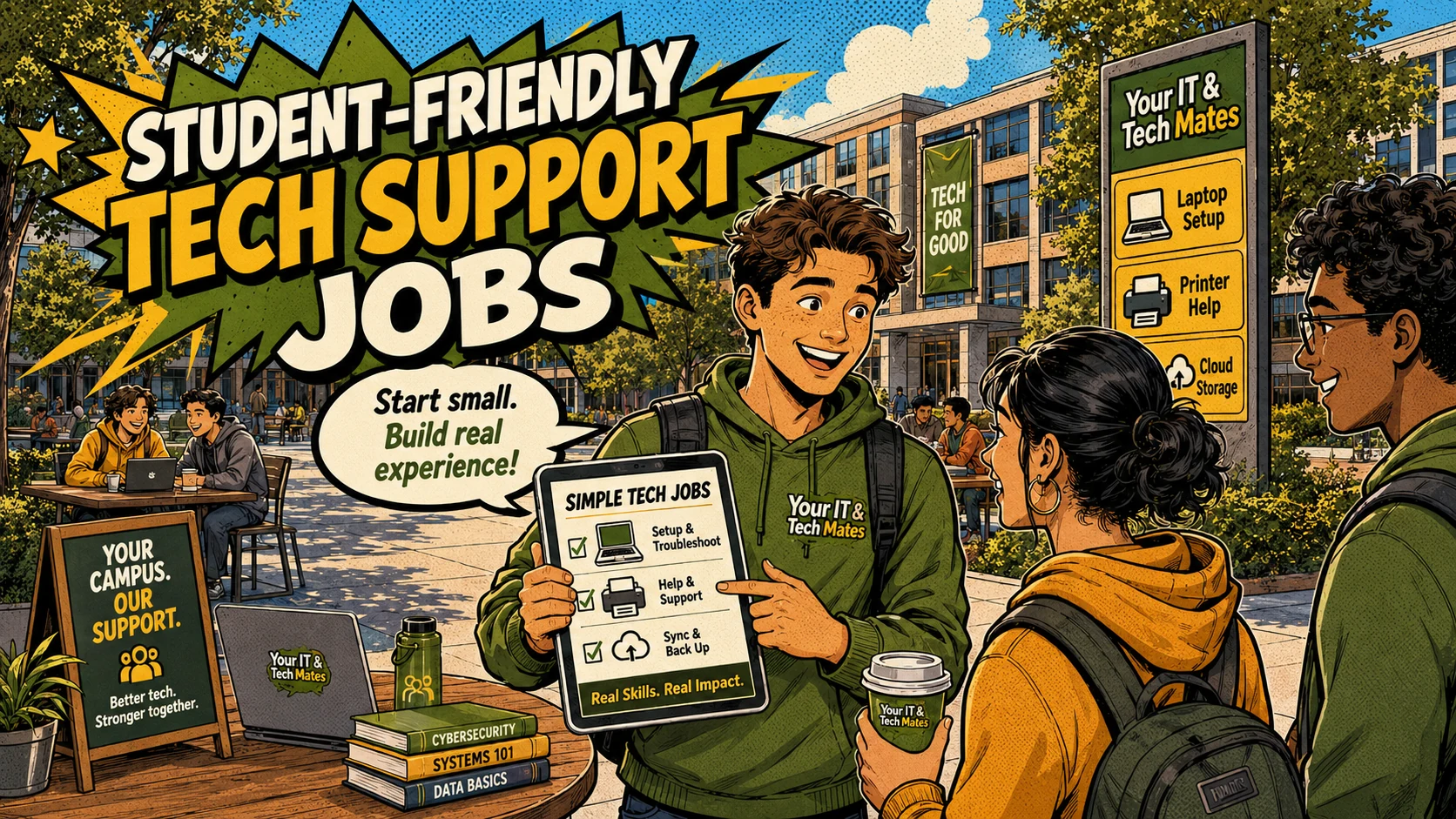
Student-friendly tech support jobs I can start with, including laptop setup, email help, printer setup, cloud storage, study tools and safe local tech help.
Student experience pathway
TheFixers.APP pathway is designed for students who need practical experience before they already have a long work history. A student can start with small, safe tasks, build confidence, collect reviewed proof, and turn that activity into a clearer Live Resume story.
This guide is organised for quick decisions, safer checks and clearer next steps.
Student-friendly tech support jobs I can start with, including laptop setup, email help, printer setup, cloud storage, study tools and safe local tech help.
Use the guide to choose the right next step and avoid spending time or money in the wrong place.
Keep the model, symptom, photos, error messages and timing together before asking for help.
Use this guide first, then choose Quick Help or the most relevant local service page.
Do not keep forcing restarts, charging attempts or DIY fixes if the laptop has liquid damage, heat, scam pop-ups, strange noises or important files at risk.
Write down what changed, check the charger or connection only if it is safe, and take photos of any message, damage or symptom.
Send the laptop model, what happened, photos and your suburb through Quick Help so we can suggest the safest next step.
If the cost, risk or downtime looks high, compare assessment, repair, replacement and backup options before approving work.
I do not need to be a full IT technician to start earning from everyday tech help. As a student, I can begin with simple jobs I already understand: setting up a laptop, helping with email, organising cloud files, connecting a printer, backing up a phone or explaining a study app. The important part is not pretending I can fix everything. The smarter move is to start with jobs I can do properly, use guidance when I am unsure, and build proof one safe job at a time.
As a student, this post works best when it feels like a list I can act on this week, not a business plan. I need clear examples, safety limits and a path for what to do when a job is too big.
Students can start with safe tech support side jobs such as laptop setup, email help, printer setup, cloud storage, phone backup and study app support. The safest pathway is to start with narrow jobs, use student guidance when unsure, and build proof through completed outcomes.
A lot of people struggle with tech that feels normal to me. I might use Google Drive, OneDrive, email, Wi-Fi, video calls and study apps every week without thinking much about it. But for someone else, those same tools can be confusing. That is where I can be useful. I am not selling myself as an expert. I am helping with everyday tech problems that have clear, simple outcomes.
Here are jobs that are realistic for a student helper when the scope is clear: laptop setup, email setup, printer connection, phone backup, photo organisation, cloud storage explanation, OneDrive or Google Drive folder setup, video call setup, basic Wi-Fi terms, study app setup, simple Excel or document formatting help, and digital confidence sessions for someone who just wants patient help.
My first offer should not be, "I fix computers." That sounds too broad and it invites risky jobs. A better offer is, "I can help with simple laptop setup, email, printers, cloud storage and study tech basics." That tells people what I can do and keeps the job safer for both sides.
The student helper area gives me a clear place to start without acting like a full provider. If someone asks for something I am not sure about, I can use student guidance instead of guessing. Skill tags help me show what I am actually comfortable with. Campus Help gives me a safe pathway to point people to when the request needs to go through a clearer process.
A neighbour asks me to help set up a new laptop for study. I connect Wi-Fi, check updates, set up email, create simple folders and explain where files are saving. I do not touch banking, reset private passwords or open the laptop. If the person asks for something bigger, I use the guidance pathway or point them to the right support option. That keeps the job useful without making it risky.
Some jobs are not good first jobs. I should be careful with data recovery, business network security, payment or banking access, password resets without clear permission, opening devices, private documents, and anything connected to assessed school or uni work. Saying no to the wrong job is part of being professional.
Starting small gives me income, confidence and proof. I can build real examples for my live resume instead of just saying I am good with tech. Every safe job teaches me how to listen, explain, set boundaries and finish properly.
If I want to start, I should use the student helper area first, ask for guidance when a job feels unclear, and build proof through small tech jobs I can genuinely complete.
A practical Melbourne student example is helping a classmate, parent or neighbour with a new laptop, printer, email or cloud storage setup, then pointing bigger requests through Campus Help or Quick Help instead of handling them by private message.
thefixers.app helps by separating student-friendly jobs from advanced provider work. The student helper area, skill tags, Campus Help and guidance request flow give me a safer way to say what I can do and what I should pass on.
Want to start safely? Start with the student helper area, use student guidance when a job feels unclear, and build proof through your live helper profile as you complete suitable work.
Use the student helper area, ask for guidance when something feels unclear, and keep your live profile honest as your experience grows.
This student pathway is designed to build more than one practical skill. It can help a student practise communication, admin habits, payment confidence, customer support, trust, guidance and live-resume proof from real campus or community help.
Keep building proof