
Stop
Do not wait until the last minute if the issue affects study, campus work, proof of experience or a device you need for class.
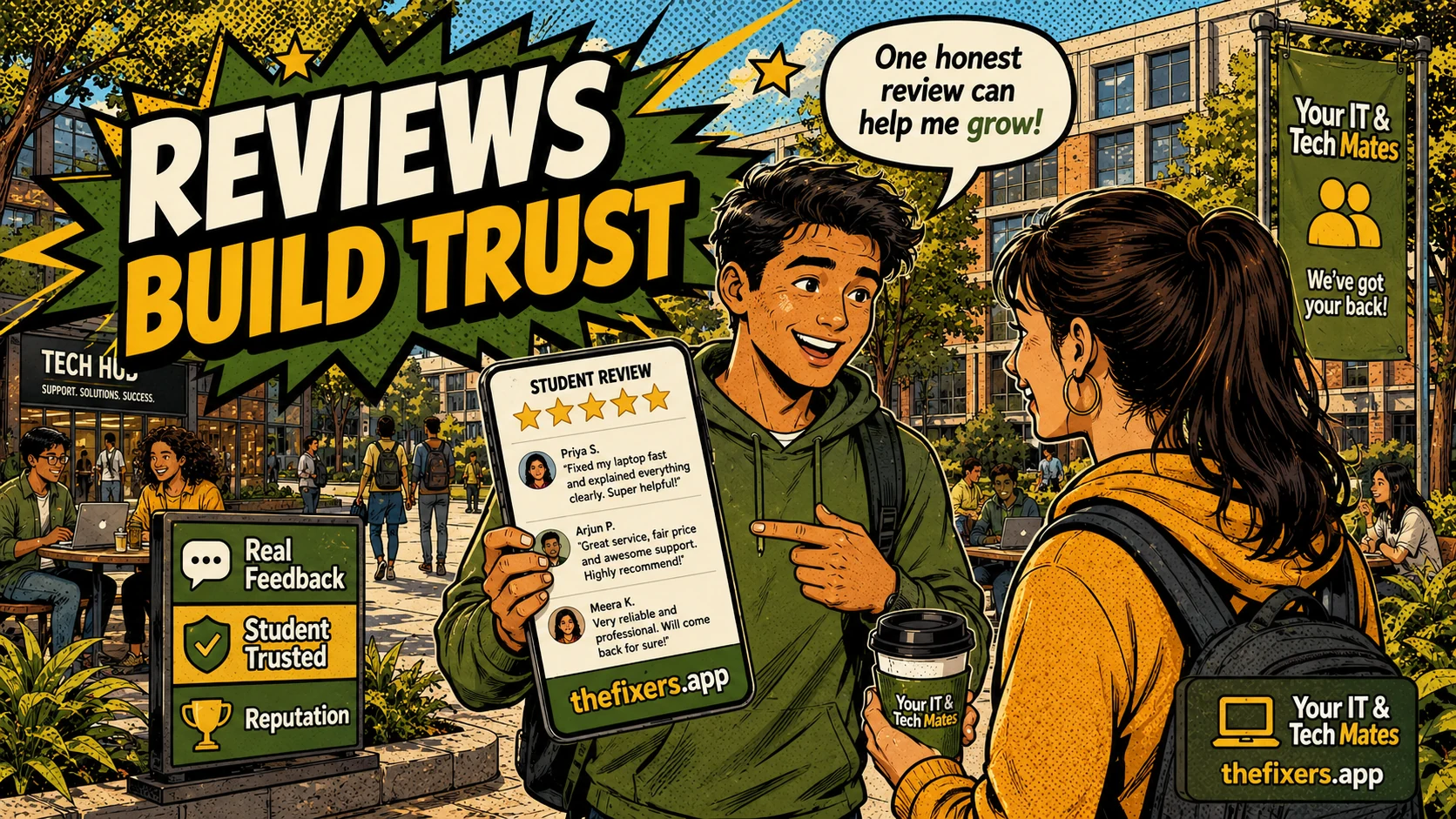
Why reviews matter for student helpers and how honest feedback can build trust, confidence, a live resume and future tech help opportunities.
Student experience pathway
TheFixers.APP pathway is designed for students who need practical experience before they already have a long work history. A student can start with small, safe tasks, build confidence, collect reviewed proof, and turn that activity into a clearer Live Resume story.
This guide is organised for quick decisions, safer checks and clearer next steps.
Why reviews matter for student helpers and how honest feedback can build trust, confidence, a live resume and future tech help opportunities.
Use the guide to choose the right next step and avoid spending time or money in the wrong place.
Keep the model, symptom, photos, error messages and timing together before asking for help.
Use this guide first, then choose Quick Help or the most relevant local service page.
Do not wait until the last minute if the issue affects study, campus work, proof of experience or a device you need for class.
Read the practical steps, gather the details you already have and choose the pathway that best matches your situation.
Use the linked pathway or Quick Help if you need a real person to point you to the next step.
Choose the step that solves the real problem first, then avoid adding extra tools, bookings or work until the next action is clear.
Reviews matter because they help me prove that I am reliable, respectful and useful, not just technically capable. As a student helper, one honest review from a real completed job can be more valuable than a long list of skills with no proof.
This post is strongest when it tells students reviews are about trust, not popularity. I need to know what a useful review proves and what review behaviour to avoid.
Reviews help student helpers prove reliability, communication, privacy awareness and completed outcomes. Honest feedback attached to real jobs is more useful than fake praise or broad claims.
When I am new, people might wonder if they can trust me. That is fair. I may not have a long work history yet. A review helps close that gap. It shows that I turned up, explained things clearly, respected privacy and handled the job properly.
A useful review should show behaviour, not hype. It might say I was patient, explained the steps clearly, stayed within the agreed job, did not overpromise and helped the person feel more confident. That kind of feedback tells future customers and future employers something real.
The review step and live resume profile help connect feedback to real work. Skill tags can support what I have actually done. Student guidance helps me avoid taking jobs that could lead to bad outcomes because I guessed instead of asking. Together, those features make reviews more trustworthy.
I help someone connect a printer and show them how to scan homework documents. The review does not need to say I am amazing. A better review might say, "They were patient, explained what they were doing and helped me understand how to scan documents next time." That is the kind of proof I can use.
I should not ask for fake reviews, pressure friends, write reviews for myself, ask customers to include private details, or exaggerate what happened. Fake trust is worse than no trust because it can damage my reputation before I even start.
Reviews are not only for other people. They help me see that I am improving. If someone says I explained something clearly, that gives me confidence to take another suitable job. If feedback shows I need to improve, I can learn before moving on to bigger work.
If I want reviews that help my future, I should focus on doing small jobs properly, asking for honest feedback and adding only real proof to my live resume.
For local tech help, a review from a neighbour, parent, classmate or community member can become a trust signal that supports the next suitable request.
thefixers.app supports this through review steps, live profiles, skill tags and guidance that helps students avoid unclear jobs that could damage trust.
Want to start safely? Start with the student helper area, use student guidance when a job feels unclear, and build proof through your live helper profile as you complete suitable work.
Use the student helper area, ask for guidance when something feels unclear, and keep your live profile honest as your experience grows.
This student pathway is designed to build more than one practical skill. It can help a student practise communication, admin habits, payment confidence, customer support, trust, guidance and live-resume proof from real campus or community help.
Keep building proof