
Stop
Do not wait until the last minute if the issue affects study, campus work, proof of experience or a device you need for class.
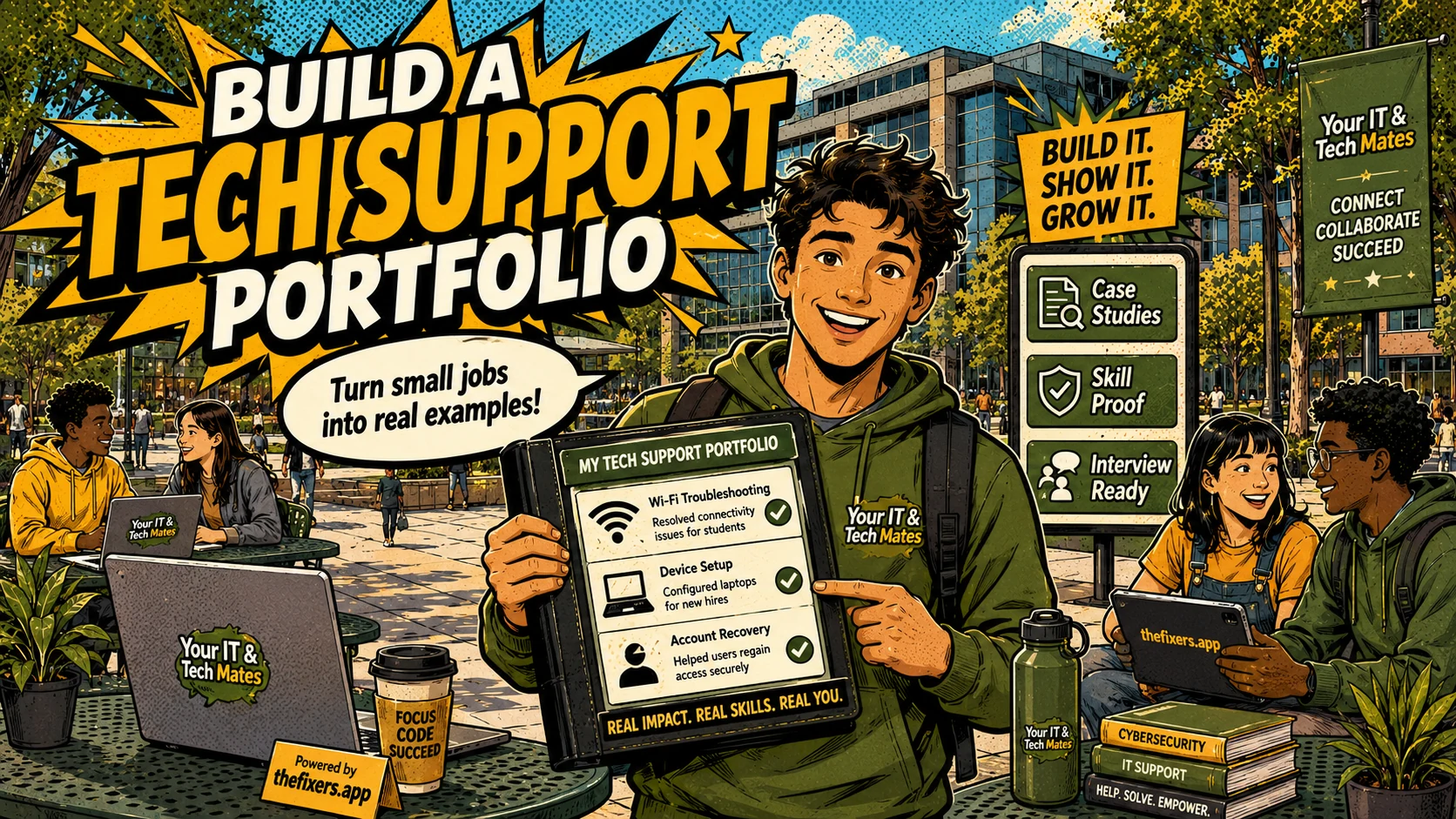
How I can build a practical tech support portfolio as a student through small local help jobs, approved reviews, skill tags and live resume proof.
Student experience pathway
TheFixers.APP pathway is designed for students who need practical experience before they already have a long work history. A student can start with small, safe tasks, build confidence, collect reviewed proof, and turn that activity into a clearer Live Resume story.
This guide is organised for quick decisions, safer checks and clearer next steps.
How I can build a practical tech support portfolio as a student through small local help jobs, approved reviews, skill tags and live resume proof.
Use the guide to choose the right next step and avoid spending time or money in the wrong place.
Keep the model, symptom, photos, error messages and timing together before asking for help.
Use this guide first, then choose Quick Help or the most relevant local service page.
Do not wait until the last minute if the issue affects study, campus work, proof of experience or a device you need for class.
Read the practical steps, gather the details you already have and choose the pathway that best matches your situation.
Use the linked pathway or Quick Help if you need a real person to point you to the next step.
Choose the step that solves the real problem first, then avoid adding extra tools, bookings or work until the next action is clear.
I do not need to wait for my first office job to start building a tech support portfolio. I can build proof through small, safe help jobs, clear examples, honest reviews, skill tags and a live resume that shows what I have actually done.
This post needs a simple framework I can reuse after every small job. It should help me build a portfolio without exposing private customer details.
Students can build a tech support portfolio before a formal office job by documenting safe support work: the problem, terms, explanation, result, lesson learned and any approved review or skill tag.
Portfolio experience can be simple if it is real. Setting up a laptop, explaining OneDrive, helping someone organise files, connecting a printer, setting up video calls or showing a person how to back up photos can all count when I explain the problem, the steps and the result.
For each job, I can write down six things: what the problem was, what I checked, what I explained, what the result was, what I learned and whether the work was reviewed or approved. That gives me a clean story without exposing private details.
The live resume profile gives me a place to show proof. Skill tags help show the areas I am building. Student guidance helps me avoid risky jobs. The project board can support bigger work when the scope needs to be clearer. Together, these features help me build a portfolio without making up experience.
Problem: A customer could not find their study files on a new laptop. What I checked: OneDrive sign-in, sync status and folder locations. What I explained: the difference between local and cloud files. Result: the customer understood where files were saving and could find them again. What I learned: explain slowly and confirm the person understands before finishing.
I should not include customer names, private screenshots, passwords, personal files or anything that makes the person identifiable. A good portfolio proves my work without exposing someone else.
In an interview, I can talk through the problem, my thinking and the outcome. That shows communication, privacy awareness and practical support skills. It is much stronger than saying I like technology.
If I want a portfolio that helps me later, I should document small jobs carefully, keep private details out and use my live resume profile to show honest proof.
A campus or local support example can become a portfolio story when the student explains the issue, keeps private details out and records the outcome clearly.
thefixers.app helps by connecting live profiles, project boards, guidance and skill tags so students can turn suitable work into visible proof.
Want to start safely? Start with the student helper area, use student guidance when a job feels unclear, and build proof through your live helper profile as you complete suitable work.
Use the student helper area, ask for guidance when something feels unclear, and keep your live profile honest as your experience grows.
This student pathway is designed to build more than one practical skill. It can help a student practise communication, admin habits, payment confidence, customer support, trust, guidance and live-resume proof from real campus or community help.
Keep building proof