
Learn the tasks that matter to you
Choose up to three priorities such as photos, email, video calls, online forms, apps or accessibility settings.
Patient one-to-one help for everyday technology. The senior rate is $110/hour including GST, compared with our standard $150/hour support rate.
$40/hour less than our standard support rate
A family member may arrange or pay for support. We still respect the senior customer's choices, privacy and consent.
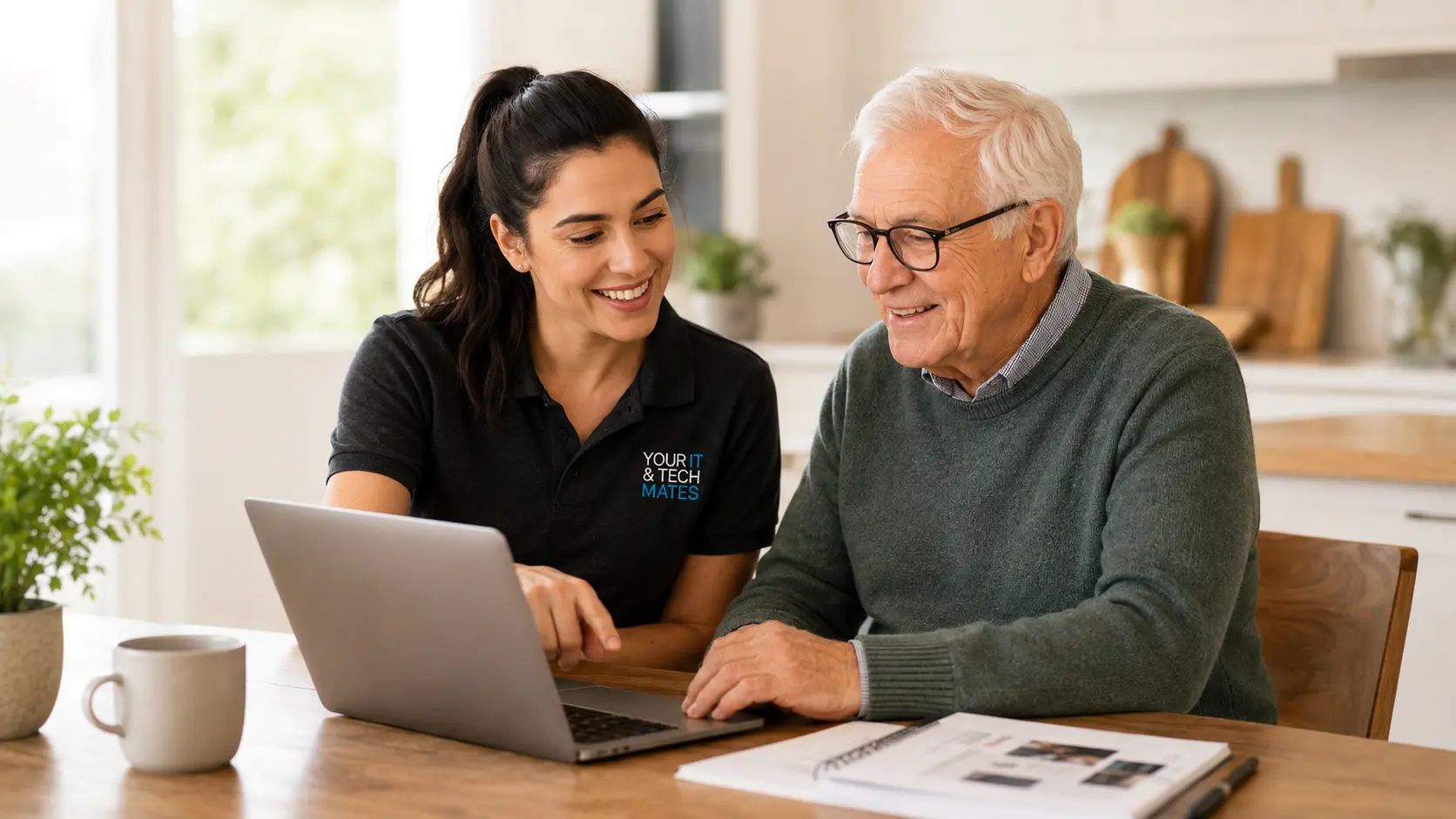
A personalised 90-minute session for seniors who want to learn, practise and feel more independent with everyday technology. About 90 minutes. The current hourly support rate and session estimate are shown above. We confirm the session scope and expected length before paid work.
These links use current Your IT & Tech Mates information. A technician confirms the work and price before paid work starts.
A Confidence Session is useful when the goal is to understand the device and practise several everyday tasks, rather than only repair one fault.
Choose up to three priorities such as photos, email, video calls, online forms, apps or accessibility settings.
We demonstrate the step, then let the senior try it with patient guidance.
We prepare simple notes using the words and device the senior actually uses.
The session is adapted to the senior’s device, experience and learning goals.
Enough time to slow down, repeat steps and ask questions without feeling rushed.
We agree the priorities at the start so the session stays focused and useful.
We can enlarge text, simplify the home screen, improve sound and adjust other helpful settings.
The senior receives practical notes for the tasks covered during the session.
The session follows the senior’s chosen learning goals. We do not fill the time with unrelated upgrades or products.
Practice happens on the senior’s own device. Sensitive logins remain under the senior’s control throughout the lesson.
A family member can sit in and learn the same steps, helping the senior receive consistent support after the session.
Sessions are available in homes across Epping, Wollert, Lalor, Mill Park, South Morang, Mernda, Thomastown and Bundoora.
It is a private, personalised session using the senior’s own device and goals. It is more practical than a general classroom lesson.
Yes, provided the selected goals fit within the 90-minute session.
Yes. Many families attend so they can reinforce the same steps later.
Yes. We start from the senior’s current level and avoid assumptions or technical jargon.
Yes. A one-off follow-up or an ongoing Senior Tech Confidence Plan can be arranged.
Tell us the senior’s device and the two or three tasks they would most like to master.
One connected service system
Your IT & Tech Mates uses TheFixers.APP to manage QuoteMe requests, tracked referrals, quotes and customer follow-up in one connected system.
Tell us who needs help, the device involved, the suburb and the main concern. The request enters the same system used for review, estimates, quotes and follow-up.
Describe the support neededHelping a parent, resident or community member? Sign in to share a tracked referral.
Refer someone you are helpingReferral commissions are subject to eligibility, completed-job verification and the referral terms.
These existing pages connect this service to the most useful learning, safety, setup or repair pathway.