
★★★★★
“Explained the issue clearly and helped us decide what was actually worth fixing.”
Local repair customerStart with Quick Help, or use the Ambassador Network to connect campus students, neighbours and local providers into the right support path.
Choose the right help path first. Ambassadors never need passwords, PINs, banking codes or private access details.

“Explained the issue clearly and helped us decide what was actually worth fixing.”
Local repair customer“Patient, practical and easy to deal with. Exactly what we needed for home tech help.”
Home support customer“No confusing jargon. Just straight advice and a clear next step.”
Melbourne North customerUse the Quick Help hub to keep new repairs, existing job support, referrals, provider applications, business helpdesk, NDIS, aged care and agency pickup requests separate from each other.
Start here when you are not sure which form or support path fits your issue.
Open the hubFollow up a quote, invoice, warranty, payment record or existing repair job.
Open job supportShare Your IT & Tech Mates and track eligible referral rewards where rules are met.
Open referral areaCampus and neighbourhood ambassadors can refer customers, invite providers and track commissions.
Explore ambassadorsFor repair shops and approved service partners who need to apply, verify documents, manage jobs or track provider referrals.
For workplace IT issues, business support requests and systems help that should stay separate from home customer jobs.
For care coordinators, agencies, schools and organisations arranging support, handover or pickup without sharing private access details.
For approved agency, provider, school, aged care or NDIS-related pickup requests and partner handover workflows.
Student tech setup, study support referrals, assignment planning support and campus provider pathways.
Local help for seniors, families, scam safety, home tech, small business and community groups.
The Ambassador Network gives students, neighbours and community connectors a simple way to refer jobs into Quick Help, invite local providers and upgrade only when they are approved to perform work.
For students, clubs and campus communities who can refer student tech setup, study support referrals and trusted local services into Quick Help.
For local residents, parents, community groups and business connectors who can refer seniors, families and small businesses into Quick Help.
They can share a link, QR code or local campaign and earn commission when paid bookings are completed.
Anyone who wants to do jobs must upgrade, provide ABN details, choose job types and pass Your IT & Tech Mates review.
Public liability, professional indemnity and WWCC expiry dates control which provider jobs can be accepted.
| Zone | Speciality | Spots left | Status |
|---|---|---|---|
| RMIT City | Student tech setup | 2 | Limited |
| Coburg 3058 | Seniors tech help | 1 | Limited |
| Brunswick 3056 | Scam safety checks | 3 | Open |
| Melbourne Uni Parkville | International student setup | 0 | Waitlist |
In-person jobs, tutoring, advice, school support and senior support can be locked until the right certificates are verified and not expired.
Campus Ambassadors can start by sharing Quick Help, referring classmates, inviting trusted local providers and learning practical communication before applying to become verified independent providers.
Students learn customer communication, problem triage, responsible referral habits and how to guide people into the right support path.
Ambassadors can connect classmates, neighbours, families and trusted local providers through Quick Help instead of scattered group chats.
Referral links, QR codes, zones and commission tracking give students practical exposure to local business and community support.
Ambassadors refer. Verified providers perform. Certificates unlock job types, and expired certificates lock access until reviewed.
Four simple paths. Pick the one that sounds closest, or start with Quick Help if you are unsure.
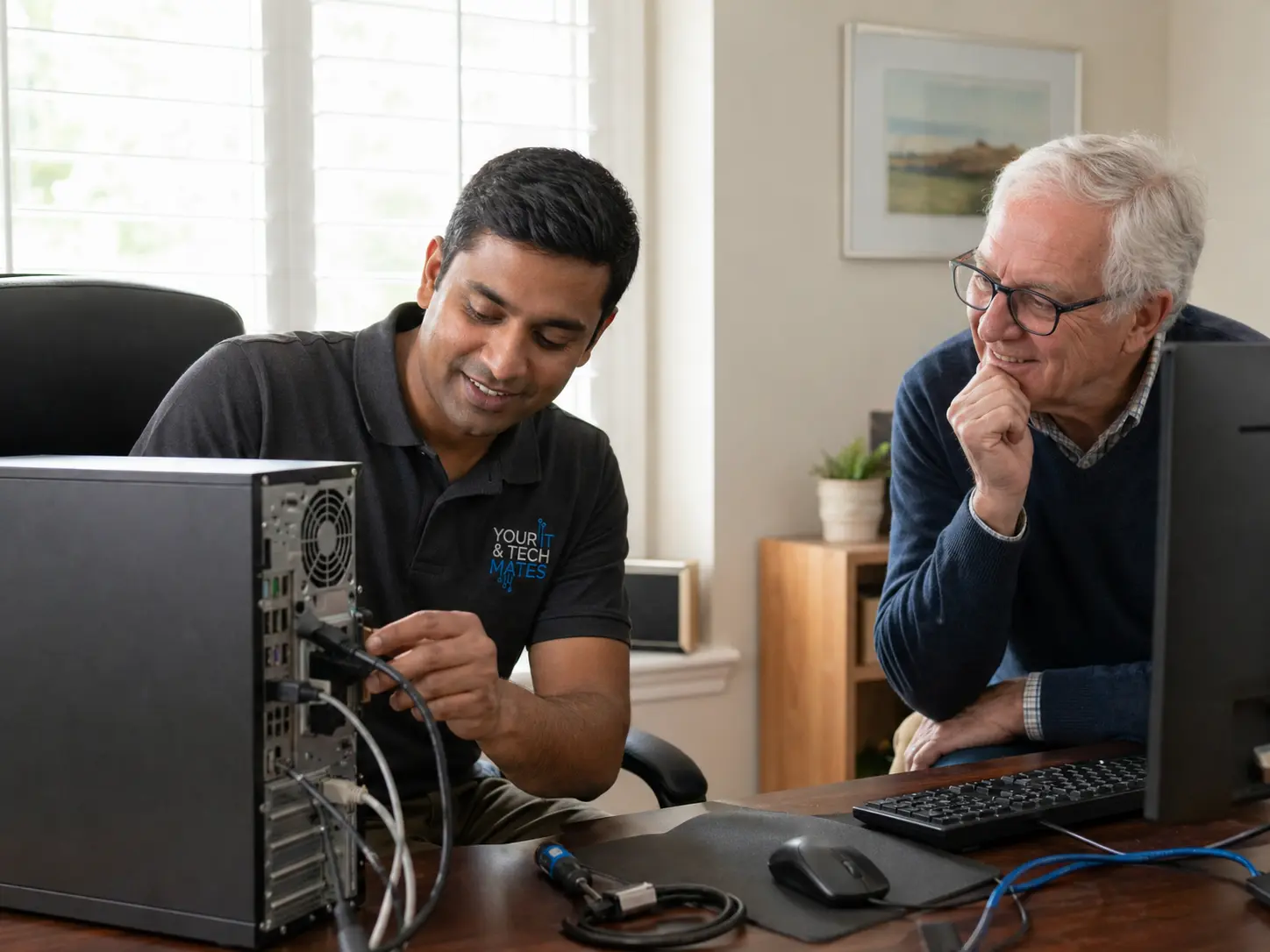
Computer, laptop, MacBook, phone, tablet, data recovery and virus help.
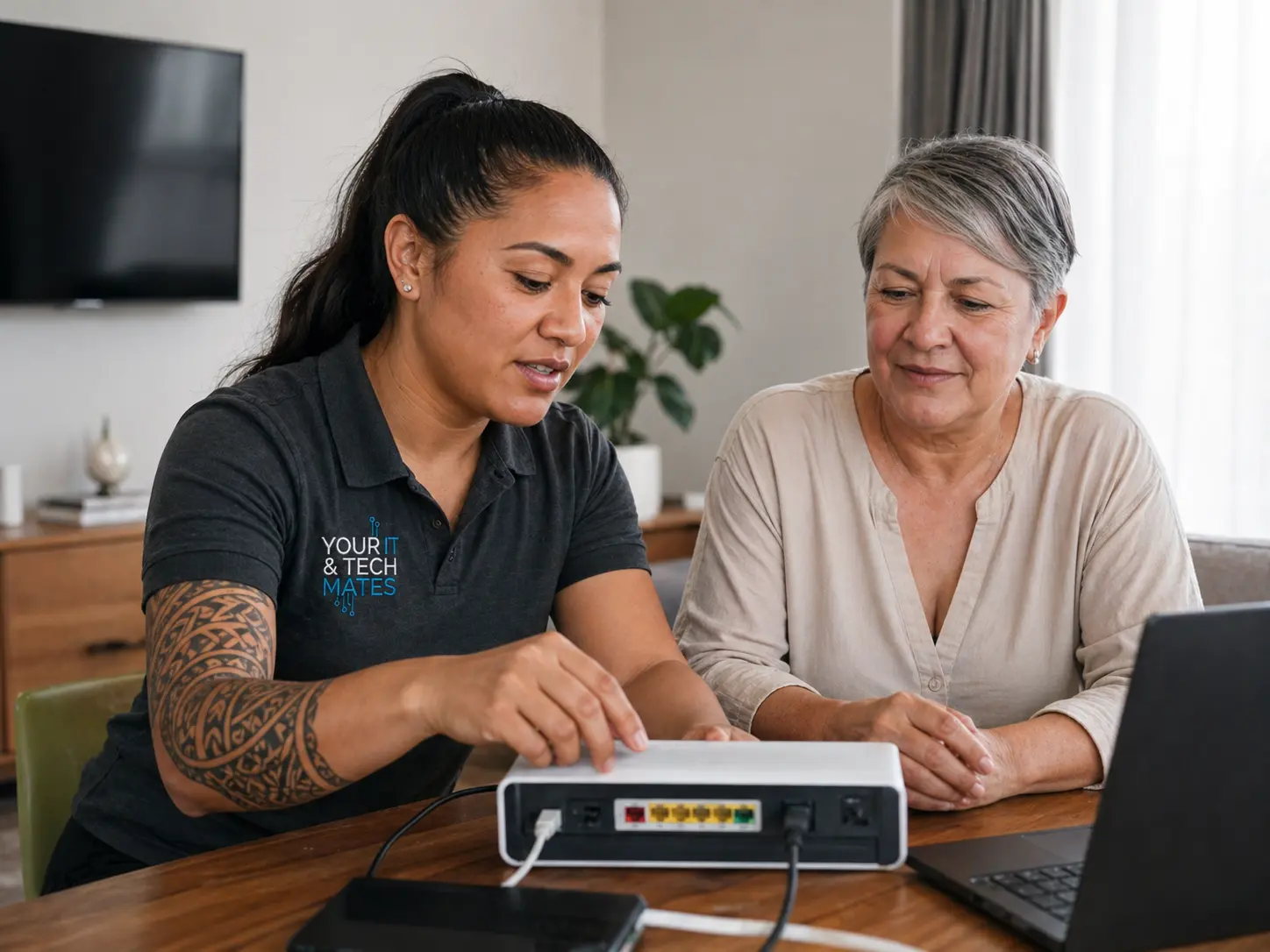
Wi-Fi, printers, new devices and patient in-home troubleshooting.

Seniors, NDIS participants, school devices, parents and carers.

Business IT, software, automation, websites, AI and practical workflows.
Your IT & Tech Mates has a growing library of plain-English repair, scam safety, Wi-Fi, student device and small business guides. Use these entry points to send visitors to the right post without turning the homepage into a crowded blog archive.
Common causes, safe checks and when a slow computer needs proper repair help.
Read the guide → Home techSimple router, modem, NBN and home coverage checks before booking support.
Read the guide → Business AIPractical first steps for automating admin without overcomplicating the business.
Read the guide →Laptop, computer, MacBook, phone, battery, charging, virus and data recovery help.
Helpful reading for parents, seniors, carers and people setting up student devices.
Shortcuts for quotes, missed calls, CRM, customer replies and practical AI use.
Clear rates, no call-out fee for local support, and quotes before work starts.
Local Melbourne North rate usually $135/hour. Best for troubleshooting, setup, Wi-Fi, printers and general tech help.
Computer, laptop, phone and tablet repairs are quoted after the issue is scoped. No work starts without your approval.
Software, AI, automation, websites, business systems and consulting are scoped based on outcomes and complexity.
Practical systems for enquiries, quoting, admin, CRM, follow-up and business workflows.
Missed call replies, quote follow-up, job notes and simple automation for busy trade businesses.
ReviewFind where AI can save time without making your business more complicated.
GuidePlain-English starting points for owners who want useful automation, not hype.

We help across Epping, Wollert and nearby Melbourne North suburbs with repairs, home IT support, business systems and patient tech help for families.
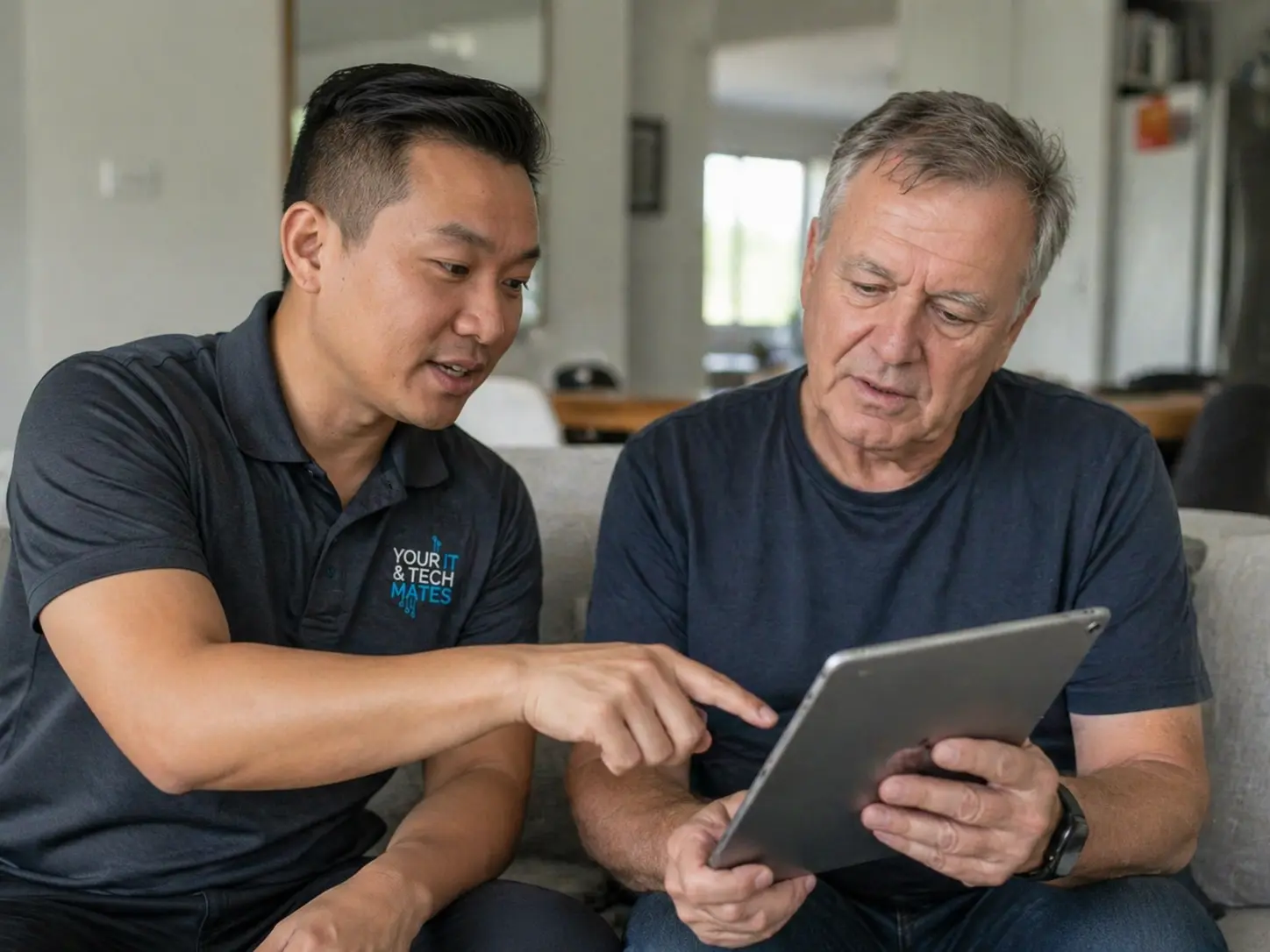
Setup, apps, transfers, accessibility and family support.
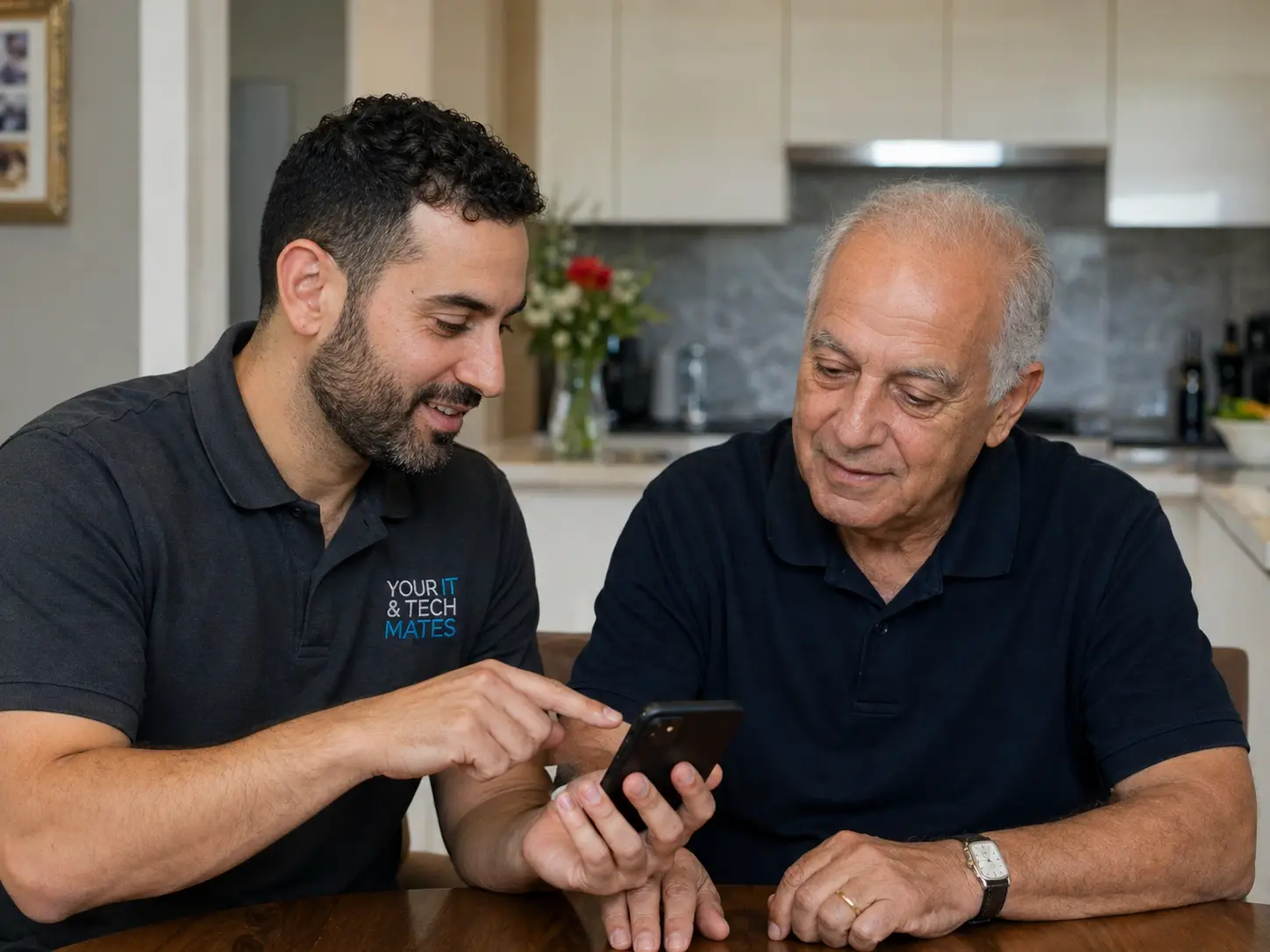
Charging, battery, screen, setup and repair-vs-replace advice.
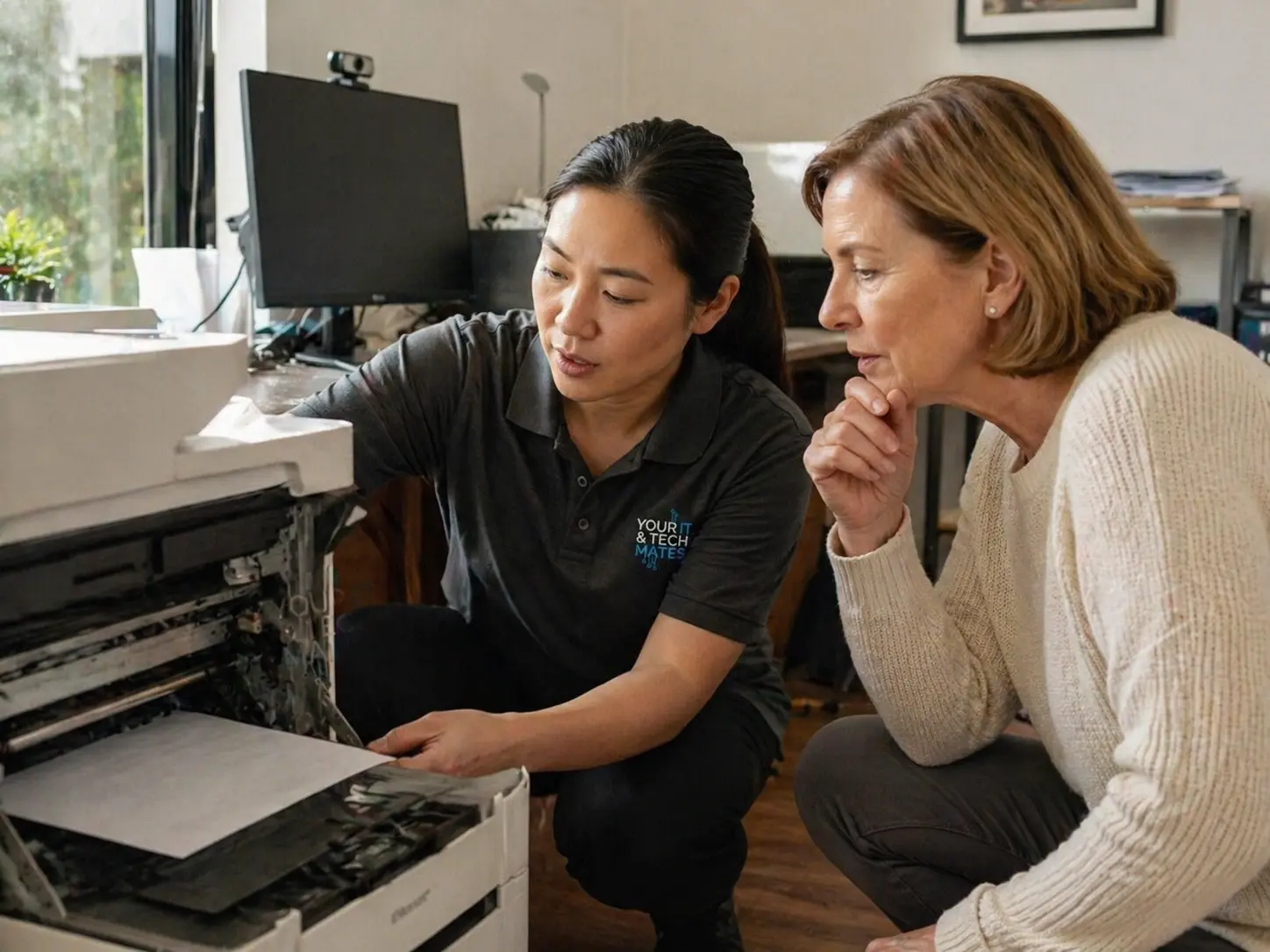
Printers that will not connect, scan or talk to the right device.
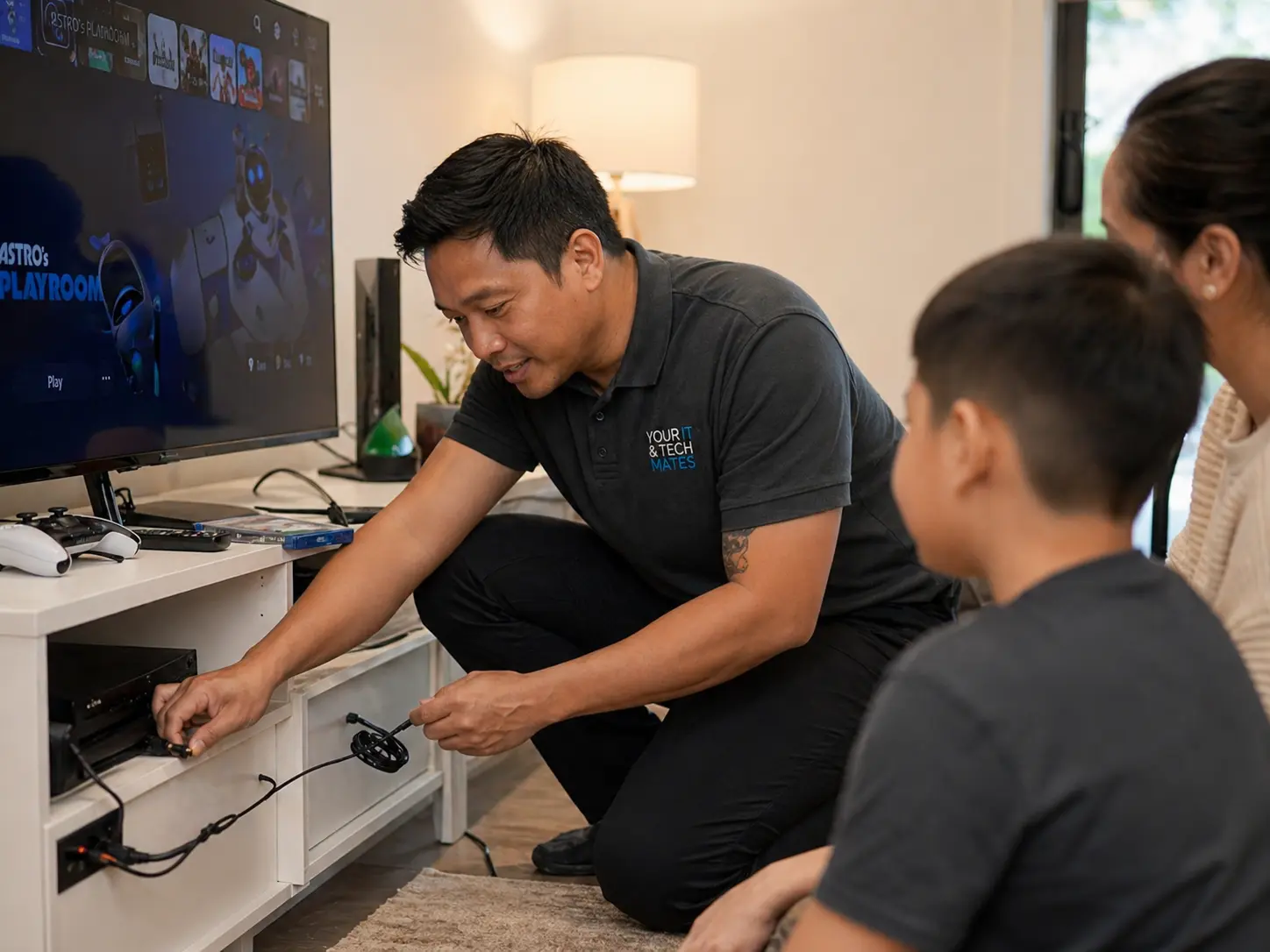
Accounts, internet connection, family controls and troubleshooting.
Start with the Quick Help hub for repairs, job support and specialist paths, or use referrals if you are sharing us with someone else.