
Start here: share the right help without overthinking it
This guide explains the feature in plain English, with real examples and safe next steps.
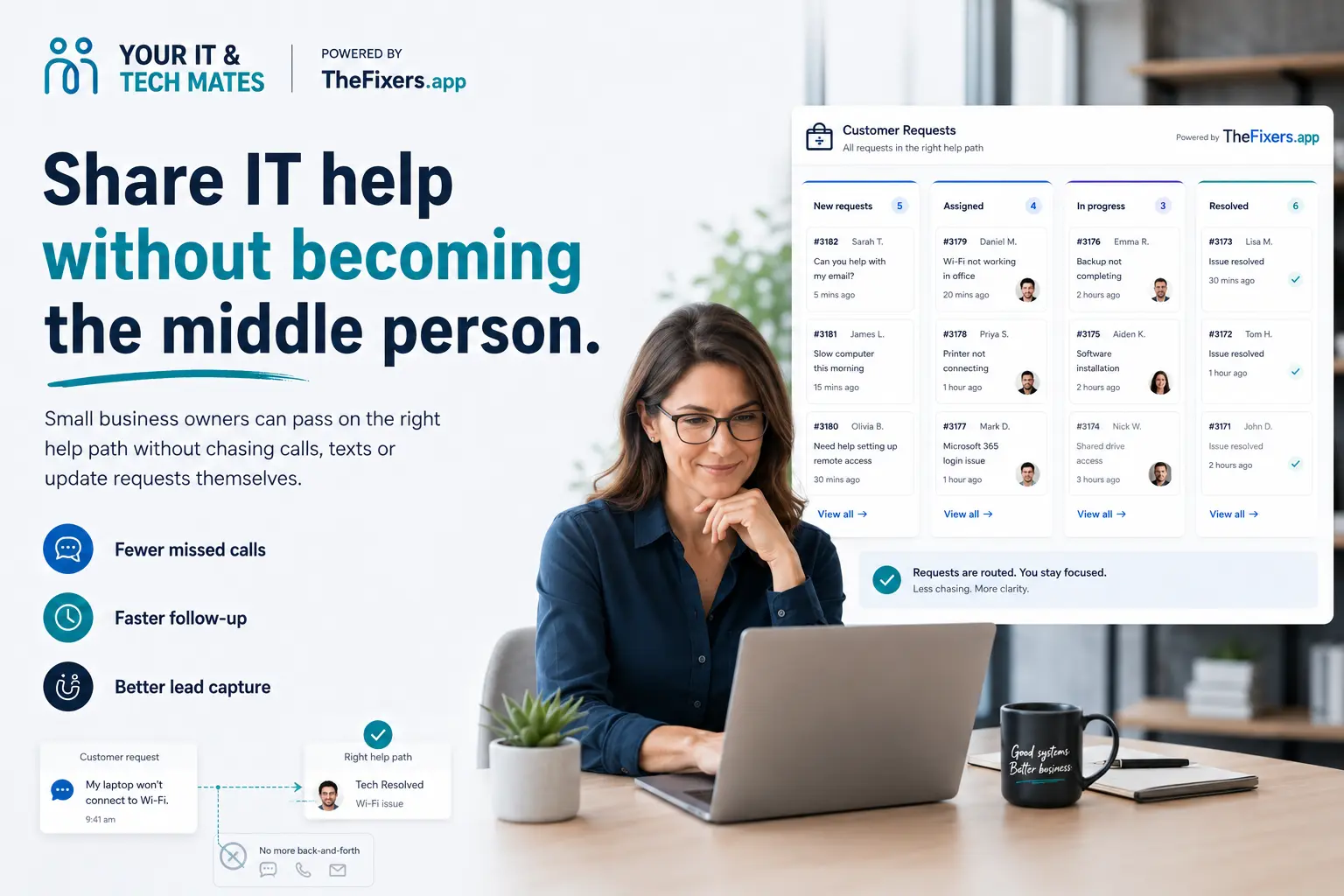
Small business referrals work best when the owner can send a useful link and step away. The rescue card explains the help path, the referred person chooses whether to continue, and the referrer does not need to pass messages back and forth.
Who this guide helps
- This guide helps busy business owners refer practical IT help while stepping out of the back-and-forth.
- It uses plain-English steps, real examples and simple safety notes.
- It links to the referral page, share page, terms and privacy information when they matter.
Use the ready message and let the other person choose whether to continue.
Choose the person or problem, then send the matching card like a normal text.
Do not share passwords, banking codes, PINs or one-time login codes.
Stop
Do not send passwords, codes or private problem details to the person who referred you.
Try
Use a rescue card that matches the real problem, such as scams, printer, phone, student or business help.
Send
Send one clear message. The link stays attached and the other person decides whether to continue.

Small business referrals work best when the owner can send a useful link and step away. The rescue card explains the help path, the referred person chooses whether to continue, and the referrer does not need to pass messages back and forth.
A café owner knows another shop with Wi-Fi problems. You choose the matching rescue card, pick the message style and send it. They can open it, read what happens next, and decide whether to ask for help.
Real examples
- A café owner knows another shop with Wi-Fi problems.
- A tradie needs help with email, quotes or a slow laptop.
- A local office needs Microsoft 365 or printer help.
- A small business owner needs website or software support.
- A manager wants to send tech help to a staff member without managing the request.
How this makes life easier
- Saves the owner from being the go-between.
- Keeps private business details private.
- Gives the referred business a clear first step.
- Works for IT, website, software, email, printer and device help.
- A thank-you reward may apply after an eligible completed paid job.
Why business referrals need clarity
Business problems often involve private files, staff accounts, emails or customers. The referral flow should connect the request without exposing those details to the referrer.
Best cards for small business
Small Business Backup, Website Fix-it, Quick Remote Check, Printer Peace Treaty, Password Rescue and Home Tech Helper can all suit different business problems.
What the referrer does next
Usually nothing. Once the business opens the link and asks for help, they deal directly with the support team.
Safety and reward notes
Only share referral messages with people you know or reasonably think may want the information. Do not share passwords, banking codes, PINs, payment details, private student work or one-time login codes. If the person books and completes a paid job, you may receive up to 5% of the completed job value where the referral is eligible under the referral terms.
Frequently asked questions
More rescue-card guides
Related platform links
Send the right rescue card
Pick the card that matches the person or problem. They choose whether to continue, and private help details stay private.