
Quick answer
Start with the business workflow, not the software brand. Map where an enquiry begins, who owns the next step, what information must stay attached to the request, and where a human must review or approve the outcome before automating anything.
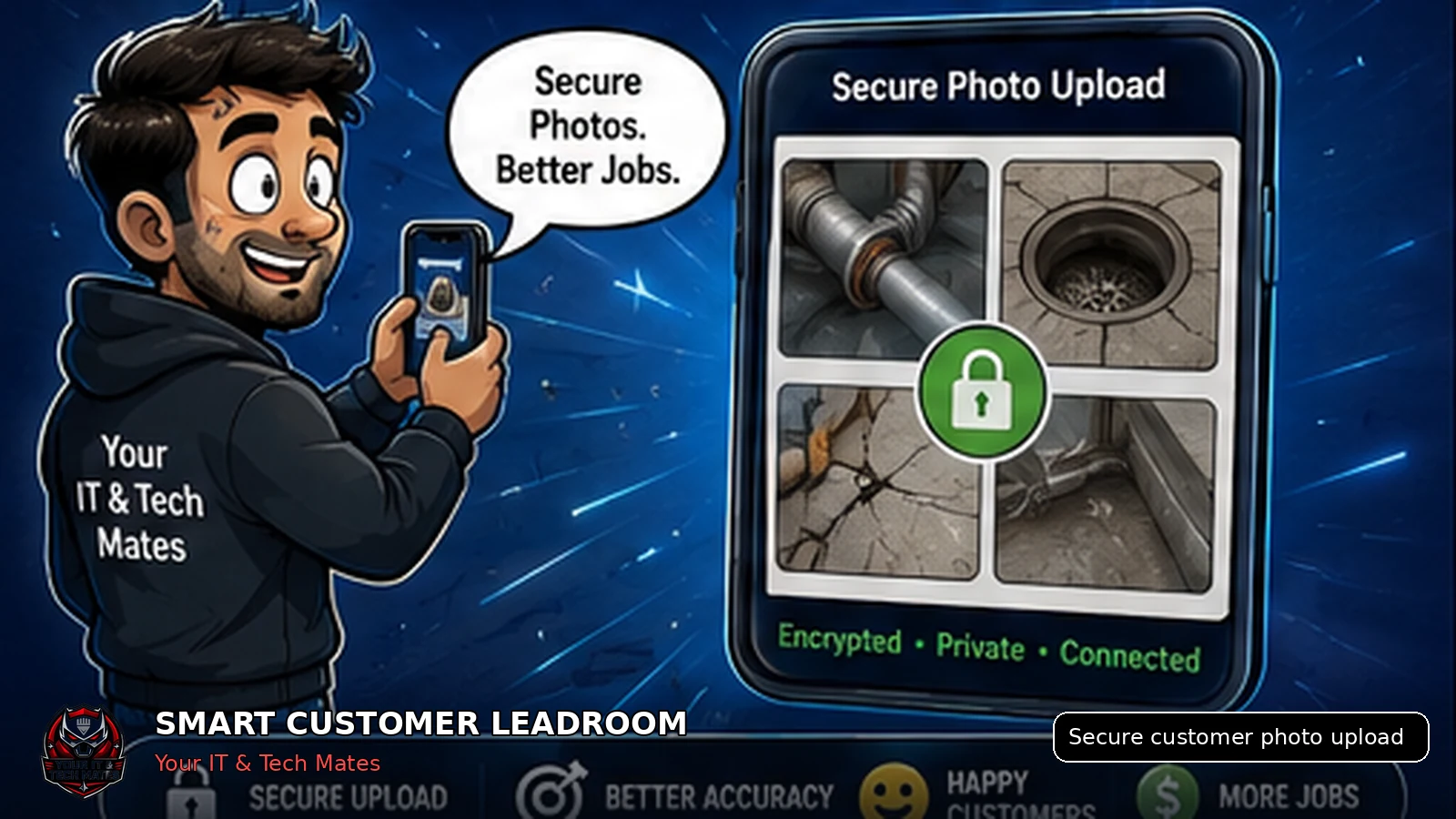
Customer photos should be uploaded through controlled access, checked on the server, stored with random filenames and delivered only to authorised users while remaining connected to the correct lead.
What a privacy-conscious customer using a phone to send job photos needs from this guide
- Clear instructions about what to photograph and what not to include
- Confidence that images stay connected to the correct enquiry
- A simple upload flow without creating a full account first
Enhancement made: This guide now explains the phone experience, safer photo instructions and the staff responsibility after upload.
Why customer photos need a better workflow
Photos can help a business understand damage, access, equipment condition or the likely service required. They can also contain addresses, family members, documents, screens or other private information.
When images are scattered across staff phones and unrelated message histories, it becomes harder to control access, retention and deletion.
A safer photo-upload process
- Give the customer protected access to the correct lead.
- Explain what photos are useful and what should not be included.
- Limit file size, file type and number of uploads.
- Inspect the actual file type on the server rather than trusting the filename.
- Store the image with a random name outside predictable public paths where possible.
- Show the image only through authorised delivery.
- Keep retention aligned with the lead or customer record.
What customers should photograph
Useful examples
The affected item, visible damage, model label, installation area or a wider view showing safe access.
Avoid including
Passwords, banking information, identity documents, one-time codes, unrelated people or private content displayed on a screen.
Keep the image connected to context
A photo is most useful when staff can see why it was uploaded, which customer lead it belongs to and what question it is meant to answer.
Smart Customer LeadRoom keeps permitted photos with the same enquiry history, reducing the need to download, rename and manually match images later.
Privacy is also a staff workflow
Technology controls matter, but staff behaviour matters too. Businesses should define who can view customer images, whether downloads are needed and when temporary lead data should be removed.
What the customer should experience on their phone
Good photo guidance
- Show the whole item first, then the damaged area
- Use clear lighting and avoid heavy zoom
- Include model labels only when requested
- Remove unrelated people and private documents from view
Never request through a lead photo
- Passwords, PINs or verification codes
- Banking or card information
- Unrelated identity documents
- Private information not needed for the service
Staff responsibility continues after upload. Images should be reviewed, associated with the correct lead and retained only under the business’s approved operational and privacy rules.
Key takeaways
- Keep one lead history instead of copying customer details between conversations.
- Make ownership, status and the next action visible.
- Keep formal quote and job approval separate from normal chat.
- Use AI to assist staff, not to replace accountable decisions.
Frequently asked questions
Benefits and practical outcomes
Use these outcomes as a practical check on whether the advice is making the situation clearer and easier to manage.
Fewer missed enquiries
Keep customer contact attached to one request so staff can see what still needs a response.
Less double handling
Reduce copying the same names, photos, notes and status information between disconnected tools.
Clearer ownership
Make the next action visible so staff know who is reviewing, replying, quoting or following up.
Safer customer communication
Use SMS or email for concise notifications while sensitive detail stays in the appropriate secure workflow.
Is sending a photo by SMS always unsafe?
Not necessarily, but SMS can make business access, retention and lead matching harder to manage as enquiry volume grows.
Should customers upload identity documents?
Not for a normal service enquiry unless there is a separate lawful and clearly explained process. LeadRoom should not request unnecessary identity documents.
Can a photo be used as repair approval?
No. A photo can support assessment, but structured scope and approval are still required.
Why use random stored filenames?
Random filenames reduce predictability and help prevent public enumeration of customer uploads.
What happens if a customer uploads the wrong photo?
Staff should be able to explain what is missing and request a replacement without losing the original enquiry history.
Related software and lead-management guides
AI follow-up reminders for small business
Learn how simple AI-assisted reminders can help small businesses identify overdue customer leads, prepare follow-ups and keep staff in control.
Read guideCustomer lead management for tradies
A practical lead-management guide for Australian tradies who rely on SMS, job photos and manual follow-up to turn enquiries into quotes and paid work.
Read guideTurn SMS enquiries into trackable leads
A practical six-step process for Australian small businesses to organise SMS enquiries, photos, ownership and follow-up without losing the personal customer experience.
Read guideAre customer photos scattered across phones and apps?
We can map a safer photo-request flow that is easy for customers and clear for staff.