
Quick answer
Start with the business workflow, not the software brand. Map where an enquiry begins, who owns the next step, what information must stay attached to the request, and where a human must review or approve the outcome before automating anything.
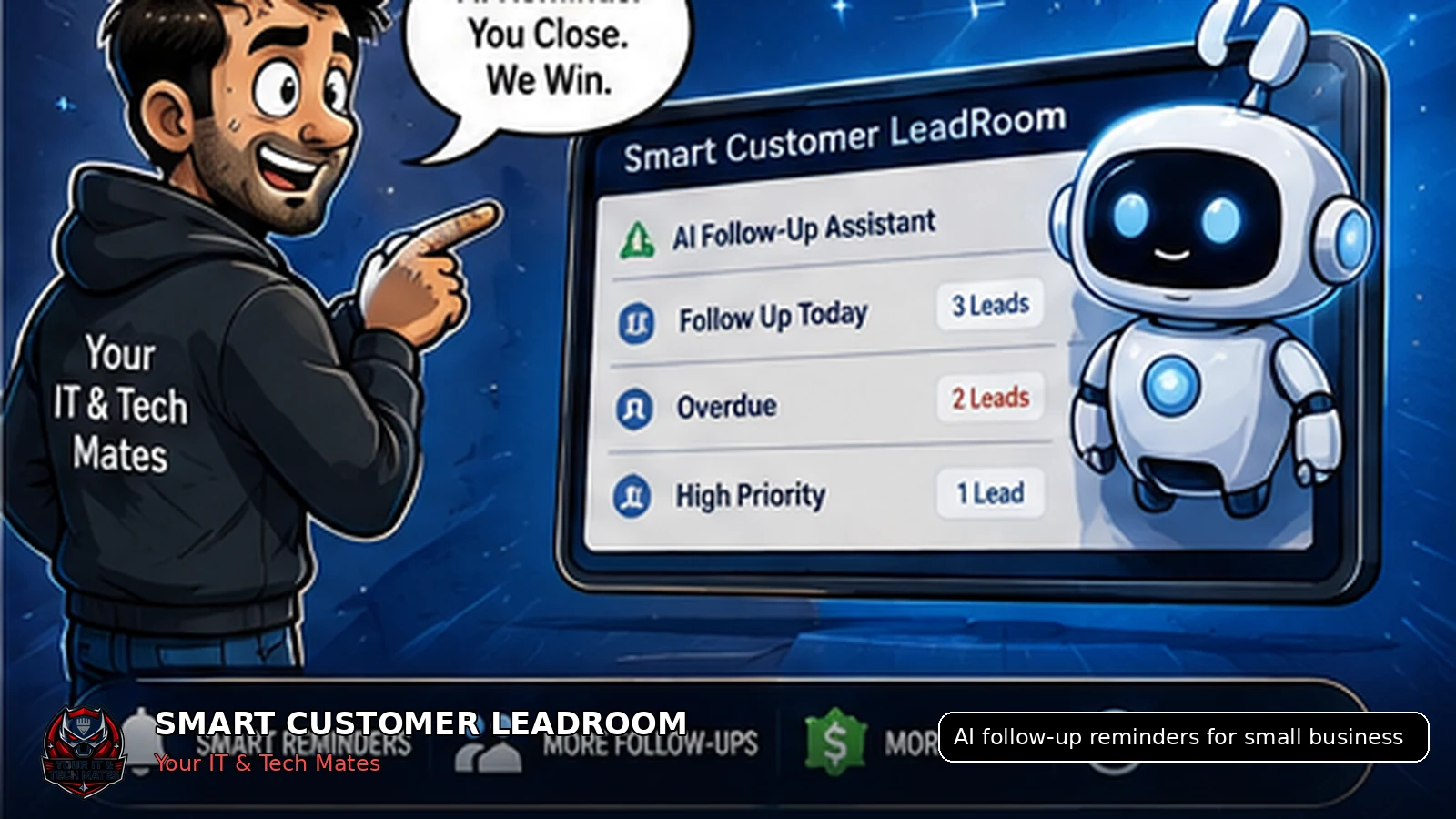
AI follow-up assistance should identify leads that may be overdue, explain why they were flagged and prepare a draft or reminder for staff approval, not send uncontrolled messages or make pricing decisions.
What an owner who wants help with follow-up but does not want AI contacting customers unsupervised needs from this guide
- Clear separation between a reminder and an automatic decision
- A human approval step before any customer message is sent
- Simple rules that staff can understand and override
Enhancement made: This guide now includes a safe reminder example and makes the human decision point explicit.
Why follow-up is a workflow problem
Businesses often blame staff when a lead is missed, but the real issue may be that the system provides no reliable reminder. New enquiries compete with active jobs, phone calls and urgent customer problems.
A good reminder process uses clear lead status, last meaningful activity, assigned owner and expected response time.
What AI can do safely
Find waiting leads
Identify records where the customer or staff response may be overdue.
Summarise context
Show the key request, latest message and outstanding information.
Suggest timing
Recommend a follow-up based on status and business rules.
Draft a reply
Prepare plain-English wording for staff review and editing.
What AI should not decide
AI should not independently promise attendance times, approve discounts, issue a binding quote, decide that a customer has authorised work or disclose private information.
Use AI as an operational assistant. Keep customer communication, pricing and final decisions with an accountable staff member.
Example reminder rules
- New lead with no staff response after the business’s chosen response window.
- Customer supplied requested photos but the lead is still marked waiting for customer.
- Quote requested but no staff owner is assigned.
- Staff asked a question and the customer has not responded before the lead expires.
- High-priority issue waiting longer than a normal enquiry.
How this fits Smart Customer LeadRoom
Smart Customer LeadRoom already provides the lead status, last activity and shared history needed for useful reminders. Planned AI assistance can use that structured context to suggest follow-up without replacing staff judgement.
A safe AI reminder example
| Workflow signal | AI assistance | Human action |
|---|---|---|
| No staff reply within the agreed response window | Flag the lead and summarise the latest customer request | Staff decide whether to reply, reassign or close |
| Customer promised photos but none arrived | Prepare a polite reminder draft | Staff review timing and wording before sending |
| Quote question is unanswered | Highlight the exact question and related quote context | Authorised staff provide the commercial answer |
| Lead appears inactive | Suggest a follow-up or closure review | Staff consider customer history before acting |
Safe boundary: AI may find, summarise and draft. It should not invent prices, promise availability, approve work or decide that a customer has accepted a quote.
Key takeaways
- Keep one lead history instead of copying customer details between conversations.
- Make ownership, status and the next action visible.
- Keep formal quote and job approval separate from normal chat.
- Use AI to assist staff, not to replace accountable decisions.
Frequently asked questions
Benefits and practical outcomes
Use these outcomes as a practical check on whether the advice is making the situation clearer and easier to manage.
Fewer missed enquiries
Keep customer contact attached to one request so staff can see what still needs a response.
Less double handling
Reduce copying the same names, photos, notes and status information between disconnected tools.
Clearer ownership
Make the next action visible so staff know who is reviewing, replying, quoting or following up.
Safer customer communication
Use SMS or email for concise notifications while sensitive detail stays in the appropriate secure workflow.
Will AI send messages automatically?
The safest default is staff review. The system can flag and draft, while an authorised person approves the message.
Does every lead need the same follow-up time?
No. Response expectations should reflect urgency, service type, business hours and what the customer was told.
Can AI know whether a lead is valuable?
AI can highlight signals, but staff should decide priority using context, capacity and customer needs.
What data does AI need?
Useful reminders require structured status, last meaningful activity, assigned owner and a clear next action.
Can staff turn off or override an AI reminder?
They should be able to. Reminder rules need visible controls, clear reasons and a manual way to snooze, reassign or close the lead.
Related software and lead-management guides
Customer lead management for tradies
A practical lead-management guide for Australian tradies who rely on SMS, job photos and manual follow-up to turn enquiries into quotes and paid work.
Read guideTurn SMS enquiries into trackable leads
A practical six-step process for Australian small businesses to organise SMS enquiries, photos, ownership and follow-up without losing the personal customer experience.
Read guideSecure customer photo upload
A safer workflow for Australian service businesses to collect customer job and repair photos without leaving images scattered across personal phones and SMS threads.
Read guideWant reminders without handing decisions to AI?
Start with one overdue-lead rule, one staff approval step and one measurable response target.