
Quick answer
Start with the business workflow, not the software brand. Map where an enquiry begins, who owns the next step, what information must stay attached to the request, and where a human must review or approve the outcome before automating anything.
Tradies can reduce missed jobs by moving each SMS enquiry into a shared lead record with photos, job details, an owner and a next action while still keeping communication personal.
What a tradie who spends the day onsite and handles messages after hours needs from this guide
- A mobile-friendly view that works between jobs
- Clear ownership when an office person or another technician helps
- A way to stop quoting from incomplete photos or forgotten details
Enhancement made: This guide now shows a practical handover example and the minimum statuses a trade business needs.
Why tradie leads are easy to lose
A tradie may receive enquiries while driving, quoting, on a ladder or working in a customer’s home. The customer often sends a brief message such as “How much to fix this?” followed by several photos.
The problem is not effort. It is that the lead arrives at the wrong time and stays inside a channel with no structured next step.
Signs the SMS process has been outgrown
- Quotes are prepared from incomplete details.
- Photos are separated from the final job notes.
- Customers need to repeat the same information.
- Follow-up is done late at night from memory.
- Staff cannot tell which leads have already been answered.
- Promising enquiries disappear during busy weeks.
What a useful tradie lead record should show
Job context
Service type, suburb, issue summary, site constraints and relevant photos.
Commercial status
More information needed, assessment required, quote requested or quote issued.
Operational next step
Who owns the response, what must happen next and when follow-up is due.
Examples across different trades
Electrician: collect switchboard, outlet or fault photos before deciding whether a site inspection is required.
Plumber: keep leak photos, affected areas and access information with the correct customer enquiry.
Builder or renovator: record scope questions and supporting images before arranging a quote visit.
Mobile repair or service business: keep model details, symptoms, condition photos and timing expectations together.
Reduce after-hours administration
A clear lead dashboard does not remove the need for customer service. It removes the need to reconstruct the day after the work is finished.
Instead of opening multiple inboxes, the owner can review leads by status: new, waiting for staff, waiting for customer, quote requested or follow-up due.
Where Smart Customer LeadRoom fits
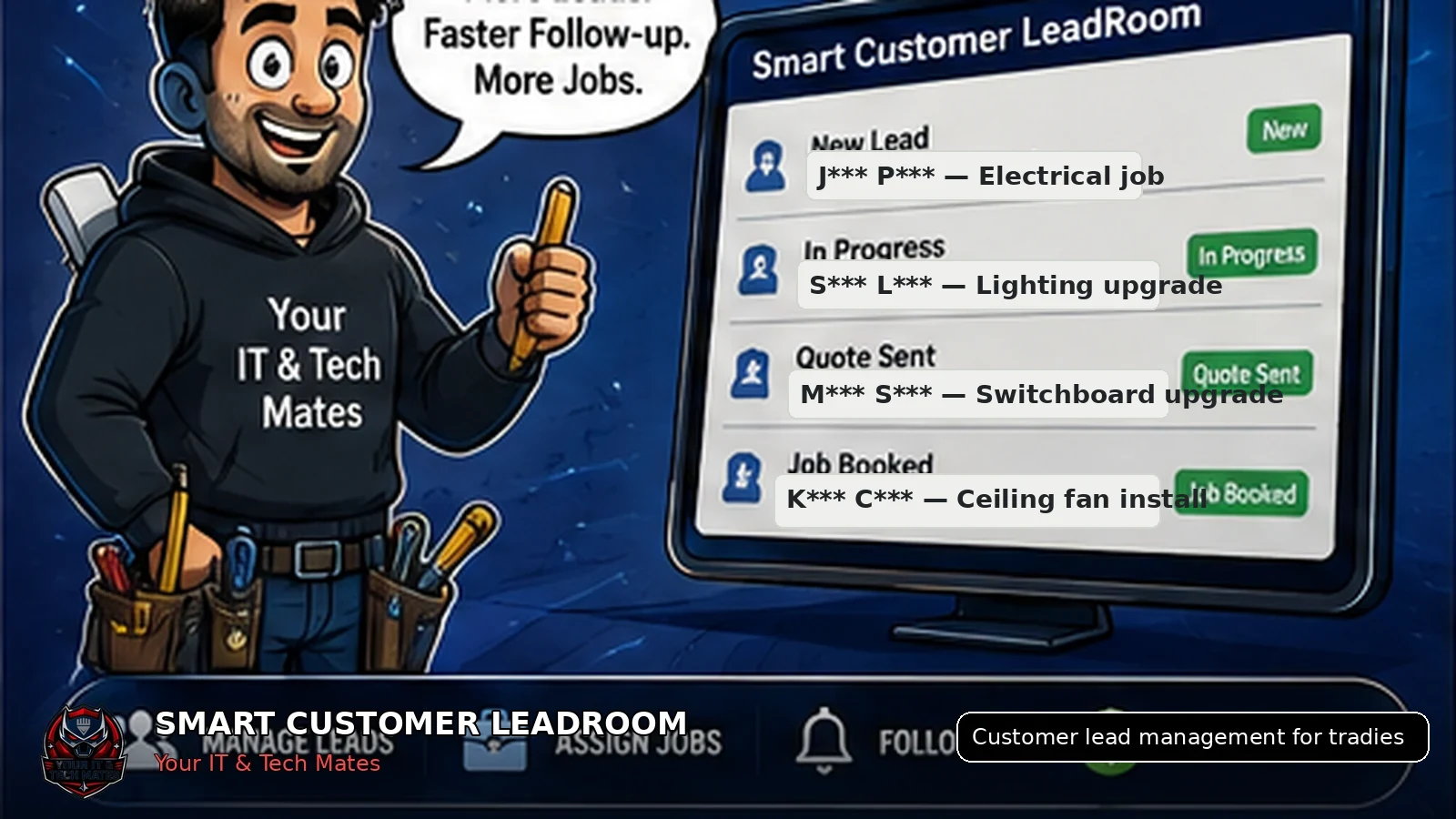
Smart Customer LeadRoom gives tradies a secure continuation path after first contact. Customers can add details and photos while the business keeps one shared history and progresses genuine leads towards quotes and jobs.
It is not intended to replace trade judgement. It is intended to reduce the administrative friction around that judgement.
A real-world tradie lead handover
Customer sends an SMS
The customer asks about a leaking hot-water unit and sends one photo.
Office captures the lead
The lead is marked waiting for details and the customer receives a secure link for more photos and the property suburb.
Tradie reviews between jobs
The technician sees the full lead history, adds an internal note and requests an onsite assessment.
Next action is visible
The office books the assessment without asking the customer to repeat the story.
Keep the status list simple
- New lead
- Waiting for customer
- Waiting for staff
- Assessment required
- Quote requested
- Converted to customer job
Customer-view insight: fast service is not only replying quickly. It is avoiding repeated questions and giving a clear next step.
Key takeaways
- Keep one lead history instead of copying customer details between conversations.
- Make ownership, status and the next action visible.
- Keep formal quote and job approval separate from normal chat.
- Use AI to assist staff, not to replace accountable decisions.
Frequently asked questions
Benefits and practical outcomes
Use these outcomes as a practical check on whether the advice is making the situation clearer and easier to manage.
Fewer missed enquiries
Keep customer contact attached to one request so staff can see what still needs a response.
Less double handling
Reduce copying the same names, photos, notes and status information between disconnected tools.
Clearer ownership
Make the next action visible so staff know who is reviewing, replying, quoting or following up.
Safer customer communication
Use SMS or email for concise notifications while sensitive detail stays in the appropriate secure workflow.
Is Smart Customer LeadRoom a full construction management platform?
No. It focuses on customer lead capture, communication, follow-up and progression into the appropriate quote or job workflow.
Can customers still text the business?
Yes. The initial contact can remain SMS. The continuing lead is moved into a more organised customer space.
Will it automatically price trade work?
No. Staff remain responsible for scope, inspection requirements, pricing and quote approval.
Is it suitable for a sole trader?
Yes. It can reduce after-hours administration even when only one person manages leads.
Will this add more admin for a sole trader?
It should not. The useful version captures only the details needed to see the status, owner and next action. If staff are entering the same information twice, the workflow needs simplifying.
Related software and lead-management guides
AI follow-up reminders for small business
Learn how simple AI-assisted reminders can help small businesses identify overdue customer leads, prepare follow-ups and keep staff in control.
Read guideTurn SMS enquiries into trackable leads
A practical six-step process for Australian small businesses to organise SMS enquiries, photos, ownership and follow-up without losing the personal customer experience.
Read guideSecure customer photo upload
A safer workflow for Australian service businesses to collect customer job and repair photos without leaving images scattered across personal phones and SMS threads.
Read guideToo many enquiries are being handled after hours?
We can review one trade workflow, from first SMS to assessment, quote and booked job and identify where time and opportunities are being lost.