
How We Use Location Without Google Maps or Storing GPS Data
Location can make a local service journey more useful without loading a map, paying for a mapping API or keeping a customer’s precise GPS coordinates.
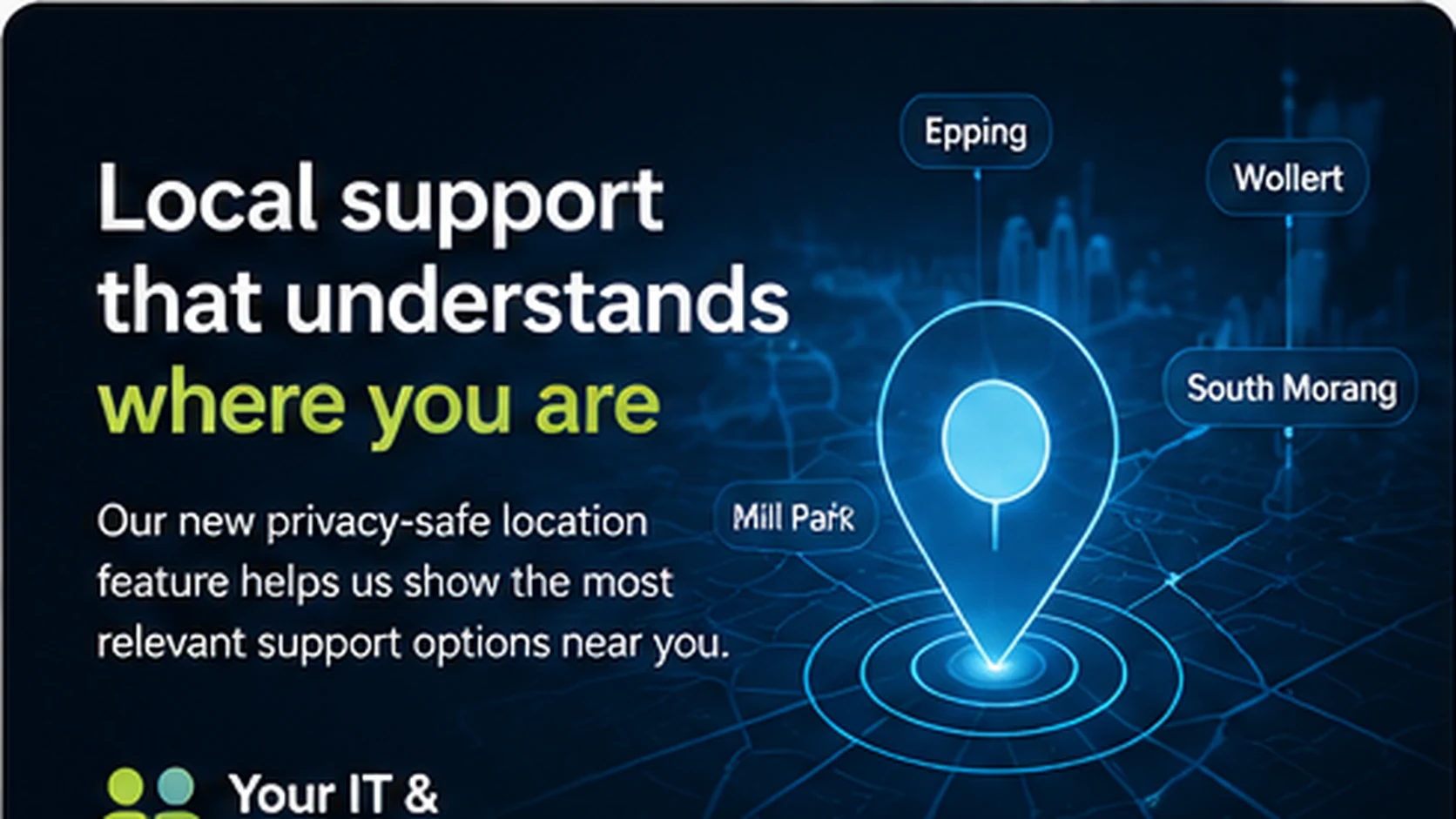
Quick answer
A local service website can let customers enter a suburb or postcode, or explicitly use browser location, then convert that into a broad service-area result and discard the precise coordinates.
Why this matters
This guide explains one part of the intent-driven customer journey we use on Your IT & Tech Mates and how the same design principle can help other service businesses reduce confusion while keeping important actions under customer and human control.
Why a map is not always necessary
Many local-service journeys only need to answer a simple question: is onsite support likely to be available here? Showing an interactive map can add cost and complexity without improving that decision.
Two customer-controlled ways to check location
The simplest option is a suburb or postcode field. Customers who prefer convenience can choose “Use my location”, which invokes the browser’s built-in location permission only after they tap it.
Convert precise coordinates into a coarse result
The browser can use the temporary coordinates to estimate a broad service-area outcome such as local onsite area, availability review or remote/travel review. Once that result is calculated, the precise coordinates do not need to be stored.
Confirm before carrying a suburb into the request
If the browser suggests a nearby suburb, the customer should confirm it before the suburb is carried into QuoteMe. That avoids silently turning an approximate device location into a customer record.
What this saves
For this use case there is no need for Google Maps, Google Places or paid reverse-geocoding calls. A local postcode/service-area table plus browser geolocation can handle the decision at very low operational cost.
Frequently asked questions
Does the website automatically read my location?
No. Browser location is requested only after the customer explicitly chooses to use it.
Do you need Google Maps for this?
No. A service-area check can work without displaying a map or calling the Google Maps platform.
Are precise GPS coordinates stored?
They do not need to be. The coordinates can be used temporarily to calculate a broad result and then discarded.
Can I just enter my suburb instead?
Yes. Suburb or postcode entry is the simplest option and should always remain available.
How this fits with Intent Intelligence
Intent Intelligence is most useful when it removes friction rather than adding another layer of technology for the customer to manage. The website can understand the likely need, show reviewed options and preserve context, while QuoteMe and the normal business processes remain responsible for real requests and commitments.
Could your website make this journey simpler?
See how customer intent, workflow automation and human-reviewed website logic can fit around the systems your business already uses.
Continue with the new intent-driven website feature guides
These guides cover business-pain understanding, context-aware clarification, privacy-safe lead qualification and privacy-safe local service-area detection.