
What Is a Technician Handover Summary and Why Does It Save Time?
The goal is not to hand a technician a transcript. It is to give them the small set of facts that can make the next support step faster and clearer.
Quick answer
A technician handover summary turns confirmed troubleshooting context into a concise brief so the next person can start with the right symptoms, evidence and attempted fixes.
A handover summary is a bridge
When a customer moves from self-service or guided troubleshooting to a human technician, the useful context should move with them in a readable form.
What belongs in the summary
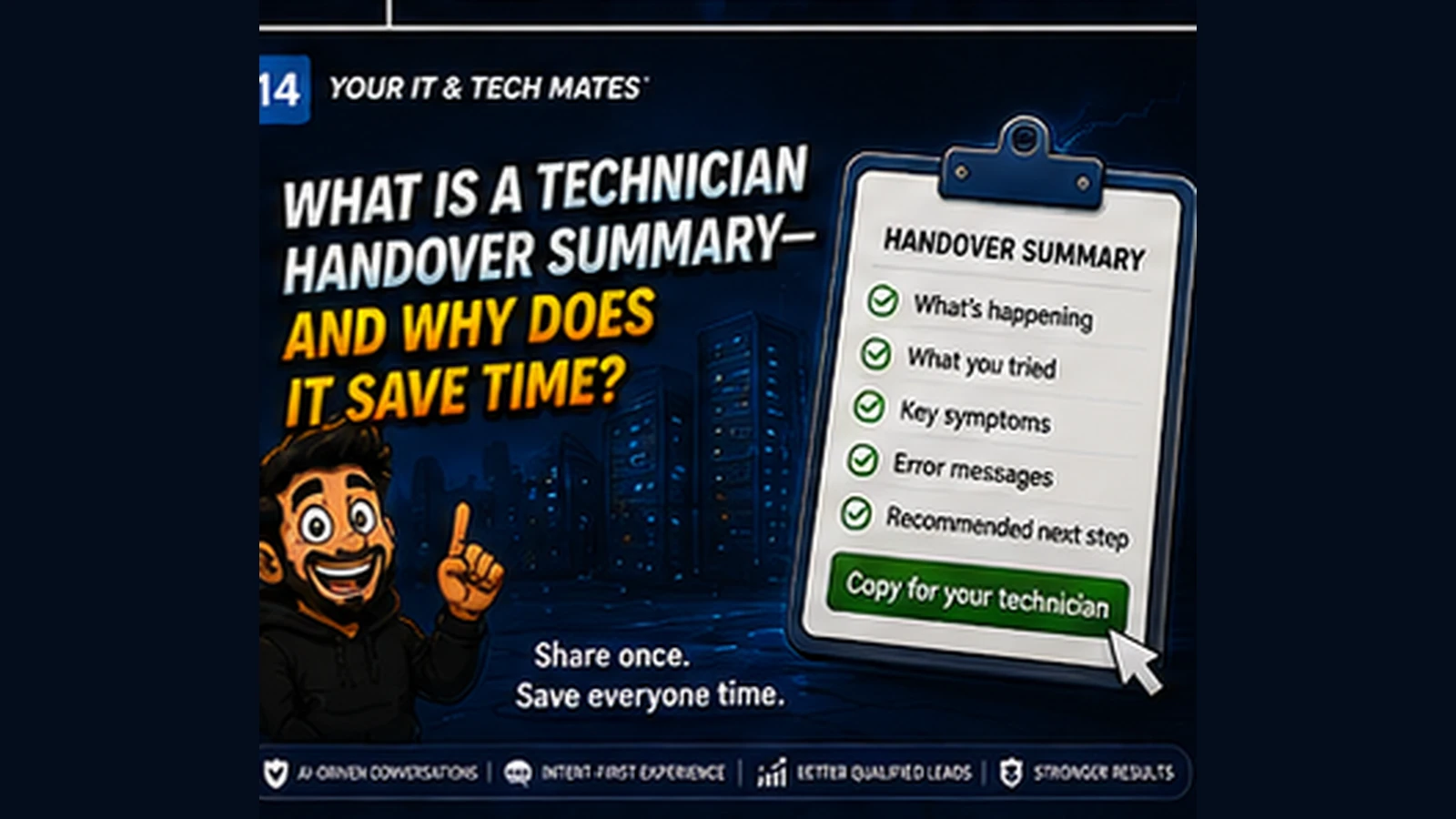
Include the confirmed problem, device type, key symptoms, important timing, what has already been tried, relevant visible evidence and any safety flag.
What does not belong
Internal confidence weights, hidden decision logic, unnecessary personal information and full raw transcripts usually do not help the technician solve the problem.
It reduces duplicate questioning
The technician can verify the important facts and continue from there instead of asking the customer to recreate every previous step.
It improves escalation
If a remote-support technician needs to hand the job to a workshop or onsite technician, the same concise structure keeps the case understandable.
The customer should remain in control
A generated handover should be reviewable. The customer can copy it, correct it or choose not to share it.
A realistic example: handing over an intermittent internet fault
A customer has already established that internet dropouts affect only one laptop, occur mainly after waking from sleep and continue after a normal router restart. A useful handover gives the technician those facts immediately. Without it, the first part of the appointment may simply repeat the same questions and tests.
Conversation transcript versus technician-ready summary
- Raw transcript: Every question, greeting, correction and abandoned theory from the earlier support journey.
- Useful handover: Confirmed symptom, device, timing/pattern, relevant observations, steps already tried, customer constraints and reason for escalation.
- Customer benefit: The technician spends more of the paid interaction investigating the unresolved part of the problem.
A summary also improves escalation quality
If remote support cannot finish the job, the next technician can see why. If the issue needs workshop testing, the intake team can preserve the useful context. This reduces the chance that each support channel restarts the investigation.
A handover should be short enough to read before asking the first question
If the summary is longer than the problem itself, it has probably carried too much. The ideal handover gives the next person a reliable starting point while leaving room to verify assumptions and ask new questions.
Frequently asked questions
Is a technician handover summary the same as a chat transcript?
No. A handover should condense the confirmed useful facts rather than copying every message.
Can I edit the summary?
Yes. A customer-controlled handover should be reviewable before it is shared.
Does the summary include internal AI scores?
It should not. Internal scoring and calibration are system mechanics, not necessary repair context.
How this connects to our Guided Tools
Our Guided Tools are designed to let customers describe a problem naturally, answer a small number of relevant questions, review what the system understands and then choose the next step. Quick-choice tools remain available as a fallback, and QuoteMe stays customer-controlled.
Need help with a real tech problem?
Tell us what is happening in plain English. We will help you work out the most useful next step without expecting you to diagnose it first.
Next: virtual admin in practice
From Customer Enquiry to QuoteMe: Why a Reviewed Handover Matters — Understand how a reviewed internal handover carries useful enquiry details into quote preparation while staff control scope, pricing and customer replies.