
What Information Should You Give a Computer Technician Before a Repair?
A clear handover helps the technician start with evidence instead of spending the first part of the job reconstructing what happened.
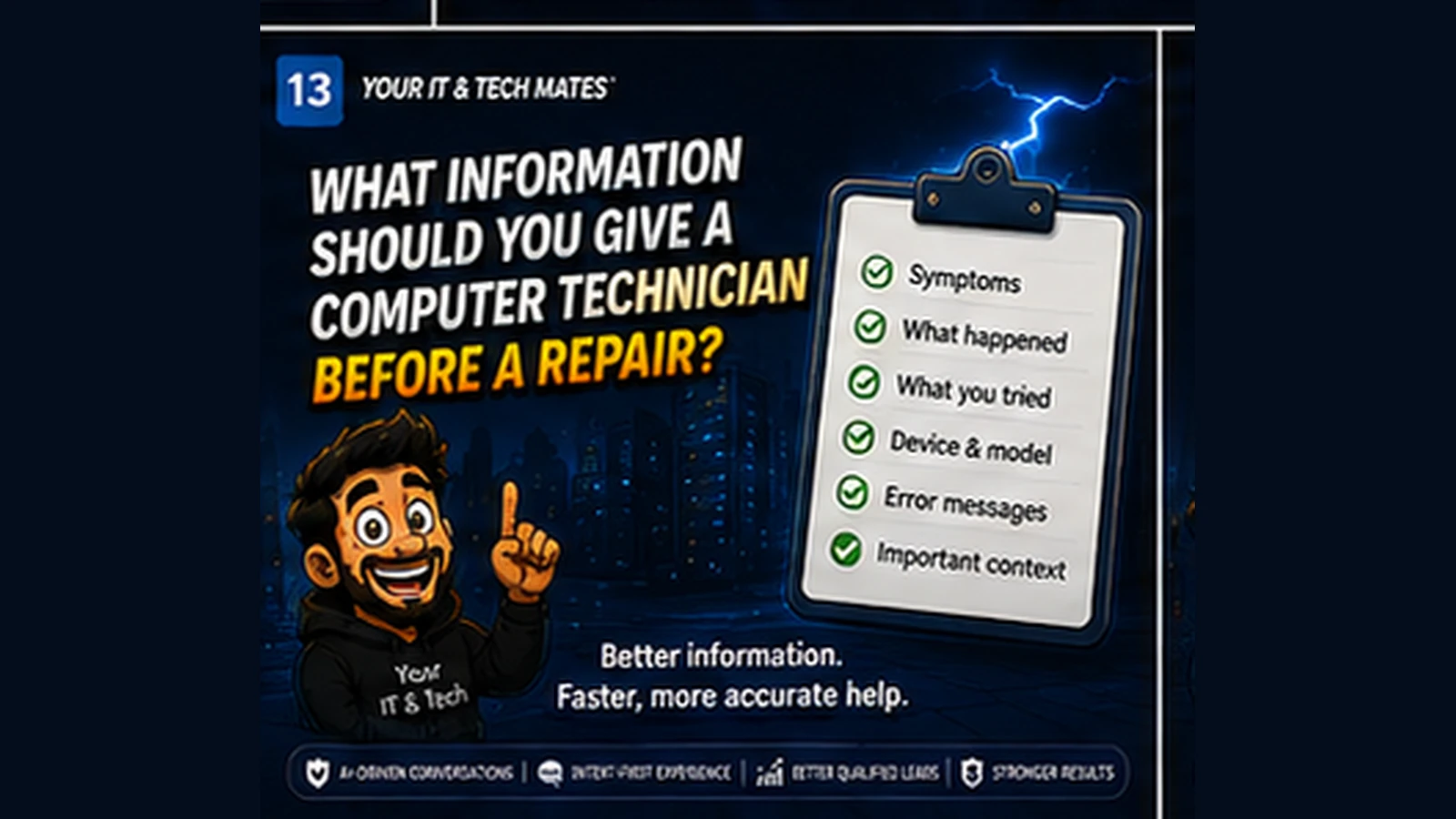
Quick answer
Give your computer technician the details that actually help: symptoms, timing, what changed, what you already tried, device information and any important data or urgency.
Describe the symptom, not your diagnosis
Say what the computer does: shuts down under load, screen flickers when moved, cannot connect to Wi-Fi, or shows a specific error. Let the technician test the cause.
Explain when it started
Timing can connect the problem to an update, drop, power event, new accessory or gradual decline.
List what has already been tried
This prevents repeated troubleshooting and helps the technician understand whether the behaviour changed after any step.
Provide useful device details
Model, operating system and relevant accessories can matter for parts, compatibility and support options but only provide what is actually needed.
Flag important data and urgency
Tell the technician if the device contains irreplaceable data, is needed for work or school, or has a deadline. This can change the safest order of operations.
Do not share credentials unnecessarily
Technicians may need temporary access in some cases, but passwords, recovery keys and personal account credentials should be handled through an appropriate, explicit process, not dropped into a general enquiry.
A realistic example: “The laptop is slow” becomes a useful handover
Compare “My laptop is really slow” with: “Dell laptop, about four years old. It became much slower over the last week. Startup takes around five minutes, Chrome freezes, and there is only 3 GB free on the main drive. I restarted it and removed a few large downloads. My work files are backed up to OneDrive.” The second version gives the technician a practical starting point without the customer needing to diagnose the cause.
What wastes time versus what helps
- Low-value detail: Long theories about what component might be broken, repeated descriptions of frustration, or every fix found online.
- High-value detail: Symptom, timing, affected device, what still works, what changed, what has already been tried, data importance and urgency.
- Customer benefit: The technician can prepare the right questions, tools or service path before starting from zero.
Good preparation can improve the first interaction
For onsite, remote or workshop support, a concise pre-repair summary can reveal whether backups should come first, whether remote help is realistic, or whether hardware testing is likely to be needed.
Do not trade security for convenience
A technician may need account access during a supervised support session, but that does not mean passwords belong in a general web form or handover note. Share credentials only through an appropriate, intentional process when genuinely required.
Frequently asked questions
Should I tell the technician what I think is broken?
You can mention your suspicion, but observable symptoms and what changed are usually more useful than a guessed diagnosis.
Do I need the serial number before asking for help?
Not always. It may become useful for warranty, parts or model-specific work later.
Should I back up before repair?
If the device is stable enough and the backup can be made safely, having a current backup is valuable. If the drive appears to be failing and the data is important, ask for advice before repeated access attempts.
How this connects to our Guided Tools
Our Guided Tools are designed to let customers describe a problem naturally, answer a small number of relevant questions, review what the system understands and then choose the next step. Quick-choice tools remain available as a fallback, and QuoteMe stays customer-controlled.
Need help with a real tech problem?
Tell us what is happening in plain English. We will help you work out the most useful next step without expecting you to diagnose it first.