
How Privacy-Aware AI Tech Support Should Work
Smarter support does not require collecting everything. It requires collecting the right minimum context and protecting the boundaries around it.
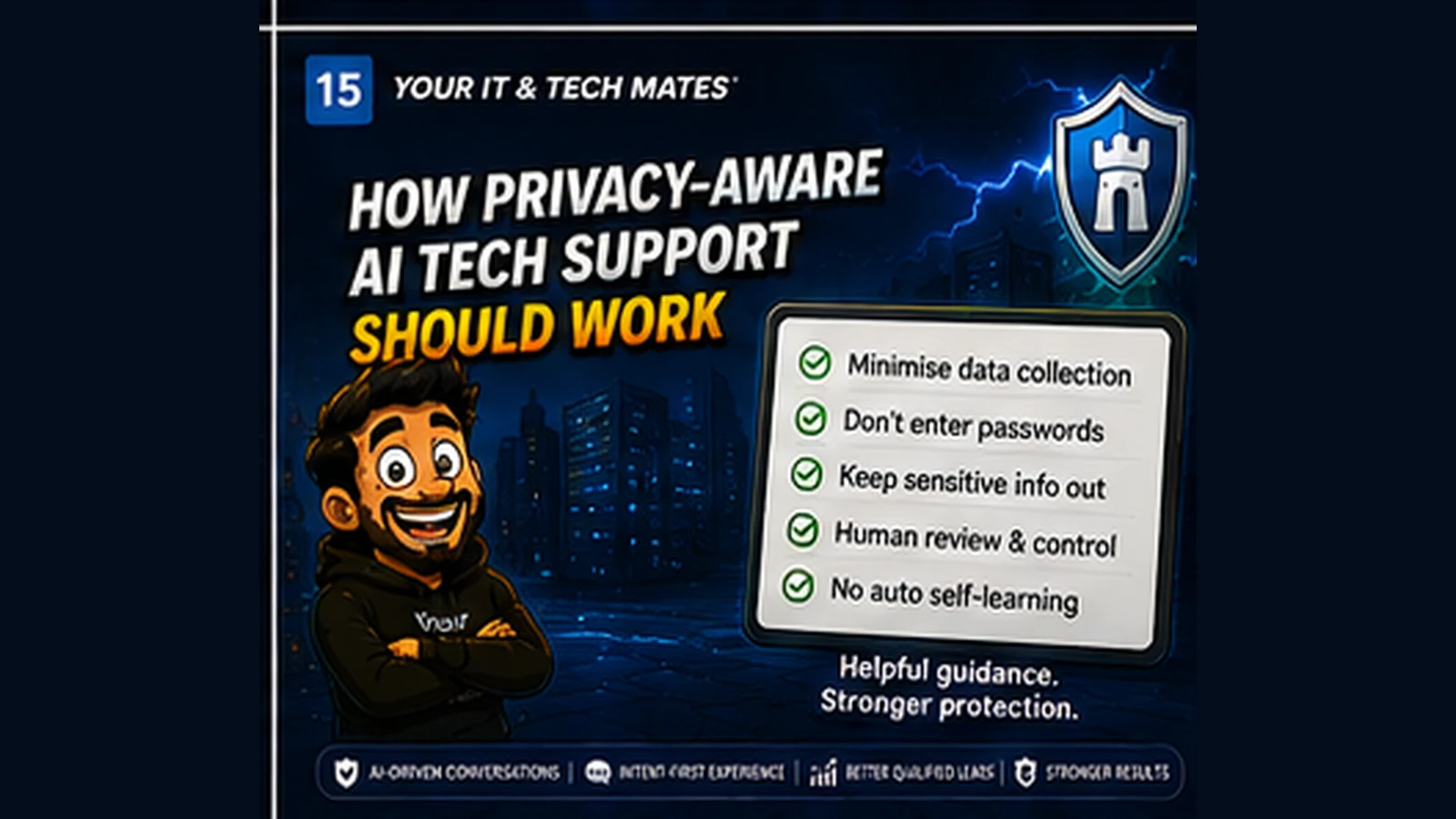
Quick answer
Privacy-aware AI tech support should minimise data, keep sensitive credentials out, use bounded context and preserve human control over consequential support decisions.
Collect the minimum useful context
A troubleshooting journey usually needs device type, symptoms, timing and a few relevant facts. It rarely needs a complete personal profile.
Keep credentials out of general support input
Passwords, one-time codes, banking details and recovery keys should not be requested in a natural-language troubleshooting field.
Use short-lived context where possible
Continuity can work with a bounded journey state that expires, rather than permanently storing every sentence a customer typed.
Separate learning evidence from raw conversations
Useful improvement signals can be aggregated around outcomes, corrections and question effectiveness without automatically retaining full customer transcripts.
Human review should govern system changes
A support system can collect evidence about what works, but calibration and production decision rules should be reviewed and tested rather than self-modifying without oversight.
Privacy is part of usefulness
Customers are more likely to use guided support when the system clearly explains what information helps, what should not be entered and what remains under their control.
A realistic example: helping with an email login problem without collecting the inbox
A customer says they cannot sign in to email after changing phones. The support tool may need to know the device type, whether the account works in a browser, the exact error and whether multi-factor authentication is involved. It does not need the contents of the inbox, stored messages, contact list or the customer’s password to decide the next safe step.
Data-hungry support versus minimum-useful-context support
- Data-hungry journey: Collect broad conversation history, unrelated personal details and persistent profiles because they might be useful later.
- Privacy-aware journey: Collect only what is needed for the current support decision, keep sensitive credentials out, make carried context visible and use clear retention boundaries.
- Customer benefit: Less unnecessary exposure while still receiving useful, personalised guidance.
Privacy is part of support quality
Customers are more likely to explain a problem accurately when they understand what information is needed and why. A system that asks for less can also produce cleaner handovers because important facts are not buried in unrelated data.
A simple privacy test for guided support
For each piece of information, ask: Does this help decide the next step? Does the customer know it is being used? Can we avoid collecting something more sensitive? How long does it really need to exist? If the answer is unclear, the data probably should not be collected by default.
Frequently asked questions
Does useful AI support require storing every conversation?
No. Many improvements can come from privacy-minimised, aggregated signals and short-lived confirmed context.
Should I enter a password into an AI support tool?
No. Passwords, one-time codes and recovery keys should stay out of general troubleshooting input.
Can AI support improve without automatically retraining itself?
Yes. Outcome evidence can be reviewed by people, tested and then promoted through a controlled release process.
How this connects to our Guided Tools
Our Guided Tools are designed to let customers describe a problem naturally, answer a small number of relevant questions, review what the system understands and then choose the next step. Quick-choice tools remain available as a fallback, and QuoteMe stays customer-controlled.
Need help with a real tech problem?
Tell us what is happening in plain English. We will help you work out the most useful next step without expecting you to diagnose it first.