
The Difference Between Ready and Done: Customer Review in QuoteMe
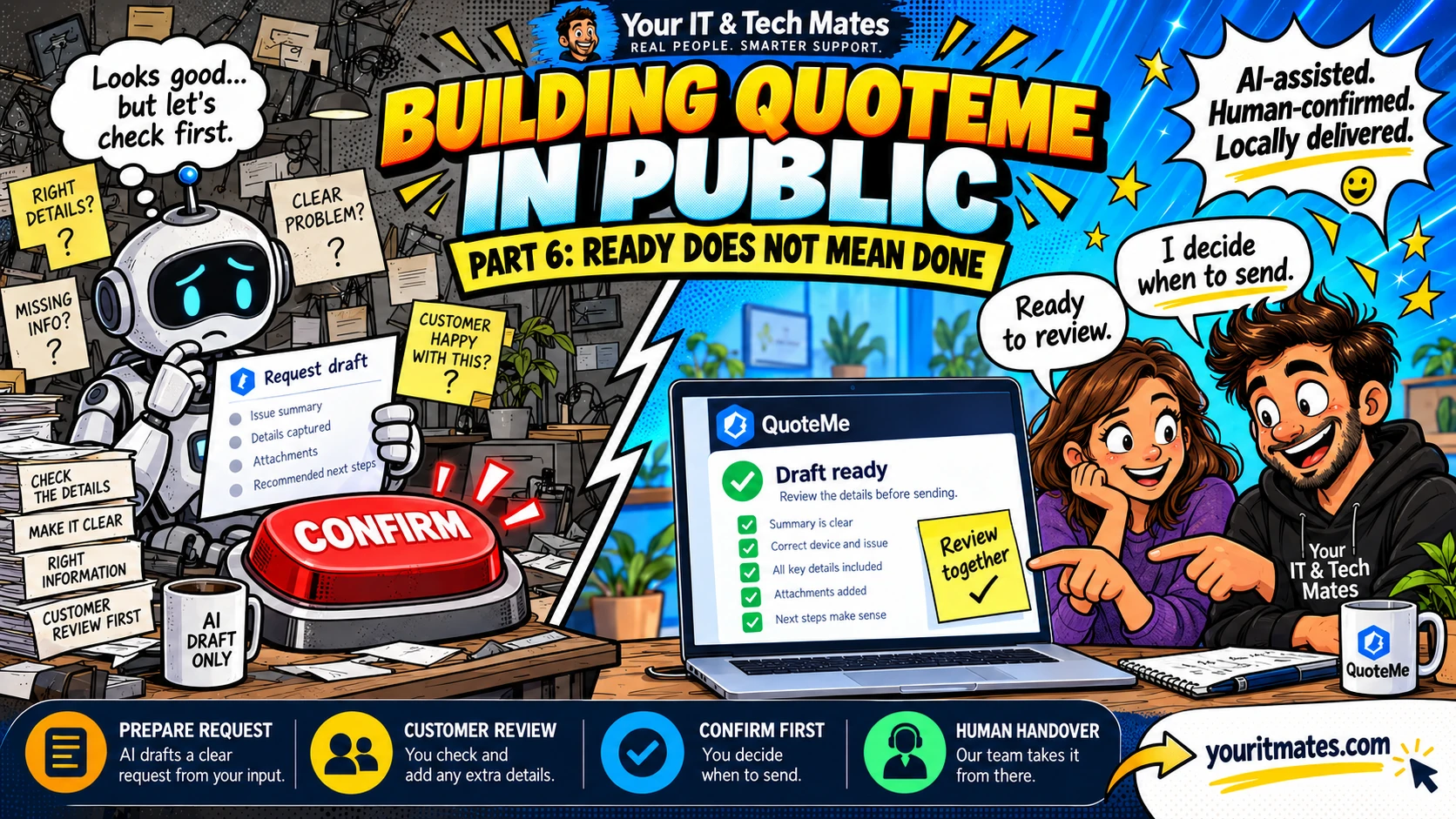
Just because the software has enough information to prepare a request does not mean it should send it automatically. “Ready” and “done” are different states, with a person between them.
Inside this part
- A complete form can still describe the wrong problem
- Prepare, review, confirm
- Show what has and has not happened
- Keep consent close to the decision
- The founder lesson
In this founder development series, we explain the design and implementation behind QuoteMe. Future work is identified as development direction; an implemented component does not establish that every deployment or customer outcome has been verified.
A complete form can still describe the wrong problem
Required answers tell the software that it has enough information for a stage. They do not prove that the interpretation is right or that the customer wants to proceed. An enquiry might have the correct device and location but still miss the customer’s main concern.
For example, the customer may care more about recovering work files than repairing the device. Reading the prepared summary lets them catch that difference before the team starts with the wrong priority.
Prepare, review, confirm
QuoteMe’s completion policy is deterministic and preparation-only. It assesses whether the conversation can move towards an existing review path. The intended journey is: understand the problem, check relevant information, prepare the request, let the customer review it, and let the customer confirm submission.
The policy itself does not submit requests, book services, take payment or authorise paid work. It can prepare a route or identify the need for human help. The final customer action belongs in the established request flow.
Show what has and has not happened
“Draft ready” should mean there is something to review. It should not imply that an appointment is confirmed. Likewise, a sent request is not proof that a technician has diagnosed the device or agreed to a repair.
Clear status wording helps people understand what to expect next. If a check fails or information is still missing, the interface should explain that state instead of presenting a completed journey. The distinction is especially important after retries or interrupted conversations.
Keep consent close to the decision
A consent statement hidden elsewhere on a page is a poor substitute for a visible review step. The customer needs the prepared information and the relevant action together, at the point where they decide whether to proceed.
The QuoteMe request handover guide follows this practical boundary. Review what carries forward, correct anything that is wrong and leave out passwords, PINs and one-time codes. A person can then discuss the next support step with you.
The founder lesson
Consent is part of the workflow architecture. It affects which states exist, which actions are allowed and what the interface says. Adding a disclaimer after the system has already acted does not give that control back.
For Your IT & Tech Mates, better automation means reducing preparation work while keeping decisions understandable. The next article explains why connecting existing workflow code mattered more than building another parallel system.
Frequently asked questions
Does “ready for review” mean my request has been sent?
No. It means prepared information is available to review. Submission needs the customer’s confirmation in the request flow.
Does sending a request authorise paid work?
No. A support request is not a final diagnosis, confirmed booking or authorisation for paid work.
Explore the existing guides
Building QuoteMe in Public — From Intent to Action
Part 6 of 10. Follow the customer problem, development decisions and human service behind QuoteMe.
Building Your IT & Tech Mates + TheFixers.APP, one practical problem at a time.
Start with what is happening
Describe your technology problem in your own words. Check the prepared request before sending it, and our team can discuss the next practical step.
Your IT & Tech Mates | Real people. Smarter support.