

Need help without waiting on hold? For non-urgent help, WhatsApp us for the fastest reply. If your issue is urgent, call us.

Same-day service may be available Mon-Sat, subject to booking availability
Quick way to use this pageStart with the summary, use the jump links to skip to the part you need, and treat the related links as next steps rather than something you need to read in order.
Local advice for Melbourne North

Free Tech Diagnostics in Epping: How To Find Out What's Actually Wrong Before You Pay for a Repair

Find out what is actually wrong with your phone, laptop or PC before committing to a repair.
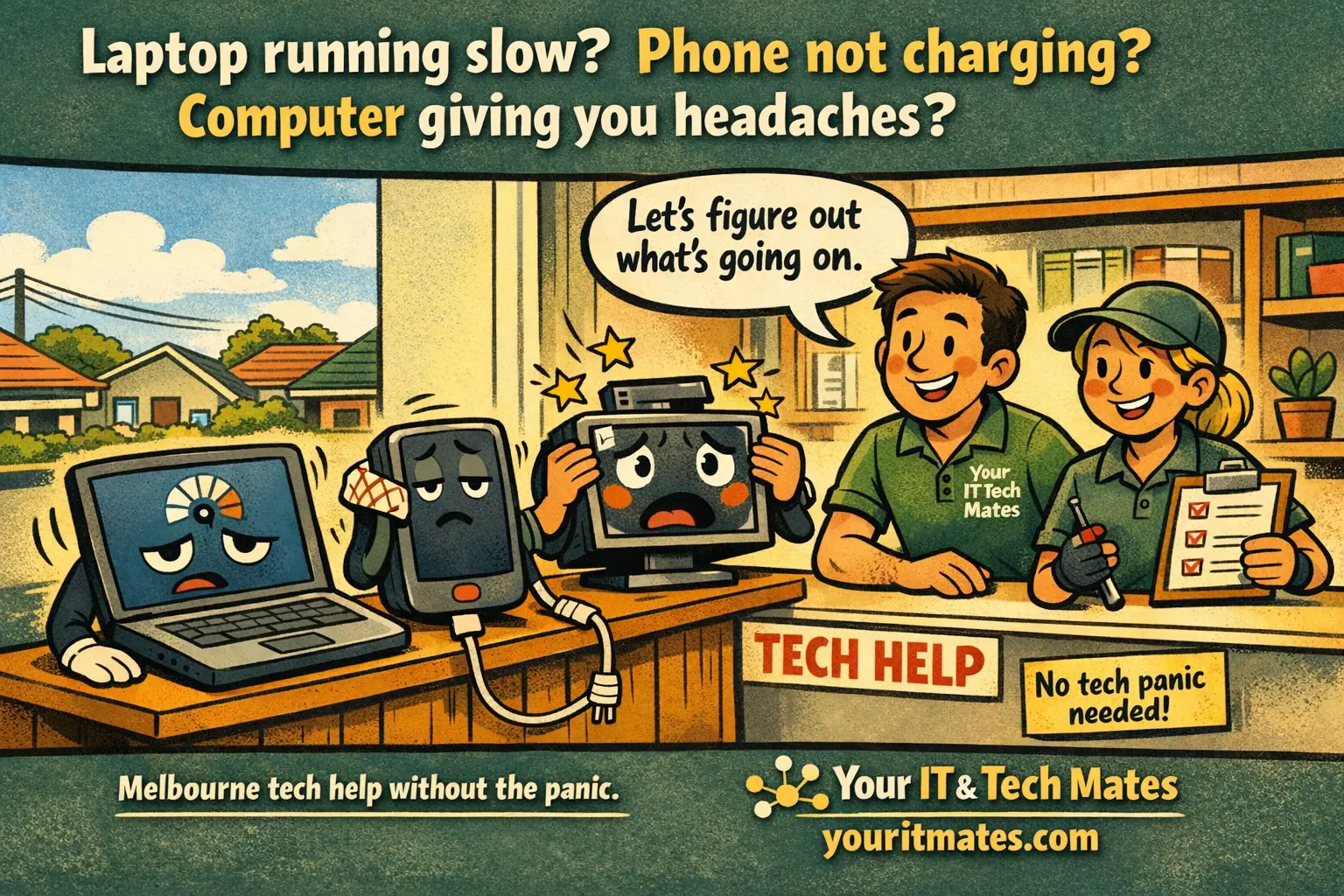
Why this page is differentDiagnosis before dollars: stop guessing and understand the actual fault first.
No Fix No FeeYou only pay if we fix it
Same-Day ServiceSubject to availability
Local & MobileWe come to you
Mon–Sat 9am–7pmEpping base, Melbourne North
Direct answer

What you need to know first

One of the most frustrating things about technology problems is not knowing what is actually wrong. Your laptop is slow β€” but is it a virus, a failing hard drive, too little RAM, or just years of accumulated junk slowing it down? Your phone is acting strange β€” but is it a software glitch, a dying battery, or something more serious?

The tool on this page gives a fast starting point, but the result matters most when you combine it with the real-world details: the exact model, the age of the device, the visible symptoms, and whether there are other issues hiding behind the main complaint. This is where many generic calculators fall short.

Need help now? We can usually tell you the sensible next step quickly once we know the model, the fault and whether the issue is urgent.

πŸ“ž Speak to Darren
Free Tech Diagnostics in Epping: How To Find Out What's Actually Wrong Before You Pay for a Repair β€” Your IT and Tech Mates
πŸ” Interactive Tool

Answer the questions below to get your result

No personal information is collected. All processing is local to your browser.

⏳ Loading tool…
What to do next

After You Get Your Result

βœ… All clear

Even with a positive result, check our guides for proactive maintenance steps.

⚠️ Minor issues

Many minor faults can be resolved with DIY steps. Our related guides walk you through the options.

πŸ”΄ Repair needed

Call or WhatsApp us β€” we come to you across Melbourne's northern suburbs.

πŸ“ž Call Now
πŸ“‹ Real Example β€” Free Tech Diagnostic

An Epping small business owner ran the Free Tech Diagnostic and got a moderate score flagging overheating and security gaps. We visited, found dust-clogged vents and disabled antivirus, and resolved both in one visit β€” before either issue caused operational disruption.

Root Causes

What's Actually Causing This?

Understanding the cause helps you make better decisions β€” and helps us fix it faster.

Performance Issues

Slow startup, application lag, and general sluggishness point to storage, RAM, or software issues β€” all diagnosable and usually fixable without replacement.

Hardware Faults

Unusual noises, display problems, charging failures, and overheating are hardware faults that worsen over time if left unaddressed.

Software Problems

Frequent crashes, error messages, and security warnings often have software root causes β€” driver conflicts, corrupted system files, or malware.

Connectivity Issues

Wi-Fi dropouts, Bluetooth pairing failures, and USB problems can be hardware, driver, or software issues β€” each requires a different fix.

What To Do Next

What Your Result Means β€” Next Steps

Your result points to either an issue you can address yourself, or one that needs professional attention before it worsens.

βœ… Minor Issue β€” Try This First

  • Restart the device before any further troubleshooting β€” resolves 30% of issues
  • Check for pending software updates β€” many bugs are fixed in updates you haven't installed
  • Note the exact error message or symptom β€” specifics dramatically speed up diagnosis
  • Try to reproduce the problem consistently β€” intermittent faults are harder to diagnose

⚠️ Serious Issue β€” Act Now

  • Data-at-risk symptoms (drive noise, BSOD, failing to boot) need immediate professional attention
  • Don't continue using a device you suspect has malware for any financial transactions
  • Call us now β€” we can usually identify the fault before quoting so you know exactly what's needed
  • Call 0452 323 571 now for urgent issues β€” we triage remotely before sending a tech
Key Questions

Is It Worth Fixing? Can It Get Worse? Hardware or Software?

βš™οΈWhat this diagnostic covers: Hardware condition indicators, software health markers, security posture, and connectivity status β€” combined into a triage assessment that points to the most likely fault category before a technician visit.
⚠️What happens if you ignore diagnostic results: Minor faults identified in a diagnostic become major faults if left unaddressed. A 'minor' thermal issue ignored for 3 months can become permanent GPU damage. A 'minor' drive error ignored for 6 months can become total data loss.
βœ…When does a diagnostic lead to a repair? Not always β€” many diagnostic results point to software fixes you can do yourself. We'd rather you solve it independently than book an unnecessary visit. But when hardware faults are identified β€” act promptly.
🚨 Urgency note: If this diagnostic flags a hardware issue β€” don't leave it. Hardware faults don't resolve themselves.

Not sure what to do next? Call or WhatsApp us for a free triage β€” no obligation.

πŸ“ž Call Now πŸ’¬ WhatsApp

πŸ’‘ If your diagnostic reveals a serious issue, the earlier you address it, the more options you have.

Professional Help

Do You Need a Professional Repair?

βœ… You can DIY if:

This diagnostic itself is DIY β€” complete it thoroughly and honestly for the most accurate result. If the result flags only software issues, most can be addressed with the steps provided in the result explanation.

πŸ”§ You need professional repair if:

You need professional help if: the diagnostic flags hardware faults, security compromises, or a combination of issues that compound each other. Hardware faults identified here won't resolve without physical intervention.

⚠️ What happens if you ignore this: Diagnostic results that flag multiple issues simultaneously indicate a device under compounding stress. Each issue makes the others worse β€” a slow device is harder on a failing drive; a failing drive is more damaging with a security gap. Address multiple issues together, not sequentially.

πŸ› οΈ This diagnostic points to real problems and real fixes. If your results concern you, contact us β€” we can usually address everything flagged in a single visit across Melbourne's northern suburbs.

Customer-first guidance

What matters most in the real decision

A good pre-check saves time for both sides. It helps you ask a better question, and it helps us tell you more quickly whether you are looking at a simple fix, a parts-based repair, a security issue, or a repair-vs-replace conversation.

The most useful answer is usually the clearest one. Start with the obvious symptoms, rule out the common causes, then use the linked tool, guide or service page if you need help with the next step.

Fast next steps

Use this page well

  • Read the direct answer section first
  • Use the linked tool or service page if you want a more exact answer
  • Compare one repair cost with the device's age and support status
  • Escalate quickly if there is data risk, swelling, liquid damage or safety risk

If you are unsure which page to use next, call 0452 323 571 and we can point you to the most useful next step instead of making you guess.

FAQ

Questions people usually ask next

What does a free tech diagnostic usually check?

That depends on the device, but common checks include battery health, storage health, malware indicators, startup issues, performance bottlenecks and obvious hardware faults.

Why get a diagnostic before approving a repair?

Because the symptom you notice is not always the true cause. A diagnostic helps avoid paying for the wrong fix.

Can a diagnostic tell me if repair is still worth it?

Yes. Once the real fault, parts cost and device age are clear, repair-vs-replace becomes much easier to judge.

Need local help?

Need help in Epping, Wollert or nearby?

If you have read this page and already know the issue, the fastest next step is to call or WhatsApp. If you are still not sure, tell us the model, the fault and how urgent it feels β€” we will point you in the right direction.

Used laptop ecosystem

Need a replacement pathway too?

Some visitors come here not knowing whether they need a repair, an upgrade or a different device entirely. These used laptop pages create that next step.

πŸ’² Refer & Earn

Know someone who needs tech help? Earn a commission.

Join TheFixers.app and refer friends, family or clients to Your IT and Tech Mates. Approved referrals earn a 4% Primary Referrer commission on completed jobs for up to 24 months or the first 20 jobs.

1
Share your referral link

Sign up free at TheFixers.app and get your unique referral link.

2
They book a job

Your contact books through your link and we handle the support from there.

3
You earn 4%

Commission is paid on completed jobs inside the referral window.

TheFixers.app referral network helping neighbours find trusted tech help
Primary Referrer Commission
4%
per completed job Β· 24-month window
πŸ’¬ WhatsAppπŸ“ž Call now