
QR Code Scam Checker
QR codes can hide the real destination. Use this checker before scanning a code that asks you to pay, log in or enter details.
Built for Australians who need a calm first check before clicking, paying, replying, sharing a code or installing anything.
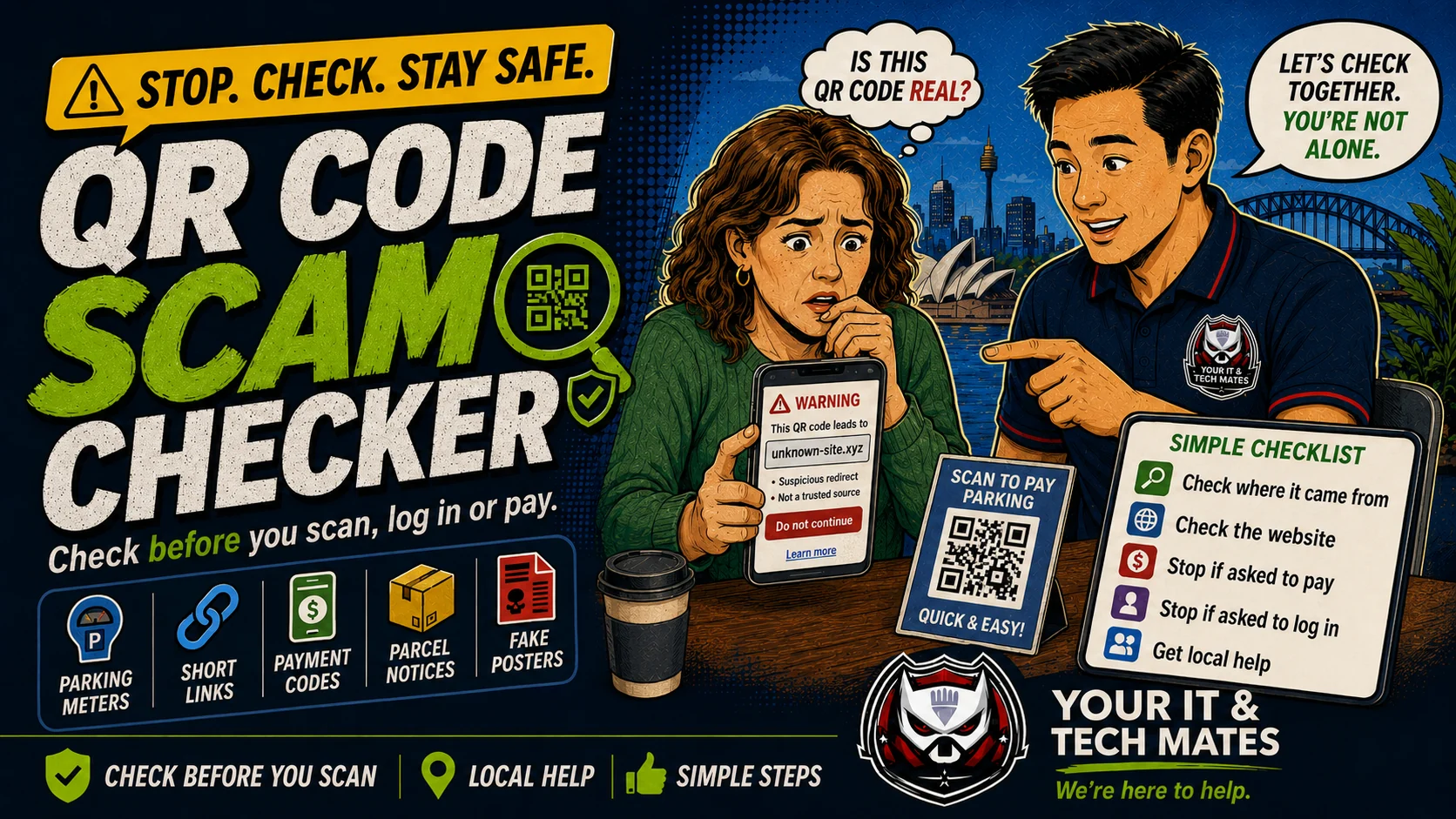
What happened? Choose the safest starting point.
Use this as a first-check triage system. Start with the situation, then move to the safest next step before paying for help.
Designed for the moment people feel rushed or unsure.
This tool now gives a clearer path for three real situations: checking before acting, helping someone else, or recovering after money/details were shared.
Do not pay, log in or install anything from a QR page until you know where the code really leads.
Use the official app or type the official website yourself. Check the destination address before entering payment or login details.
If you entered bank, myGov, Apple, Google or Microsoft details, change the affected password from a safe device and contact your bank if money is involved.
Tick what applies.
The result gives a simple risk level, what to avoid, and the safest next action.
Why QR codes need a pause step
A QR code is just a hidden link. The danger is not the square code itself, but where it sends you and what the page asks you to do next.
Be careful with QR stickers in public places, unexpected delivery or toll messages, and payment pages that ask for banking, identity or login details.
- Do not scan again if the code, sticker or page feels suspicious.
- Use the official app or type the official website yourself.
- Check the destination URL before entering payment or login details.
- If you entered details, change the affected password from a safe device.
- If you paid, call your bank first and save evidence.
Use the right checker for what happened.
Want someone to check the device or accounts with you?
See the Scam Safety Help service for calm, hands-on device and account checks after a suspicious call, message, payment or remote-access incident.
Check before relying on this result
This free tool provides general guidance from the answers you choose. It may be incomplete or inaccurate and is not a confirmed diagnosis, safety clearance, professional assessment, fixed quote or guarantee of an outcome.
For safety, security, money, legal rights, health, data loss or destructive changes, verify the result with a current official source or an appropriate qualified person. To the extent permitted by law, we are not responsible for loss caused by relying on free, unconfirmed tool output instead of obtaining that help. Nothing here removes rights that cannot be excluded under Australian law.
Read the Information disclaimer · How tool information is handled