
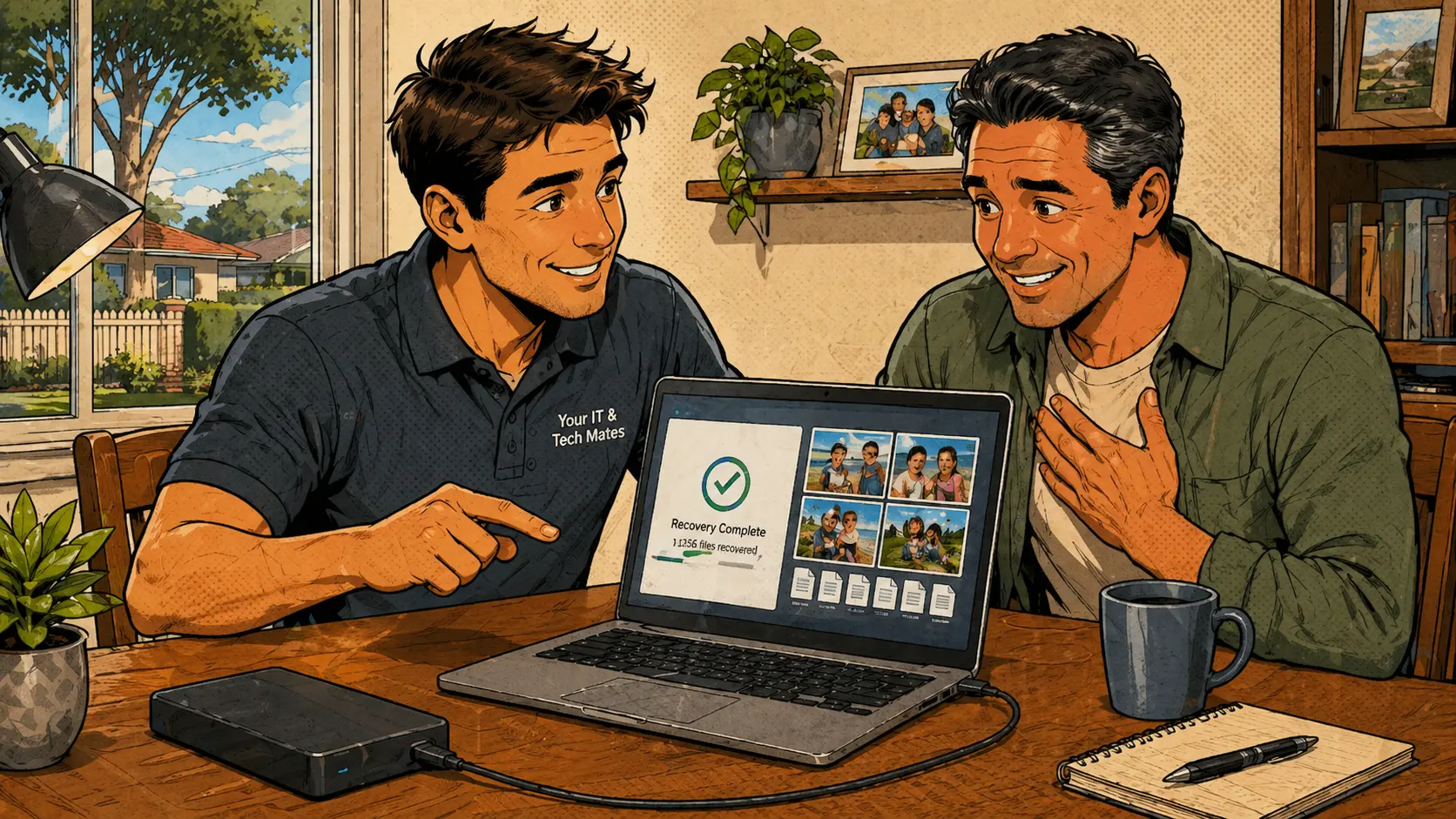
Stop. Check first. Do not install random recovery tools yet.
If photos or files have disappeared from a laptop, external drive or USB, stop using the device as much as possible until the situation is checked. The more the device is used, the more chance there is that missing data gets overwritten or a failing drive gets worse.
For customers in Melbourne's north, the safest first step is to check backups, cloud accounts, recycle bin history and the health of the storage device before installing any recovery tools. Many times the files are not actually gone — they are in a cloud account, a different folder, or on a device the customer has not checked yet.
What this kind of support job looks like
How a data recovery call usually starts
A common data recovery call starts with a sentence like: "I think I have lost all my photos." Sometimes the files are not really gone. They may be in OneDrive, iCloud, Google Drive, an old user profile, a different folder or the recycle bin. Other times the drive is failing and the safest path is to stop using it before more damage is done.
This is why the first response matters. A worried customer may keep restarting the laptop, downloading recovery programs, moving files around or plugging the drive in again and again. Those actions can make recovery harder or impossible.
A panicked quick fix is rarely the right answer here. Stopping, checking and then acting calmly gives recovery the best chance.
Low-risk checks before touching the drive
The first checks should be calm and low-risk:
The aim is not to guess. The aim is to work out whether the issue is a simple file-location problem, a cloud-sync issue, an account issue or a genuine drive problem. See the data recovery guide for Epping for more on what to expect, or read our guide on recovering deleted files for a broader overview.
Files are often still recoverable
In many local jobs, the files are still somewhere recoverable. They might be sitting in a cloud account, on an older computer, inside a backup folder, or on an external drive that needs careful handling. The important part is checking properly before wiping, resetting or reinstalling anything.
When the storage device itself looks unhealthy, the best advice is to avoid repeated attempts. A failing drive can get worse each time it spins up or gets copied from without care.
The right next step depends on what is found
How to set up a backup plan that actually works
A good backup setup does not need to be complicated. For most homes and small businesses, the goal is to have at least one clear place where important files are copied automatically, and one way to recover them if the device fails.
The Australian Cyber Security Centre recommends the 3-2-1 approach: three copies of your data, on two different types of storage, with one copy offsite or in the cloud. For most home users, a simple cloud backup plus an external drive covers this well.
Common mistakes that make recovery harder
Common questions about data recovery and backup
Can deleted photos always be recovered?
No. Some deleted photos can be recovered, but it depends on where they were stored, whether the device has been used since deletion and whether the storage device is healthy. The sooner you stop using the device and get it checked, the better the chance.
Should I install free data recovery software?
Not before checking the situation. Installing software onto the same device can overwrite data or make the problem worse. Check backups and drive health first. If recovery software is needed, it is safer to run it from a separate drive.
What if my external hard drive is clicking?
Stop using it immediately. Clicking can mean a physical fault inside the drive. Repeatedly plugging it in or trying to copy files may reduce the chance of professional recovery. Switch it off and get advice before trying anything else.
Can cloud storage save my photos?
Sometimes yes. Photos may be in iCloud, Google Photos, OneDrive or another synced account. Check you are signed into the correct account first. Photos may still show as thumbnails while actually still downloading from the cloud.
Can you help set up backups after recovery?
Yes. After the immediate issue is handled, a simple backup setup can help prevent the same panic next time. For most homes this means cloud backup for photos and an external drive for documents.
If photos or files have gone missing, message Your IT & Tech Mates first
Do not rush into resets or random recovery tools. Send a message and we will help you work out the safest next step before anything gets worse.
Clear Approval · appointment availability must be confirmed when possible · On-site across Melbourne's north
Estimate your data recovery chances before booking
The free Data Recovery Chance Estimator asks a few questions about your situation — how the files were lost, the device type, and whether the drive is making noise — then gives you a realistic expectation before you spend anything.
Start with QuoteMe.
QuoteMe is the fastest way to send the right repair details without needing to know the exact technical name for the issue. A real technician reviews every request.
Guide only until confirmed by a technician. Never send passwords, PINs or banking codes through public forms.
Know someone who needs tech help?
Share Your IT & Tech Mates with a neighbour, friend or family member. Tracked referrals are managed through TheFixers.APP. Repair assessment, pricing and customer support remain with Your IT & Tech Mates.
Referral rewards are eligible, not guaranteed. Subject to eligibility, completion and manual review. Powered by TheFixers.APP.
Continue from here
Useful next steps for this topic
These links are selected from the same hub, Intent, service and tool relationships.