
Quick answer
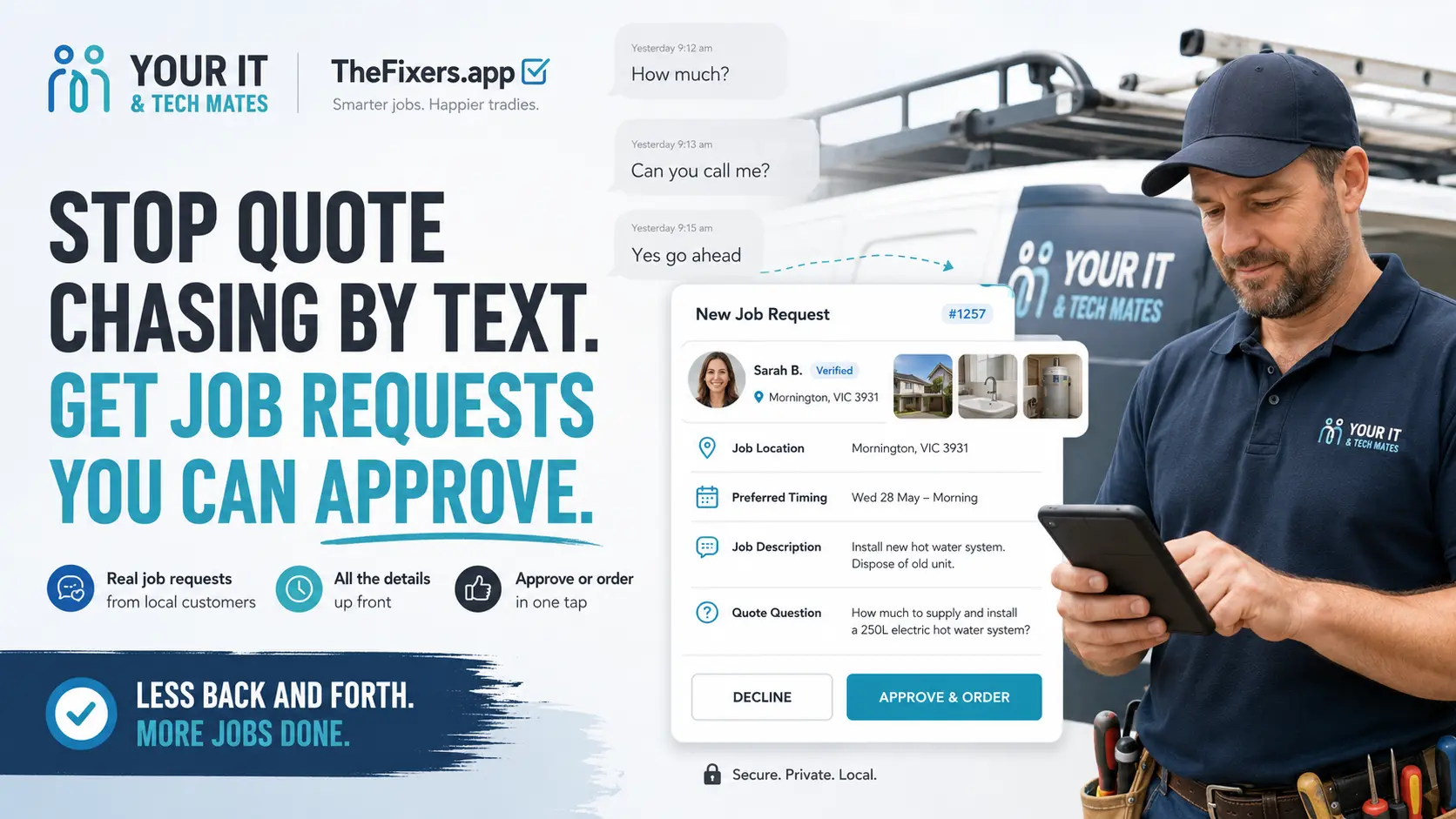
Tradies can stop chasing quote replies by text by sending customers to one secure job request page where they can add photos, explain the job, give their suburb, ask about price, choose timing and approve the next step.
Best next step
If a customer asks “how much?” but has not sent enough detail, send them to the job request page and ask them to add photos, location, job details and timing.
Start QuoteMeWhat is a secure job request page?
A secure job request page is one place where a customer can send photos, job details, suburb, timing and quote questions before the tradie follows up.
Risk level
Medium
The job itself may not be urgent, but the lead can go cold if the customer is not guided quickly.
Only for short reminders. Keep job details inside one request flow.
Get the customer to complete the job details and upload photos before quoting.
Stop / Try / Send
Stop
Stop chasing every missing detail by text if the customer has not given enough information to quote.
Try
Try sending one clear request page with a checklist and next-step buttons.
Send
Ask the customer to send photos, suburb, job details, timing and quote questions through the request page.
What problem does this solve?
SMS is fast, but it is not organised. Tradies lose time when photos arrive without job details, the suburb is missing, approval is unclear or a missed call delays the job.
A secure job request page gives the customer a clearer path.
The problem with “how much?”
“How much?” is one of the hardest messages to answer when the customer has not sent photos, location, access details or urgency. A secure job request page helps collect those details before the tradie spends time quoting blind.
It also makes short replies clearer: “I sent photos already”, “Can you come today?”, “Yes, go ahead”, “Can you call me?” and “Is this urgent?” all make more sense when they are attached to one job request.
Plain-English diagnosis table
| What you see | What it might mean | What to do next |
|---|---|---|
| “How much?” | Not enough detail to quote | Ask for photos, suburb and job details |
| Photo only | No context for the job | Ask them to complete the request page |
| “Yes” | Approval may be unclear | Send approve/order option |
| “Can you call me?” | They may be unsure or they may have missed a call | Offer callback but keep details in the request page |
| No reply after quote | Lead may be stuck | Send one reminder back to the job page |
What can a job request page show?
A secure job request page is one official page for a customer’s job. It can show the job reference, latest update, missing details checklist, upload photos button, ask-about-price button, approve/order button, status link and timing change option.
Use this when / not when
Use this when
- The customer has sent photos
- The suburb or service area is clear
- The job type is clear
- The customer has chosen timing or urgency
- The customer has asked a specific quote question
- The customer has clicked approve/order
SMS alone may be enough when
- There are no photos
- The location is missing
- The job description is unclear
- The customer only says “how much?”
- The approval is vague
- The job may not be worth the call-out
Before you chase the customer again
- Customer name or contact
- Suburb or location
- Job type
- Photos
- Urgency
- Preferred time
- Access notes
- Quote question
- Clear approval
- Whether they still want help
Tradie story snapshot
A customer said their laptop would not charge before school. At first it looked like a charger issue, but the photo and notes suggested the charging port might be loose. With the right details in one place, it was easier to decide repair or replacement before ordering parts.
Choose your next step
Use the link that matches the job problem.
Local help bridge
This guide explains the issue in plain English. If you want local support near Epping or Melbourne North, start here.
Computer repairs Melbourne →Computer repairs Epping →Laptop repairs Epping →Laptop repairs Melbourne North →MacBook repairs Melbourne North →Customer Room guides
Want the newest Customer Room guidance? These customer-friendly posts explain how to check progress, add photos, ask about a quote and use one-time-code protection without SMS back-and-forth.
Benefits and practical outcomes
Use these outcomes as a practical check on whether the advice is making the situation clearer and easier to manage.
Fewer missed enquiries
Keep customer contact attached to one request so staff can see what still needs a response.
Less double handling
Reduce copying the same names, photos, notes and status information between disconnected tools.
Clearer ownership
Make the next action visible so staff know who is reviewing, replying, quoting or following up.
Safer customer communication
Use SMS or email for concise notifications while sensitive detail stays in the appropriate secure workflow.
Example: one enquiry arrives through two channels
A customer emails about a job and then texts an extra photo. Instead of creating two separate records, staff keep both contacts attached to the same request, review the information once and continue the next step from that shared history.
Outcome: less copying, fewer duplicate follow-ups and a clearer path from enquiry to review or quote.
FAQ
How can tradies stop chasing quote replies by text?
Send customers to one secure job request page where they can add details, upload photos, ask questions and approve the next step.
Can this help collect job photos?
Yes. Customers can upload photos through the request flow so the photos stay attached to the job.
Can this help with incomplete leads?
Yes. The request page can ask for job details, location, timing, urgency and photos before the tradie follows up.
Can customers approve a quote online?
Yes, when the quote or order step is available, customers can be guided to approve or order through the official path.
Should tradies still call customers?
Yes, when a call is useful. The request page reduces unnecessary calls, but it does not remove personal service.