
Quick answer
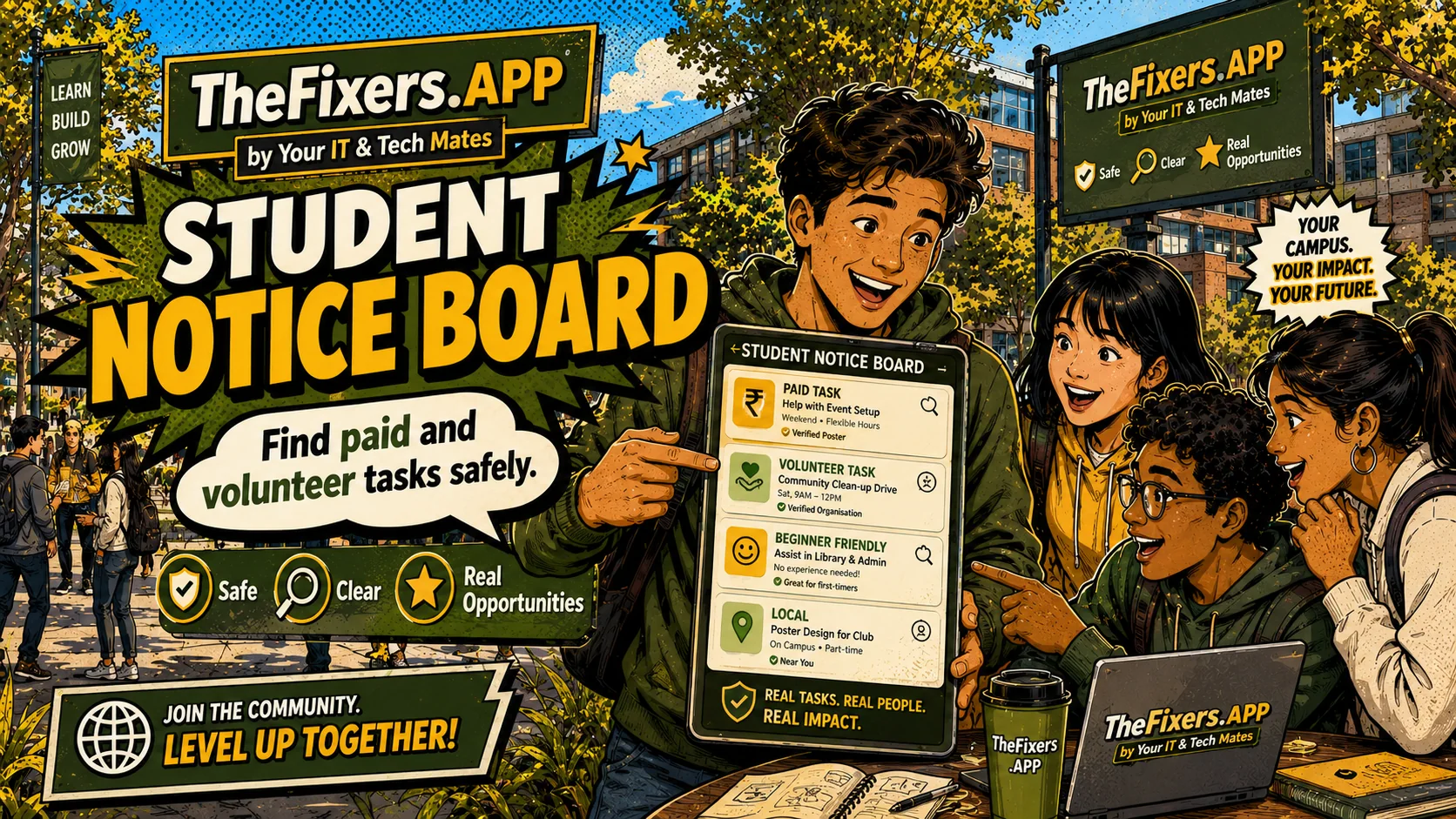
The Student Notice Board is for discovery. Students show interest, then a suitable reviewer checks the task before assignment. Completed tasks can strengthen MateCard, SkillStack and Live Resume.
Best for you if
- You want to find paid or volunteer tasks.
- You want tasks that build proof, not just busy work.
- You want to understand review before assignment.
What you can do today
- Open the Student Notice Board.
- Filter for beginner, volunteer or paid tasks.
- Read the skills each task builds.
- Choose “I’m interested” only when the task suits you.
- Wait for review before treating it as assigned.
Example: choosing a suitable task
A student sees a volunteer task for a device intake checklist. It matches communication and attention to detail, so they show interest. A reviewer checks suitability before assignment.
Task status you should understand
Available → I’m interested → Under review → Assigned → Completed → Added to MateCard. Paid tasks may also show Payment pending and Paid after approval.
Why this matters to you
Find tasks that can build proof while staying reviewed and suitable.
The page explains review, privacy and suitability so readers know what happens before anything is shared, assigned or paid.
Readers get a direct next step instead of a long explanation with no clear outcome.
Simple path to get the result
- Filter for beginner, volunteer, paid or SkillStack-matching tasks.
- Use “I’m interested” instead of assuming the task is assigned.
- Watch the status: under review, assigned, completed, proof added or payment pending.
- Use completed tasks as proof after approval.
Real example
A student may show interest in a supervised device support task. The provider or team reviews fit before assignment, then the completed task may support MateCard and Live Resume.
Keep building proof
Student pathway links
Ready to turn this into proof?
Start with one small action, then connect the result to MateCard, SkillStack or Live Resume.
Open My Helper HQ View Student Notice BoardWho benefits most from this?
| User | Benefit |
|---|---|
| Student | Understands what to do next and how the action can strengthen MateCard, SkillStack or Live Resume. |
| Parent or mentor | Can see whether the pathway is safe, practical and realistic for the student. |
| School, agency or provider | Can understand what information is useful for matching, review and opportunity support without exposing private details. |
Who this helps
Students and partners. This page is written to make the next step clear without exposing private details or promising a result that still needs review.
How the board works
The board helps students discover suitable tasks. The safest model is interest first, review second, assignment third.
Why interest is not assignment
A student may show interest, but the task may still need review, approval, supervision or a different provider.
Paid and volunteer labels
Clear labels help students know whether a task is unpaid proof-building, paid after approval, or suitable only under supervision.
What happens after completion
After completion, a task may be approved, added to MateCard, added to Live Resume, counted as volunteer proof or moved into payment review.
How to choose the right task on the Notice Board
Look for a task that matches your SkillStack, has a clear outcome, explains whether it is paid or volunteer, and shows who reviews the work. If you are new, choose beginner or supervised tasks before paid tasks that need more responsibility.
Quick decision guide
- Choose volunteer tasks when you want proof and confidence.
- Choose paid tasks when the amount, approval step and expectations are clear.
- Choose supervised tasks when safety, privacy or device handling is involved.
Best next link
Read paid vs volunteer student tasks before showing interest.
Common questions
Does this guarantee work or approval?
No. Tasks, payments, provider-readiness and public sharing may need review, suitability checks and permission.
Can private details appear publicly?
Public sharing should only show information approved for sharing. Private contact details, payment details, sensitive notes and unreviewed information should stay private.
How does this help a student?
It helps connect skills, proof, task experience and Live Resume examples so a student can explain what they can do more clearly.
What result can I get from this page?
Find tasks that can build proof while staying reviewed and suitable. Use the linked room or page to take the next step, then keep approved proof connected to MateCard, SkillStack or Live Resume where relevant.
What should I do first as a student?
Start your MateCard, choose three SkillStack areas, complete one beginner Proof Mission and add one safe proof example to your Live Resume.
Where this guide fits
This page is one spoke in the MateCard hub. Use the hub path below to move from understanding MateCard to choosing skills, completing proof tasks, finding suitable opportunities and sharing safely.
Updated rule: volunteer help should happen on campus
Volunteer and peer-help tasks should be completed in a safe public or supervised campus location such as a library, lab, student hub, support desk or supervised classroom. Before the work starts, students should record the campus location and, where requested, use one-time browser location check-in.
This helps make the Notice Board more useful because the task can create safer proof: location before start, start time, finish time, duration, sign-off, rating and review.